

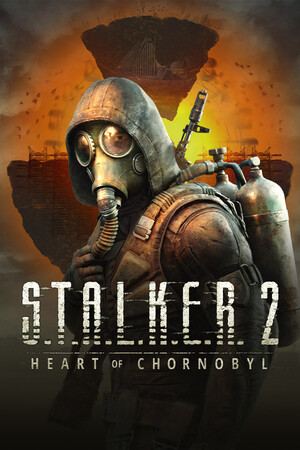
To turn a long gameplay recording into shorts automatically, you need three steps: detect the exciting moments, cut them with some context around them, and reframe the video to vertical 9:16 for YouTube Shorts, TikTok or Reels. You can do all three by hand in a video editor, with free tools such as FFmpeg, or with AI software that finds the highlights for you. This guide explains how each method works, what settings matter, and where the OGGOxGLE AutoShorts beta fits in.
Why gameplay recordings are hard to turn into shorts
A normal play session is 90 percent travel, menus and waiting. In a game like S.T.A.L.K.E.R. 2 the exciting parts, such as a gunfight at a base, a mutant ambush or an anomaly gone wrong, can be a few minutes in a two-hour file. Finding them by scrubbing the timeline costs more time than playing. Add the vertical format, subtitles and export settings, and many creators give up after a few videos. Automation helps most with the two slowest jobs: finding highlights and reframing.

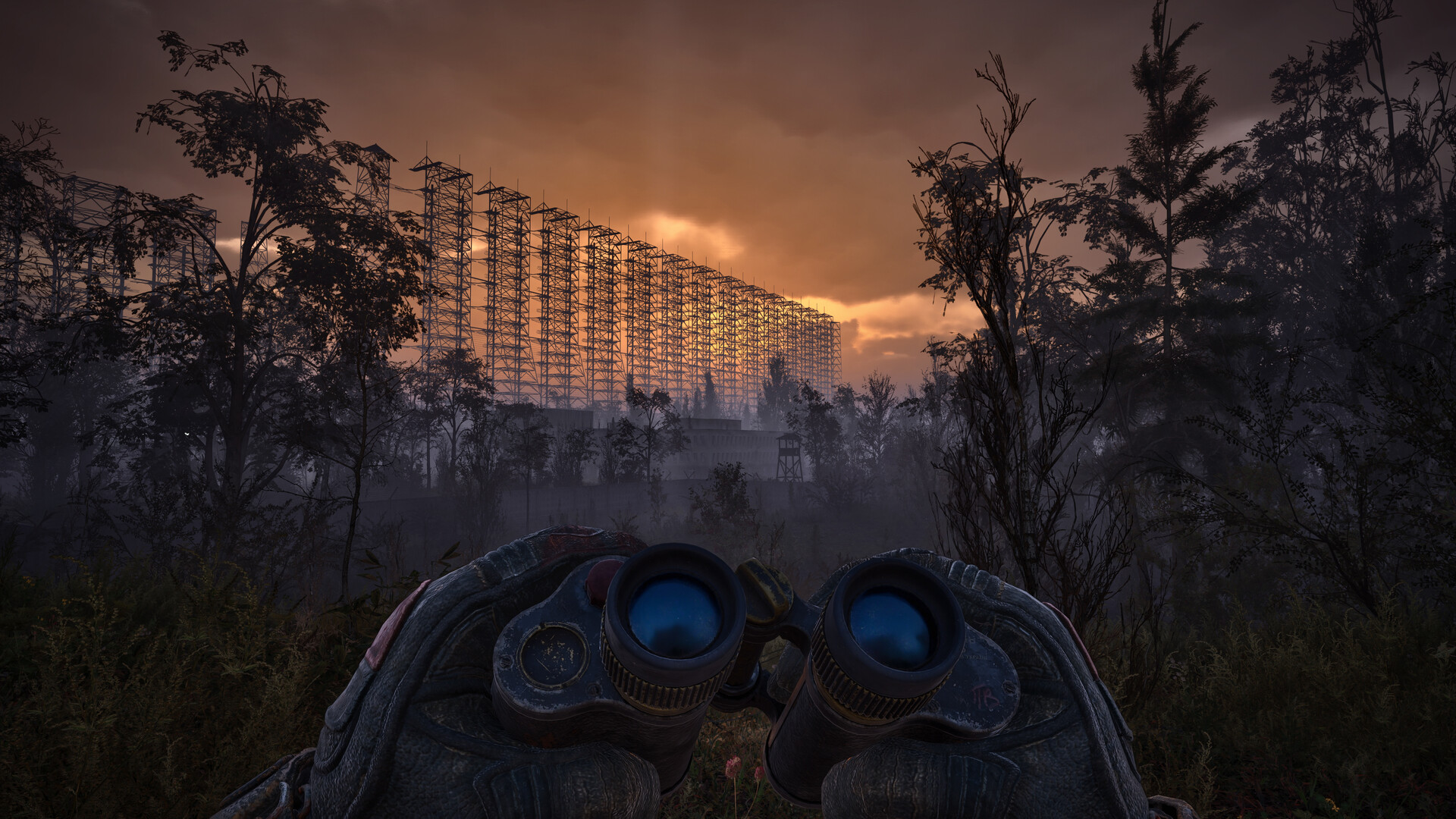
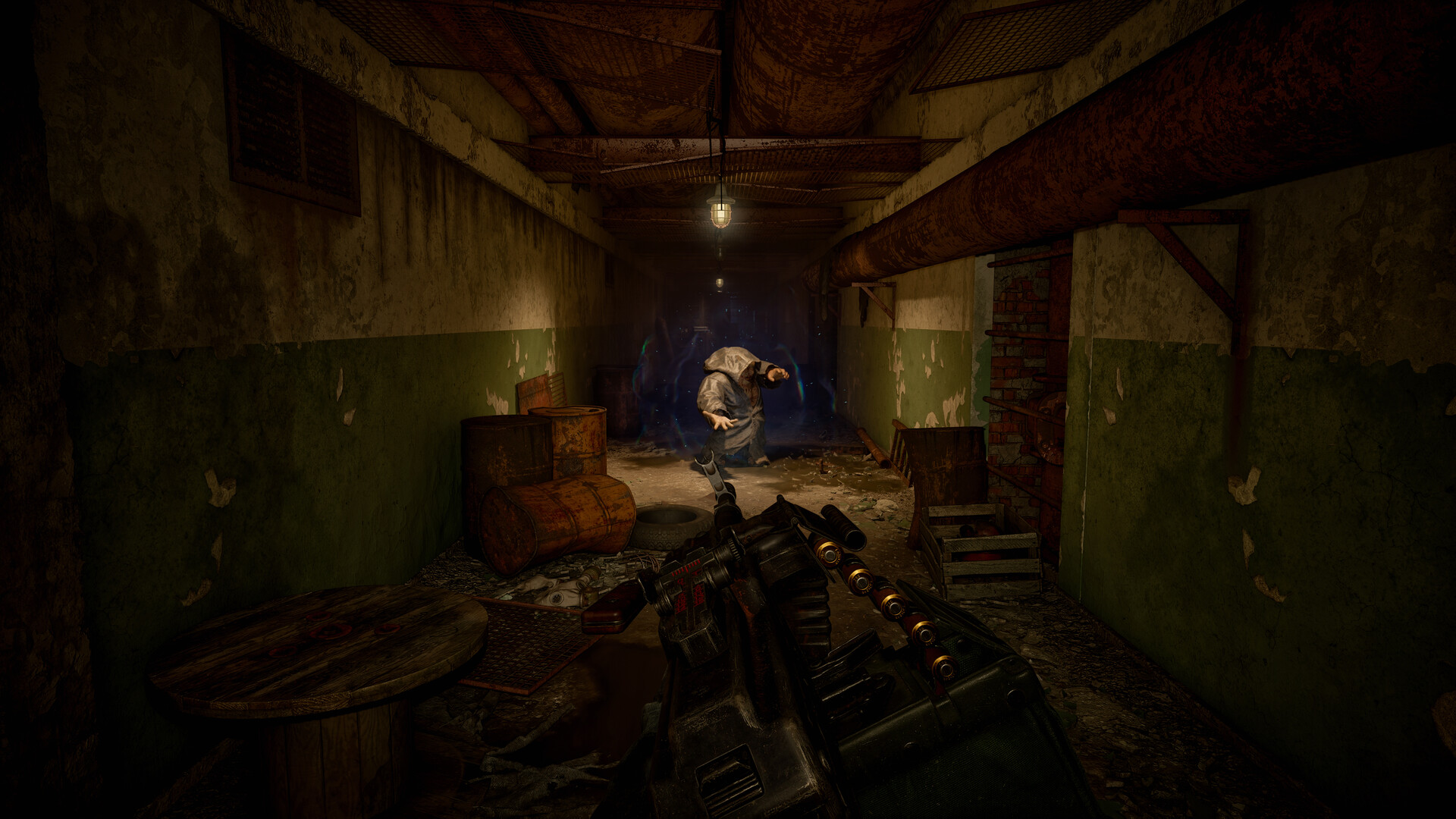
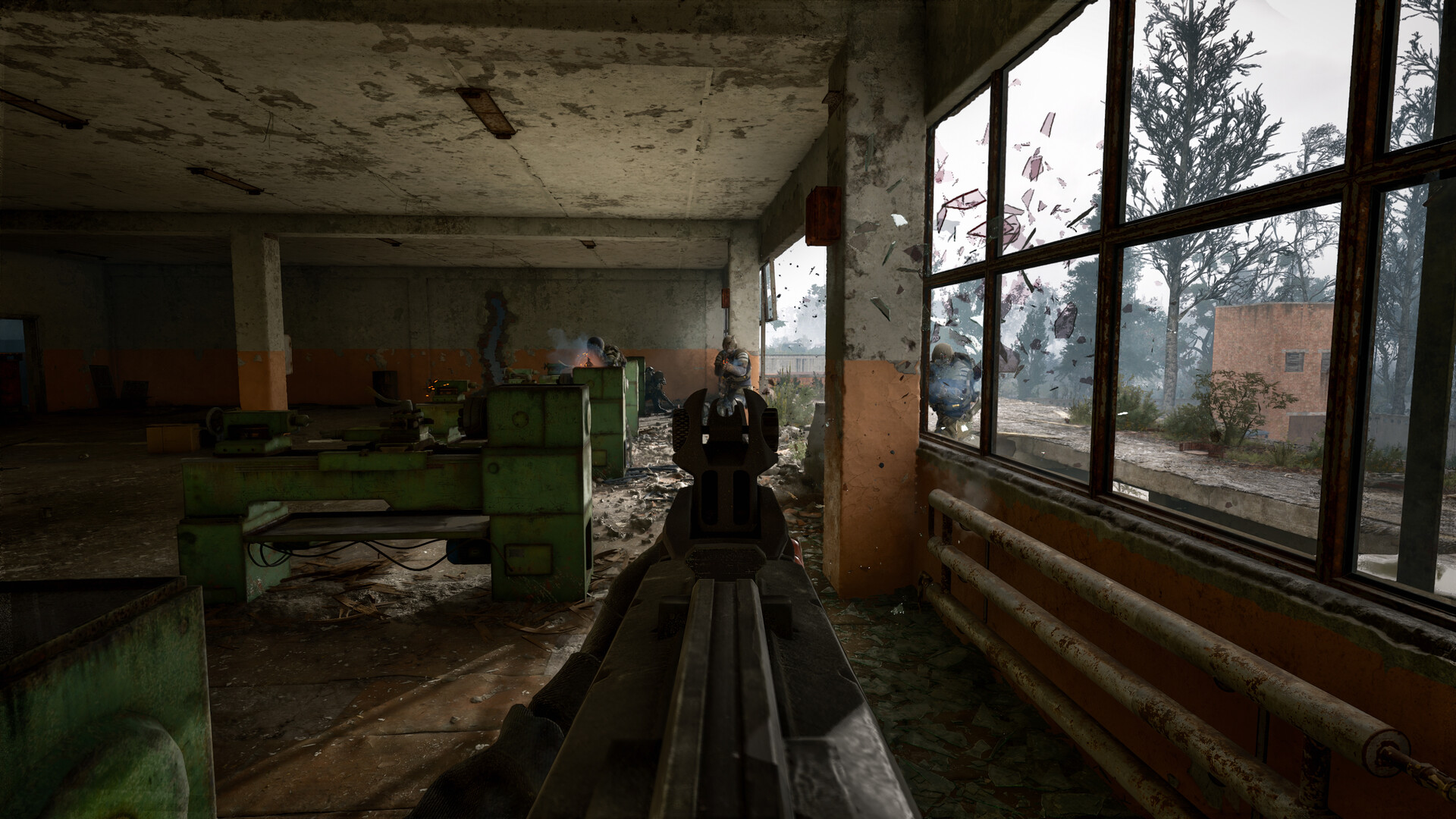
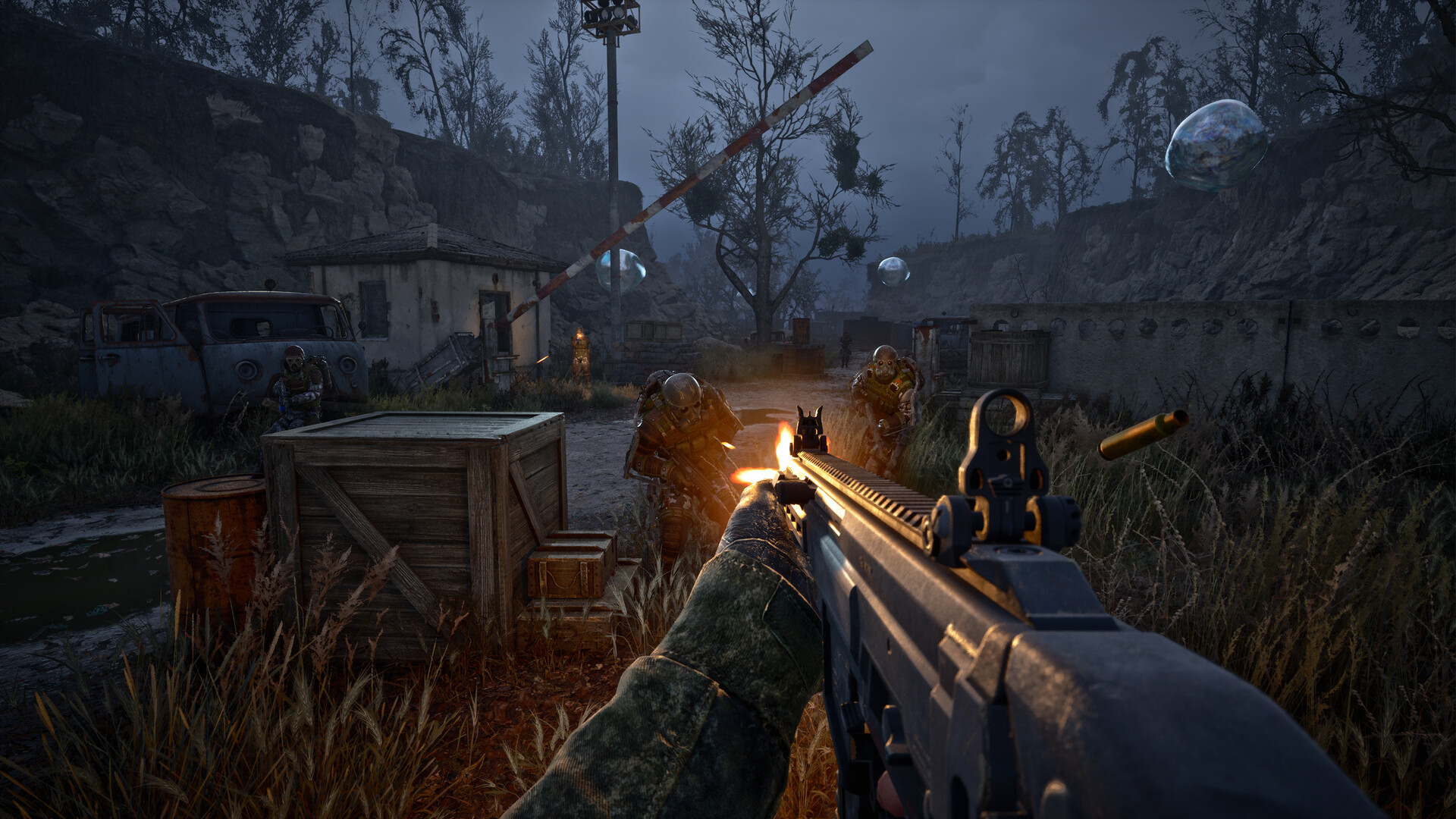
Images are provided by Steam and belong to their publishers.
Method 1: manual editing
A video editor gives you full control. You watch the footage, mark the moments, cut them, set a vertical project (1080 by 1920 pixels) and place the gameplay in the frame. It is the best way to learn what makes a good short, and it is fine if you publish once a week. The problem is time: for each minute of finished short you often spend ten or more minutes searching and exporting. If you publish daily, this does not scale.
Method 2: free tools like FFmpeg
FFmpeg is a free command line program that can cut, crop, scale and blur video. Many gaming tools, including our beta, use it inside. A common recipe for a vertical video with a blurred background scales a blurred copy of the clip to fill 1080 by 1920 and puts the sharp clip on top. A typical command looks like this:
ffmpeg -i input.mp4 -filter_complex "[0:v]scale=1080:1920:force_original_aspect_ratio=increase,crop=1080:1920,boxblur=30:5[bg];[0:v]scale=1080:-2[fg];[bg][fg]overlay=(W-w)/2:(H-h)/2" -c:a copy output.mp4
This works, but you must know the command line, and it does not find highlights for you. For long files, you also need to cut by timestamps, which means you have to find them first.
Method 3: AI highlight detection
AI highlight tools look at the video and audio to guess which moments matter. Typical signals are sudden changes in the picture (muzzle flashes, explosions, fast camera turns) and loudness peaks (shots, screams, impacts). Good tools let you tune how strict the detection is, because a quiet stealth game and a loud shooter need different settings. The main settings to look for are the following.
| Setting | What it controls | Tip |
|---|---|---|
| Detection threshold | How confident the model must be that a moment is action | Start in the middle, raise it if you get too many weak clips |
| Loudness threshold | Uses sound level as a second signal | Lower it for quiet games, raise it for loud shooters |
| Padding before and after | Seconds added around each moment | 2 to 3 seconds gives context without slowing the clip |
| Minimum clip length | Removes tiny clips | Five to ten seconds is a common floor |
| Merge distance | Joins moments that are close together | A pause of a few seconds usually means the same fight |
Live now: S.T.A.L.K.E.R.
See all →


Where OGGOxGLE AutoShorts fits
OGGOxGLE AutoShorts is a closed beta by OGGO Game Hub and Gleb of the MakeThemPlay YouTube channel. It has two tools: an action cutter that finds and cuts the moments, and a shorts cropper that reframes clips to vertical with blurred curtains and an optional fade-out, then splits them by length. We are working to join both into a single app and to release it in all 18 languages of OGGO Game Hub. It is not downloadable yet. Read the full presentation with screenshots and demo clips, or write to support@oggo.gg with the subject "OGGOxGLE" to join the interest list.
Vertical format settings that work
- Resolution: 1080 by 1920 is the standard. Export higher only if the source is higher and the platform keeps the quality.
- Layout: keep the action in the centre of the frame, where the interface of the app will not cover it. A blurred copy of the video fills the top and bottom better than black bars.
- Length: shorter clips often hold attention better. Check the current maximum length for each platform before you upload, because the limits change.
- Audio: keep the game sound clear. Do not use copyrighted music over gameplay; platforms can mute or block the video.
- Fade-out: a short fade at the end makes loops and cuts feel cleaner.
- Title and tags: name the game and the moment, for example the location or the weapon.


Recording tips for better highlights
Good shorts start with good footage. Record at a steady frame rate (60 FPS is a good target), close other programs, and record the game audio on its own track if your software allows it. If the game stutters, the clips will too, so read our S.T.A.L.K.E.R. 2 performance guide and crash and stutter fixes. For new players, our beginner tips help you reach the exciting parts faster. Disk space matters too: long recordings are large, and a fast drive prevents dropped frames.
A simple daily workflow
- Play and record a session in high quality.
- Run the detection tool on the file and review the clips it finds.
- Keep the best three to five, delete the rest.
- Reframe them to vertical with a blurred background and, if needed, split long clips.
- Add a title with the game and the moment, then upload at a regular time.
- Check which clips got the most views and tune your thresholds next time.
If you want to see how daily Zone clips look in practice, scroll to the examples above, watch live S.T.A.L.K.E.R. streams for ideas, or open the S.T.A.L.K.E.R. hub. More utilities are listed on our tools page.
YouTube Shorts, TikTok and Reels: what changes
All three platforms use the vertical 9:16 format, so one export can often go to all of them. The differences are small but real. YouTube Shorts rewards clips that keep people watching to the end and that are easy to find through the title and search. TikTok leans on trends, sounds and fast hooks in the first second. Instagram Reels favours clean, high-quality video and strong visuals. Maximum lengths and rules for each platform change from time to time, so check the current help pages before you plan a series. A safe habit is to make short clips of one moment each and publish the best ones everywhere, adjusting only the title and tags.
Choosing a crop for the vertical frame
A 16:9 game picture is much wider than a phone screen. You have two main choices. A centre crop cuts the sides and fills the whole screen; it feels immersive, but you lose the edges, so it works best when the action happens in the middle, as in most first-person shooters. A blurred background keeps the whole game picture in the middle and fills the empty space above and below with a blurred copy; nothing is lost, and the clip looks professional. If you also have a face camera, many creators place the gameplay on one half and the camera on the other. Test both on a few clips and check which one holds viewers longer in your analytics.
What PC do you need?
Cutting and cropping with FFmpeg is light work for a modern CPU. AI detection is heavier, because a video model has to look at the frames; a recent graphics card makes it faster, and a long recording can still take a while. Keep free disk space for the source file, the clips and the final shorts: a one-hour 1080p recording is often several gigabytes, and 4K is much more. We will publish tested requirements for OGGOxGLE AutoShorts before any public release.
Rights, music and safety
Your own gameplay is usually fine to post, but check the publisher's content policy for the game. Do not use music you do not have the licence for, and avoid footage from leaked builds or unreleased content. Only download tools from their official source and be careful with free programs from random links, which are a common way to spread malware. For OGGOxGLE AutoShorts, we only use the address support@oggo.gg and we never ask for your password.
Do you need to edit at all?
Automation gives you a strong first draft, not a finished channel. The best creators still choose the best clips, write a good title and decide the order of uploads. Use the tools to save time on search and export, and spend the time you save on the parts that make people subscribe: a clear hook, a fun moment and a consistent style. That is also how the MakeThemPlay channel works, with a new short from the Zone posted regularly.
Common mistakes
- Using a threshold that is too low and ending up with hundreds of weak clips.
- Cutting with no padding, so the viewer has no idea why something happens.
- Stretching a 16:9 video to vertical instead of cropping or using a blurred background.
- Uploading clips with long pauses at the start; the first second must show something.
- Ignoring the audio level, so the shots are quiet and the music is loud.
- Posting clips with game footage from leaked builds or content you do not have the rights to.
