

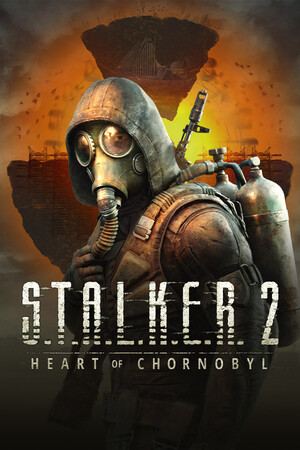
OGGOxGLE AutoShorts is a pair of desktop tools made by OGGO Game Hub together with Gleb from the YouTube channel MakeThemPlay. They do the boring part of making game shorts: the first tool finds the action moments in a long S.T.A.L.K.E.R. 2 recording, the second turns clips into vertical shorts. The software is in closed beta and is not public yet. This page is a presentation: what it does, how it works and how to get on the list.
The idea: from a 2-hour recording to ready shorts
Anyone who records S.T.A.L.K.E.R. 2 knows the problem. You play for hours, you get five great minutes, and finding them means scrubbing through the whole file. Gleb built his own tools for the MakeThemPlay channel, which posts short clips of the Zone every day, and we are turning them into a product together. The workflow has two steps.
- Find the action. The Action Cutter scans the recording and cuts out the moments where something happens: gunfights, anomalies, sudden bursts of sound.
- Make the shorts. The Auto Shorts Cropper takes those clips (or any video), crops them to the vertical 9:16 format and splits them into short parts, ready for YouTube Shorts, TikTok or Reels.

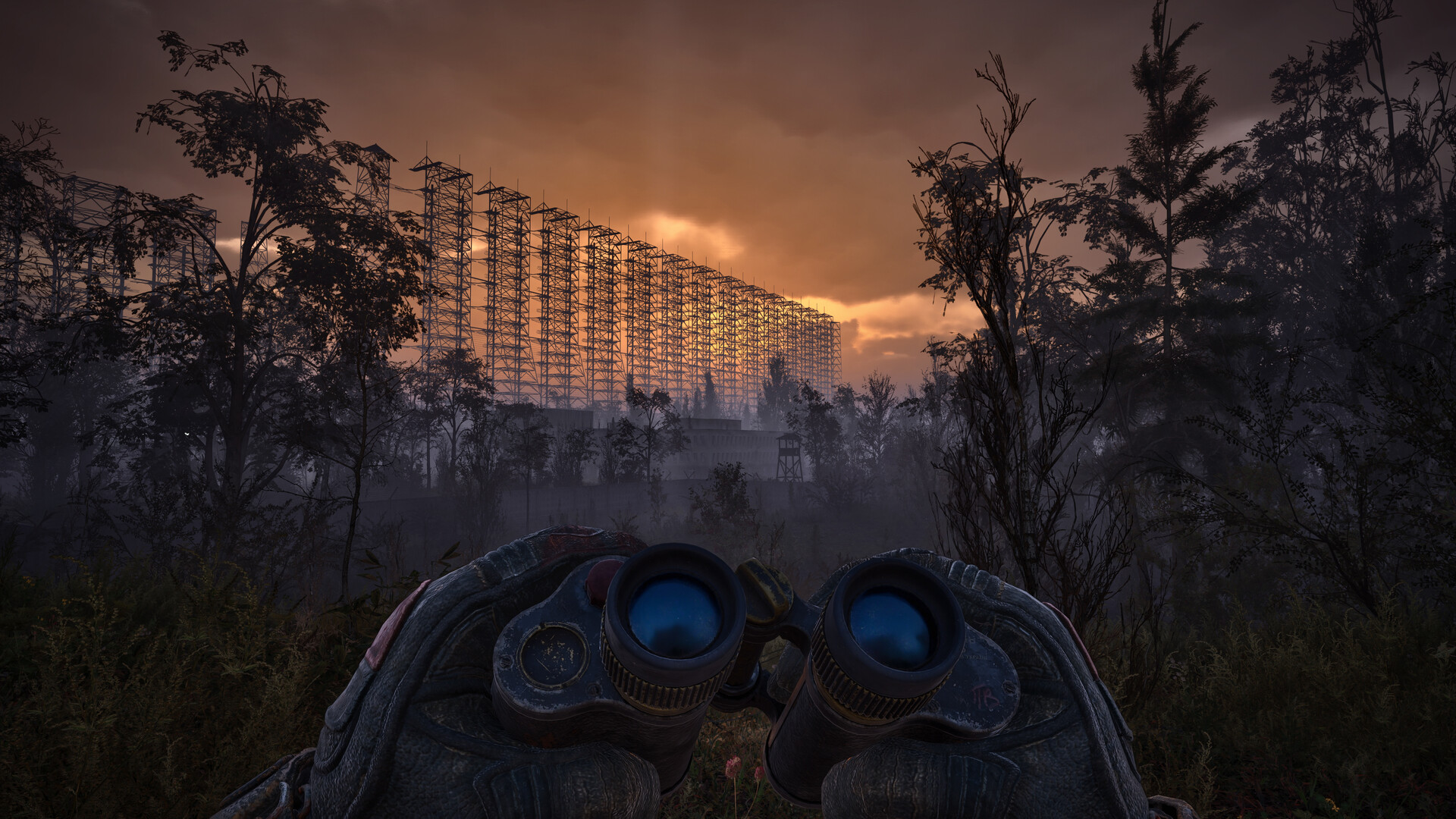
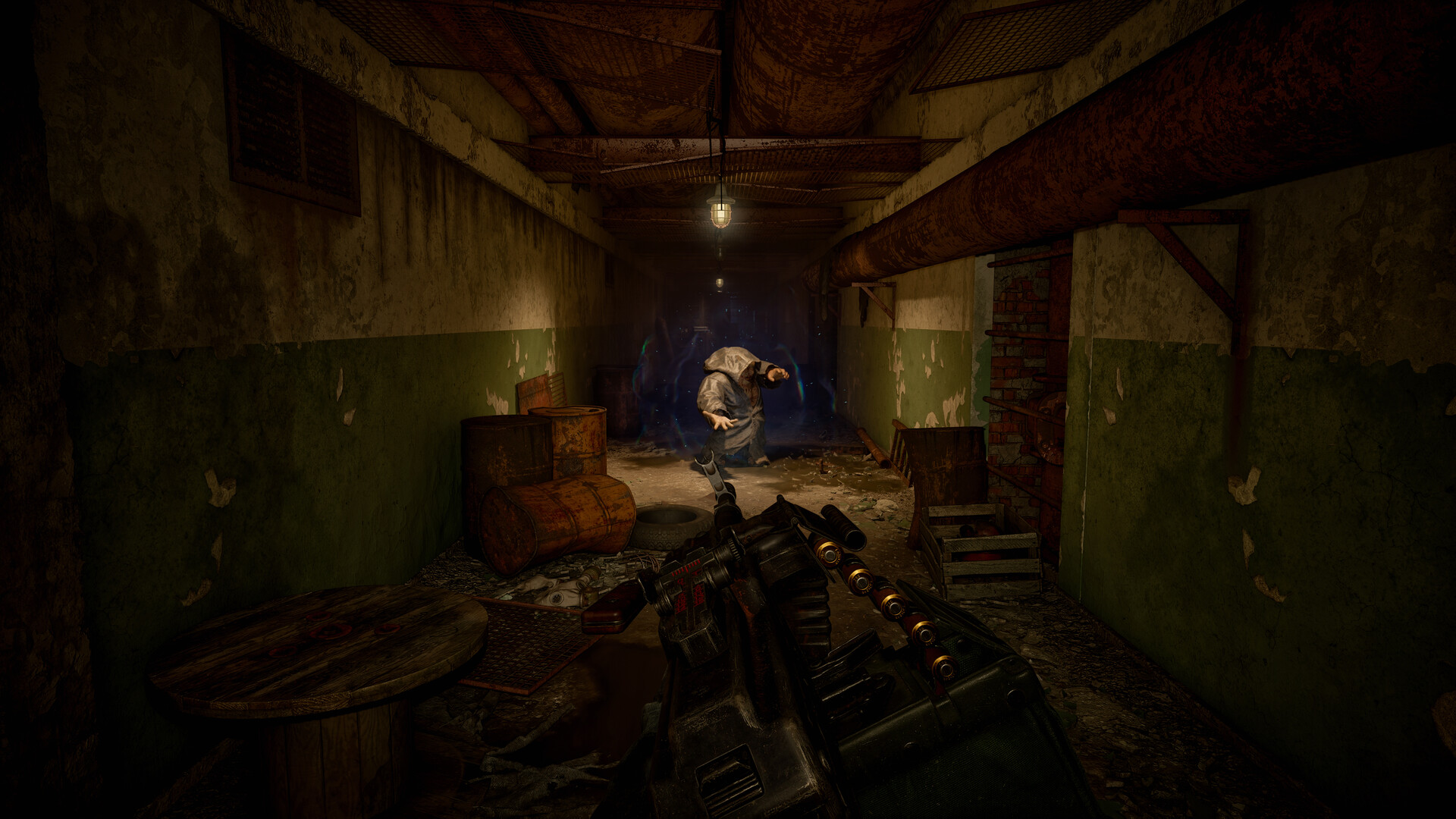
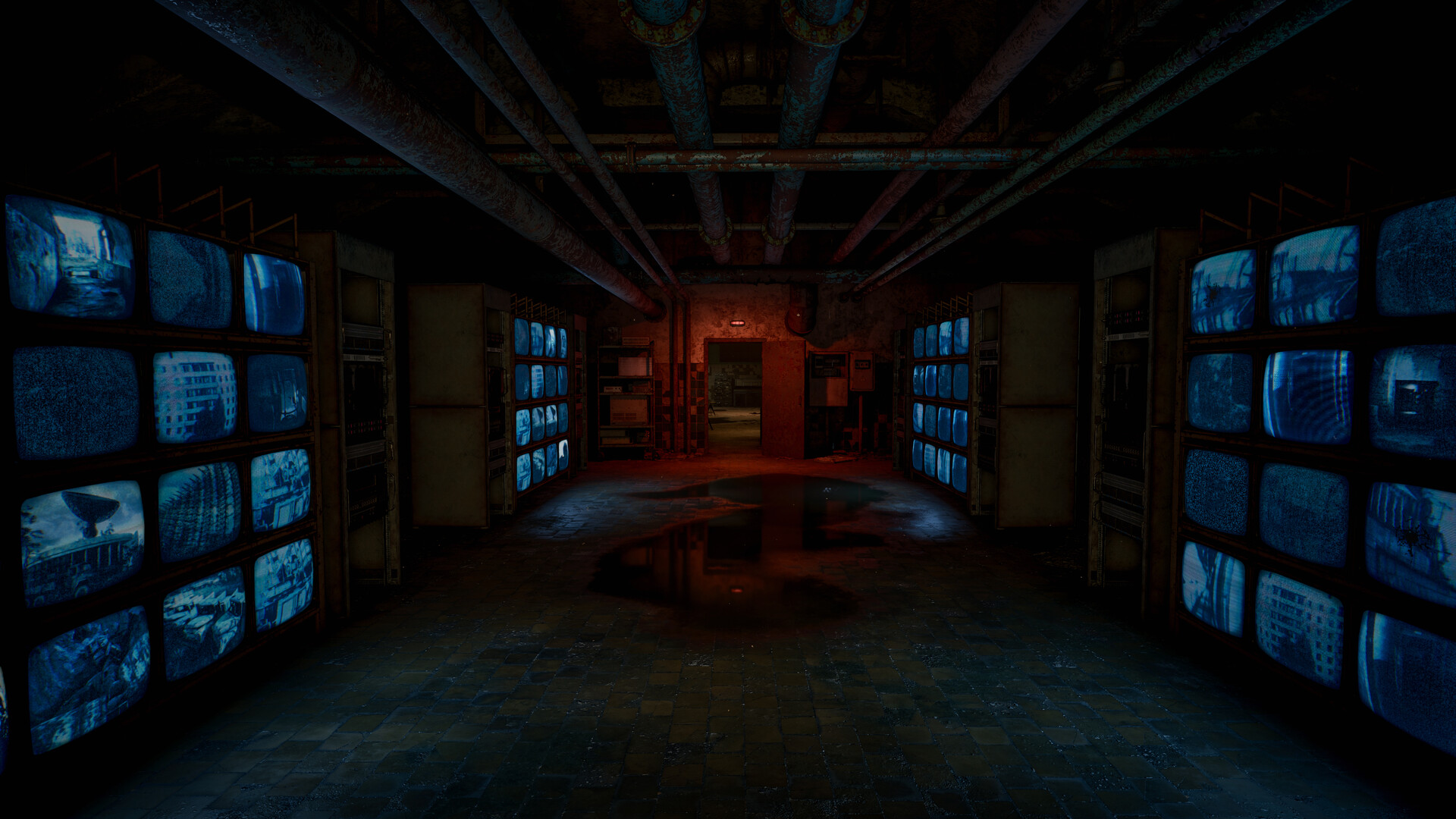
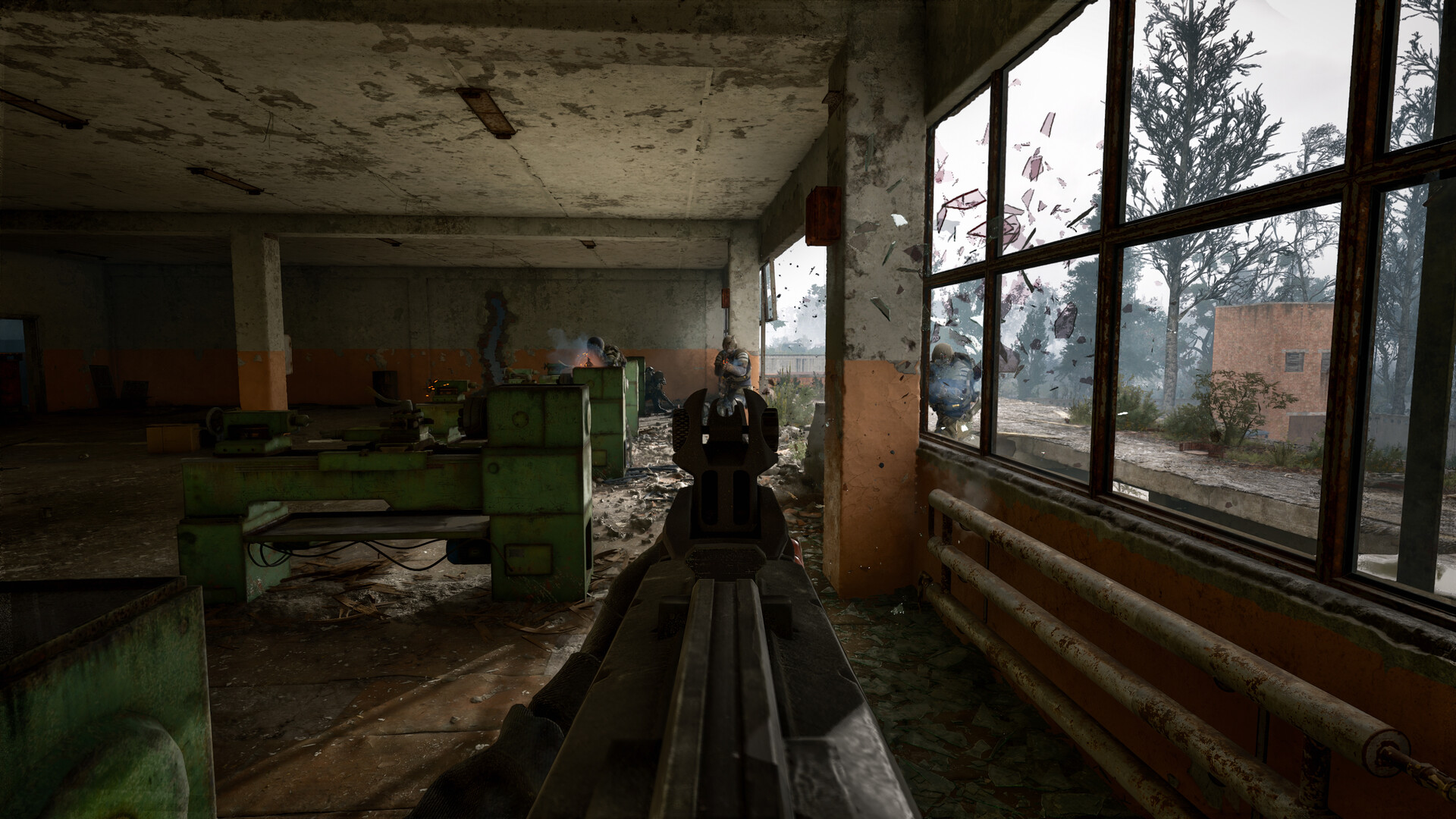
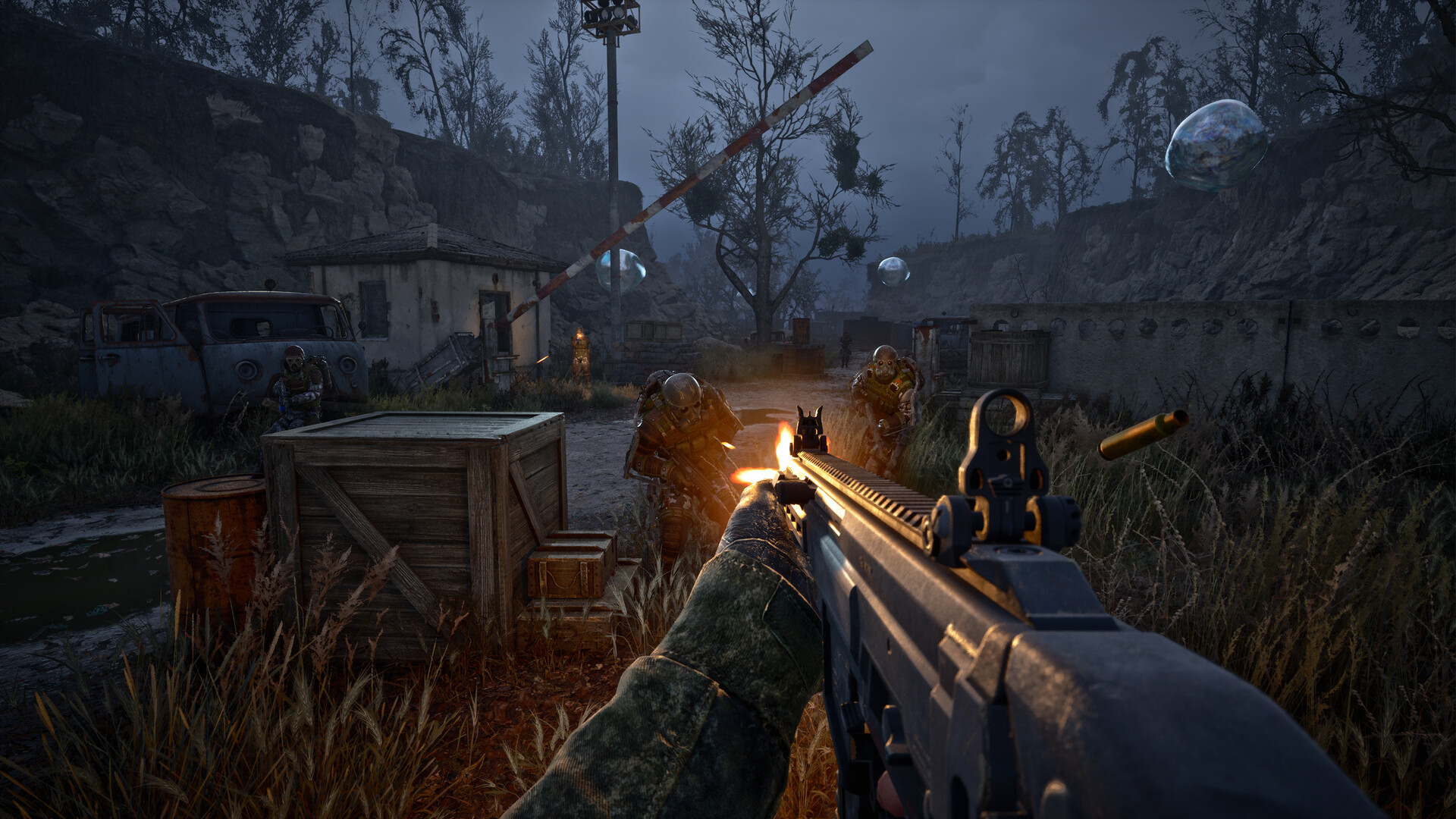
Images are provided by Steam and belong to their publishers.
Tool 1: AI Video Action Cutter
The Action Cutter is a small desktop window built on a video model (VAMNet) and FFmpeg. You pick an input file and a save folder, set a few numbers and press Start. A status line and a progress bar show what is happening. In the beta build, the settings are:
| Setting | What it does |
|---|---|
| Padding before / after (seconds) | Adds a few seconds before and after each detected moment so the clip has context. |
| Model threshold (0.1 to 0.9) | How sure the model must be that a moment is action. Higher means fewer, stronger clips. |
| Loudness threshold (RMS, 0.01 to 0.3) | Uses sound level as a second signal. Shots and explosions are loud. |
| Minimum clip length (seconds) | Drops clips that are too short to be useful. |
| Merge if the pause is shorter than (seconds) | Joins two nearby moments into one clip. |
| No merging | Exports every moment as its own file. |
In the demo, Gleb runs it on a long S.T.A.L.K.E.R. 2 recording and gets a folder of short action files named like "shorts_action_1" at the end. The interface is currently in Russian. The finished program will be available in all 18 languages of OGGO Game Hub: English, German, French, Spanish, Italian, Dutch, Swedish, Norwegian, Danish, Finnish, Portuguese, Polish, Czech, Romanian, Greek, Japanese, Hebrew and Ukrainian.
Live now: S.T.A.L.K.E.R.
See all →


Tool 2: AI Auto Shorts Cropper
The second tool works as a batch queue. You add one or more videos, choose a folder, and let it process them one after another. The beta window offers:
- Crop mode: a dropdown that decides which part of the frame ends up in the vertical video.
- Resolution: Default, 1080p, 2K or 4K.
- Fade-out: a short fade at the end of every clip.
- Blurred curtains: fills the space above and below with a blurred copy of the video instead of black bars.
- Split time (seconds): cuts a long clip into parts of the length you choose, for example 30 seconds.
- Start Auto Crop, Split Videos and Stop All: run the crop, run the split, or stop the queue.
The status line shows messages such as "Auto cropping video 1 of 1" and "Batch processing finished", so you can leave it running while you play.
Watch the results: shorts from MakeThemPlay
These are real shorts from the MakeThemPlay channel. They show the kind of clips the workflow is built for: quick, vertical moments from S.T.A.L.K.E.R. 2. Tap a picture to play it.
More clips from the Zone
Languages
The program will speak your language: the final version is planned in all 18 languages that OGGO Game Hub supports, and this presentation is available in many of them. Tell us your language when you write to us.
Want the full background? Our deep guide explains how to turn gameplay into shorts automatically, including settings, vertical format and common mistakes.
Who it is for
- YouTubers and streamers who record long sessions and want shorts without hours of editing.
- Clip channels that post every day and need a fast, repeatable workflow.
- Players who just want to save the best moments from a raid on the Zone.
Tips for good S.T.A.L.K.E.R. 2 clips
Record with a steady frame rate and keep your game audio clear: the loudness signal works best when the shots stand out from the background. A raid on a heavily guarded base, an anomaly field or a mutant ambush all make strong shorts. If you need help with the game itself, read our S.T.A.L.K.E.R. 2 beginner tips, the performance guide (smooth footage needs stable FPS) and the crash and stutter fixes. Looking for inspiration? Watch live S.T.A.L.K.E.R. streams or open the S.T.A.L.K.E.R. hub, and check our free tools for more utilities.
How to join the beta list
- Write to support@oggo.gg with the subject "OGGOxGLE".
- Tell us your channel or nickname, the game you record and your PC (graphics card and RAM).
- We will contact you when testing spots open.
No payment is requested at this stage. Be careful: we only use the address support@oggo.gg, and we never ask for passwords.

