
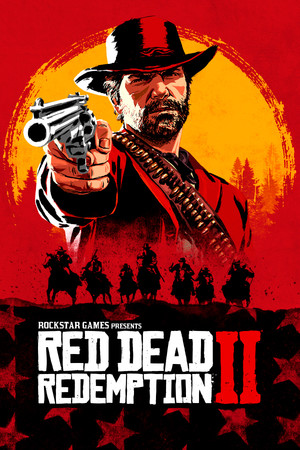
RedM is the multiplayer mod that powers Red Dead roleplay servers. Setting it up takes about ten minutes if your game is ready. This guide follows the official download page and the Cfx.re documentation, checked on October 9, 2026.
Key takeaways
- You need RDR2 on PC from Steam, Epic Games Store or the Rockstar store.
- The game must be fully updated. Pirated copies do not work.
- Download RedM only from the official site, redm.net.
- Each server has its own rules, so read them before you join.
Before you start
The Cfx.re docs say RedM needs a fully updated install of Red Dead Redemption 2 on PC. They list Steam, Epic and the Rockstar store as places to buy it. Console versions cannot run RedM. If you still need the game, our RDR2 PC system requirements guide shows what your computer needs.
These screenshots may contain violence.
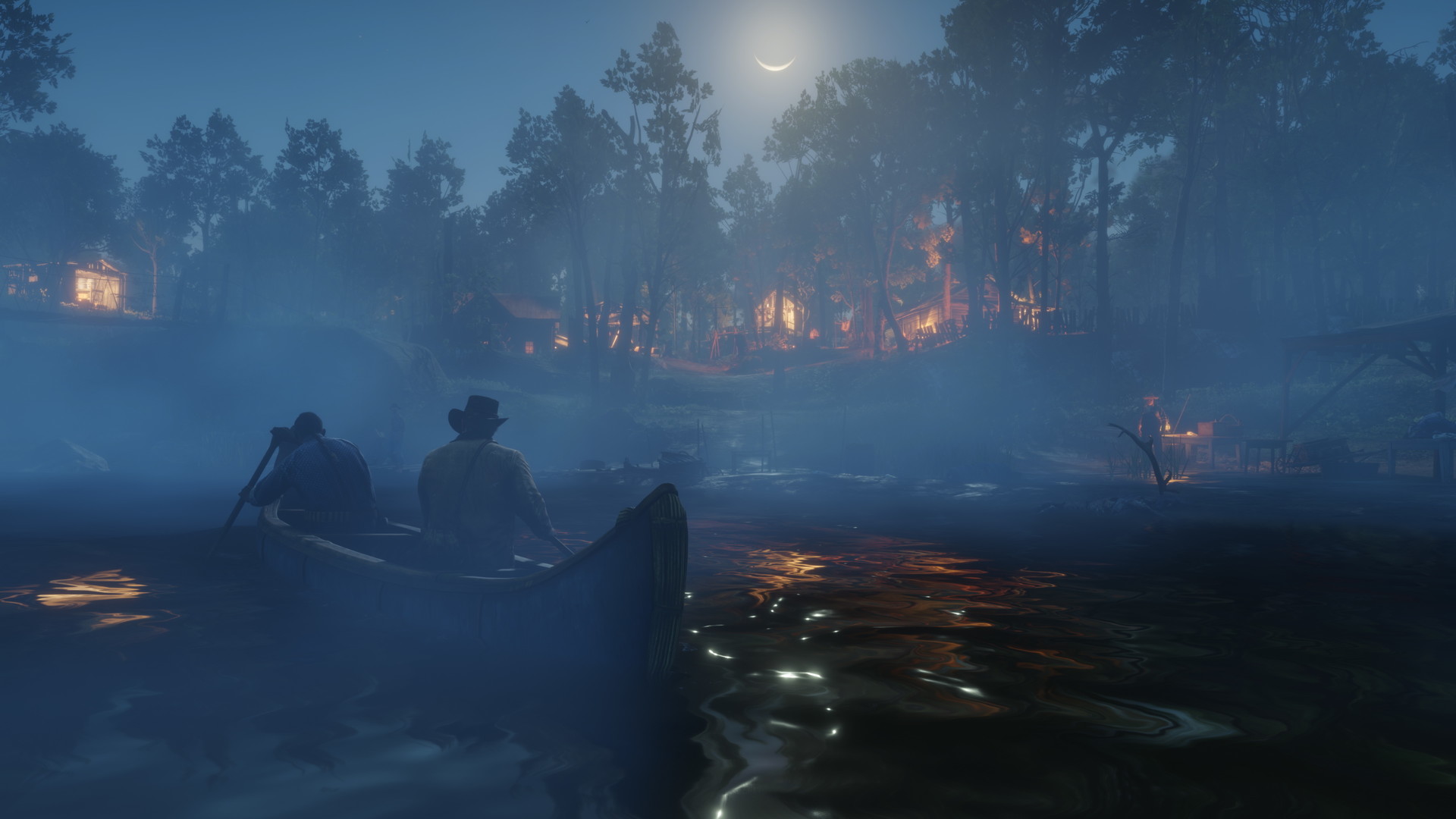
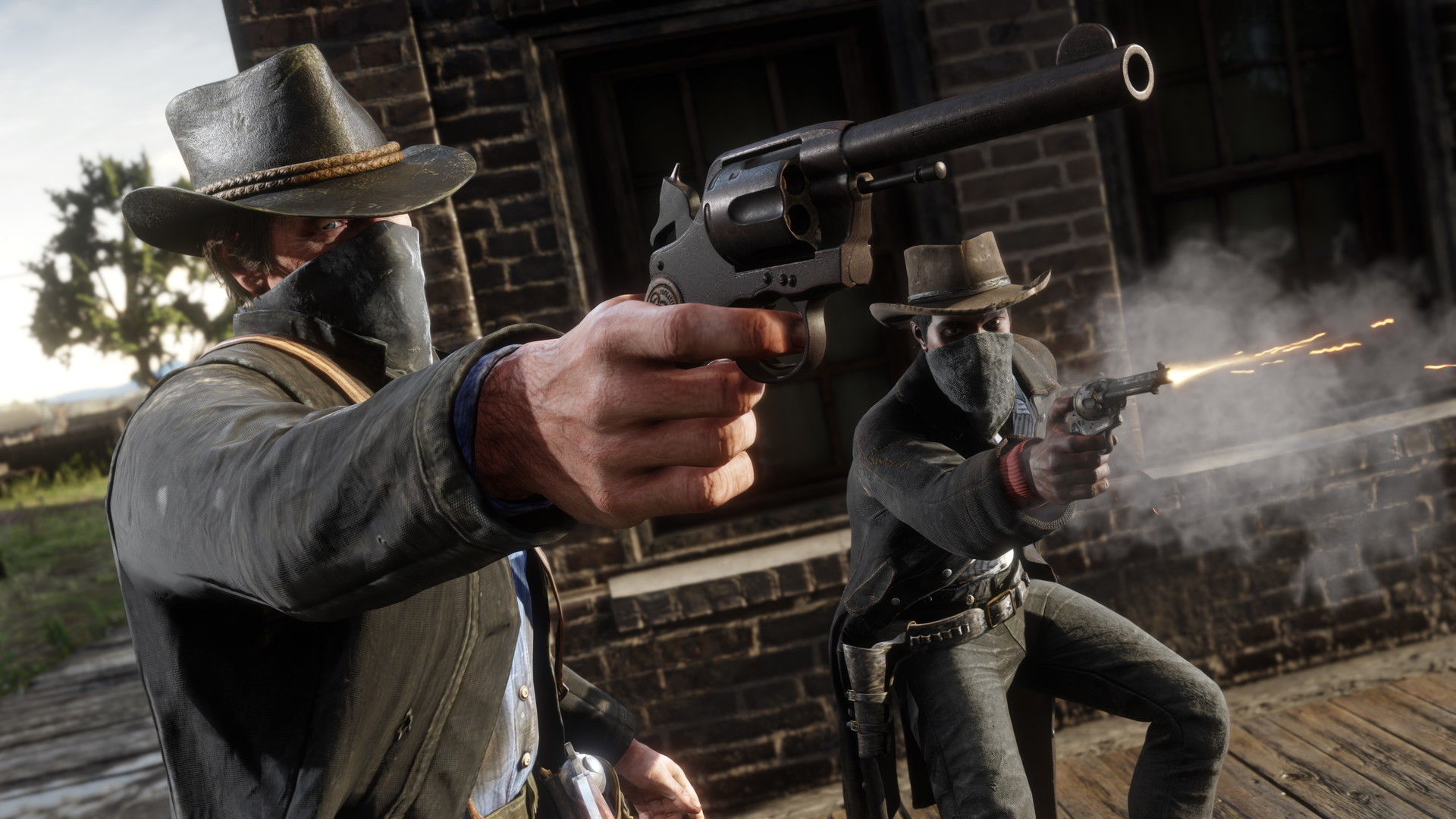
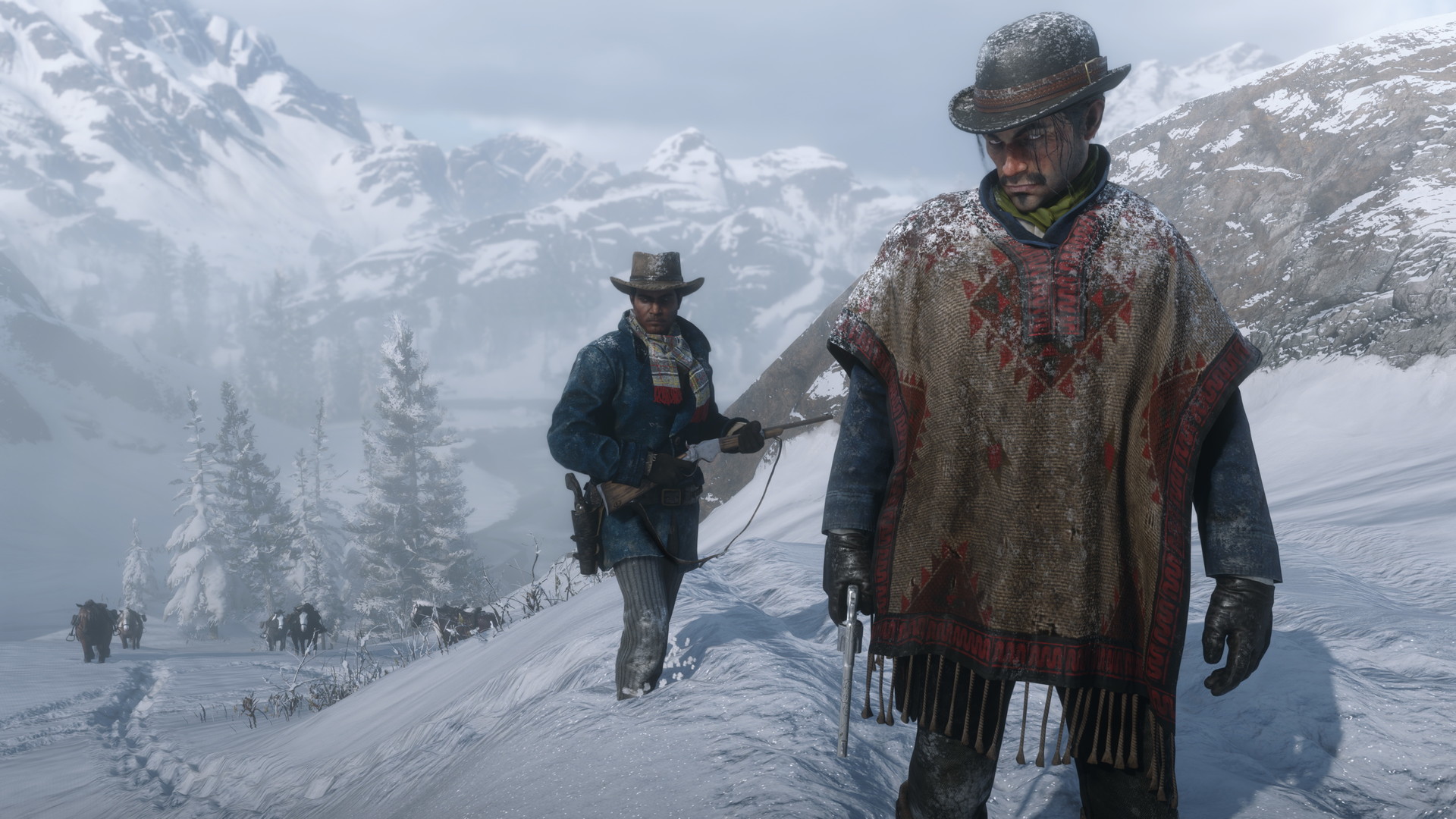
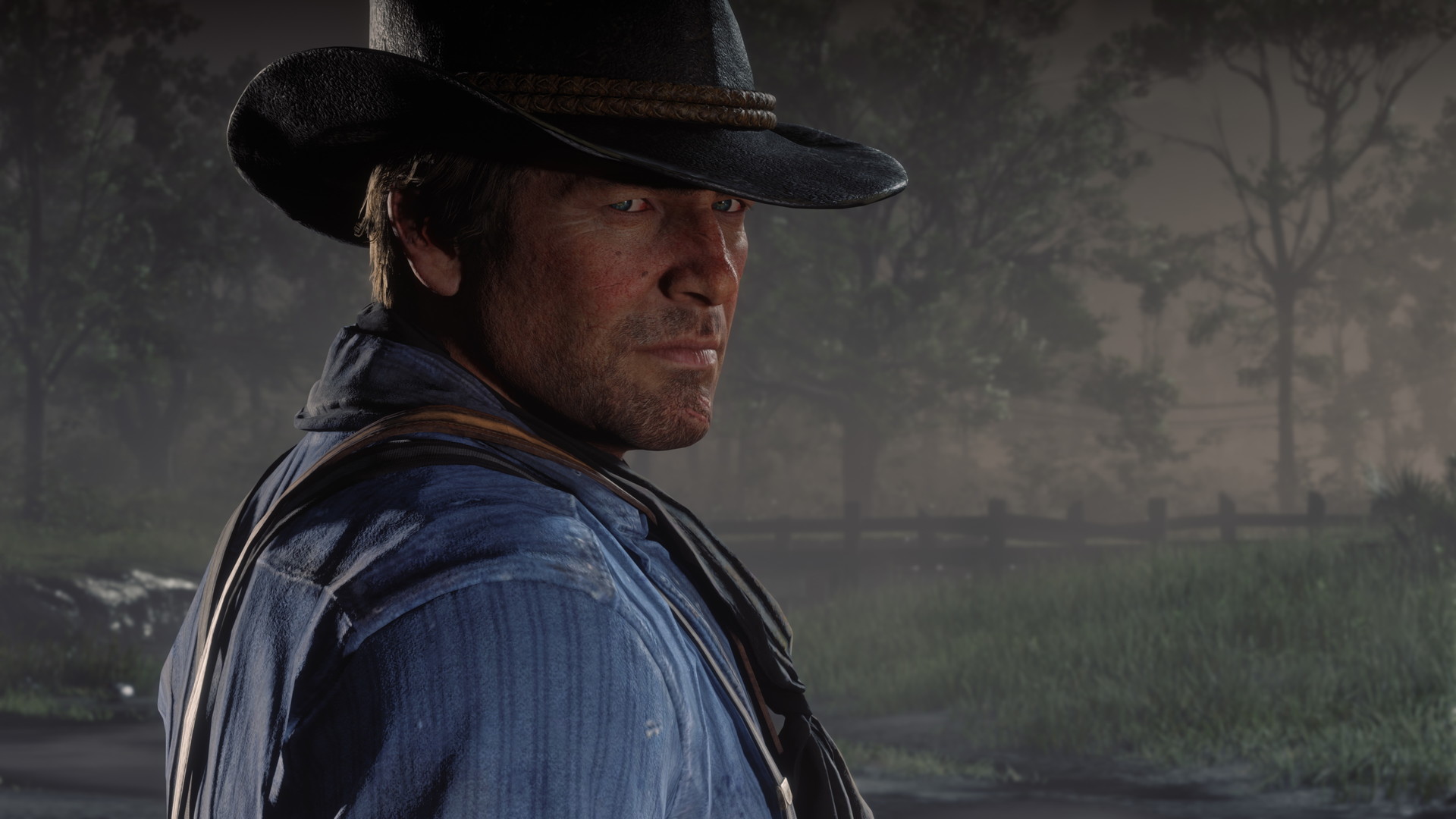
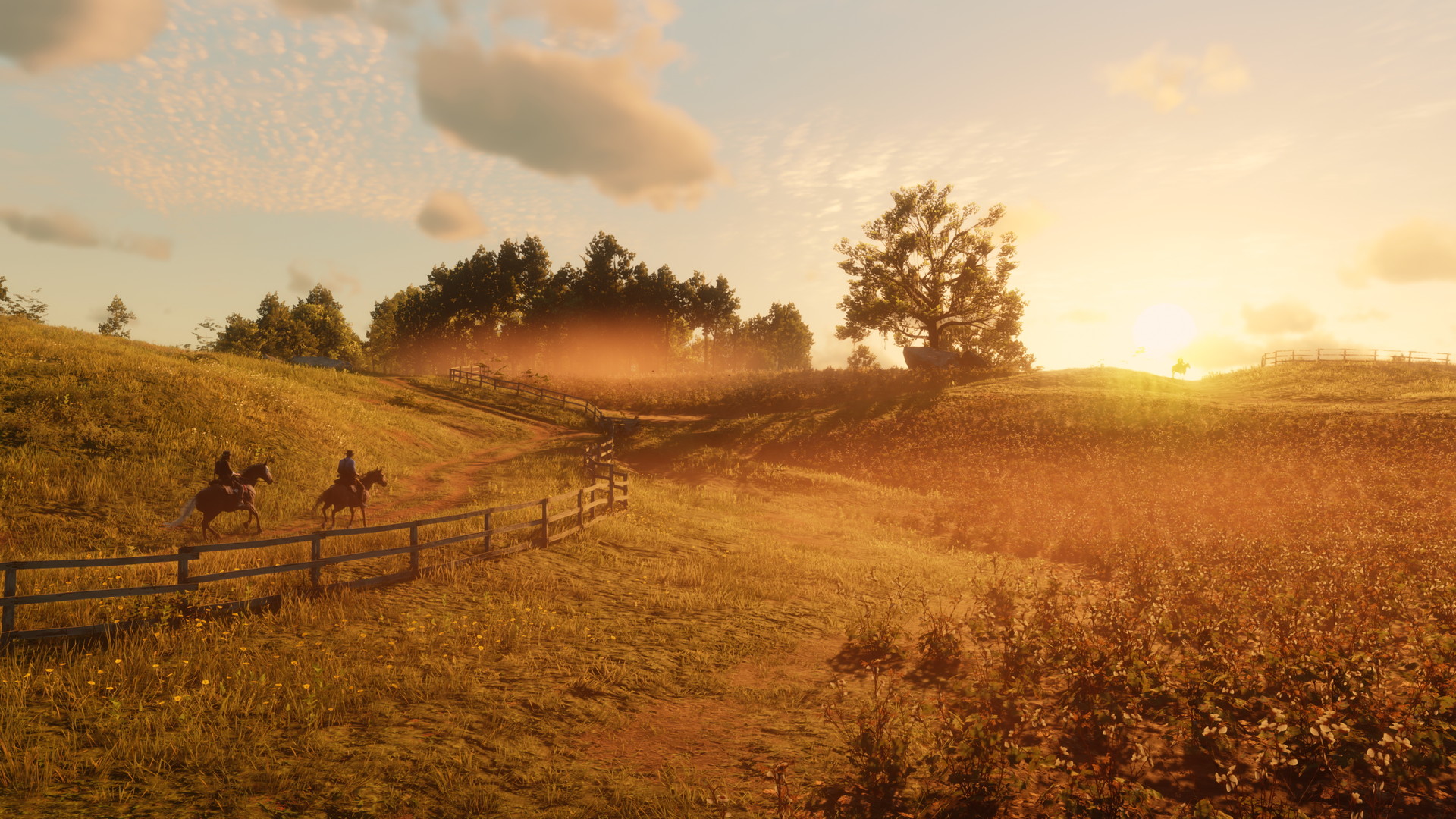
Images are provided by Steam and belong to their publishers.
Install steps
- Install RDR2 and launch it once from its normal launcher. Let it finish any updates, then close it.
- Open redm.net. The page asks you to read the Terms of Service first. Read them, then accept to continue.
- Click the download button to get RedM.exe. If it does not start, the page also offers a direct link.
- Run RedM.exe. If it asks where your game is, point it to your RDR2 folder.
- Wait while it downloads its files. The first launch can take a while.
- When the server browser opens, pick a server and press connect.
Choosing a server
Open our live RedM server list to see player counts. A busy server usually means more people to roleplay with. Join the server Discord too. It holds the rules, the whitelist form (if there is one) and the support channels.
| Server type | What it means |
|---|---|
| Open | You can join right away. |
| Whitelisted | You apply first, often with a short character story. |
| Voice required | You need a working microphone. |
If something goes wrong
- Check that RDR2 is fully updated in its own launcher.
- Restart RedM and try another server, since one server may be down.
- Ask in the server Discord support channel. Staff know their own setup best.
Live now: Red Dead Redemption 2
See all → LIVE
Twitch
1,021
Недолгая Дичка | !tg
Abramovichru
LIVE
Twitch
1,021
Недолгая Дичка | !tg
Abramovichru
 LIVE
Twitch
342
⭐️RODEO BETA TEST! LUPAS SEKOILLA KOSKA !merch KAUPPA AUKI!! , PARTENER+ 2/3⭐️!somet !yhteisöristeily
zoreaudiofi
LIVE
Twitch
342
⭐️RODEO BETA TEST! LUPAS SEKOILLA KOSKA !merch KAUPPA AUKI!! , PARTENER+ 2/3⭐️!somet !yhteisöristeily
zoreaudiofi
 LIVE
Twitch
122
Dardy Mendez jetz bei Qsengs Corleone City
OnlyMendezde
LIVE
Twitch
122
Dardy Mendez jetz bei Qsengs Corleone City
OnlyMendezde
 LIVE
Twitch
100
To de voltaaa cola pra liveee - !livepix
gxsinglept
LIVE
Twitch
100
To de voltaaa cola pra liveee - !livepix
gxsingleptNext, read our RedM first night tips and compare it with GTA RP if you are unsure which to try.
