

To install RedM you need a legit, fully updated copy of Red Dead Redemption 2 on PC, then you download RedM.exe from redm.net, run it and pick a server. It usually takes about ten minutes plus the game download. This guide follows the official download page and the Cfx.re documentation, checked on October 10, 2026, and adds the checks that fix most first-launch problems.
Key takeaways
- You need RDR2 on PC from Steam, Epic Games Store or Rockstar. Console versions cannot run RedM.
- The game must be fully updated. Pirated copies do not work.
- Download RedM only from the official site, redm.net.
- Each server has its own rules and sometimes a whitelist, so read them first.
Before you start
The Cfx.re docs say RedM requires a fully updated install of Red Dead Redemption 2 on PC, and list Steam, Epic and the Rockstar store as places to buy it. RedM is a modification that adds multiplayer to the game on community-run servers, built on the same Cfx framework as FiveM. It is free, but you need the base game. Because it is a large game, check your hard drive first: our RDR2 PC system requirements guide lists what your computer needs, including storage.
These screenshots may contain violence.
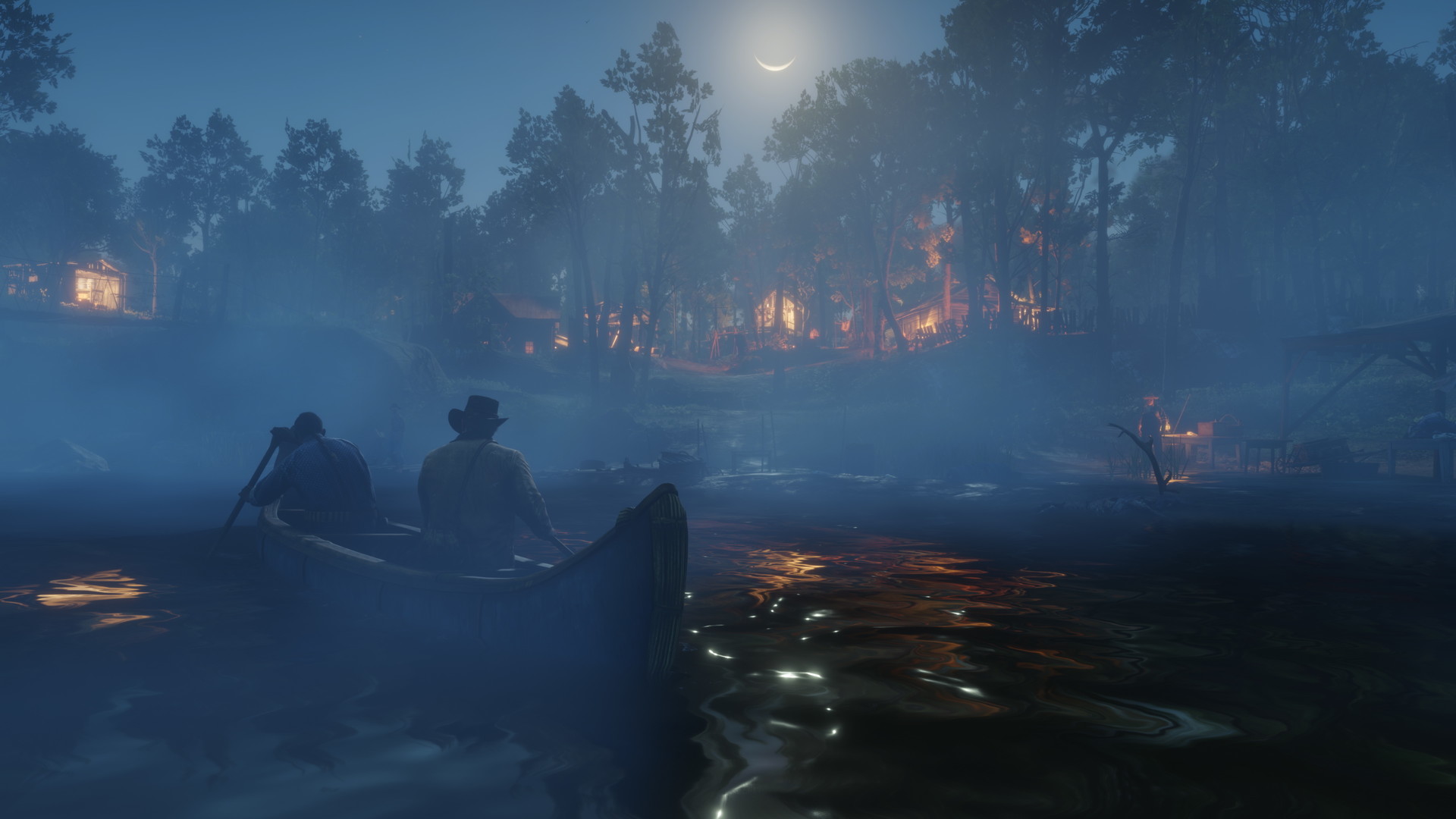
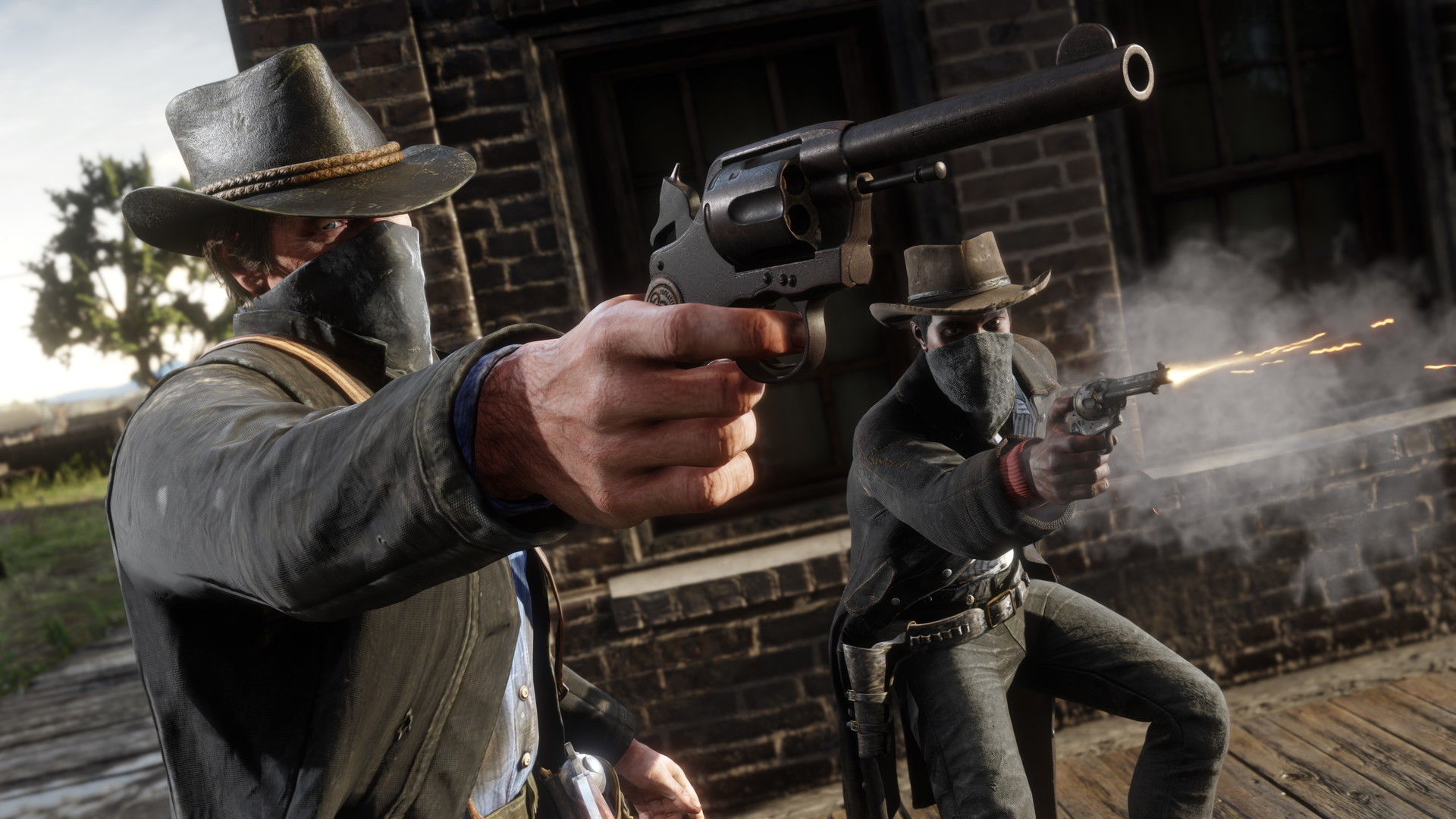
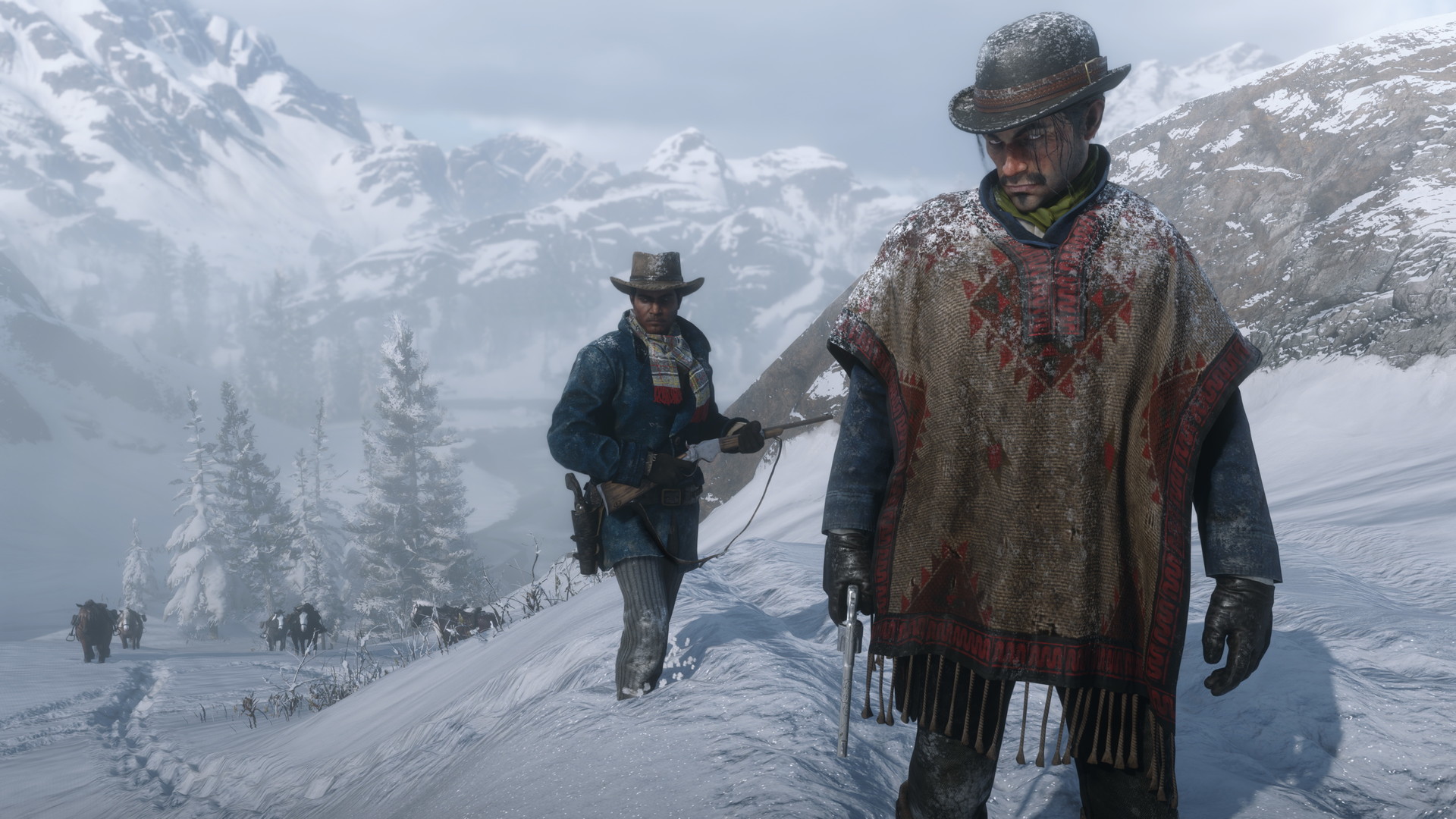
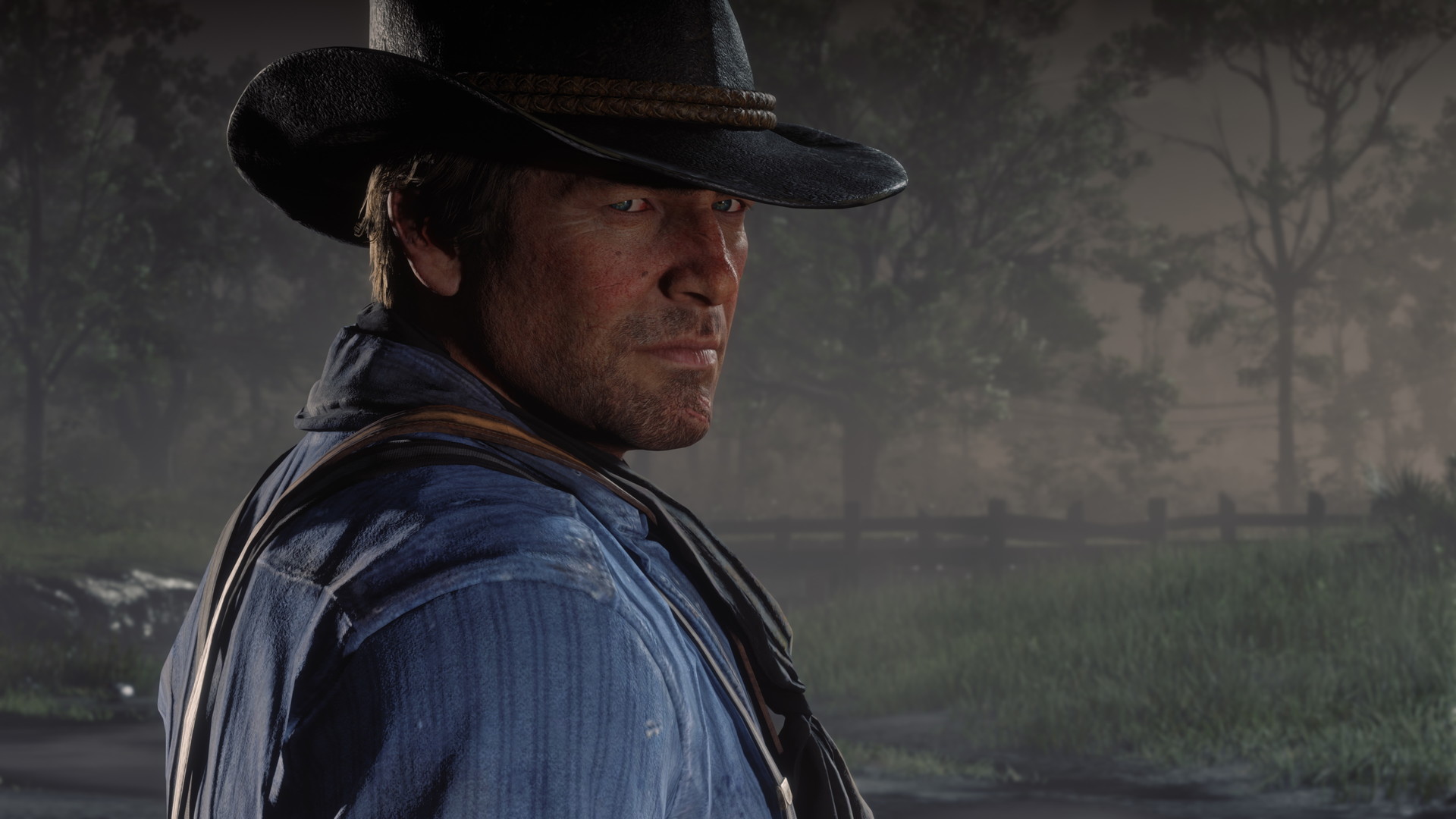
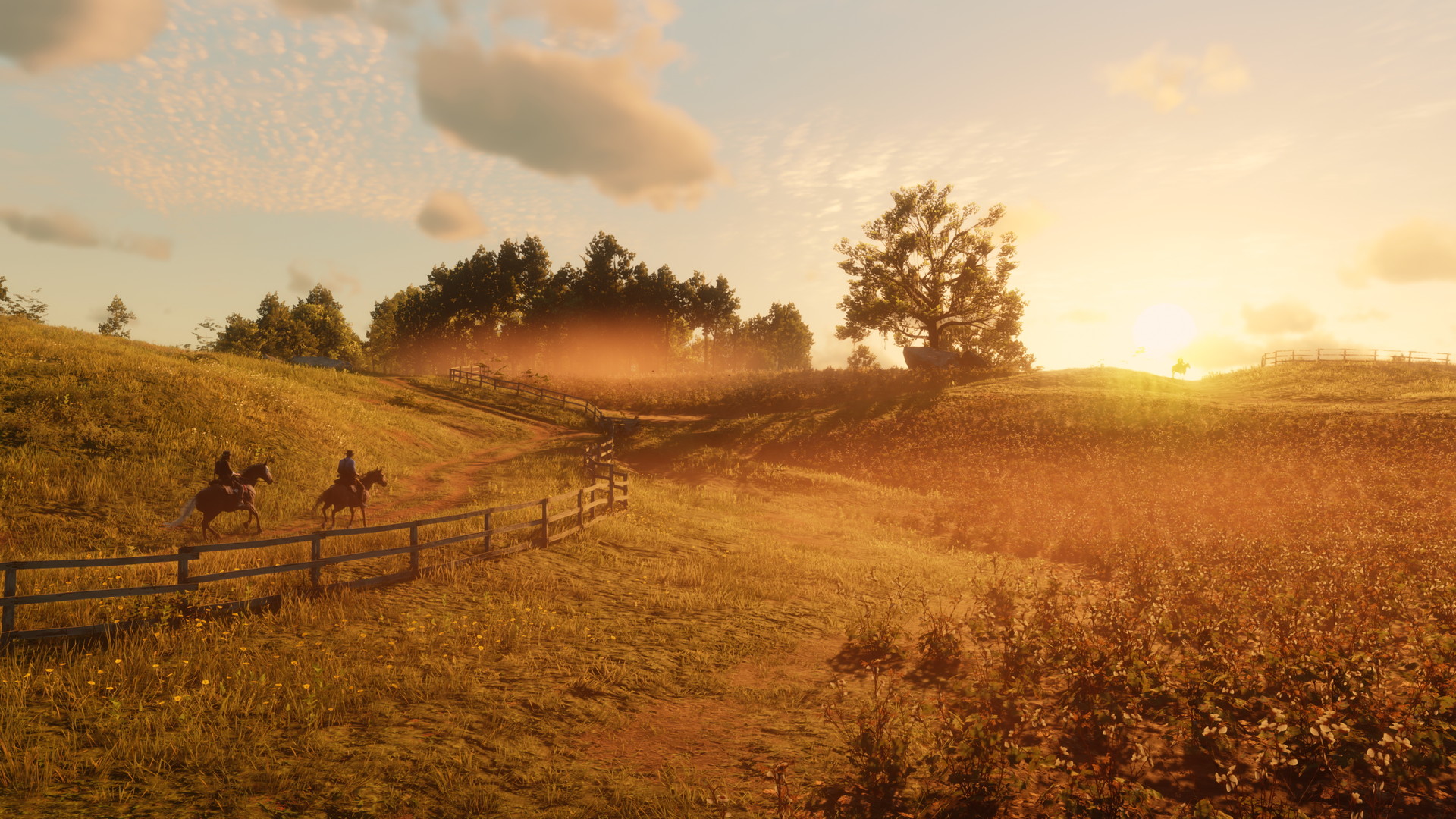
Images are provided by Steam and belong to their publishers.
Install steps
- Install RDR2 and launch it once from its normal launcher. Let it finish updates, reach the main menu, then close it.
- Open redm.net. The page asks you to review the Terms of Service first. Read them, then agree to continue.
- Click the download button to get RedM.exe. If it does not start, the page offers a direct download link.
- Run RedM.exe. If it asks where your game is, point it to your RDR2 folder.
- Wait while it downloads its files. The first launch can take a while.
- When the server browser opens, pick a server and press connect.
Which game version should you use?
RedM works with the PC copies listed in the docs. The store does not matter for RedM itself, but it matters for updates: Steam updates on its own, while the Epic and Rockstar launchers may need you to open them and let the game update. If RedM complains about the game version, open your launcher, verify the files, and try again.
Choosing a server
Open our live RedM server list to see player counts. A busy server usually means more people to roleplay with. Join the server Discord too. It holds the rules, the whitelist form (if there is one) and the support channels.
| Server type | What it means |
|---|---|
| Open | You can join right away. |
| Whitelisted | You apply first, often with a short character story. |
| Voice required | You need a working microphone. |
| Language-specific | Chat and voice are in one language. Check before you join. |
Character and first steps in game
Most servers ask you to create a character with a name, age and a short backstory. Keep it simple and believable for the Old West. Many servers also have a tutorial or a new-player guide in Discord. Take ten minutes to read the rules there, because a ban for a small rule can end your first night.
If something goes wrong
- Check that RDR2 is fully updated in its own launcher and that it starts without RedM.
- Restart RedM and try another server, since one server may be down or full.
- Check that your antivirus is not blocking the download. The FiveM install docs mention that antivirus can interfere with the same type of client.
- Make sure you have free disk space. Server content is downloaded and cached.
- Black screens and endless loading are the most common complaints on the Cfx forum. Players there try clearing the RedM cache, restarting the PC and reinstalling, but results vary. Search the forum and the Cfx support site for your exact message.
- Ask in the server Discord support channel. Staff know their own setup best.
Performance and PC tips
RedM servers can be heavier than the single-player game because of custom maps, scripts and other players. If your frames drop in towns, lower the expensive options such as water and volumetrics. We list them in our RDR2 performance guide. Keep your graphics driver up to date and close other heavy programs. An SSD makes the first load faster, because servers often stream content before you spawn.
Staying safe and legal
Use the official client and your own legit game copy. RedM is community-driven and source-available, per its official site, but not every server is run well. Do not share passwords, even with staff, and do not pay for a whitelist spot. If anyone asks you to download a file to "fix" your game, check it in the official server Discord first. Players under 18 should ask a parent before joining voice channels with strangers.
Common mistakes
- Trying to run RedM on a console copy of the game.
- Skipping the first normal launch of RDR2, so the game never finishes its updates.
- Joining a whitelisted server without applying.
- Using a microphone-less setup on a voice-only server.
En vivo: Red Dead Redemption 2
Ver todo → LIVE
Twitch
17
[🐎WESTLAND RP - V3🐎] - 🐈Diego ROJAS De Lara T2 #1🐈 - 🔥CAMBIÓ TODO Y NADA🔥
NearserGameses
LIVE
Twitch
17
[🐎WESTLAND RP - V3🐎] - 🐈Diego ROJAS De Lara T2 #1🐈 - 🔥CAMBIÓ TODO Y NADA🔥
NearserGameses
 LIVE
Twitch
12
(+18) (ESP) | La Hermandad RP | #001 | Mattheo Miller, intención de cumplir el sueño de Emily, primera piedra de su legado. !calvo
rasan86es
LIVE
Twitch
12
(+18) (ESP) | La Hermandad RP | #001 | Mattheo Miller, intención de cumplir el sueño de Emily, primera piedra de su legado. !calvo
rasan86es
 LIVE
Twitch
10
RED DEAD DIA 5 *STREAM ANTIPEDROS* |Octubre🎃🎃|Road to Partner👾❤️| !redes !server
NuriaPikotrees
LIVE
Twitch
10
RED DEAD DIA 5 *STREAM ANTIPEDROS* |Octubre🎃🎃|Road to Partner👾❤️| !redes !server
NuriaPikotrees
 LIVE
Twitch
9
caballitos y pistoleros | RED DEAD REDEMPTION 2 #4 | charlita y cosillas | !discord !redes ^^
Arziiiees
LIVE
Twitch
9
caballitos y pistoleros | RED DEAD REDEMPTION 2 #4 | charlita y cosillas | !discord !redes ^^
ArziiieesNext, read our RedM first night tips, check RedM roleplay rules, and compare with GTA RP if you are unsure which to try.