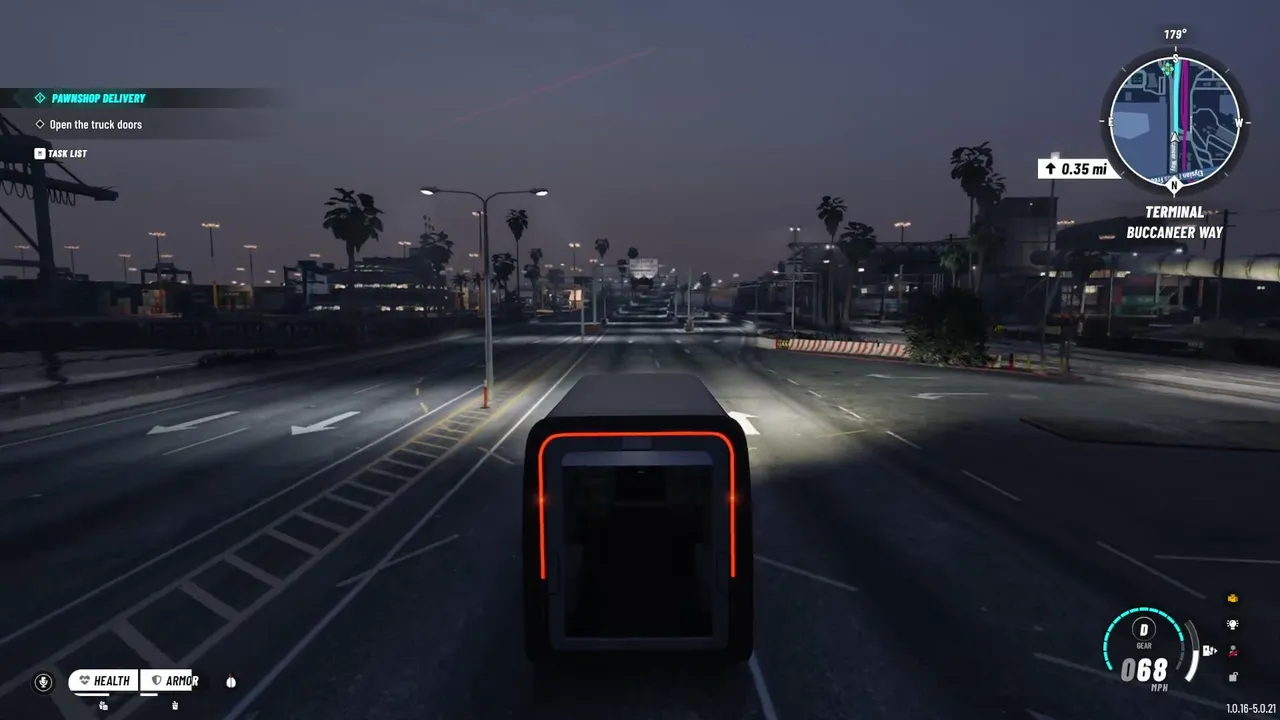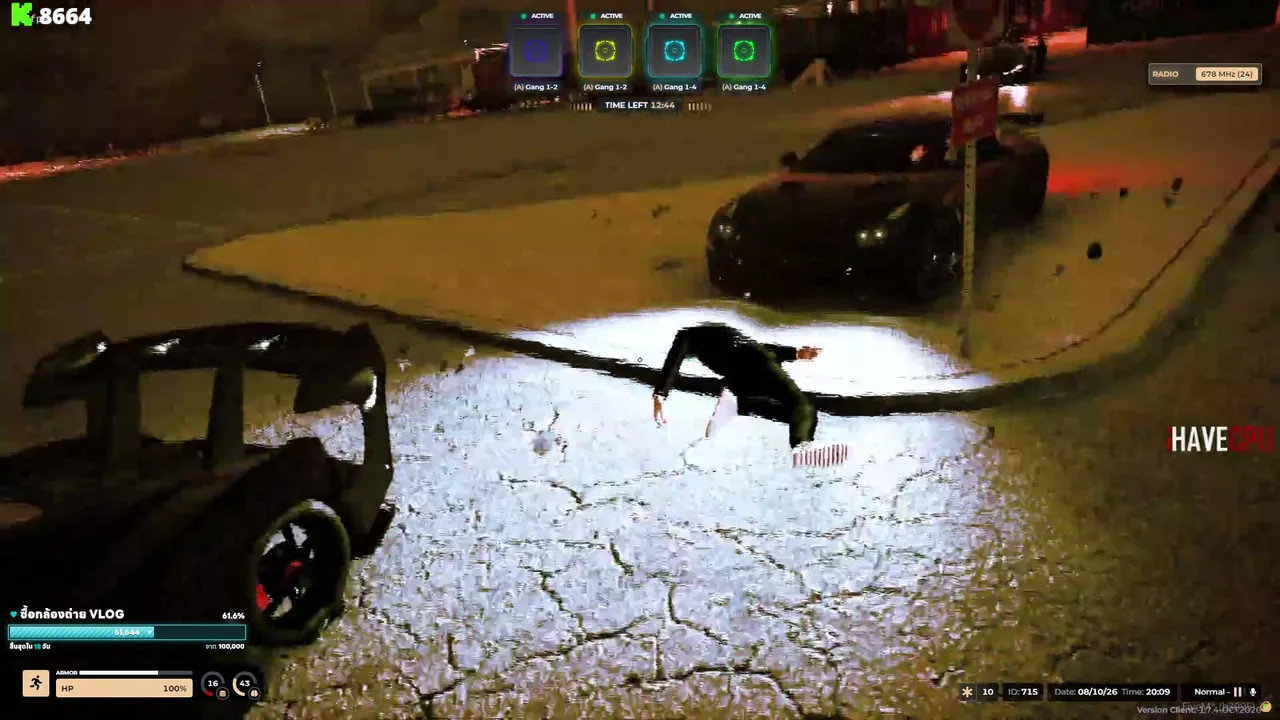

Cops chasing robbers who actually talk to each other. Taxi drivers with backstories. Mechanics running real businesses. That is GTA RP, and in 2026 it is bigger than ever. The best part: you can start tonight.
What is GTA RP?
GTA RP (roleplay) means playing GTA 5 on special community servers where everyone acts as a character. You don't just shoot and drive: you get a job, make friends and enemies, and react to the world like your character would. Every server has its own city, rules, economy and community.
It is huge on streaming too. In 2026, Kick overtook Twitch for GTA viewing: in July 2026, GTA streams on Kick averaged about 112,300 viewers compared to about 68,600 on Twitch. The famous NoPixel server opened its NoPixel V closed beta on September 8, 2026, running on the Rockstar Games Launcher with around 450 creators.
Live now: GTA V
See all →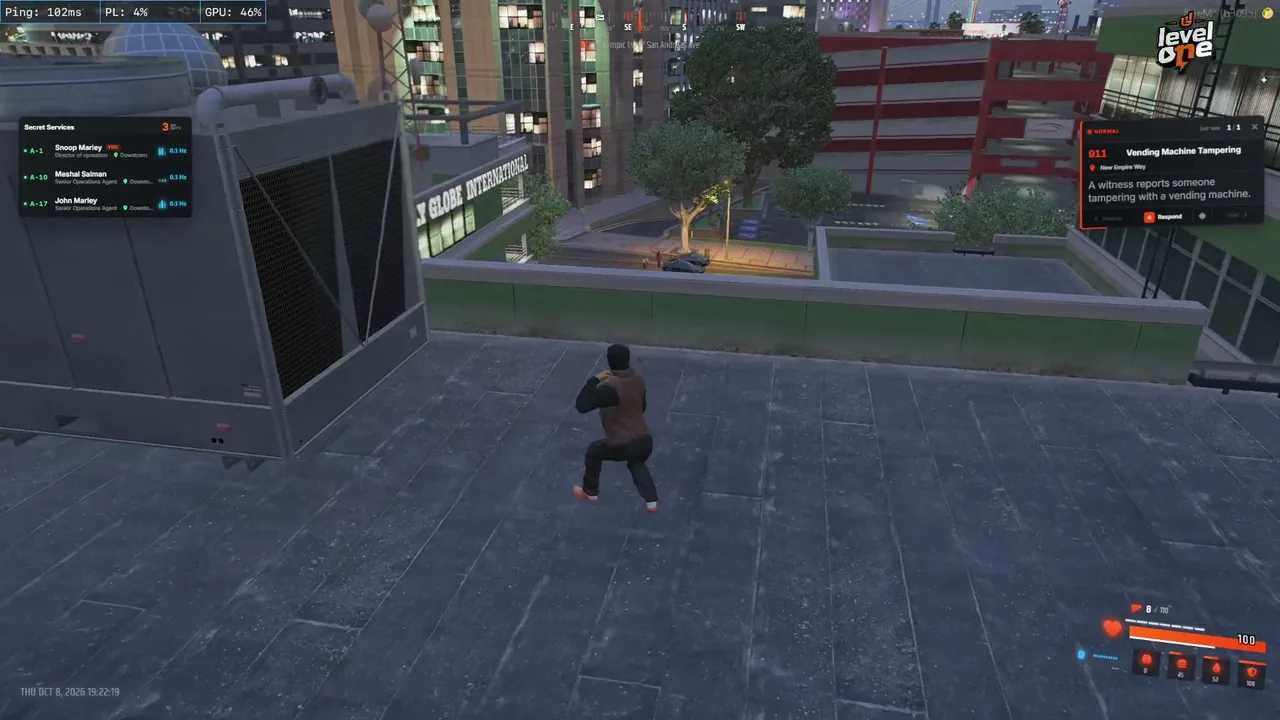

Step 1: get a legit PC copy of GTA 5
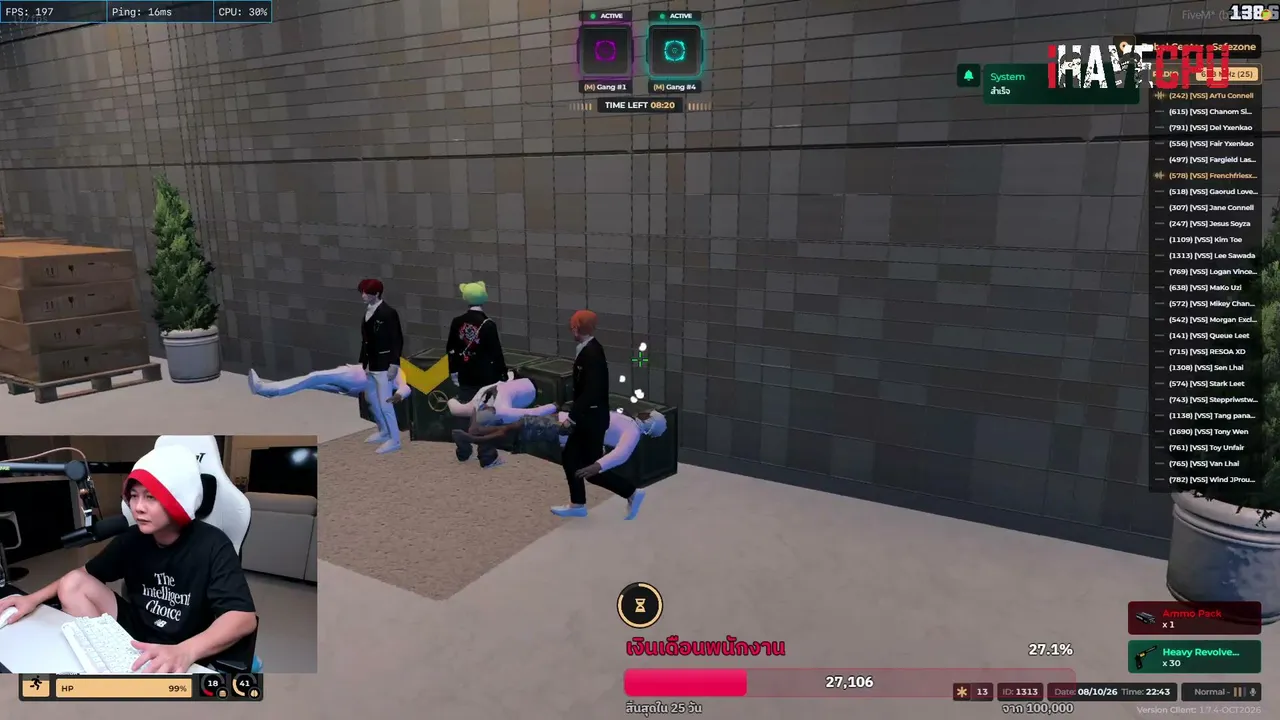
GTA RP runs on PC. You need your own legal copy of GTA 5 on PC, bought from an official store. Pirated copies will not work with FiveM. Install the game, launch it once and make sure it runs properly before going further.
Step 2: install FiveM
FiveM is the free multiplayer mod that lets you join custom GTA 5 servers. It is made by Cfx.re, which Rockstar Games itself acquired on August 11, 2023, so it is now part of the Rockstar family.
- Go to the official site, fivem.net, and download FiveM. Only use the official site: fake downloads can carry malware.
- Run it and let it find your GTA 5 installation.
- Let FiveM download its files on first launch, and sign in with a free Cfx.re account if you are asked to.
Step 3: choose your server
This is the most important choice you'll make. Big famous servers are often full or have long waiting lists, and a smaller server can be much more welcoming for beginners. On our GTA RP server list you can see real live player counts and filter by language and genre to find a city that fits you.


There are two main types:
- Public servers: click Connect and you are in. Great for testing the waters.
- Whitelist servers: you apply first, often through a written application or a short interview. They take more time but usually have more serious, story-driven roleplay.
Almost every server has a Discord. Join it before you play: that is where rules, applications, announcements and help channels live. Popular communities also exist in many languages, like Brazuca City in Brazil or Respect RP for Arabic players.
Step 4: your first character
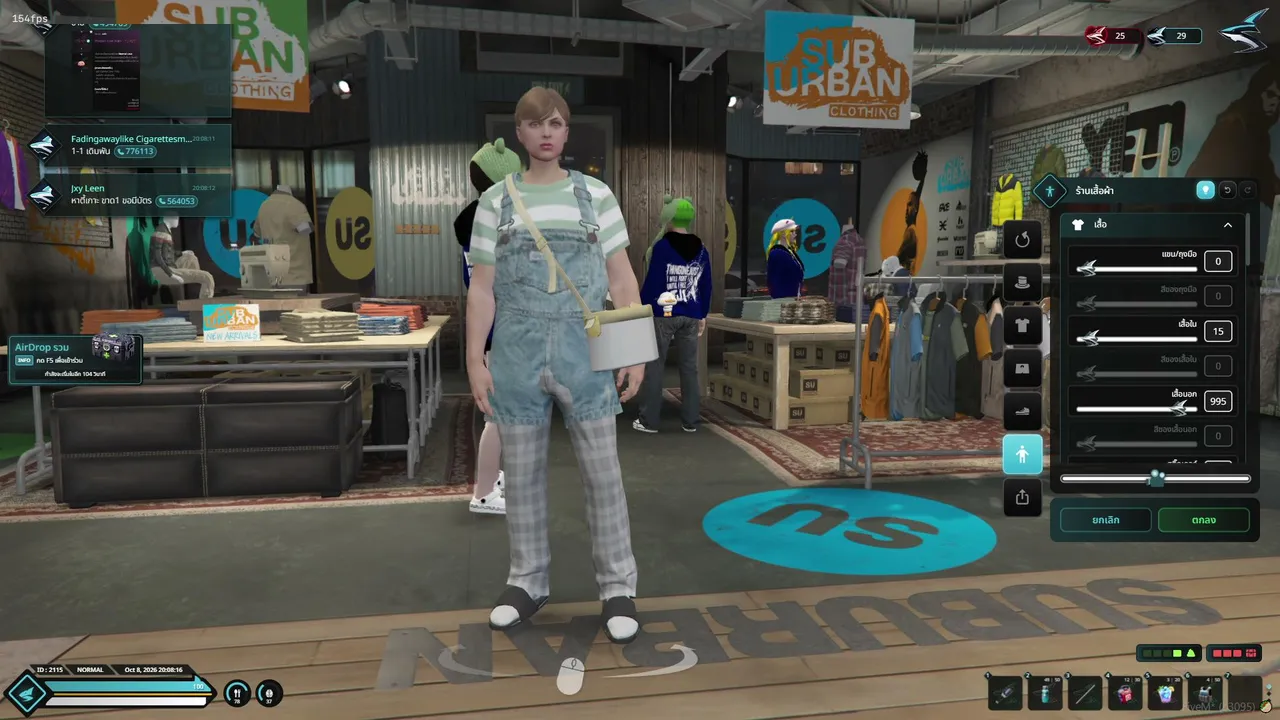
Don't try to be the city's biggest gangster on day one. The best first characters are simple and have room to grow:
- Give them a reason to be in town: new job, fresh start, running from something small.
- Pick a starter job: taxi, delivery, mechanic or tow truck jobs put you in contact with lots of players fast.
- Give them a flaw: nervous, too honest, terrible with money. Flaws create stories.
- Stay in character: you know things as a player that your character doesn't. Keep those separate.
Learn the basic slang before you join with our GTA RP terms guide: words like metagaming, powergaming and NLR come up on every server.
Step 5: mic, rules and respect
A working microphone is a must on almost every RP server, because roleplay happens through voice. A cheap headset is fine; just make sure there is no echo or loud background noise.
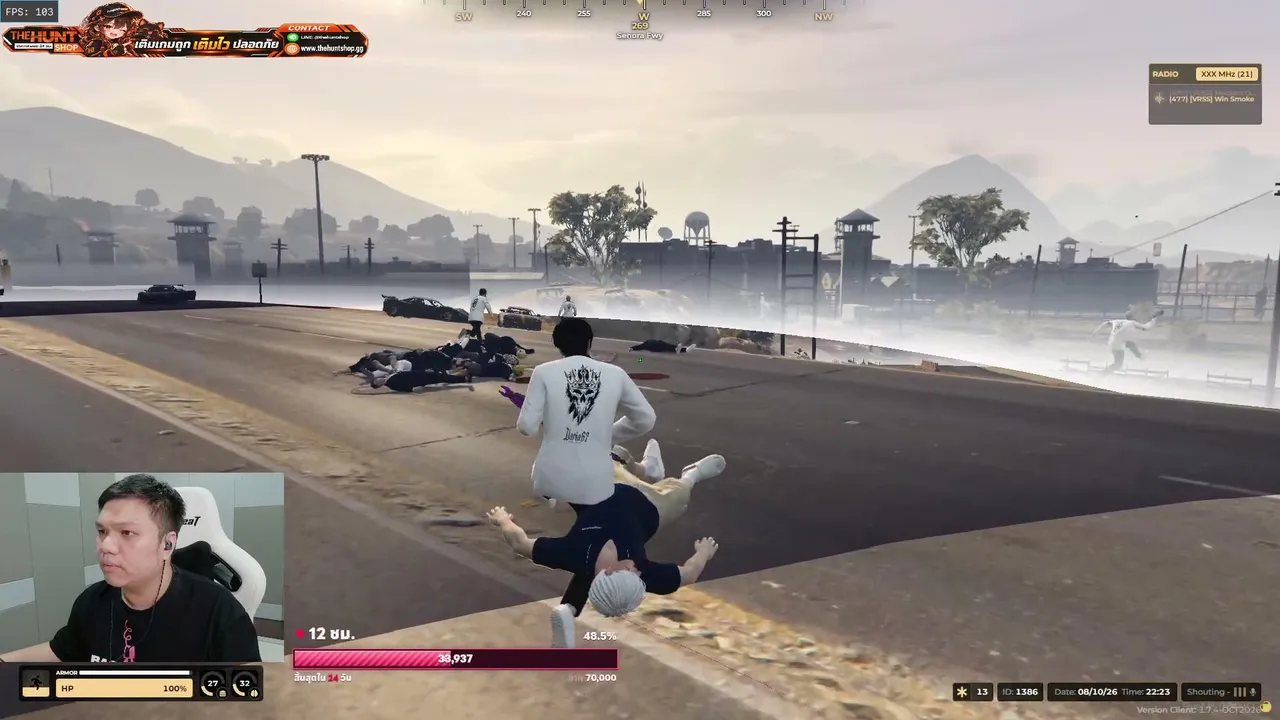
Read the rules. Every server writes its own, and breaking them, even by accident, can get you kicked or banned. Respect other players: if someone is in the middle of a scene, don't run them over for fun. Good roleplay means making the story better for everyone, not just winning.
Pro move: watch streamers first
The fastest way to learn how a city works is to watch it. Spend an evening on our live stream wall and see how experienced players start conversations, handle police stops and stay in character. You will pick up the slang, the server culture and plenty of ideas for your own character.
Once you're comfortable, try the Wild West version too: our RedM guide shows how to roleplay in Red Dead Redemption 2.