
Low FPS in Counter-Strike 2 usually has a simple cause: old drivers, overlays, background apps or heat. This guide lists safe fixes in the order that saves the most time. Before you start, check the CS2 system requirements, because a PC below the minimum cannot be fixed with settings alone.
Key takeaways
- Separate FPS problems (choppy picture) from ping problems (rubber-banding).
- Update the graphics driver and Windows first.
- Close overlays and background apps.
- Lower shadows, textures and effects before lowering the resolution.

Step 1 to 5: the quick wins
- Update your graphics driver from the maker's site: NVIDIA, AMD or Intel.
- Install Windows updates, including optional ones, and restart.
- Pick a high performance power plan in Windows power settings. Laptops must be plugged in.
- Close background apps such as browsers with many tabs, launchers and screen recorders.
- Turn off overlays from Discord, Steam, Xbox Game Bar and your graphics card software, then test.
Step 6 to 9: game settings
- Lower shadow quality and global shadow detail first. They cost the most FPS.
- Lower model and texture detail if your graphics memory is small.
- Turn down anti-aliasing and turn off ambient occlusion and other extras.
- Cap FPS a little above your monitor refresh rate so the PC runs cooler and smoother.
Step 10 to 12: hardware and network
- Check heat. A hot CPU or graphics card slows itself down. Clean dust and make sure fans spin.
- Use two RAM sticks if you have a single stick. Dual channel memory helps CPU heavy games.
- Check ping separately. If the picture is smooth but players teleport, the problem is the network. Use a cable and close downloads.
Not sure your PC is ready? Try the Can my PC run it? calculator and the FPS calculator.
Still stuck?
Run the Steam file check (right-click CS2 in your library, Properties, Installed Files, Verify). Then try a different mode on a community server to see if the problem is only on one map. Watching live CS2 streams can also show what settings pros use.
Latest Counter-Strike 2 news
See all → 2026-10-14SteamCounter-Strike 2 Update
\[ UI ] Demo/Replay viewer improvements: Added a progress bar for demo/replay downloads Camera controls now use click-and-drag scheme Free and chase camera are usable during a paused demo Fixed some…
 2026-09-22SteamRush Hour
Put your foot on the gas and floor it. Welcome to Rush, a new fast-paced 3v3 queued mode for CS2. Experience the push and pull as you advance through a gauntlet of randomly-selected battle arenas,…
Live now: Counter-Strike 2
See all → LIVE
Twitch
23,091
[2K NO DELAY] BETBOOM [0:0] LEGACY (ДОНАТЫ ОФФ) 😈 Thunderpick Championship 2026 👉 !пики
Aunkereru
LIVE
Twitch
23,091
[2K NO DELAY] BETBOOM [0:0] LEGACY (ДОНАТЫ ОФФ) 😈 Thunderpick Championship 2026 👉 !пики
Aunkereru
 LIVE
Kick
17,258
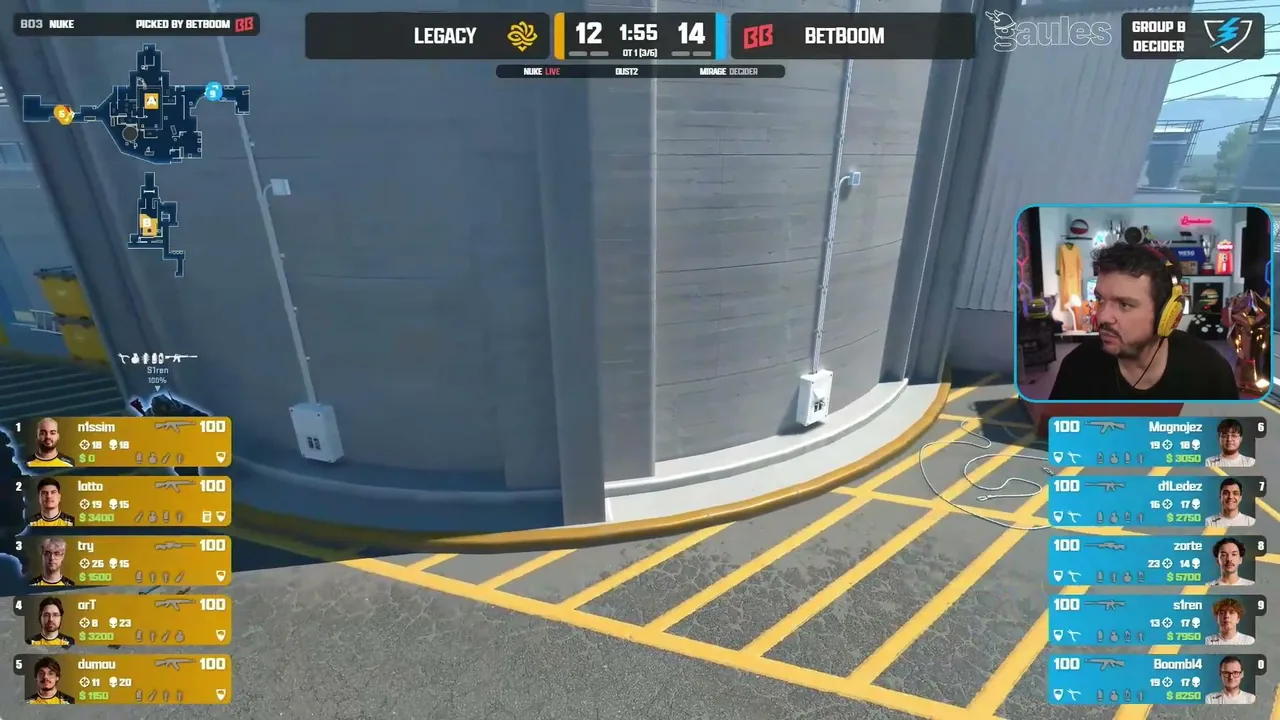
LEGACY x BETBOOM - Thunderpick World Championship 2026 - Dia 3 - !socio - Siga @Gaules nas redes sociais!
Gaulespt
LIVE
Kick
17,258
LEGACY x BETBOOM - Thunderpick World Championship 2026 - Dia 3 - !socio - Siga @Gaules nas redes sociais!
Gaulespt
 LIVE
Twitch
16,556
🔫 20 ЧЕЛОВЕК ВЫГОНЯЕМ и 20 ЧЕЛОВЕК ОСТАВЛЕМ 🕹️ LUNACY TEAM 🎲
busterru
LIVE
Twitch
16,556
🔫 20 ЧЕЛОВЕК ВЫГОНЯЕМ и 20 ЧЕЛОВЕК ОСТАВЛЕМ 🕹️ LUNACY TEAM 🎲
busterru
 LIVE
Twitch
13,449
Thunderpick World Championship 2026 Finals - Day 3 | BO3
ThunderpickTVen
LIVE
Twitch
13,449
Thunderpick World Championship 2026 Finals - Day 3 | BO3
ThunderpickTVenPractice on the best live CS2 servers
Put this into practice. These community servers are online right now, sorted by players. See the full list on the CS2 server list, or browse servers by tag.
