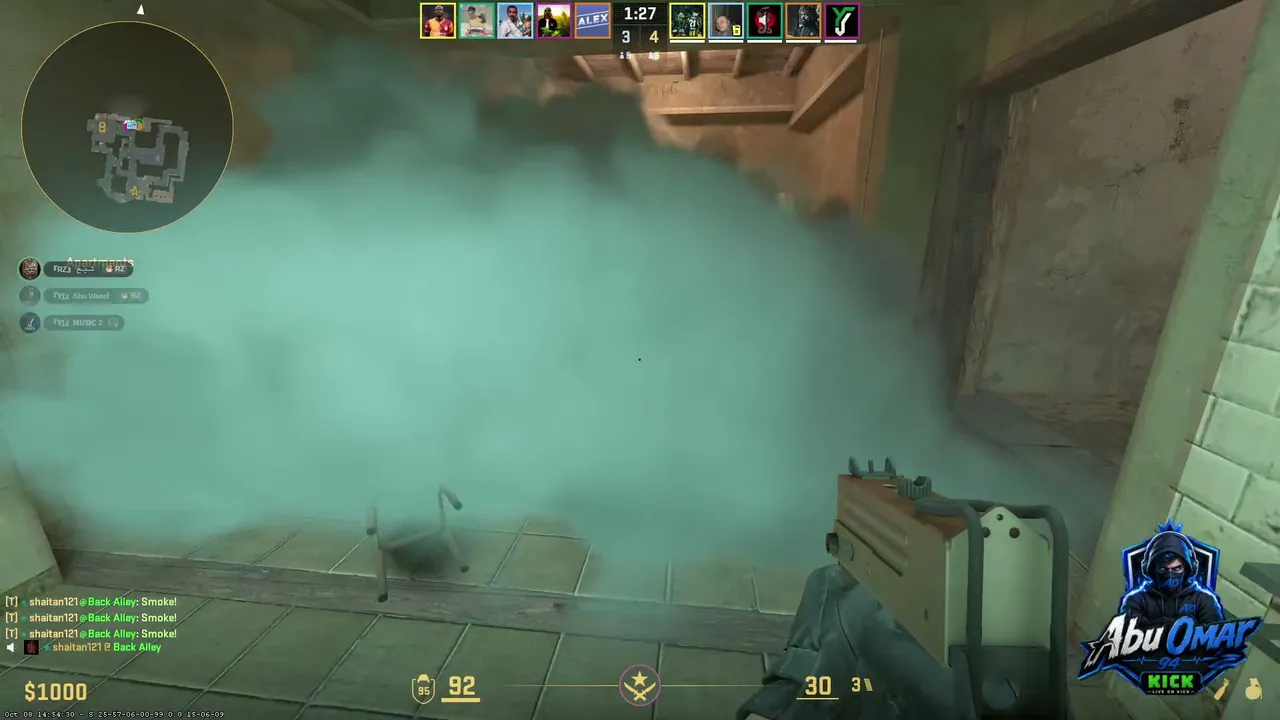
Valve updated the Counter-Strike 2 crosshair system twice in September and October 2026. If you copy settings from old guides or videos, some of them may no longer match the game. Here is what changed, based on the update notes.
Key takeaways
- The September 22 update made crosshairs resolution-independent and added a Crosshair and Scopes tab.
- The September 30 update added an outline colour option and a Static Quadrant style.
- Grenade crosshairs now show during freeze time, which helps with insta-smokes.
- The share code format changed, so old codes may not import.
September 22, 2026: the big update
According to ghacks, crosshairs became resolution-independent, and the game got a new Crosshair and Scopes tab in the settings.
September 30, 2026
A mirror of Valve's patch notes lists these changes:
- A new outline color option.
- A new Static Quadrant style.
- Grenade crosshairs now show during freeze time, which is useful for insta-smokes.
- A negative gap for the classic dynamic style.
- The format of crosshair share codes changed.


October 2, 2026
A follow-up fix for grenade crosshairs at 3 pixels, plus lighting changes on Warehouse and agent gloves shown in the photobooth and buy menu, according to Steam news.
What to do
- Open the settings and look at the new Crosshair tab.
- Check that your crosshair still looks the way you expect. Share codes from before the change may behave differently.
- Test outline color on your favorite maps, so you can see it on bright and dark backgrounds.
- Try the grenade crosshair in freeze time if you throw a lot of utility.
Other settings people ask about
According to csdb.gg, professional players have a median eDPI of about 800, with most within 600 to 1,200, and half use 400 DPI. Viewmodel FOV ranges from 54 to 68, with 60 as the default. Treat these as reference points, not rules: the best setup is the one that feels right to you.
Train with the new setup
Test your crosshair in our aim training routine and on community servers.
Teraz na żywo: Counter-Strike 2
Zobacz wszystko → LIVE
Twitch
1531
Siemanko! Faceit Grind! Na Discordzie 3 giveaway-e na tydzień. ZAPRASZAM !dc !g4 !swap !3kelo <--Codziennie Skiny! +18
szelioficjalniepl
LIVE
Twitch
1531
Siemanko! Faceit Grind! Na Discordzie 3 giveaway-e na tydzień. ZAPRASZAM !dc !g4 !swap !3kelo <--Codziennie Skiny! +18
szelioficjalniepl
 LIVE
Twitch
455
another faceit day | [PL/ENG] [+18] !csgoskins !sociale
szejdixpl
LIVE
Twitch
455
another faceit day | [PL/ENG] [+18] !csgoskins !sociale
szejdixpl
 LIVE
Twitch
243
SoloQ GRIND CHALLENGE do 2500 lub 8 lvl | !yt !skins !holy !eneba !pirat !komendy #reklama
Foorekpl
LIVE
Twitch
243
SoloQ GRIND CHALLENGE do 2500 lub 8 lvl | !yt !skins !holy !eneba !pirat !komendy #reklama
Foorekpl
 LIVE
Twitch
175
TOP39 prem, jutro mecze z !oldboys | KOD MARKOS gifty na !casehug | !kosa dla subów | giveaway na !dc | !swap !tiktok #ad
Maarkoospl
LIVE
Twitch
175
TOP39 prem, jutro mecze z !oldboys | KOD MARKOS gifty na !casehug | !kosa dla subów | giveaway na !dc | !swap !tiktok #ad
MaarkoosplHow to update your crosshair safely
- Write down your old settings. A note or screenshot is enough.
- Open the new Crosshair tab and rebuild your crosshair step by step.
- Test in a practice server. Check it on bright and dark maps.
- Save a new share code so you can restore it later.
Some older console commands may no longer behave the same way, so don't copy values from old guides without testing them.
What makes a good crosshair
- It is easy to see on every map, which is why the outline option is useful.
- It is small enough not to hide the target.
- It stays the same from game to game. Don't change it every day.