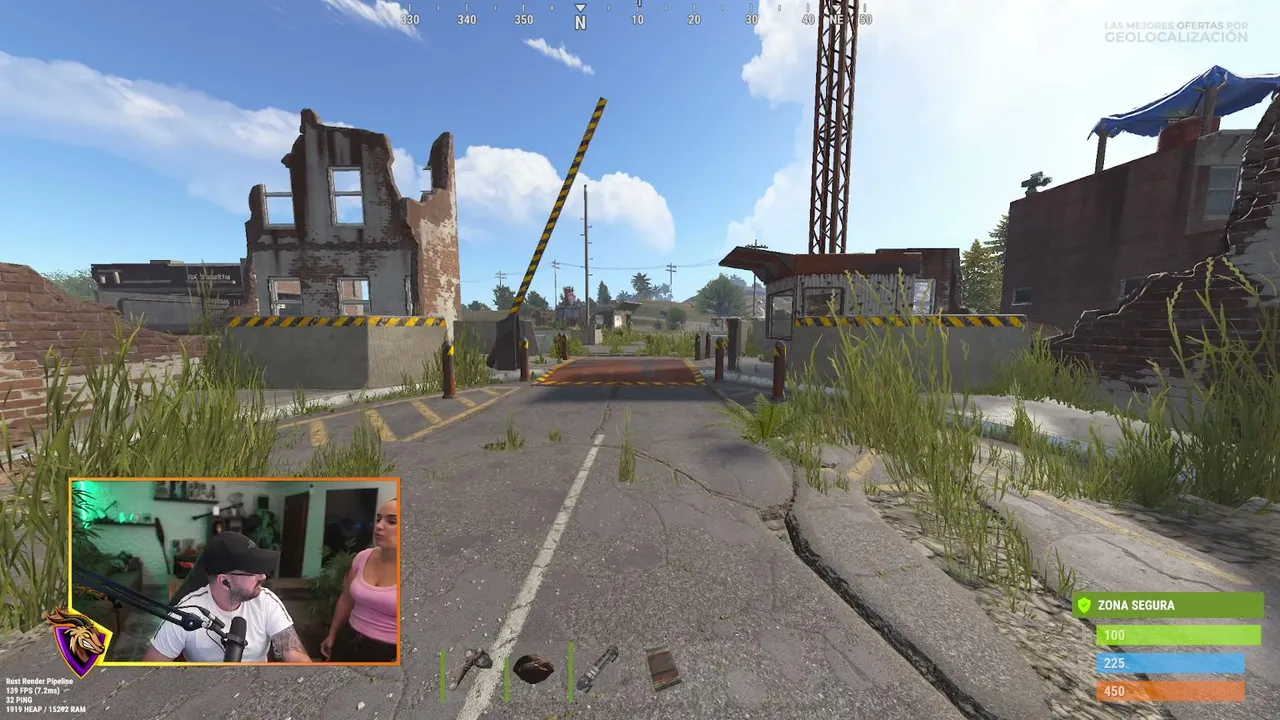

To join a Rust server, open the main menu, choose Play, pick a server from the browser and press Join, or press F1 and type client.connect IP:PORT. The harder part is choosing a good server, because thousands of them exist. This guide shows both ways to connect and how to read a server name before you waste a wipe on the wrong one.
Key takeaways
- The server browser has filters and a favourites tab. Use favourites for servers you like.
- The F1 console command is client.connect followed by the address, for example client.connect 203.0.113.5:28015. The usual game port is 28015.
- Gather rates (1x, 2x, 3x), group limit (solo, duo, trio) and wipe day matter more than the server's description.
- Join soon after a wipe. Everyone starts from zero then, so it is the fairest time for a new player.
- Our live Rust server list shows community servers by mode, so you can skip the guesswork.
Way 1: the in-game server browser
- Start Rust from Steam and wait for the main menu.
- Open the server browser from the Play menu.
- Choose a tab such as Community, Modded, Favourites or History. Official servers are run by Facepunch with standard rules.
- Type a word in the search box, for example "solo" or "pve", to filter names.
- Sort by players or ping, select a server and press Join.
- Press the star to save it, so it shows up in Favourites next time.
These screenshots may contain violence.

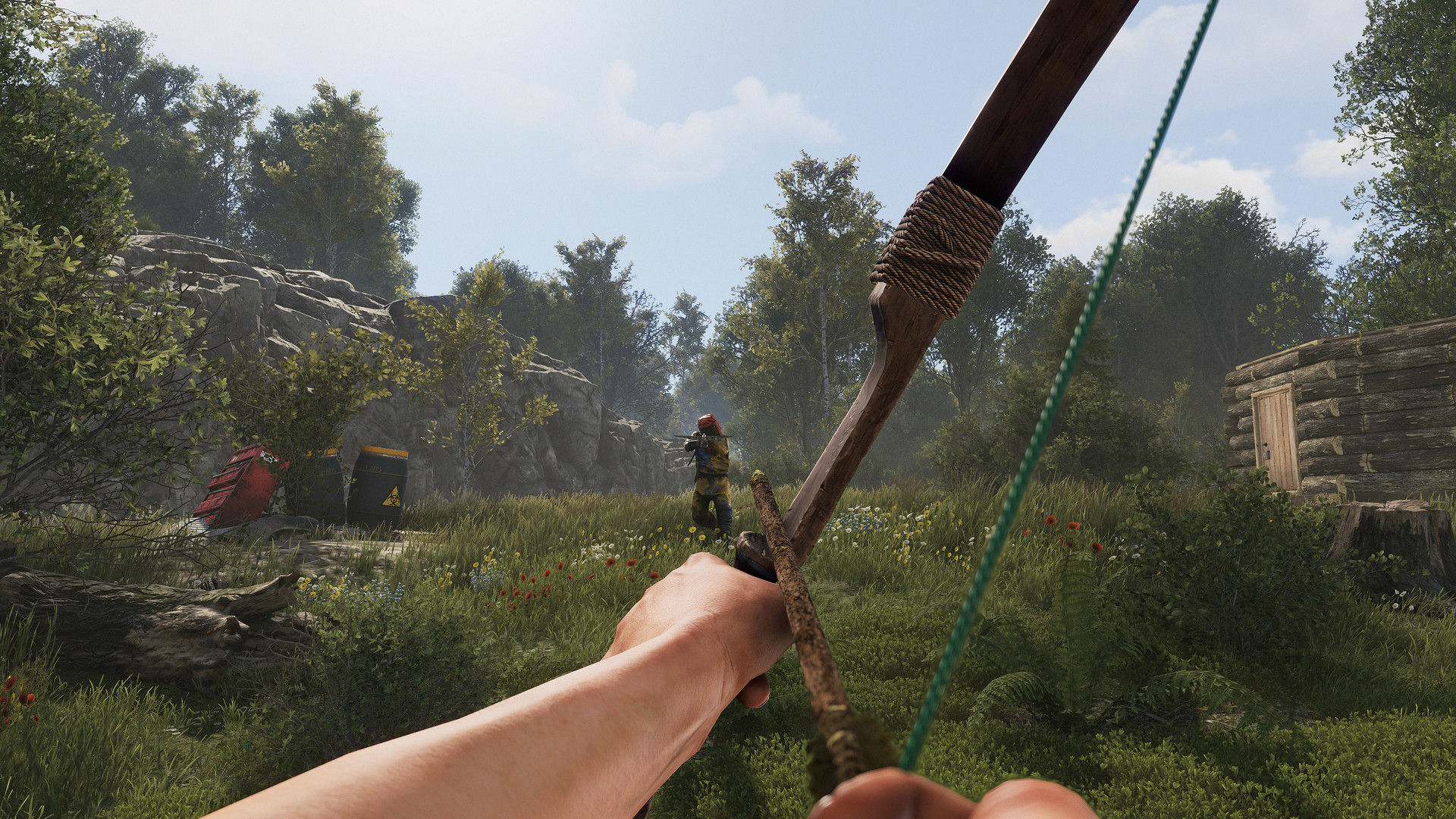
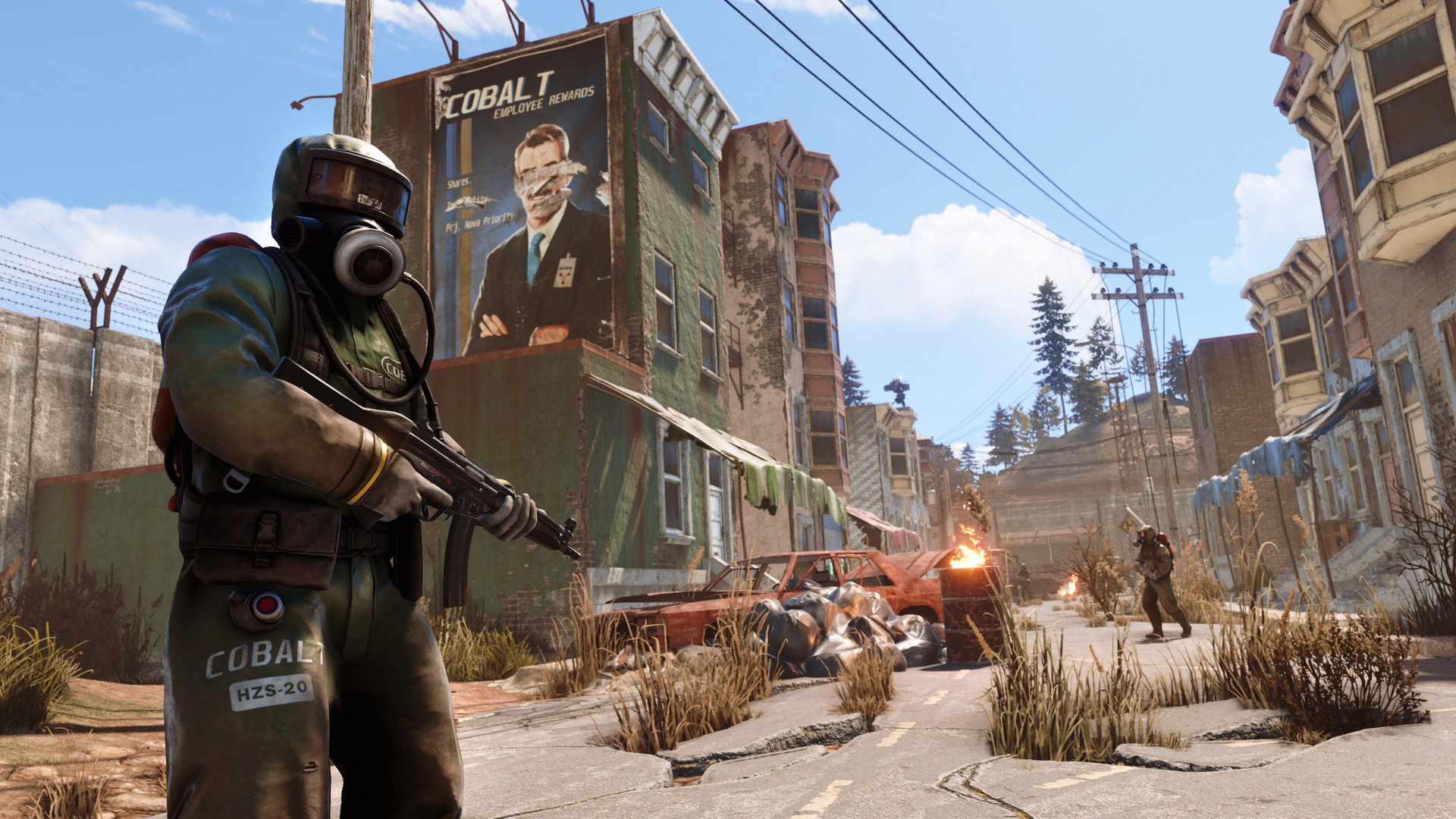

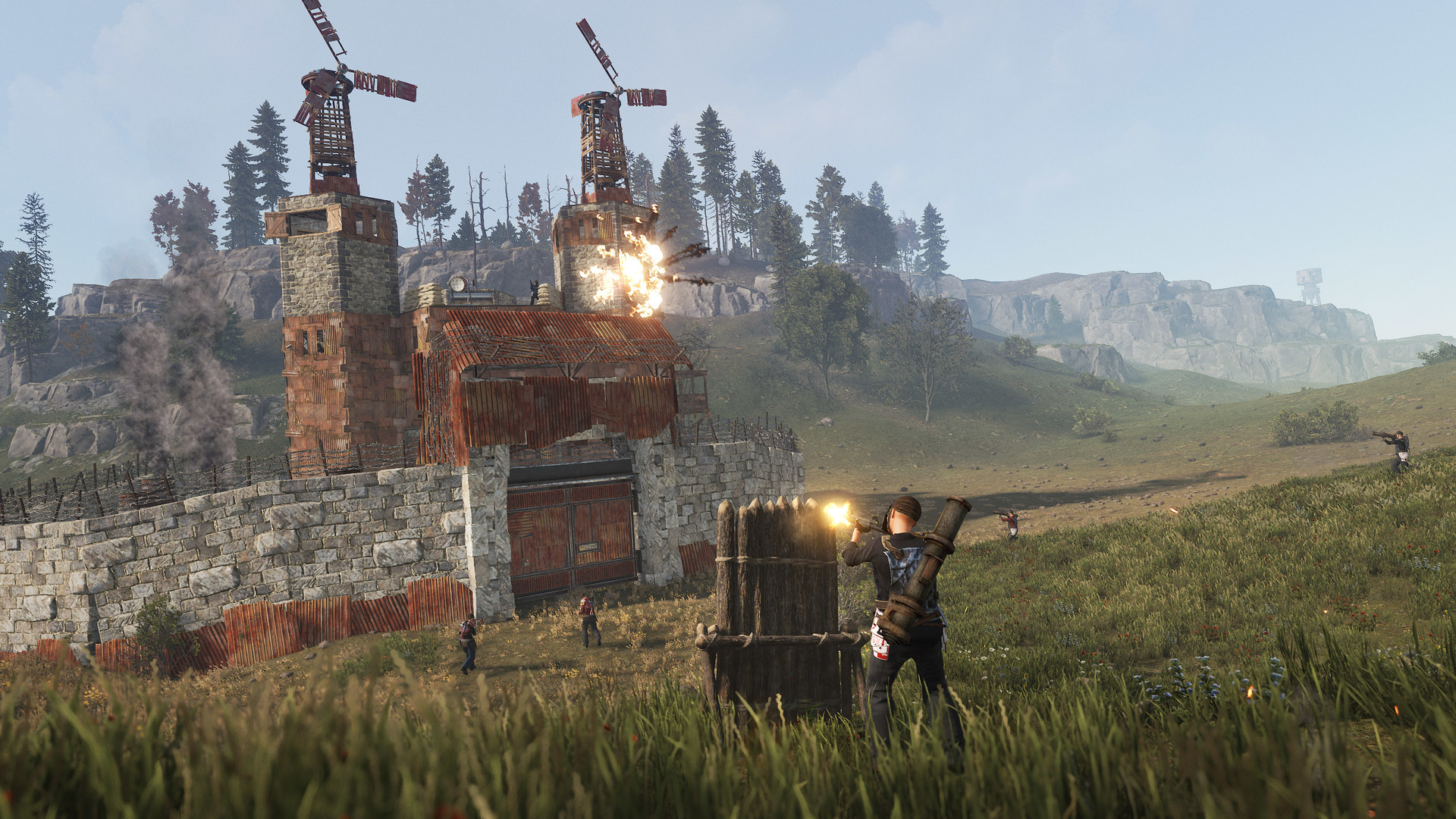
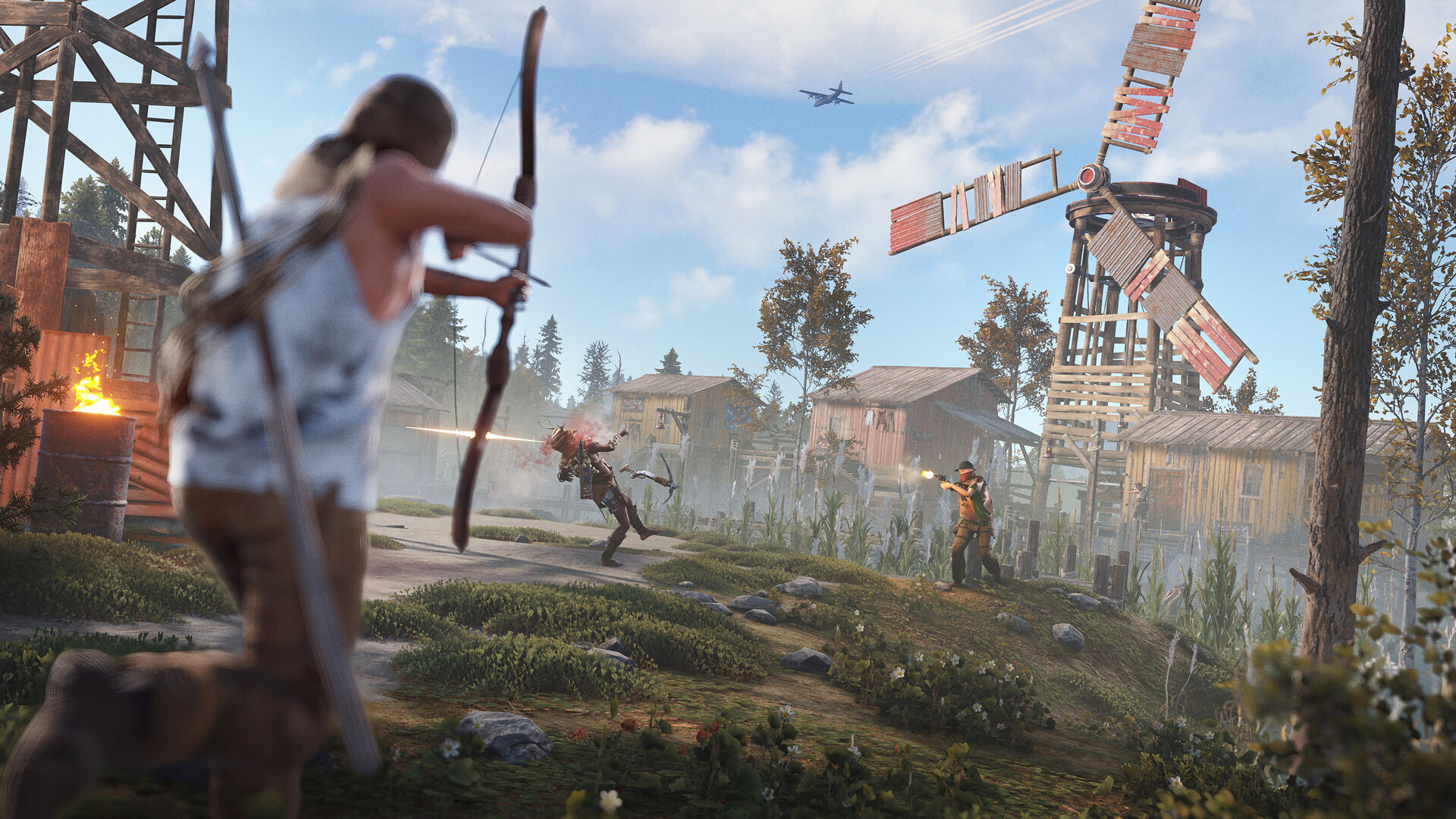
Images are provided by Steam and belong to their publishers.
The browser shows how many players are online and how many are queued. A queue means the server is full and you wait in line. Big servers can hold up to 1,000 players, but smaller ones are often calmer.
Way 2: connect with the F1 console
Every server has an address made of an IP and a port. Server owners and Discord communities often post it. You can use it when a server does not appear in the browser or when a friend sends you the address.
- Join any server or sit on the main menu, then press F1 to open the console.
- Type client.connect 203.0.113.5:28015 (replace the address with the real one) and press Enter.
- Wait for the map to download. The first load can take a minute or more.
You can also add an address to your Steam favourites list from the Steam client under View, then Game Servers, then Favorites. After that it appears in the in-game browser.
Use the Oggo live server list
Our Rust servers page lists community servers from Steam with live player counts. Pick a mode such as vanilla, modded, PvE, solo/duo or roleplay, copy the address and connect with F1. Here is a quick look at the top vanilla servers right now.


What the server types mean
| Type | What it means | Good for |
|---|---|---|
| Official | Run by Facepunch, standard rules, no mods | Learning the real game |
| Vanilla / 1x | Community server with normal rates, close to official | Slow, classic progress |
| Modded | Faster gathering, bigger stacks, kits, teleports or other plugins | Short sessions, fast progress |
| PvE | Players are protected from each other (rules differ per server) | Building and exploring in peace |
| Solo / duo / trio | Team size is limited by the server | Players without a big clan |
| Roleplay | Its own story rules for behaviour and combat | Players who like acting out a character |
These labels come from the server owners, not from Facepunch, so read the rules. PvE in particular can mean different things: some servers still allow raiding of offline bases or events with PvP.
How to read a server name
Most community names pack the rules into a few words. A typical name might say "2x Solo/Duo Wipe Thursday". Here is the decoder.
| Part | Meaning |
|---|---|
| 1x, 2x, 3x, 10x | Gather and craft rate. 1x is vanilla speed. 2x doubles it. Higher rates make progress faster, and the very high ones are often chosen by servers that wipe less often. |
| Solo, Duo, Trio, Quad, No limit | Maximum team size. Solo-only servers are fair for one person but often have fewer players. |
| Wipe day or date | When the map resets. Weekly, biweekly and monthly are common. |
| BP wipe | Whether learned blueprints also reset. Check the description. |
| Region (EU, US, AU) | Where the server is. Pick the closest to keep ping low. |
| Queue | Players waiting to enter a full server. |
How to pick a good first server
- Ping: choose a server in your region. As a rough rule, lower is better and a very high ping makes fights feel unfair.
- Population: a few dozen to a few hundred players is plenty. Empty servers feel dead and giant ones may have queues.
- Wipe age: a server that wiped in the last day or two gives new players a fair start. Late in the wipe, big groups already own the map.
- Group limit: if you play alone or with one friend, choose solo or duo.
- Rules and Discord: a server with clear rules and active admins is safer than one with a long list of promises.
Common mistakes
- Joining a server in the wrong region and blaming the game for lag.
- Joining a 3x server late in its wipe and finding every good spot taken.
- Forgetting the port in client.connect. The command needs IP and port.
- Ignoring the wipe date and losing a base you spent hours building.
Parents note
Rust is an online game with violence and other real players. Steam notes violence and caveman themed nudity, and the options menu can disable nudity, blood, signs and voice and text chat. Community servers have their own rules, so check them. Our Rust hub has more details.
Next steps
Learn when servers reset in our Rust wipe schedule guide, then follow the first hour guide. Want to watch before you play? See live streams.