


Many players copy a pro's settings and wonder why nothing feels right. A better way is to understand what each setting does and then tune it for your own hand and screen. This guide uses numbers from CSDB's tracked pro data, as checked on October 9, 2026. They are reference points, not rules.
Key takeaways
- Stable FPS matters more than pretty graphics.
- eDPI is your mouse DPI multiplied by your in-game sensitivity.
- CSDB reports a median pro eDPI of 800, and 85% of tracked pros within 600 to 1,200 (their own table adds up to about 83%).
- Change one thing at a time and test it for a few days.
Video settings
CSDB recommends high and steady FPS, using low to medium shadows and detail and modest anti-aliasing. It suggests native resolution as the default, and says a stretched resolution is fine if you prefer it. It gives no exact preset, so try a setting and watch your frame rate with the console command cl_showfps 1.
These screenshots may contain violence.
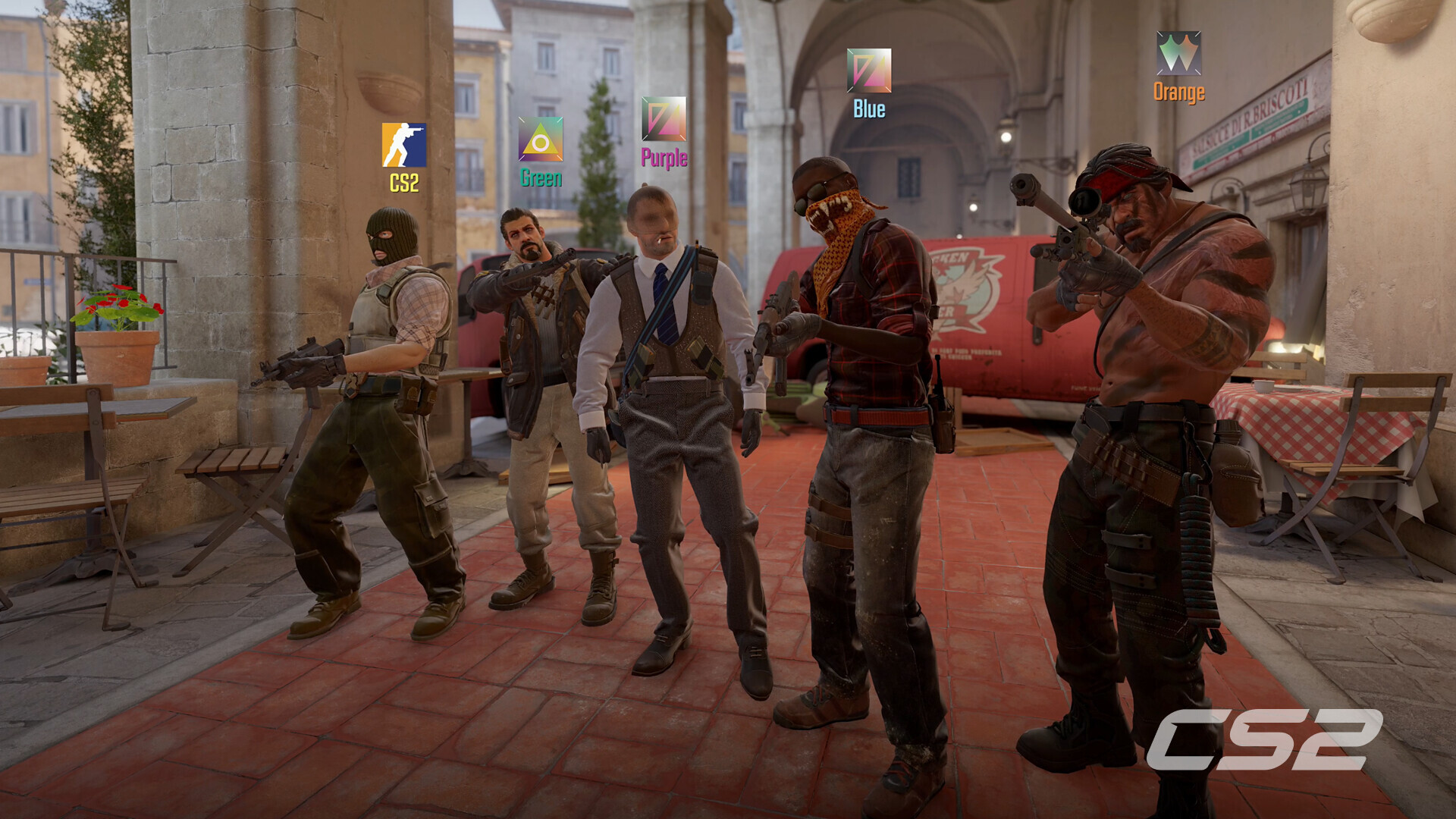
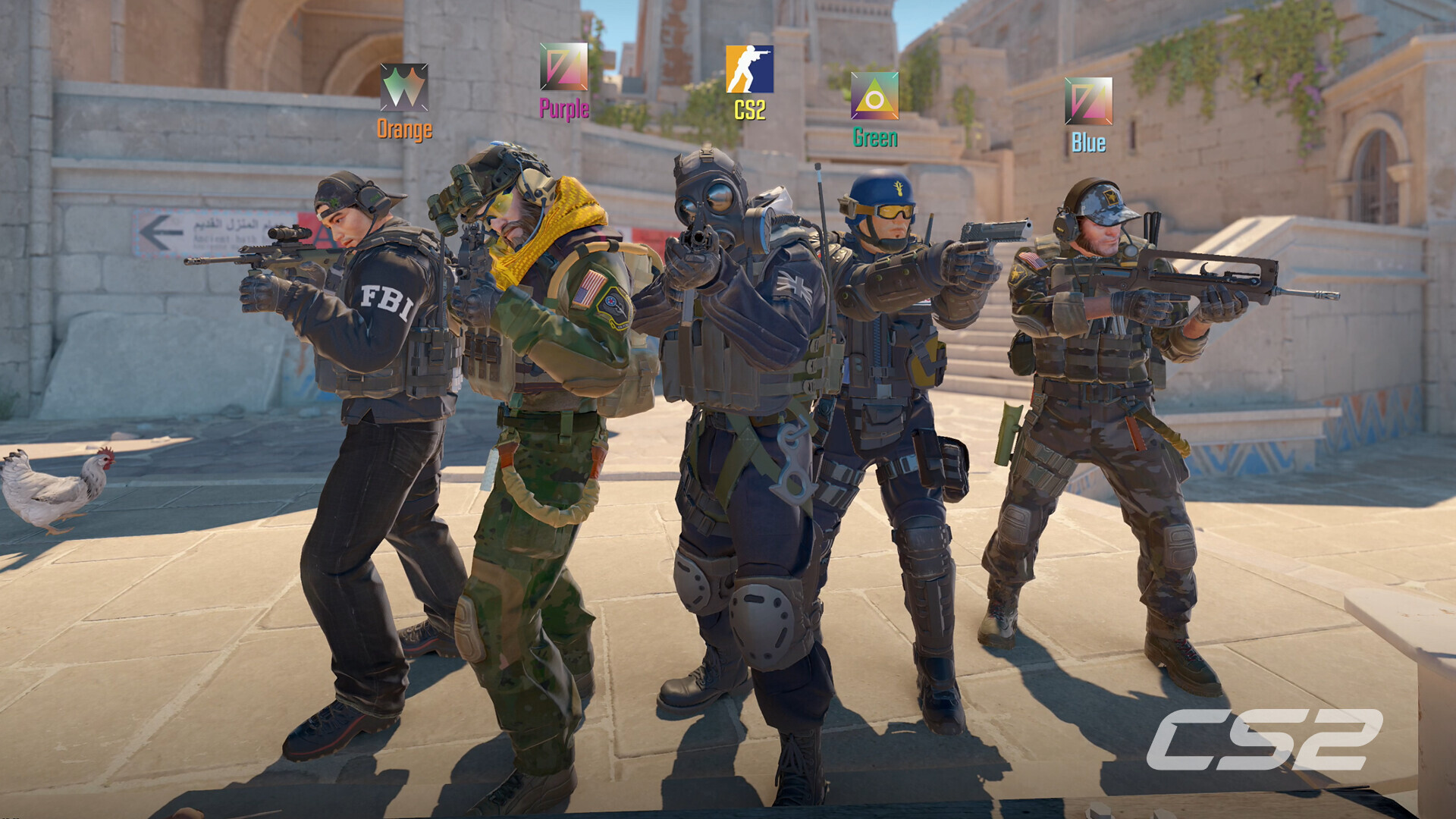
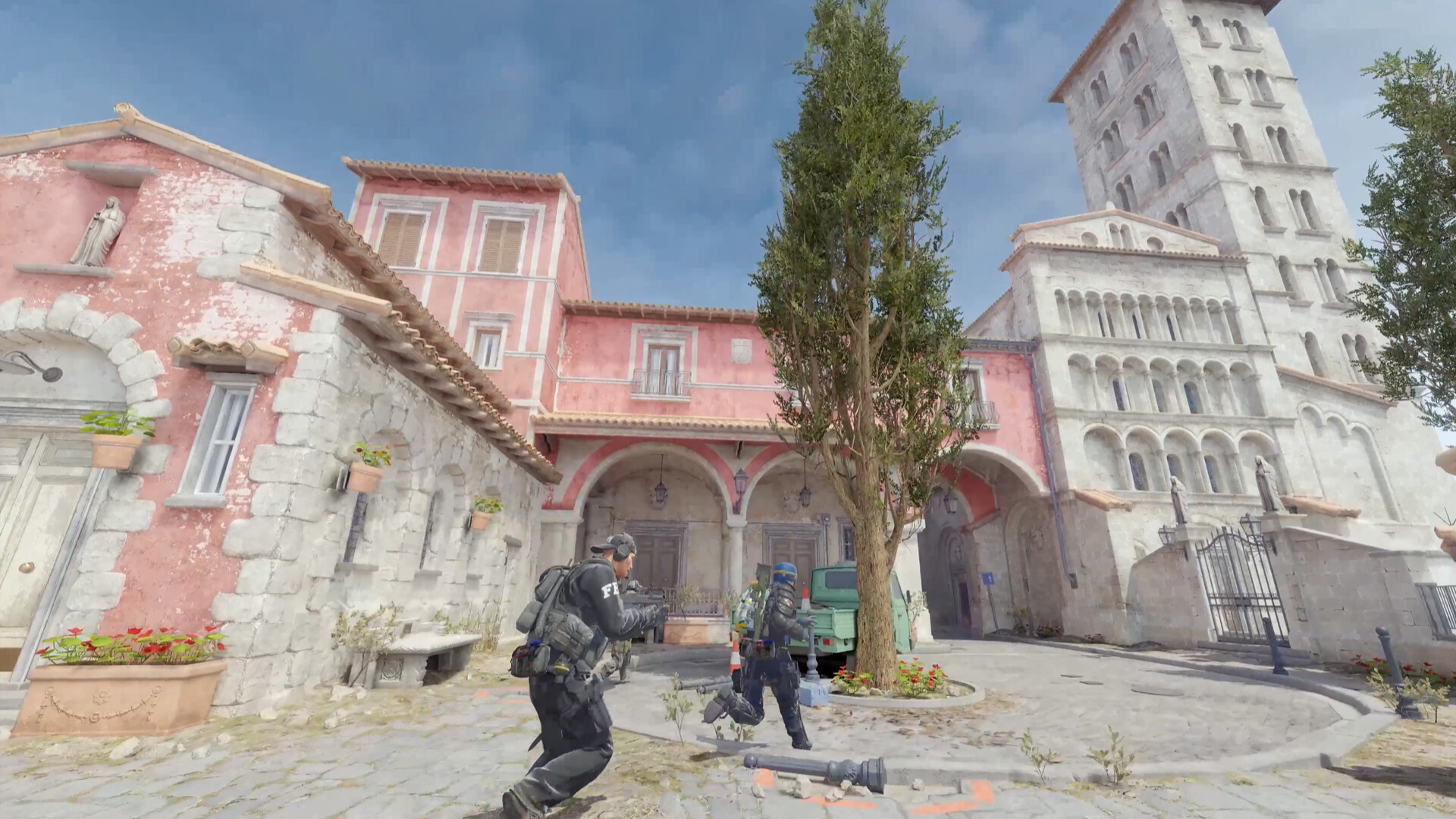
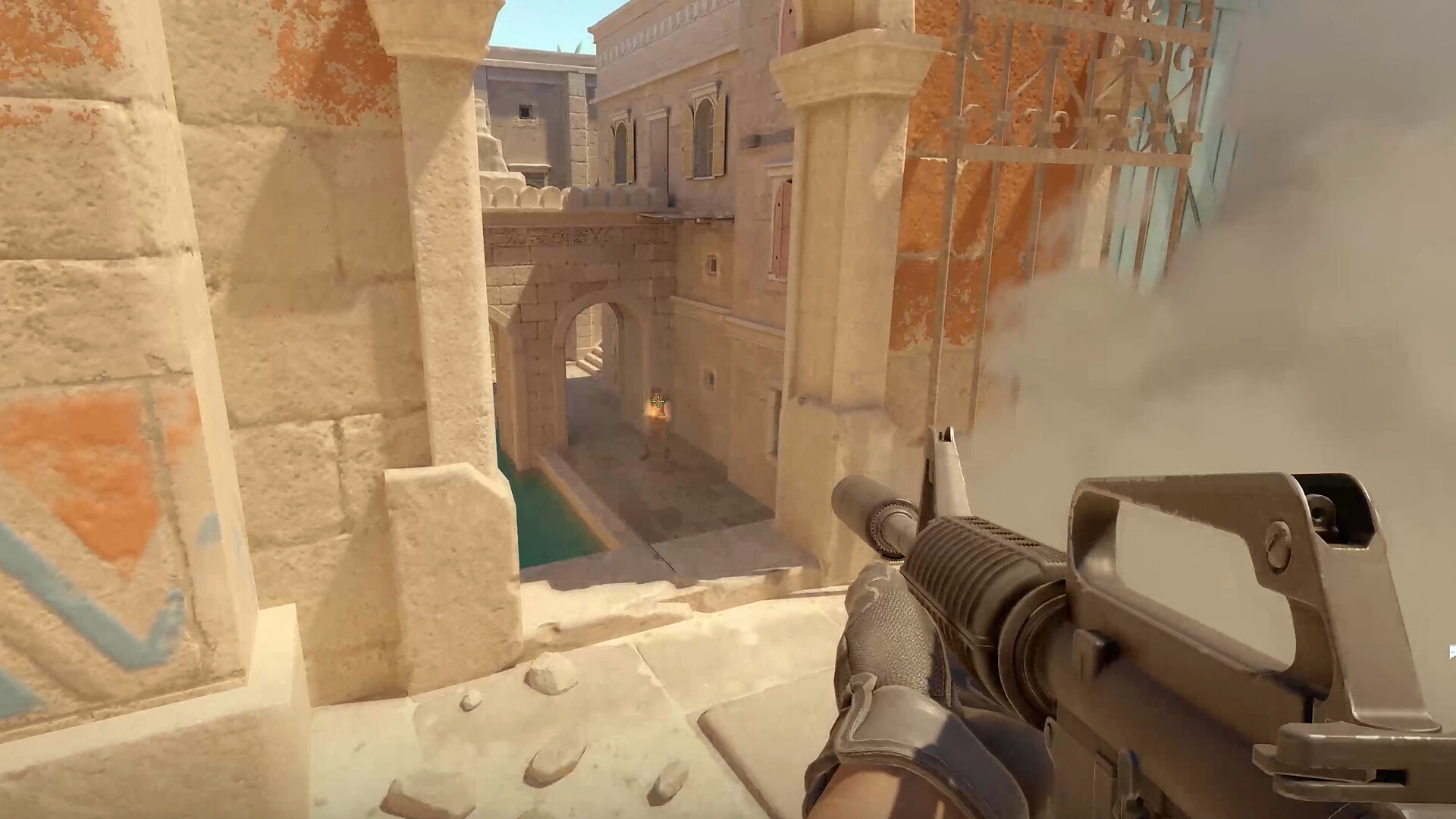
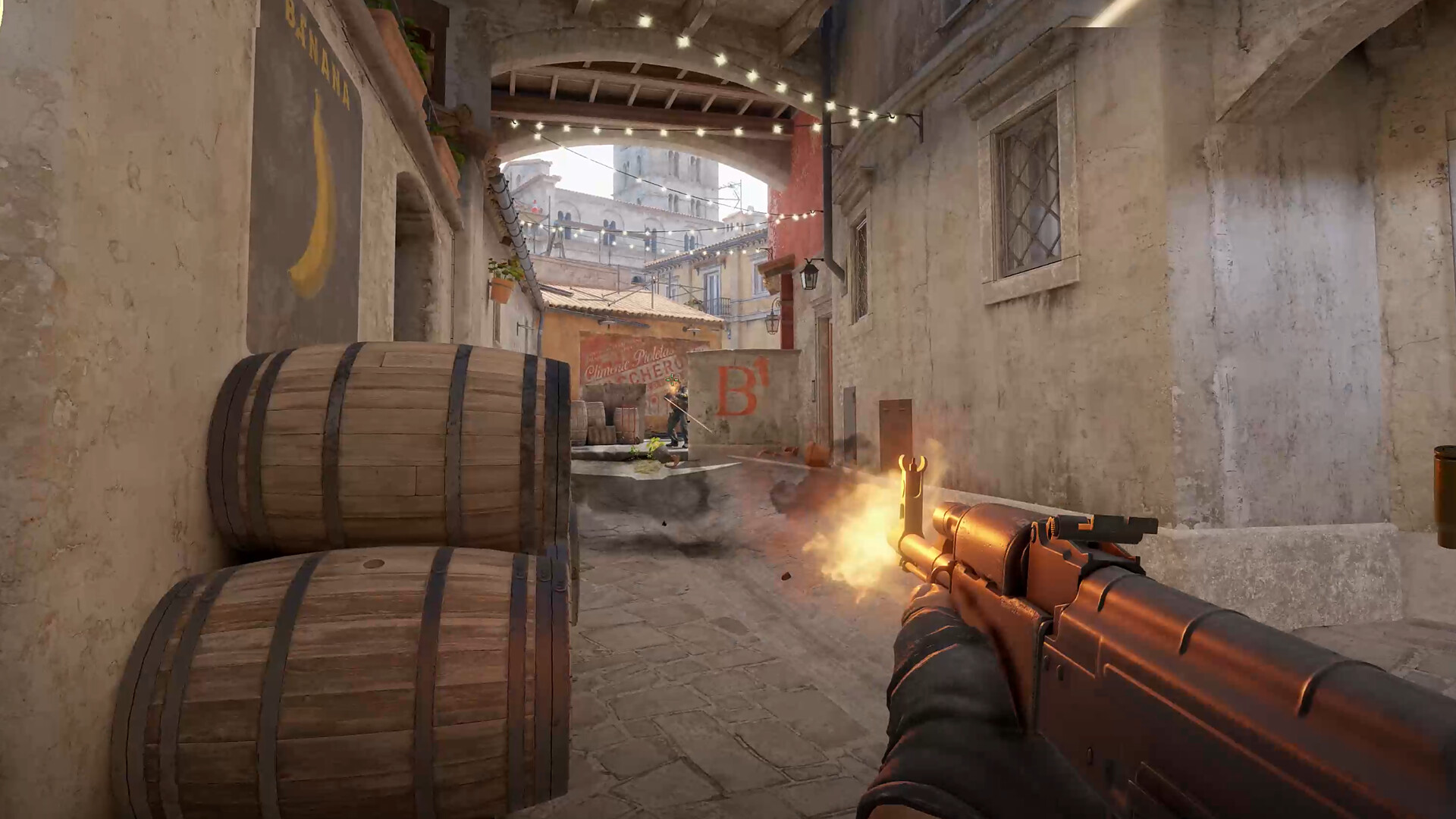
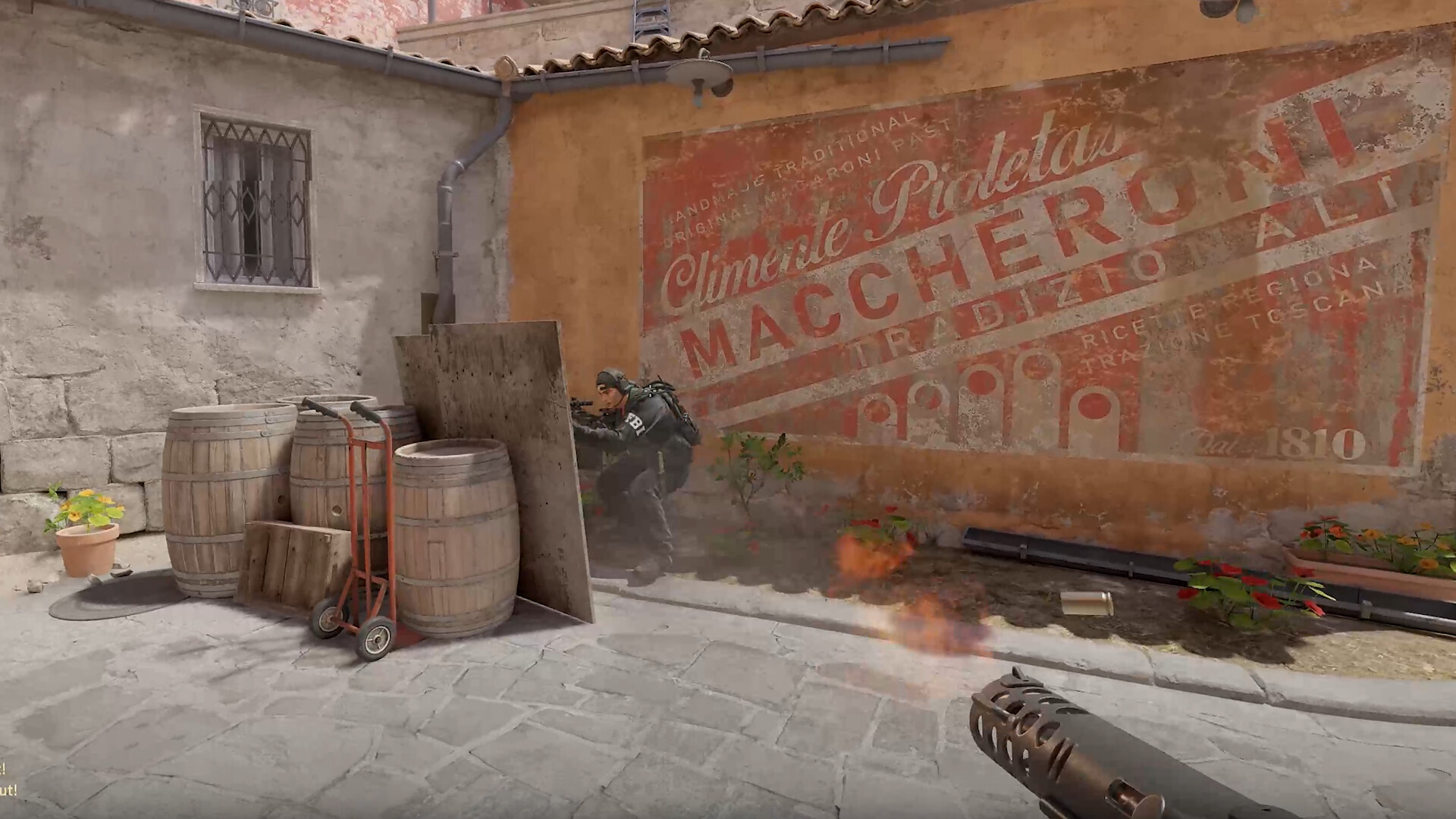
Images are provided by Steam and belong to their publishers.
Mouse and eDPI
eDPI lets you compare different setups. A mouse at 800 DPI with sensitivity 1.0 gives 800 eDPI, and so does 400 DPI with sensitivity 2.0.
| Fact from CSDB pro data | Value |
|---|---|
| Median eDPI | 800 |
| Range seen | 276 to 4,000 |
| Most common DPI | 400 (about 51% of pros) |
| Largest group | 800 to 999 eDPI (about 41%) |
The same page also gives a different tip for new players: 800 DPI with in-game sensitivity from 1.5 to 2.5. That equals 1,200 to 2,000 eDPI, which is above the pro range. Sources disagree, so treat any single number carefully.
Find your own sensitivity
- Set your mouse to a DPI you can keep, such as 800 or 400.
- Start near the pro median and play Deathmatch for a few days.
- If you miss by flicking too far, lower it. If you run out of mouse pad, raise it.
- Pick a number and keep it for at least a few weeks.
Raw input
CS2 has a raw input option in its mouse settings. It makes the game read the mouse directly instead of using Windows pointer settings. We could not confirm the exact default from the sources we opened, so look at the setting yourself and keep it on if your aim feels consistent. Valve's menus can change with updates.
Crosshair and viewmodel
CSDB recommends a small, bright, static crosshair and notes that a central dot is optional. Valve changed the crosshair system in September 2026, so older console commands may behave differently. Read our crosshair update guide before pasting old codes. CSDB also names a viewmodel FOV of 68 as the maximum and calls it a cosmetic choice that does not change hitboxes.
En live : Counter-Strike 2
Tout voir →


Next steps
Test your new settings with our aim training routine, then visit the CS2 hub for servers.

