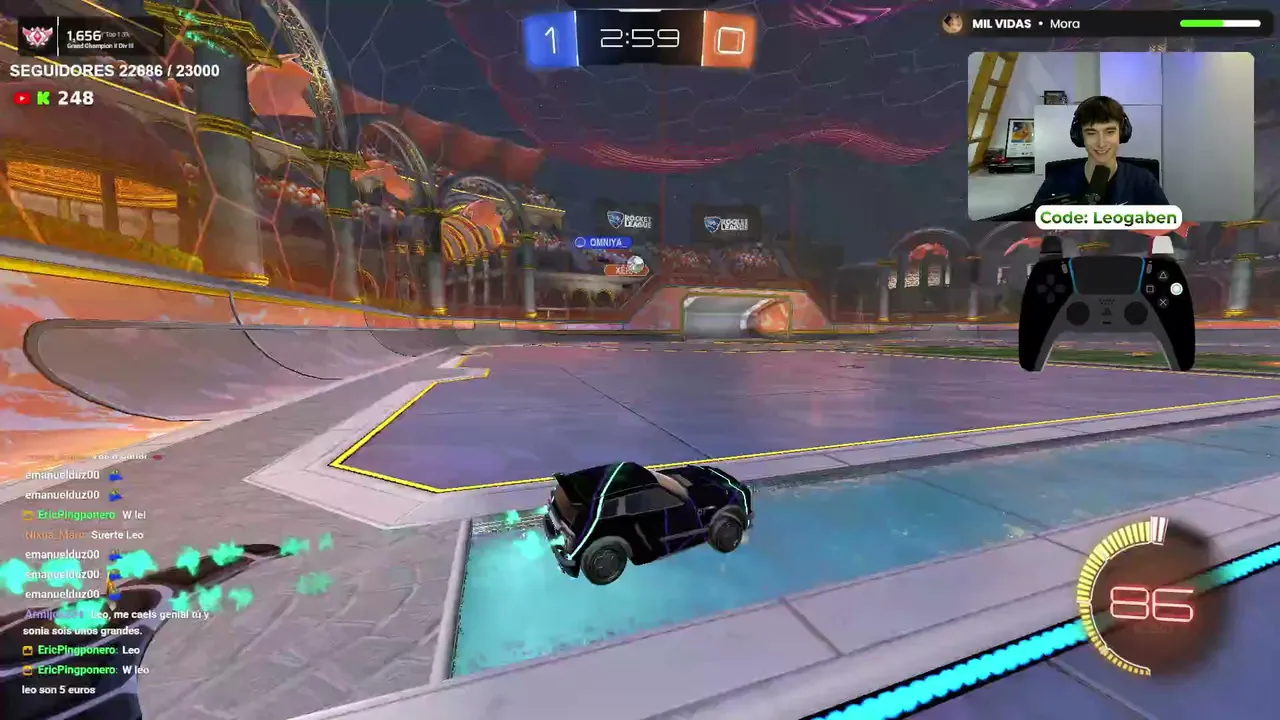

Rocket League is light compared with most modern games. A basic gaming PC runs it well, and many office laptops with a small graphics chip can run it too. This guide gives the official requirements, explains what they mean in real use and lists settings that raise your frame rate. The numbers come from the Epic Games Store page, checked on October 10, 2026. They can change with updates.
Key takeaways
- You need 64-bit Windows. The store lists Windows 7 (64-bit) or newer.
- Minimum: 2.5 GHz dual-core CPU, 4 GB of memory and a GeForce 760 class graphics card.
- Recommended: 3.0+ GHz quad-core CPU, 8 GB of memory and a GTX 1060 class card.
- The game needs 20 GB of free space and DirectX 11.
- On PC you install it from the Epic Games Store, not from Steam.
Official requirements
| Part | Minimum | Recommended |
|---|---|---|
| OS | Windows 7 (64-bit) or newer | Windows 7 (64-bit) or newer |
| CPU | 2.5 GHz dual-core | 3.0+ GHz quad-core |
| Memory | 4 GB | 8 GB |
| Graphics | NVIDIA GeForce 760, AMD Radeon R7 270X or better | NVIDIA GeForce GTX 1060, AMD Radeon RX 470 or better |
| Storage | 20 GB | 20 GB |
| DirectX | DirectX 11 | DirectX 11 |
What the numbers mean in practice
Think of "minimum" as "the game starts and is playable" and "recommended" as "it feels smooth". The store page does not list a target frame rate for either tier, so we cannot promise a number such as 60 FPS. In a fast game like Rocket League, a steady frame rate matters more than pretty graphics. If the frame rate jumps up and down, your car feels harder to control, even when your internet is fine.
The graphics cards on the list are old. The GeForce 760 and Radeon R7 270X came out many years ago, and the GTX 1060 and RX 470 are also older models. Any recent graphics card or modern integrated graphics should be at least as fast. If you are not sure what you have, press the Windows key, type "dxdiag" and open the Display tab. It shows your graphics chip. The System tab shows your memory.
How to install on PC
- Create a free Epic Games account if you do not have one.
- Install the Epic Games Store app and sign in.
- Search for Rocket League and press the free install button.
- Choose a drive with at least 20 GB free. An SSD makes loading faster, but the store does not require one.
- Start the game, finish the short intro and open Settings before your first match.
The PC version moved to Epic when the game became free to play in 2020. The old Steam page still exists, but it is marked unlisted and shows no purchase button. Players who owned the game on Steam before the move could keep playing. Mac and Linux versions ended online play in March 2020, so today the game is for Windows PCs and consoles.


Settings that raise your frame rate
- Set a frame rate limit. Match it to your monitor, for example 60 or 144. A limit keeps the game steady and cuts heat.
- Lower shadows and effects first. These cost the most speed and change the look the least.
- Use a lower render quality or a lower resolution if a laptop struggles.
- Turn off extras you do not need, such as motion blur, if you find them distracting.
- Update your graphics driver from the maker's website (NVIDIA, AMD or Intel).
- Close other programs. Browsers and launchers use memory and processor time.
Network and anti-cheat problems
Online games need a stable connection. Use a wired cable when you can. Rocket League uses Easy Anti-Cheat. A patch in August 2026 (v2.72) fixed a launch problem caused by an Easy Anti-Cheat popup and several crashes in Settings and in Training, which shows that update problems do happen. If the game will not start after an update, restart the Epic Games Store app, verify the game files in the library menu and install the newest driver.
Consoles and Switch
You do not need a gaming PC at all. Rocket League is free on PlayStation, Xbox and Nintendo Switch, and it uses the same Epic account on every platform. Console players get the same ranks and the same seasons as PC players. The Epic page we used lists Windows only, so check your console store for its own size and update notes. If your PC is very old, a console is a simple way in, and cross-platform play lets you queue with friends on other systems.
Quick check: which tier is your PC?
| Your PC | What to expect | What to do |
|---|---|---|
| Meets recommended | Should run smoothly at good settings | Set a frame cap that matches your monitor |
| Between minimum and recommended | Playable, with lower settings | Lower shadows and effects first |
| Below minimum | May stutter, crash or not start | Update drivers, close apps, or try a console |
This table is our own rule of thumb, not an official promise from Psyonix. Real results depend on drivers, background apps and the exact chip in your computer.
Common mistakes
- Looking for the game on Steam and paying a third-party seller for a key. The game is free.
- Installing to a nearly full drive. Leave extra space for updates.
- Judging your PC by the minimum list only. If you want smooth play, aim for the recommended level.
Next steps
Once it runs, read the beginner guide and check what is new in Season 24. You can also visit the Rocket League hub to see who is streaming.
Jetzt live: Rocket League
Alle ansehen → LIVE
Twitch
29
🔥WIN CHALLENGE 2/5 🔥| !socials !ig !nyfter #ROADTOPARTNER
Yuzokade
LIVE
Twitch
29
🔥WIN CHALLENGE 2/5 🔥| !socials !ig !nyfter #ROADTOPARTNER
Yuzokade
 LIVE
Twitch
25
🔥ROAD TO GC2 (bin aktuell GC3)🔥ENDLICH DEV BOOST?!🔥
Krazyczzde
LIVE
Twitch
25
🔥ROAD TO GC2 (bin aktuell GC3)🔥ENDLICH DEV BOOST?!🔥
Krazyczzde
 LIVE
Twitch
22
SSL GRIND mit @swefli ✅ Creatorcode: c0by ✅ Alle Infos im !discord
c0byde
LIVE
Twitch
22
SSL GRIND mit @swefli ✅ Creatorcode: c0by ✅ Alle Infos im !discord
c0byde
 LIVE
Twitch
20
🔥 Viewer 1v1s/Turniere 🔥 DIE STIMMEN GEWINNEN 🔥 !dc !socials !settings [327/365]
zkevenn_de
LIVE
Twitch
20
🔥 Viewer 1v1s/Turniere 🔥 DIE STIMMEN GEWINNEN 🔥 !dc !socials !settings [327/365]
zkevenn_de
