
The fastest way to get Red Dead Redemption 2 running smoothly on PC is to lower a handful of expensive settings (water, volumetrics, MSAA and reflections) and leave the cheap ones high. You do not need to drop everything to Low. This guide shows which options cost the most frame rate, how Vulkan and DirectX 12 compare, and a simple order to test changes. It reflects the Rockstar support page and testing from Shacknews and KitGuru, checked on October 10, 2026.
Key takeaways
- Vulkan is the default graphics API. DirectX 12 is an option in the advanced settings. Test both on your PC.
- Water, volumetrics, MSAA and ultra reflections are the big frame rate costs.
- Several options (decals, particles, parallax, global illumination) cost almost nothing, so keep them high.
- Use the built-in benchmark (Settings, Graphics, Run Benchmark Test) after each change.
- If you play RedM, leave headroom: server scripts and other players add load.
Start with the quality slider and the benchmark
RDR2 came to PC on November 5, 2019 through the Rockstar launcher, and it reached Steam in December 2019. Its graphics menu has a quality slider with about 20 steps between performance and image quality. Rockstar says the slider looks at your hardware and resolution and picks a balance for you. Press it once, then run the benchmark to get a baseline.
Write down your average frame rate. A target of 60 fps is a good goal for most people. If you already reach it, you can raise sharpness. If you are at 40 fps or less, you need to cut settings.
Vulkan or DirectX 12?
The game defaults to Vulkan. In an early KitGuru test on an RTX 2080 Ti at 1080p with settings pushed high, Vulkan averaged 93 fps and DirectX 12 averaged 88. The author called it a first look, and your result can differ. Older graphics cards and some drivers behave better in one mode than the other. A practical method: run the benchmark in Vulkan, switch to DirectX 12, run it again, and keep the one with fewer stutters, not just the higher average.
These screenshots may contain violence.
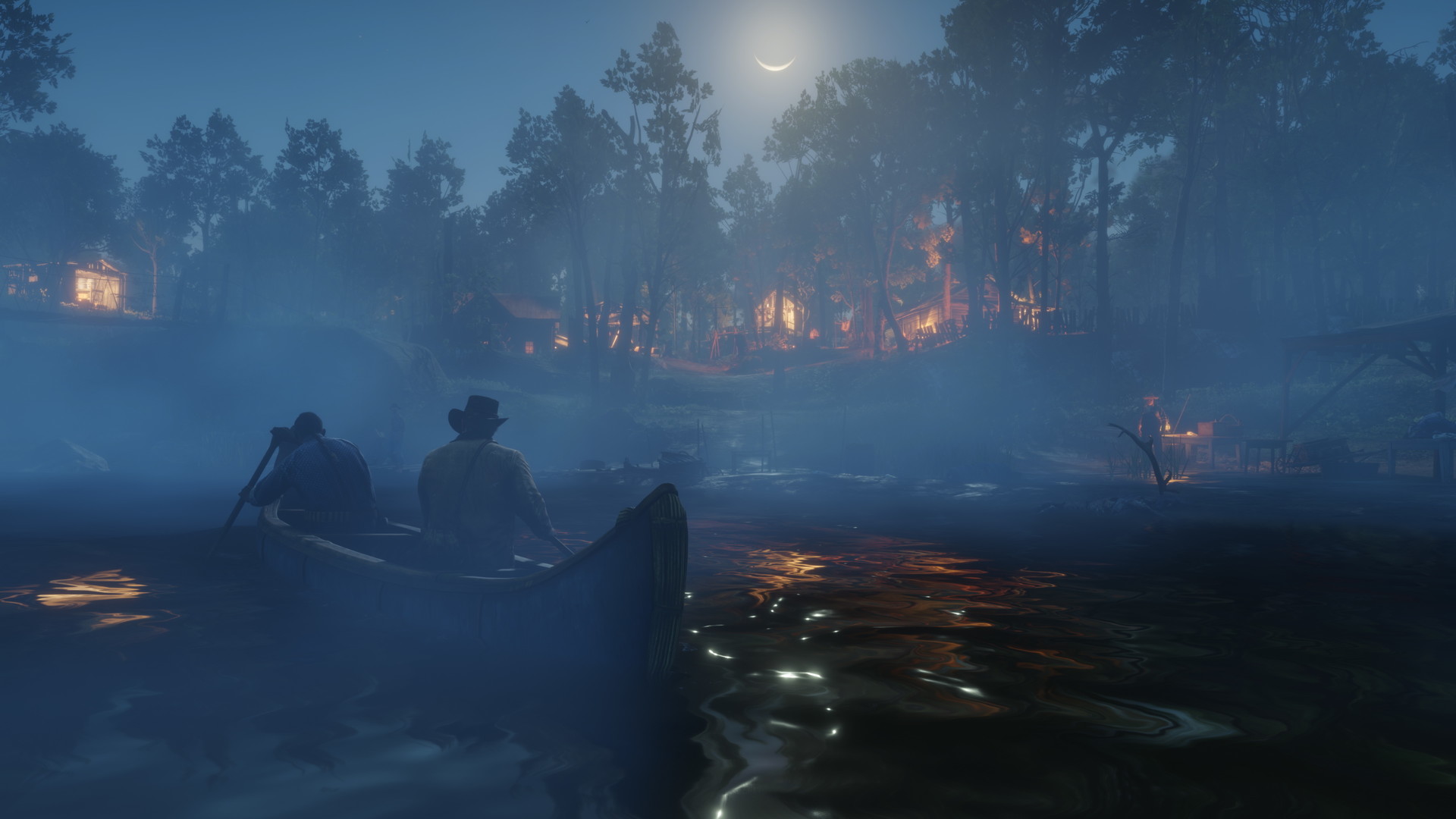
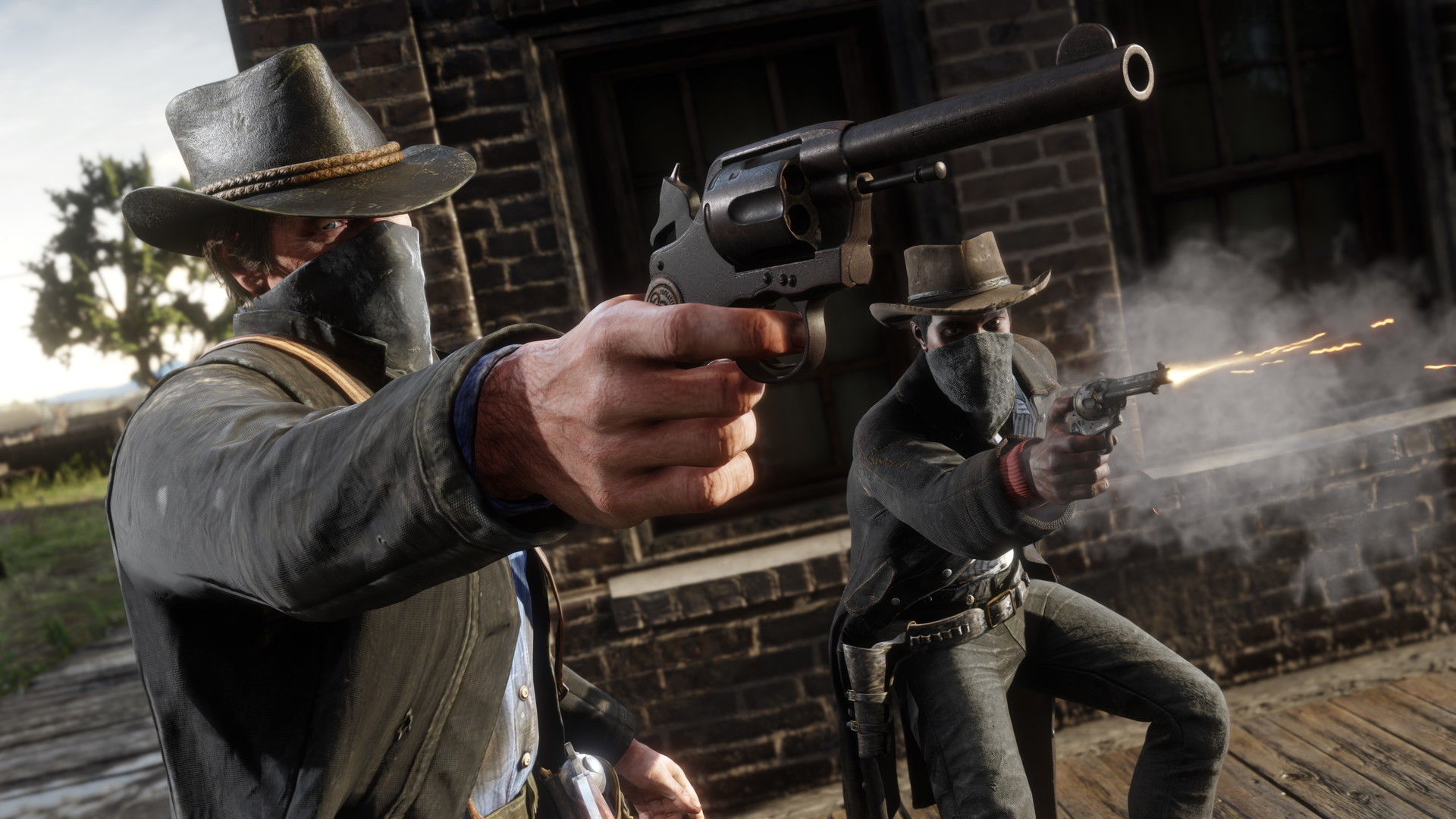
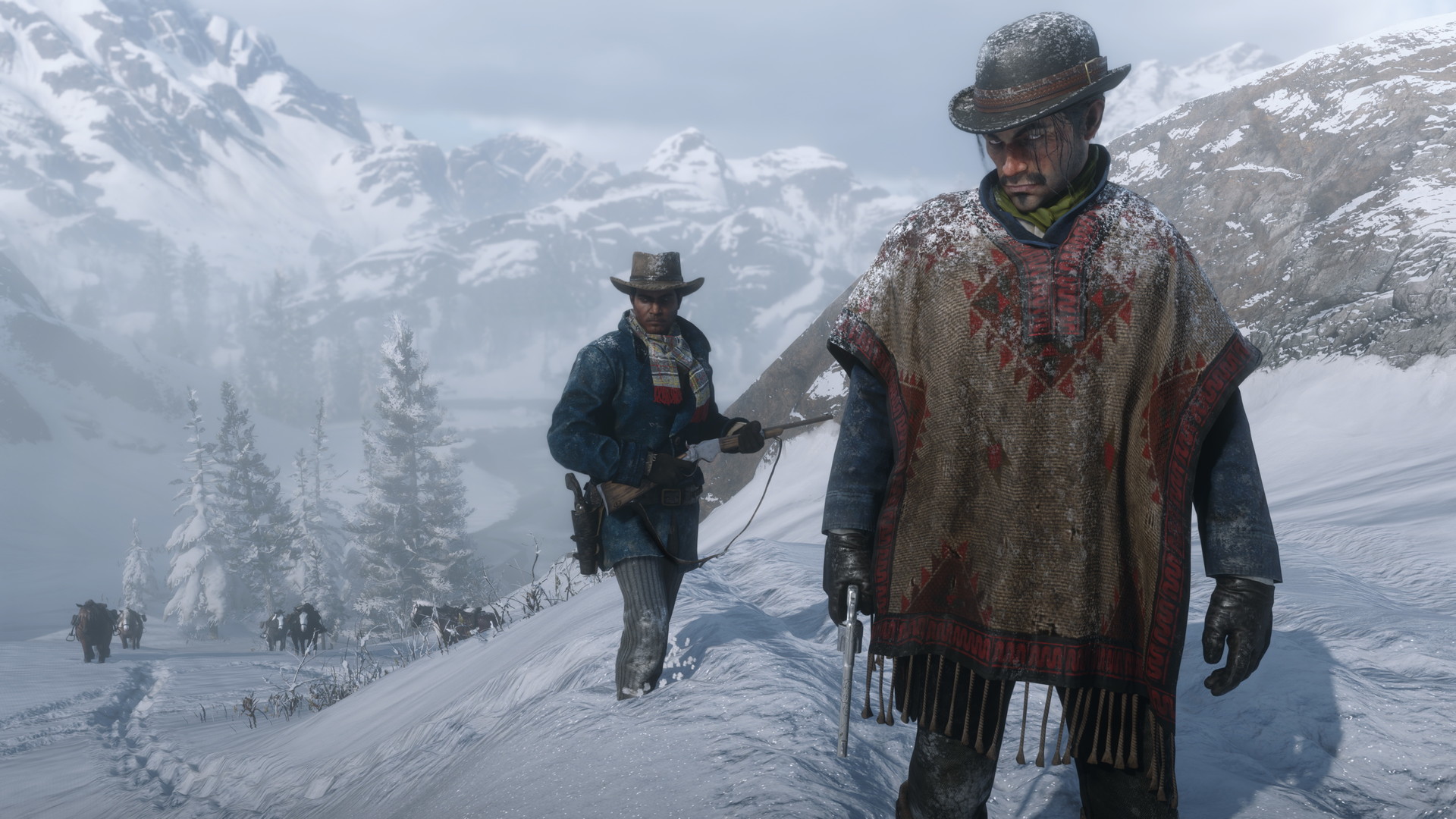
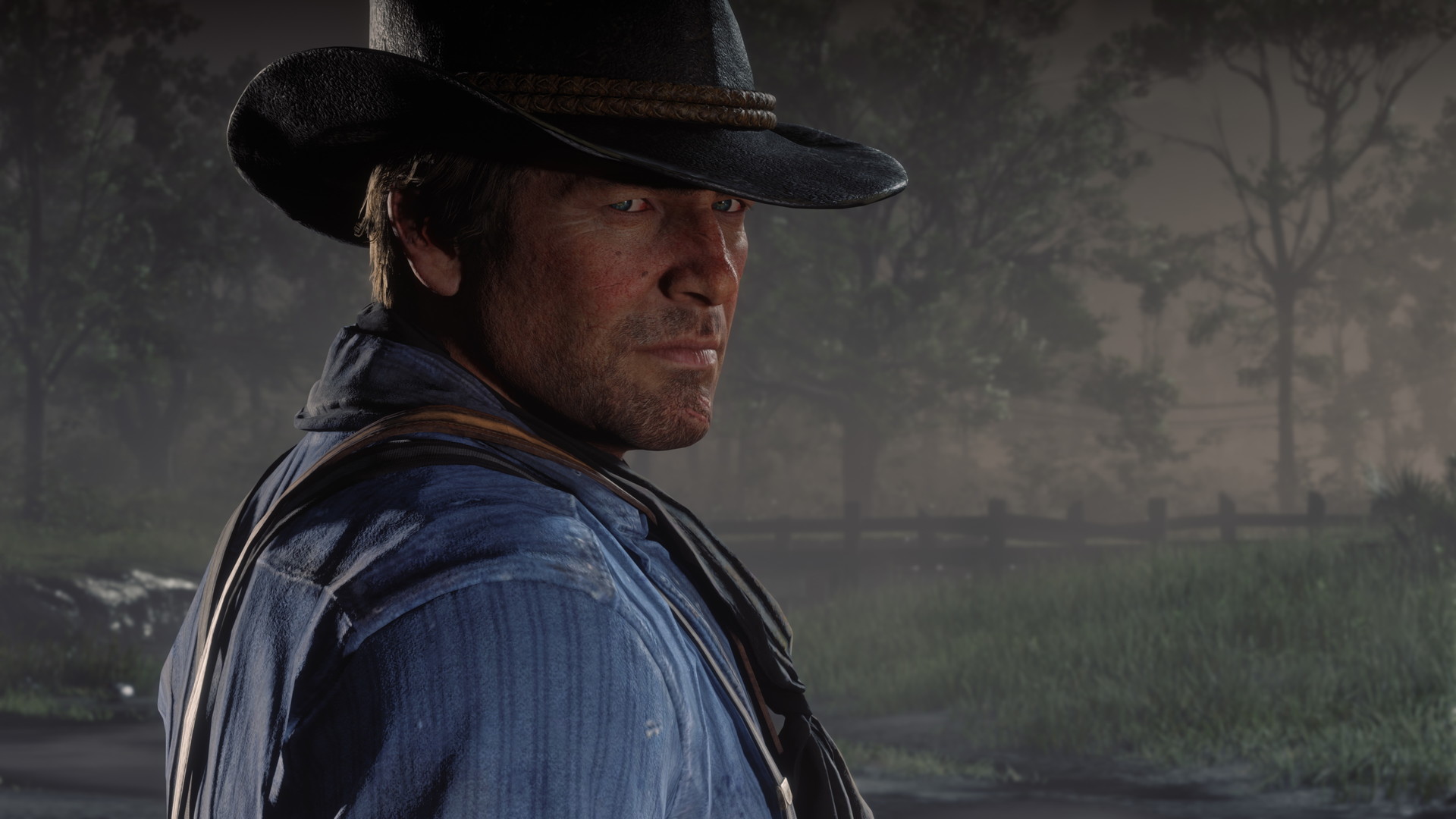
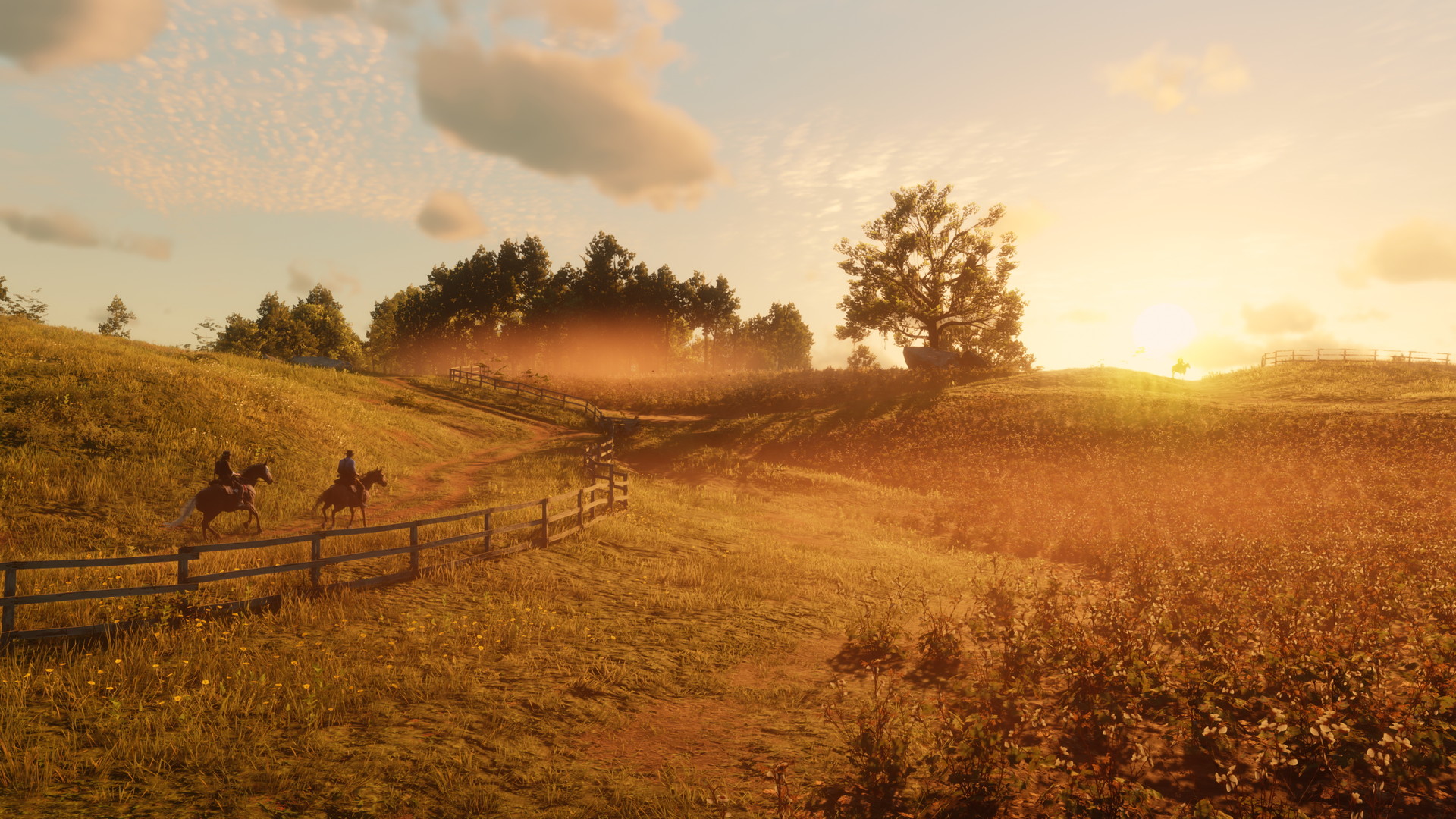
Images are provided by Steam and belong to their publishers.
The settings that cost the most
Shacknews tested the game soon after the PC launch. Exact numbers vary with hardware and later patches, but the ranking of costs is a useful guide.
| Setting | Cost | Suggestion |
|---|---|---|
| Water Physics Quality | Very high. Medium to Ultra was close to a 40% difference | Medium |
| Water Quality | Large at high levels | Medium or Low |
| Volumetrics Quality / Near Volumetric Resolution | Large | Medium |
| MSAA | Large, worse at high resolution | Off, use TAA or an upscaler |
| Reflection Quality (Ultra) | Large | High or Medium |
| Grass Level of Detail | Large when maxed | Lower a few steps |
| Lighting Quality | Up to 25 to 40% at night | Medium if you play at night a lot |
| Far Shadow Quality, Tessellation, Tree Tessellation | Small, about 2 to 5% each | Lower if you need a few more frames |
Settings that are almost free
The same testing found that Decal Quality, Parallax Occlusion Mapping, Particle Quality, Far Volumetric Resolution, and Global Illumination cost very little. Keep these on High or Ultra. Anisotropic filtering at 8x or 4x saves only a frame or two, so leave it high too. Full Resolution SSAO adds cost without a visible gain, so turn it off.
Textures and video memory
Texture Quality depends mostly on your graphics memory. Shacknews suggested Ultra for cards with 6 GB or more, and High or Medium for 4 GB or less. If textures pop in late or the game stutters when you ride into a town, lower this setting one step before changing anything else.
Anti-aliasing and upscaling
TAA smooths edges well and costs little. High is a good choice at 1440p and above, and Low can recover a frame or two. FXAA is cheaper but looks worse in motion. On Nvidia RTX cards, DLSS is a built-in option that can raise frame rate with little visible loss, and it replaces TAA, MSAA and the resolution scale while active. Check the in-game menu to see which upscaling options your card supports.
A simple tuning order
- Update your Nvidia or AMD driver and update RDR2 in its launcher.
- Install the game on an SSD if you can. It is a very large game (see the requirements guide).
- Run the benchmark at the default slider position and note the result.
- Set MSAA off and water, volumetrics and reflections to Medium or High.
- Run the benchmark again. If you reach your target, raise textures or TAA instead of more fps.
- Still short? Drop the resolution scale or use an upscaler, and lower grass and lighting.
Common mistakes
- Setting everything to Ultra, then lowering resolution. Lowering the few costly options keeps the picture sharper.
- Judging only by average fps. Stutter and 1% lows matter for feel.
- Running overlays, recorders and many browser tabs at the same time.
- Editing system files after random advice. Contact Rockstar Support for crashes.
Settings for RedM
RedM servers add scripts, custom maps, and sometimes dozens of players in one town. A setup that gets a steady 60 fps in the benchmark may drop to 40 in a busy saloon. Lower volumetrics, shadows and grass by a step and test on a populated server. Our RedM install guide shows the full setup.
Наживо: Red Dead Redemption 2
Усі → LIVE
Twitch
255
тяжелая ночь в салуне | !winline !тг
yurapivoru
LIVE
Twitch
255
тяжелая ночь в салуне | !winline !тг
yurapivoru
 LIVE
Twitch
223
5 meses sem fumar - DIRETO NO RP ❗weplay❗opera ❗eneba ❗crofthon ❗pix ❗insta ❗discord ❗server
LuCroftpt
LIVE
Twitch
223
5 meses sem fumar - DIRETO NO RP ❗weplay❗opera ❗eneba ❗crofthon ❗pix ❗insta ❗discord ❗server
LuCroftpt
 LIVE
Twitch
91
i havent been a GOOD man the GUILT me atormenta its JUST me and you brad penes contra my demons and the IMPOSTO | !pix !sub
juudtkkpt
LIVE
Twitch
91
i havent been a GOOD man the GUILT me atormenta its JUST me and you brad penes contra my demons and the IMPOSTO | !pix !sub
juudtkkpt
 LIVE
Twitch
83
TRUE GRIT - 🍂 Jose Pincha - Introducing Gustavo | !latest
Ditchen
LIVE
Twitch
83
TRUE GRIT - 🍂 Jose Pincha - Introducing Gustavo | !latest
DitchenNext steps: check what your PC needs in the RDR2 requirements guide, then browse live RedM servers or read our beginner tips.
