

To install Garry's Mod addons, open an addon's page on the Steam Workshop, click Subscribe, and let Steam download it. It then shows up in the game's Addons menu. When you join a server, the game fetches the Workshop items that server requires on its own, so you rarely need to subscribe by hand.
Key takeaways
- Subscribe on the Workshop page and Steam does the install. No manual file copying is needed.
- Servers can require Workshop addons. You download them while joining, and it is fastest on your second visit.
- Fewer addons means faster loading and fewer conflicts. Keep a short list.
- Prefer addons that are updated recently, well rated and widely used by other addons.
- To remove an addon, unsubscribe. The September 2026 update has a known delete problem in the new Downloaded category.
How to subscribe and install a Workshop addon
- Open Garry's Mod from Steam and choose the Workshop link in the main menu, or open the Garry's Mod Workshop page in Steam.
- Use the type and tag filters, or search by name.
- Open an addon page and read the description, the "Required items" list, the change notes and the comments.
- Click Subscribe. Steam queues the download in the background.
- Wait until Steam shows the download is finished, then start or restart the game.
- Open the Addons menu to check that it is listed and enabled.
Subscribing only queues the download. If an item looks missing in the game, give Steam a minute, then restart Garry's Mod. If an addon lists required items, subscribe to those too, or it will not work properly.
These screenshots may contain violence.
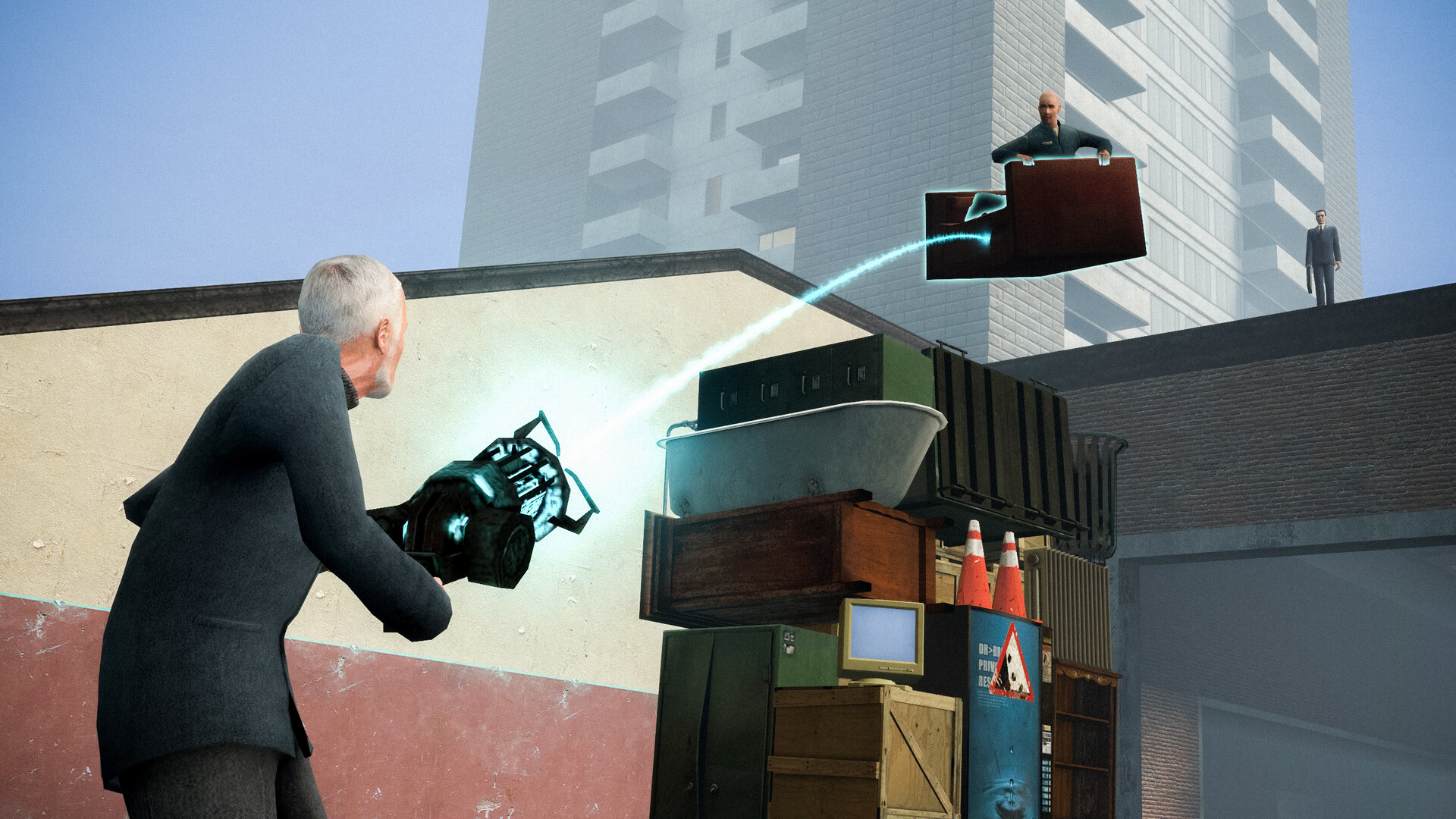
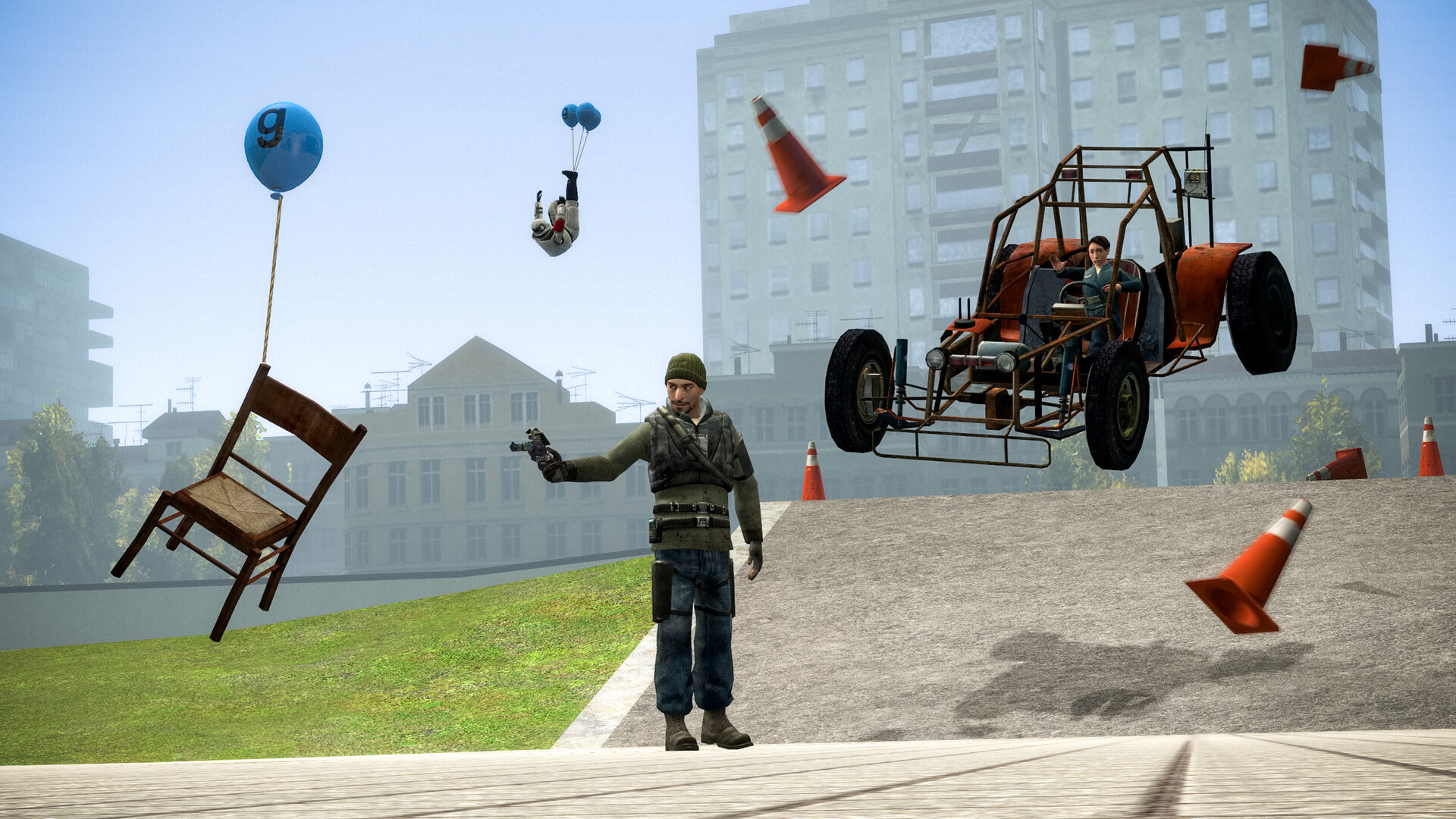
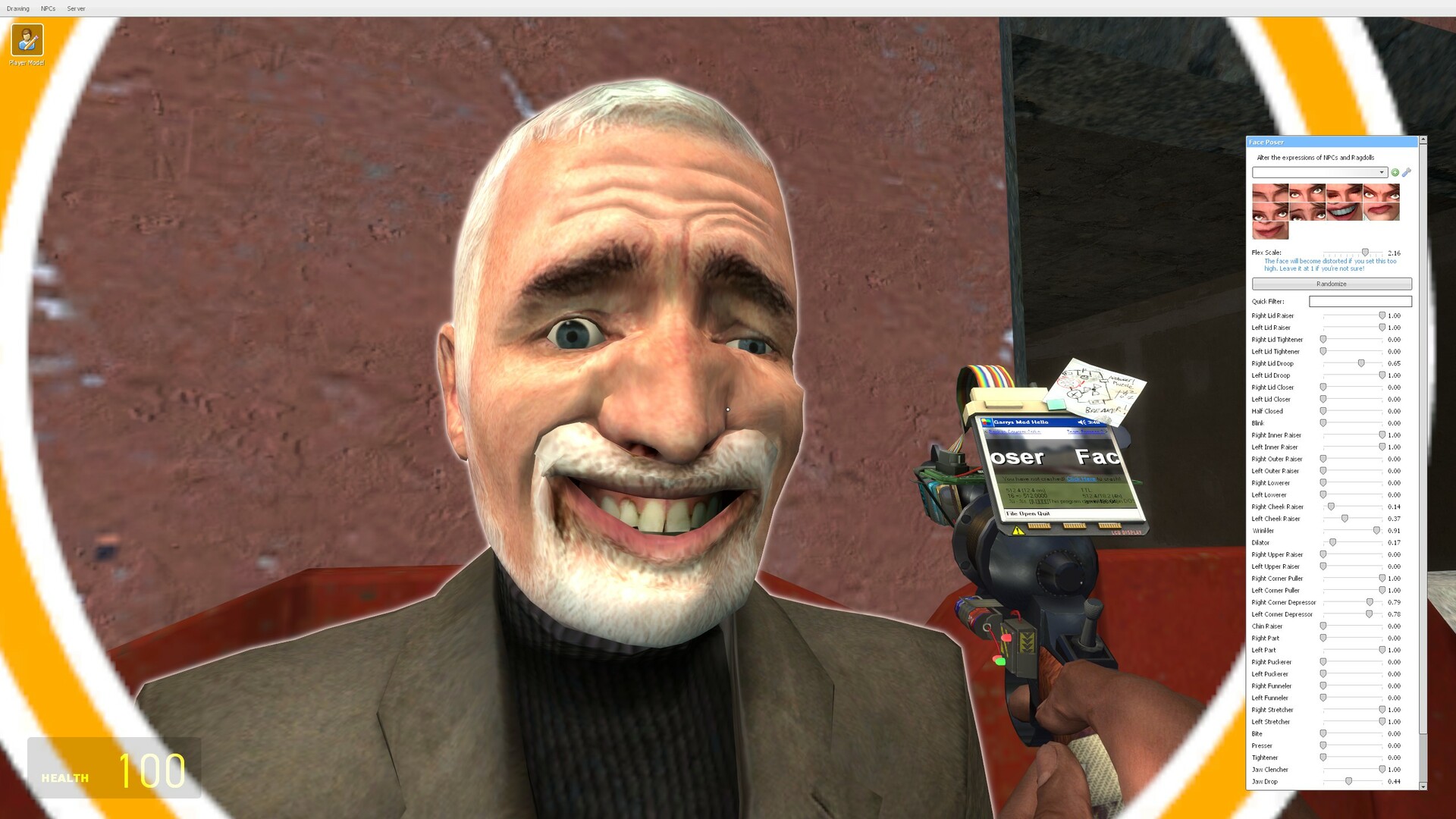

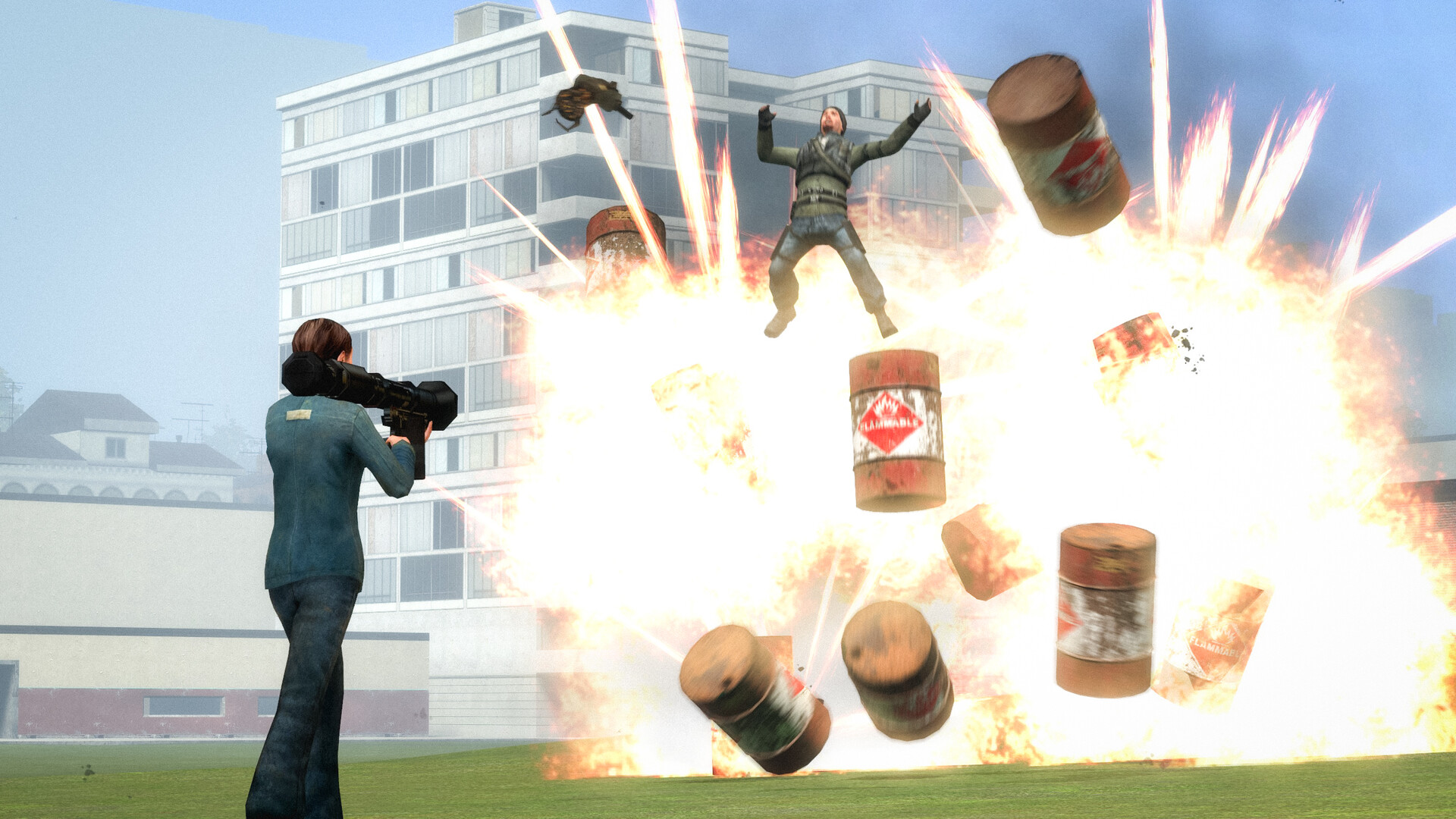

Images are provided by Steam and belong to their publishers.
What kinds of addons exist
On October 14, 2026 the Workshop sorted Garry's Mod items into these main types, with the number of items shown beside each. The counts change daily.
| Type | Items listed | What it adds |
|---|---|---|
| Model | 105,667 | Playermodels, props and ragdolls |
| Server content | 173,153 | Files meant for servers to share, such as content packs |
| Map | 69,788 | Places to build, play and roleplay in |
| NPC | 49,027 | Computer-controlled characters |
| Weapon | 34,021 | Weapons you can carry and use |
| Vehicle | 17,738 | Cars, boats and aircraft |
| Tool | 10,746 | Extra tools for the sandbox tool gun |
| Gamemode | 9,506 | Full game modes, such as those servers run |
Maps give the biggest change for little cost, but they can be large downloads. Tools and weapons add features for building and playing. Playermodels are cosmetic, so install only the few you will use. The Workshop's "Most Required by Other Items" list on October 14 named Wiremod, Sub Material Tool, Advanced Bone Tool, Easy Bonemerge Tool and VJ Base. Those are libraries that other addons rely on, which is why they appear so often. We did not test them, so read each page before you subscribe.
How addons download when you join a server
You do not need to match a server's addons ahead of time. The Facepunch wiki explains how a server hands out Workshop content.
- The server owner adds a collection to the server. If the server's current map belongs to that collection, clients are told to download it.
- A Workshop game mode can also be downloaded by clients when they join.
- Owners can force a single addon with custom content (models, sounds) using
resource.AddWorkshop. Lua-only addons do not need it, because Lua is sent by a separate system.
You will see messages such as "Downloading workshop items" while this happens. Our join guide explains the loading messages. Your first join to a heavy server can take several minutes, and after that Steam already has the files.
Browse the live Garry's Mod server list and note the first-join download time.
How to make a collection for your own server
- On the Steam Workshop, create a new collection for Garry's Mod and add the addons you want.
- Set the collection to public or unlisted. The wiki warns that a private one cannot be read by the server software.
- Copy the collection ID from its page address.
- Add
+host_workshop_collection YOURIDto the server's startup command line. - Start the server. It downloads the collection and mounts the addons. Nested sub-collections are downloaded too.
The wiki also says addons update on every server start. Setting host_workshop_autoupdate to 0 stops that, but it can leave the server on older maps and block players from joining.
Avoid broken, outdated and malicious addons
Anyone can upload to the Workshop, and Garry's Mod addons can run Lua code. Treat each subscription like installing a small program.
- Check the last update date, the change notes and recent comments. Many "doesn't work" comments are a red flag.
- Prefer addons with many ratings, not only high stars.
- Do not use the download filter setting all on servers you do not trust.
Performance: why too many addons slow you down
Every subscribed addon is checked and mounted when the game starts and when you join a server. Large content packs and many Lua addons lengthen loading and raise memory use. The Steam page lists 4 GB RAM as the minimum and 8 GB as recommended, so a big load matters on a modest PC. Check yours with our Can I Run It tool.
- Subscribe only to what you use each week.
- Keep a "daily" list and a "test" list, and remove the test items afterwards.
- If startup is slow, remove the biggest content packs first.
How to disable or remove addons
To disable an addon, untick it in the Addons menu. To remove it for good, open its Workshop page and click Unsubscribe, or unsubscribe in the game's Addons menu. If the game misbehaves and you do not know why, launch it with -noaddons -noworkshop in the Steam launch options, test, then remove those options. Facepunch lists one known issue: deleting items in the new "Downloaded" category does not actually delete them, which they blame on a Steam bug. If that happens, unsubscribe on the Workshop page instead.
The 64-bit update and your addons
The September 2026 update added 64-bit Windows builds of the client, dedicated servers and most developer tools, and the 64-bit client can be chosen from Steam launch options. Facepunch's post does not say whether a particular addon works with it, so we cannot promise compatibility. If an addon crashes the 64-bit client, check its comments for a note and try the normal 32-bit client. The notes also say the game may not launch if Steam is out of date.
Latest Garry's Mod news
Усі → 2026-09-16SteamSeptember 2026 Update
Artwork showcase: "Just one more thing!" The September 2026 Update is now live. 64-bit binaries on Windows This update brings 64-bit binaries for the Windows game client, dedicated servers and most…
 2026-09-09SteamSeptember 2026 Update is coming soon
Hello everyone, The next Garry's Mod update is coming soon. The current plan is to release the next Garry's Mod update on 16th of September at 3PM GMT. This update will be backwards compatible with…
 2026-04-29SteamApril 2026 Update
New mountable games With community effort and permission from the respective game developers, 2 new games are now available to be mounted in Garry's Mod: Black Mesa and Military Conflict: Vietnam! As…
A note for parents
Workshop content is made by players and is not reviewed like a store product. Some items are for an adult audience. Steam shows no official age rating for Garry's Mod, so treat it as a mature game. Help younger players pick a few well-known addons and use moderated servers.
Common mistakes
- Subscribing to hundreds of items and wondering why loading takes ages.
- Skipping the required items list.
- Making the server collection private.
Наживо: Garry's Mod
Усі →


Next steps
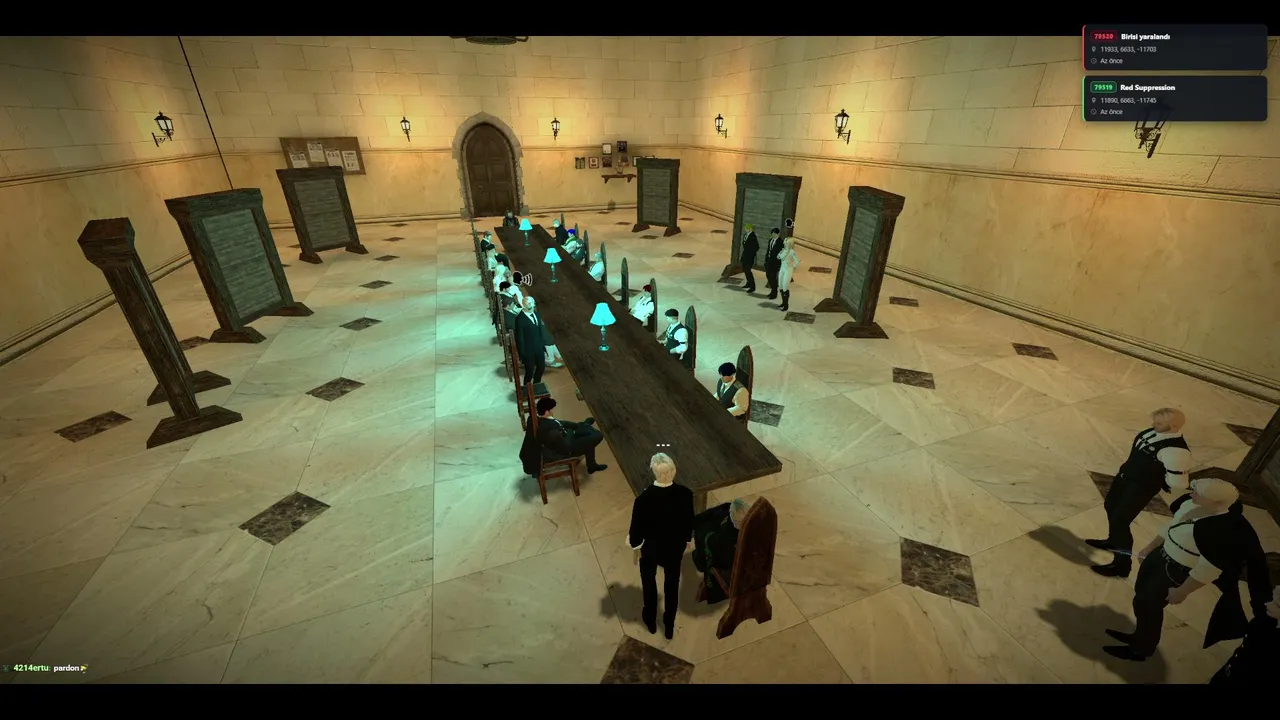
Pick a few addons, join a server and see what loads. If textures look wrong, use the missing content fix. New to game modes? Read what DarkRP is, or visit the Garry's Mod hub.