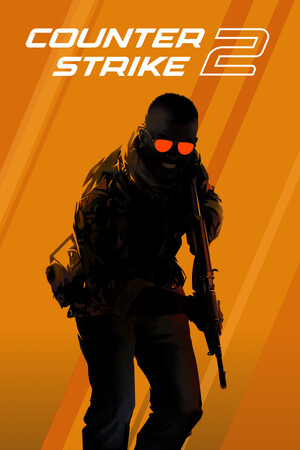
Counter-Strike 2 (CS2) is Valve's free team shooter, and you can learn the basics in an evening if you start in the right modes. Two teams play short rounds with one clear goal. This guide covers cost, requirements, modes, the first setup steps and the mistakes most new players make. Facts were checked on October 10, 2026.
Key takeaways
- CS2 is free to play on Steam. An optional paid Prime Status upgrade is listed at $14.99.
- Start in Deathmatch, Casual or Wingman before you try ranked modes.
- Money, teamwork and crosshair placement matter more than fast reflexes.
- Check your crosshair and sensitivity once, then stop changing them.
- The Steam page lists only minimum requirements: Windows 10, 8 GB RAM and 85 GB of free space.
What you need to play
CS2 is a free upgrade to the older CS:GO and runs on Valve's Source 2 engine. On Windows, the Steam page lists a minimum of Windows 10, four CPU threads (Intel Core i5 750 or better), 8 GB of RAM, a DirectX 11 graphics card with 1 GB or more, and 85 GB of storage. Linux and SteamOS are also supported, with Ubuntu 20.04 and Vulkan drivers listed. The page names 29 interface languages. Requirements can change, so check the store page before you install. If you want smoother play, see our FPS settings guide.
How a round works
In the main mode, one team attacks (Terrorists) and one defends (Counter-Terrorists). The attackers plant a bomb at a bombsite. The defenders stop them or defuse the bomb. Each round you earn money and spend it on guns and grenades. A match is played in the MR12 format, meaning the first team to win 13 rounds wins, and the teams swap sides at halftime. If you want the money rules in plain language, read our economy guide for beginners.
These screenshots may contain violence.
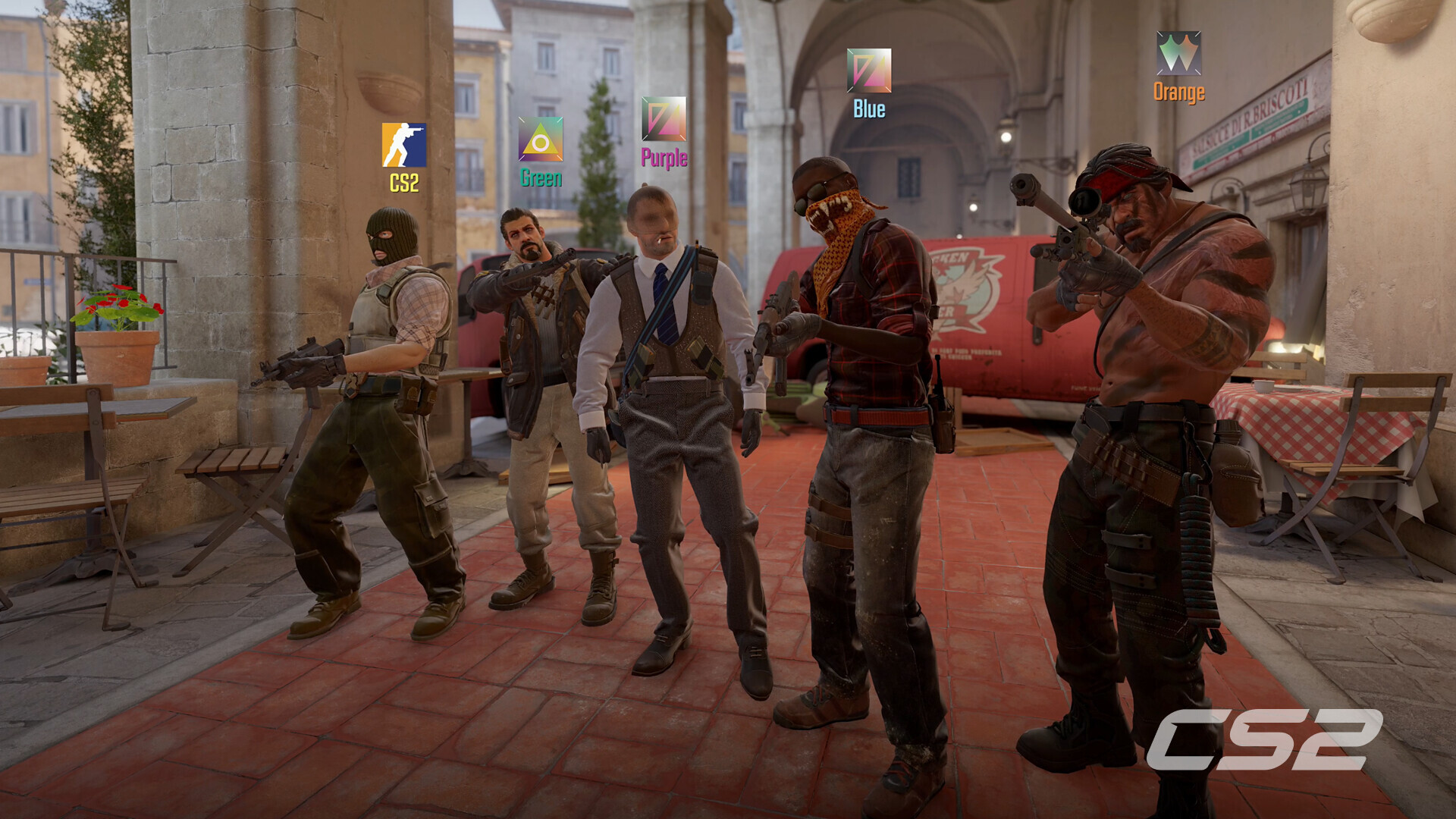
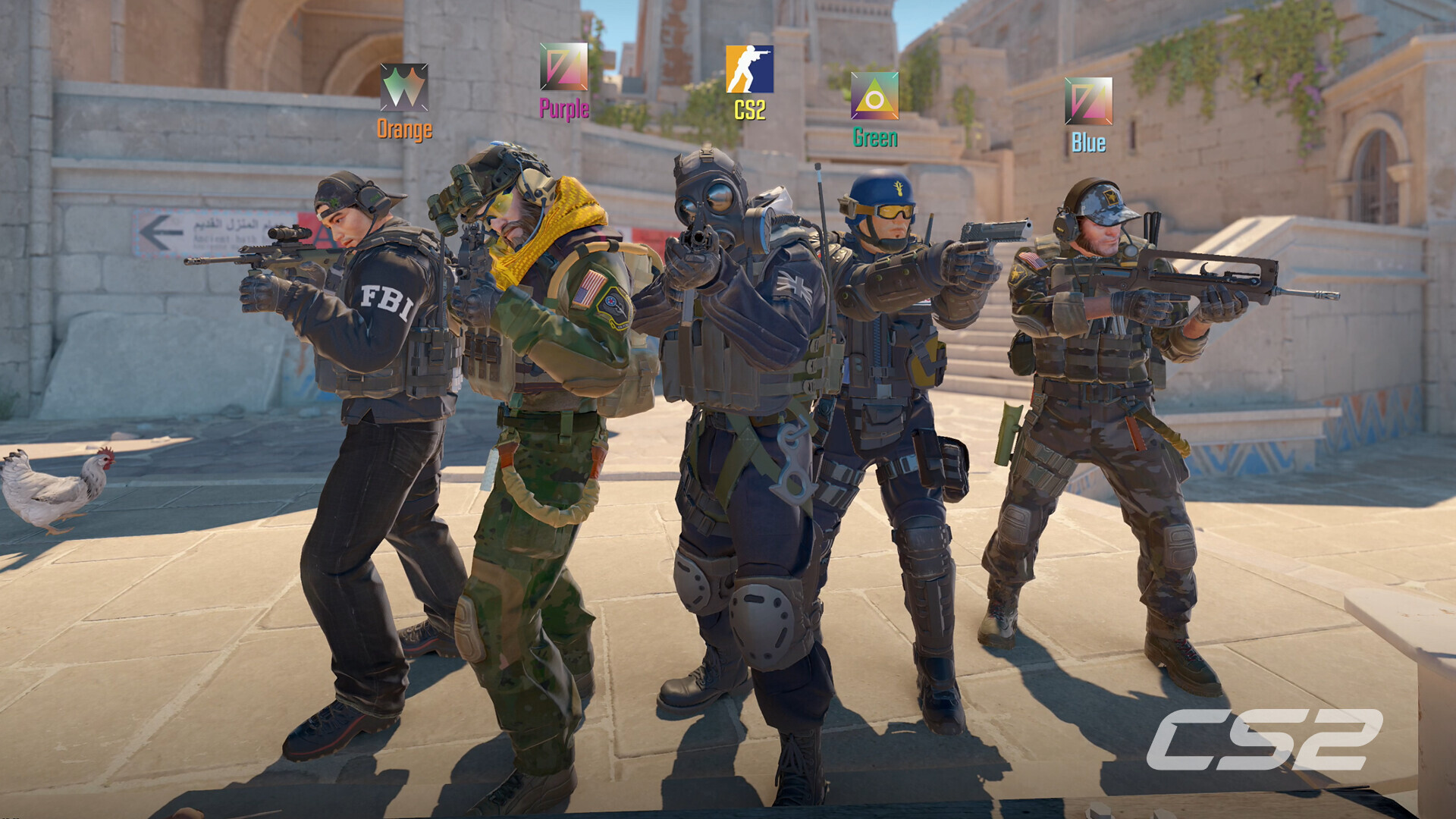
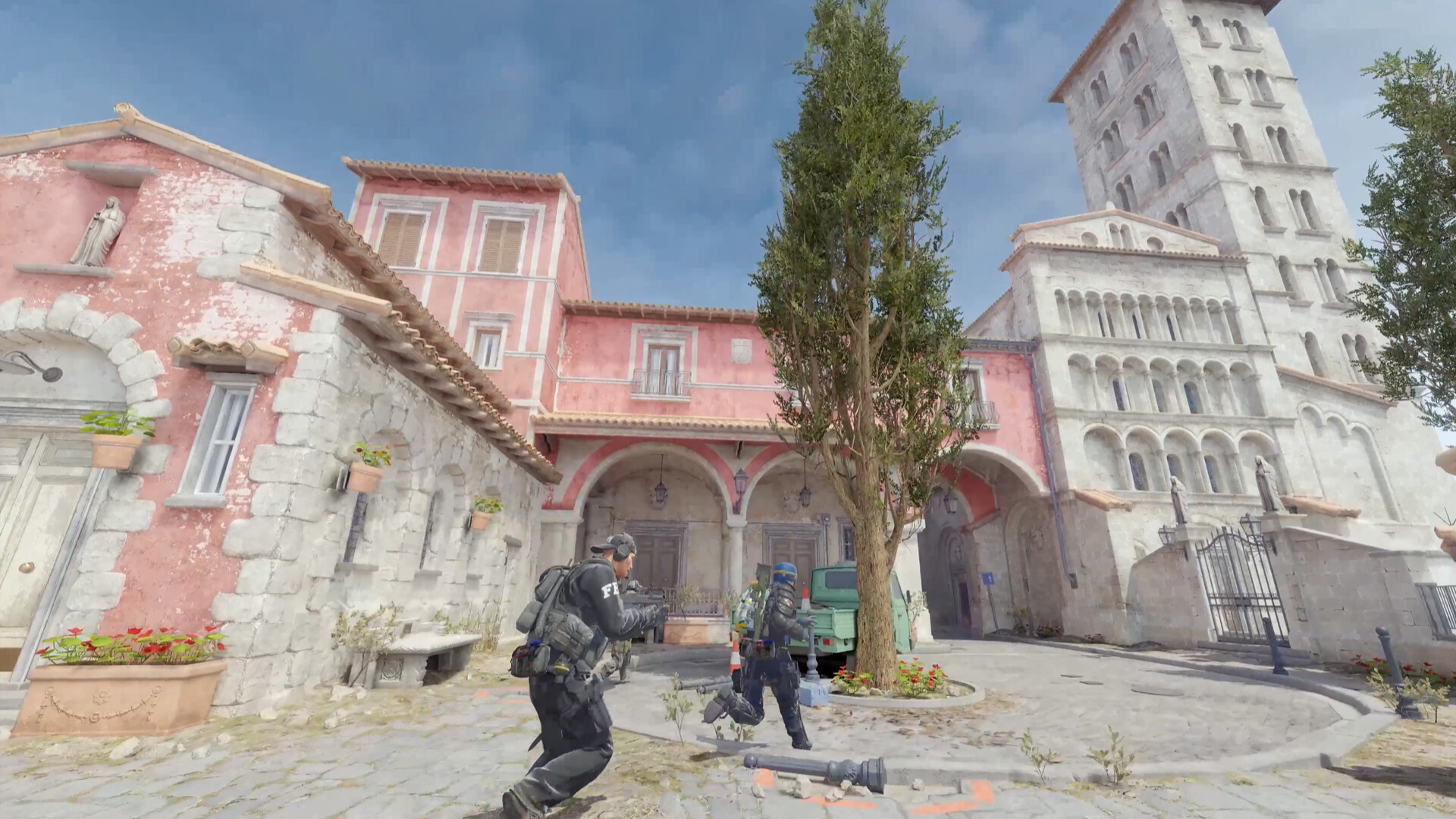
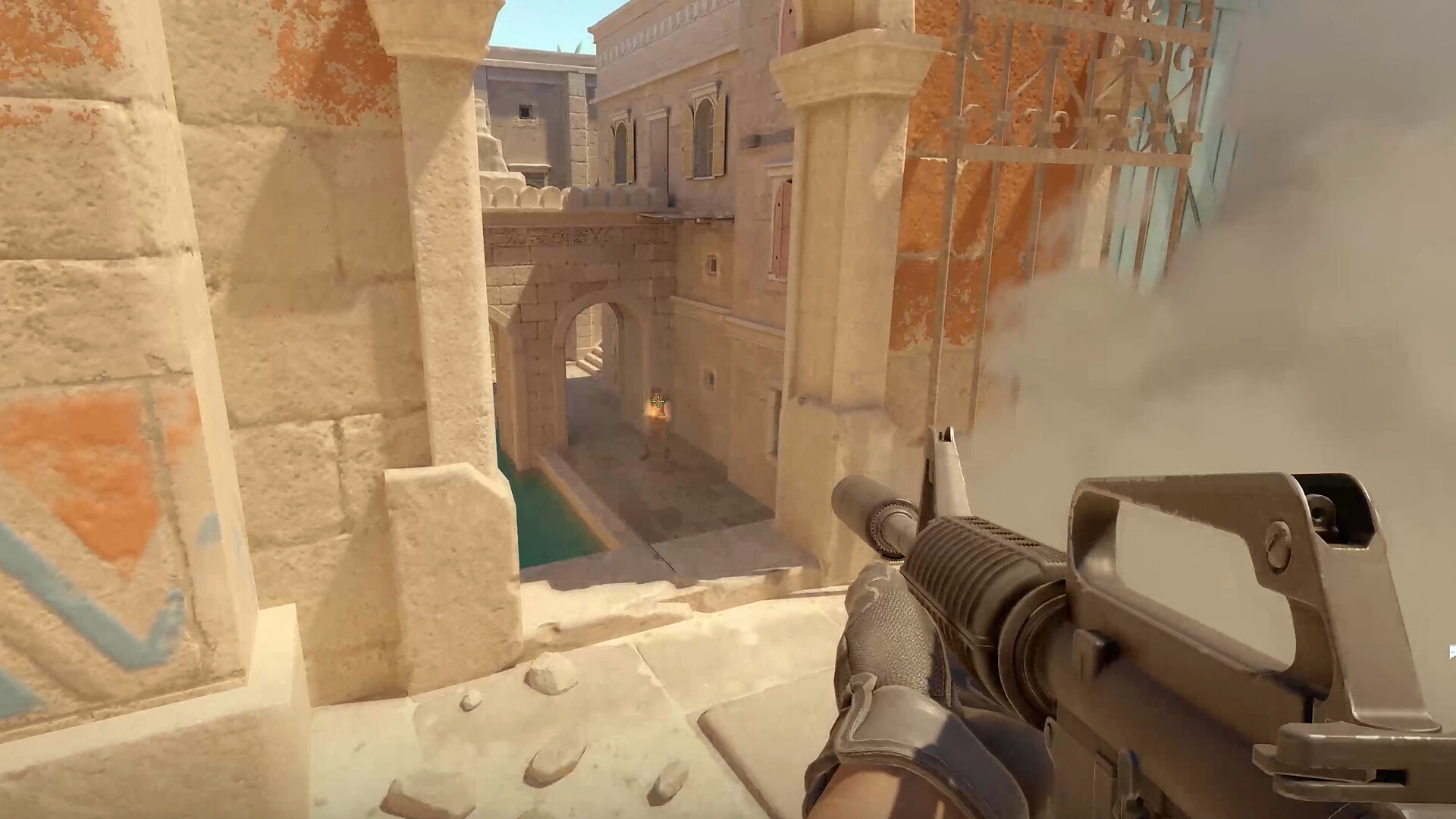
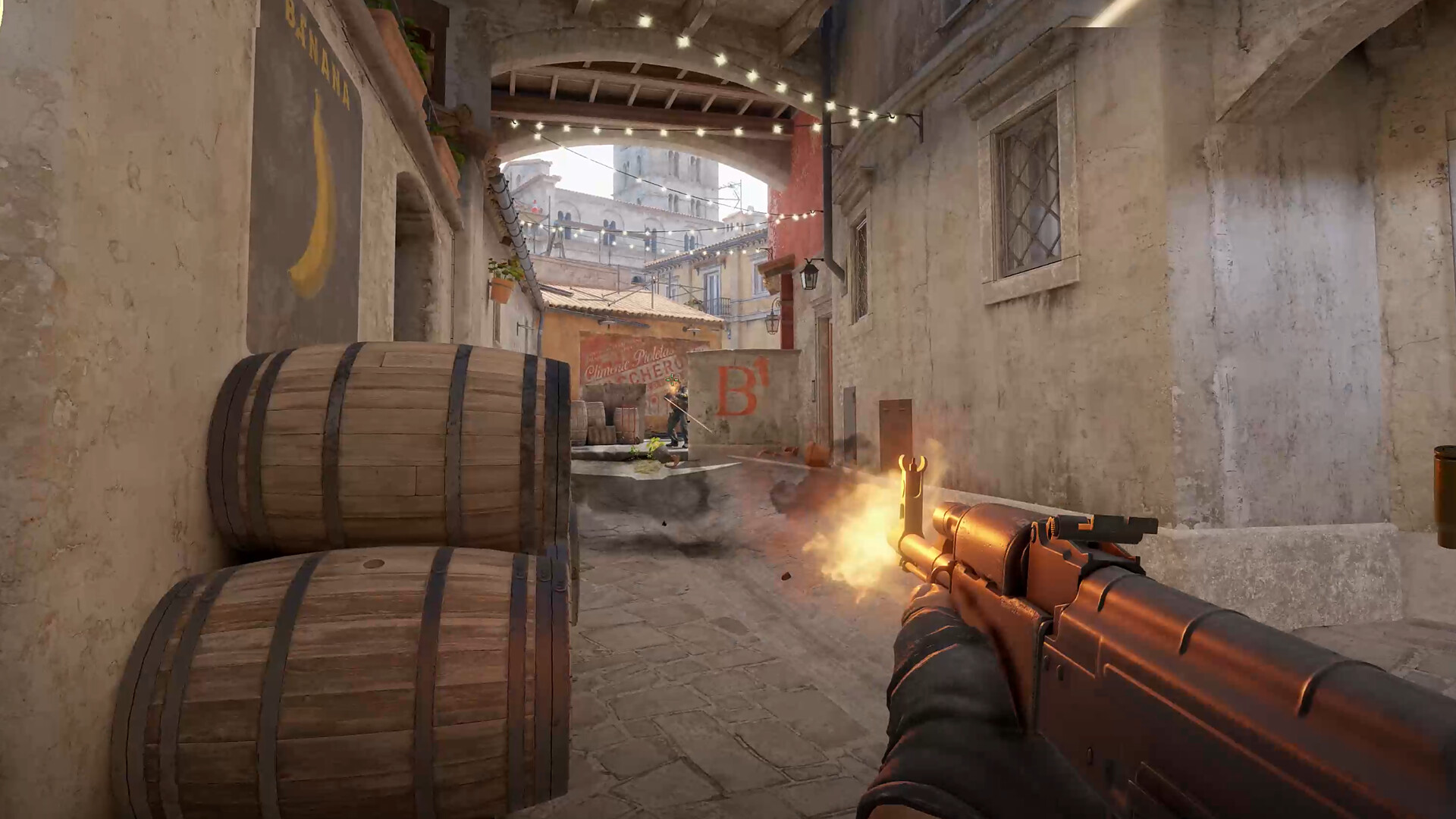
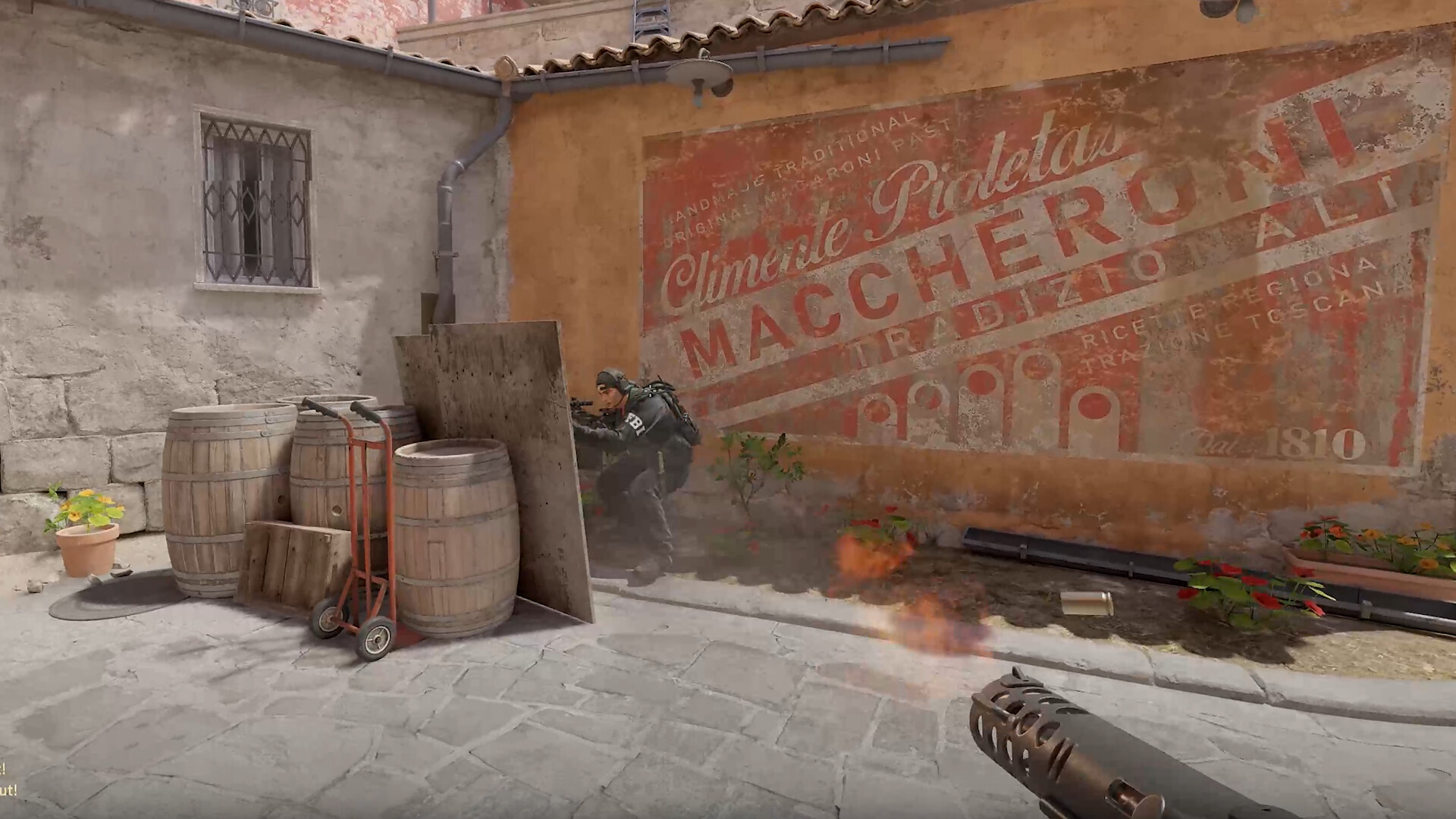
Images are provided by Steam and belong to their publishers.
Game modes for beginners
| Mode | What it is | Good for |
|---|---|---|
| Deathmatch | Get as many kills as you can before time ends. | Aim and weapon feel |
| Casual | Bomb defusal with bigger teams and no rank. | Learning maps |
| Wingman | 2v2 on one bombsite, first to nine rounds. | Fast practice with a friend |
| Competitive | Classic 5v5, first to thirteen rounds, ranks per map. | Later |
| Premier | Ranked 5v5 with a numeric rating. Needs Prime. | Later |
According to Wikipedia, Retakes was added in October 2025. A new 3v3 mode called Rush arrived with the September 22, 2026 update, as listed by CSDB. Read our Rush mode guide if you are curious.
First setup steps
- Install CS2 from Steam and play Deathmatch for a few matches.
- Open the settings and build a small, bright crosshair. See the new crosshair options.
- Lower your mouse sensitivity until you can move your arm comfortably without overshooting. Our sensitivity guide explains eDPI.
- Play Casual on one or two maps and learn the main paths.
- Try Wingman or Competitive when you feel calm in fights.
The first skills to learn
Stop, then shoot
Your gun is only accurate when you stand still. Press the opposite movement key for a moment to stop, then shoot. This one habit helps more than a new mouse.
Head-height crosshair
Keep your crosshair where an enemy head would be when you walk around a corner. Then you only need a tiny movement to hit. See our rank-up routine for more on this.
Play with your team
Stay near a teammate. If you die, they can trade the kill. Lone wolves lose rounds even when they have good aim.
Buy weapons together
Wait for your team before you buy. Spending all your money on a rifle when others save breaks the plan for the next round.
A simple first-week plan
- Day 1 to 2: install the game, set your crosshair, and play Deathmatch for 20 minutes a day.
- Day 3 to 4: play Casual on Dust II or Mirage. Walk the routes and watch where you die.
- Day 5: read about money and grenades, then try one Wingman game with a friend.
- Day 6 to 7: play a few Competitive matches or, if you bought Prime, finish some Premier placements. Do not worry about the result.
The goal of week one is not rank. It is to feel at home in the game, hear the sounds, and know what a normal round looks like.
Common beginner mistakes
- Running everywhere. Walking makes less noise, and enemies hear you.
- Reloading in the open, instead of behind cover.
- Ignoring the radar and the scoreboard.
- Playing ranked while angry or tired.
- Buying skins before learning the game.
Staying safe
Be careful with trading and with strangers who offer free items. Our trade and skin safety guide explains common scams. Never download programs that promise free skins or better aim, because many are malware or cheats that risk a VAC ban. Mute players who are rude. Players in the game range from teenagers to adults. Use the mute button freely.
Live nu: Counter-Strike 2
Visa alla → LIVE
Twitch
29
cs äventyr !almacrosshair
vpontuzsv
LIVE
Twitch
29
cs äventyr !almacrosshair
vpontuzsv
 LIVE
Twitch
28
SEC kval idag, kanske? STABILITY LEVEL: 45% - MOST MATCHES IN THE WORLD 🎮 - !IZZO 💸 - !COACHING
headexfpssv
LIVE
Twitch
28
SEC kval idag, kanske? STABILITY LEVEL: 45% - MOST MATCHES IN THE WORLD 🎮 - !IZZO 💸 - !COACHING
headexfpssv
 LIVE
Twitch
7 998
🔴mini marathon for the community.. 48 hour stream! !discord (also live on YT)
Valkyraeen
LIVE
Twitch
7 998
🔴mini marathon for the community.. 48 hour stream! !discord (also live on YT)
Valkyraeen
 LIVE
Twitch
6 092
FaZe vs NaVi Junior - Roman Imperium Cup IX | Best of 3 | !maps !rules !imperium !leon !giveaway
Trottahen
LIVE
Twitch
6 092
FaZe vs NaVi Junior - Roman Imperium Cup IX | Best of 3 | !maps !rules !imperium !leon !giveaway
TrottahenNext steps
Pick one map and learn it with our callouts overview. Then read our map pool guide and visit the CS2 hub for servers and live streams.