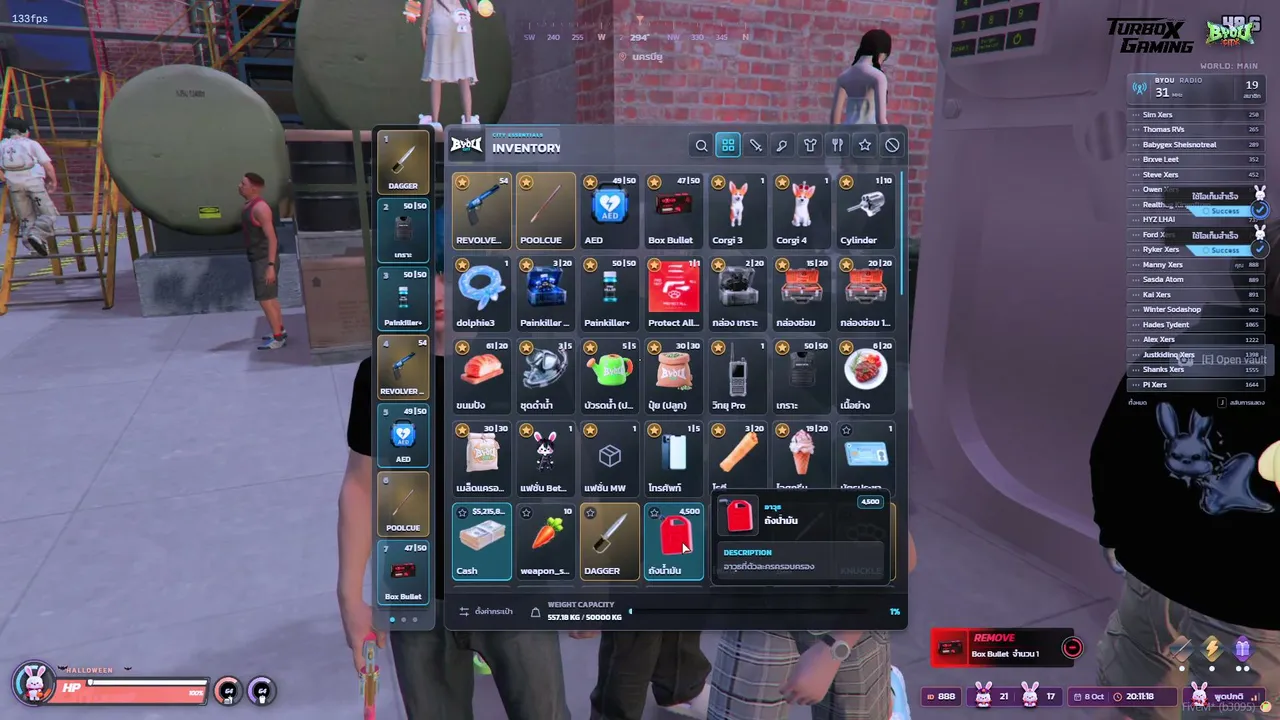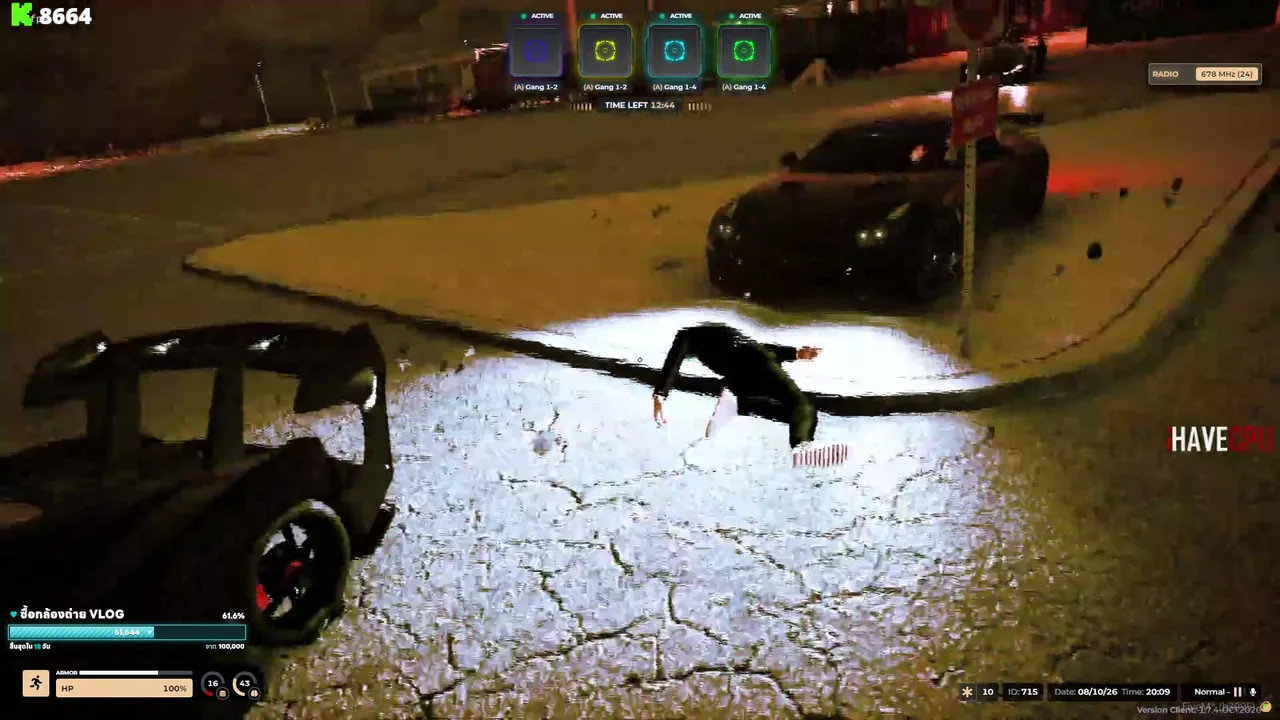

You installed FiveM, you are ready, and then you open the server list and see thousands of cities. Where do you even start? Pick wrong and you spend an evening in an empty city, or in a queue that never ends. Pick right and you meet your first real friends in the game. Here is how to choose.
Key takeaways
- Match the server language first: roleplay is all about talking.
- A medium-sized city with players online right now is usually best for beginners.
- Read the rules and the whitelist notes before you join.
- Try two or three cities before settling on one.
1. Start with your language
Roleplay is all about talking. If you can't chat comfortably with the people around you, the whole game feels hard. Use the language filter on the GTA RP server list to see servers where most players speak your language. Many cities also have English-speaking communities, so you always have options.


2. Look at the real player count
A server with 5 players can feel dead, and a server with a full slot count can have a long queue. For beginners, a medium-sized city with players online right now is usually the sweet spot: enough people to meet, but enough room to join. Oggo shows live player counts, so you can see what is happening before you launch the game.
3. Public or whitelist?
Public servers let you click Connect and play right away. Whitelist servers ask you to apply first, often with a short form or an interview. Whitelist cities tend to have stricter rules and more serious roleplay, but you wait before your first session. If you are brand new, try a public server first to learn the basics, then apply to a whitelist city when you are ready. Our GTA RP starter guide explains the steps.
4. Check the rules and the vibe
Every server has its own rules, and some are very strict about words like metagaming and NLR. Learn them in our GTA RP terms guide and read the server rules before you jump in. Look at the server's description and Discord too. Is it a serious police-and-crime city, a relaxed hangout, a racing server or a drift community? The genre filter on Oggo helps you choose.
5. Watch a streamer first
The fastest way to understand a server is to watch someone play on it. Many servers have streamers online all day. Open a live stream, see how people talk and what the city looks like, then decide.
Ao vivo agora: GTA V
Ver tudo →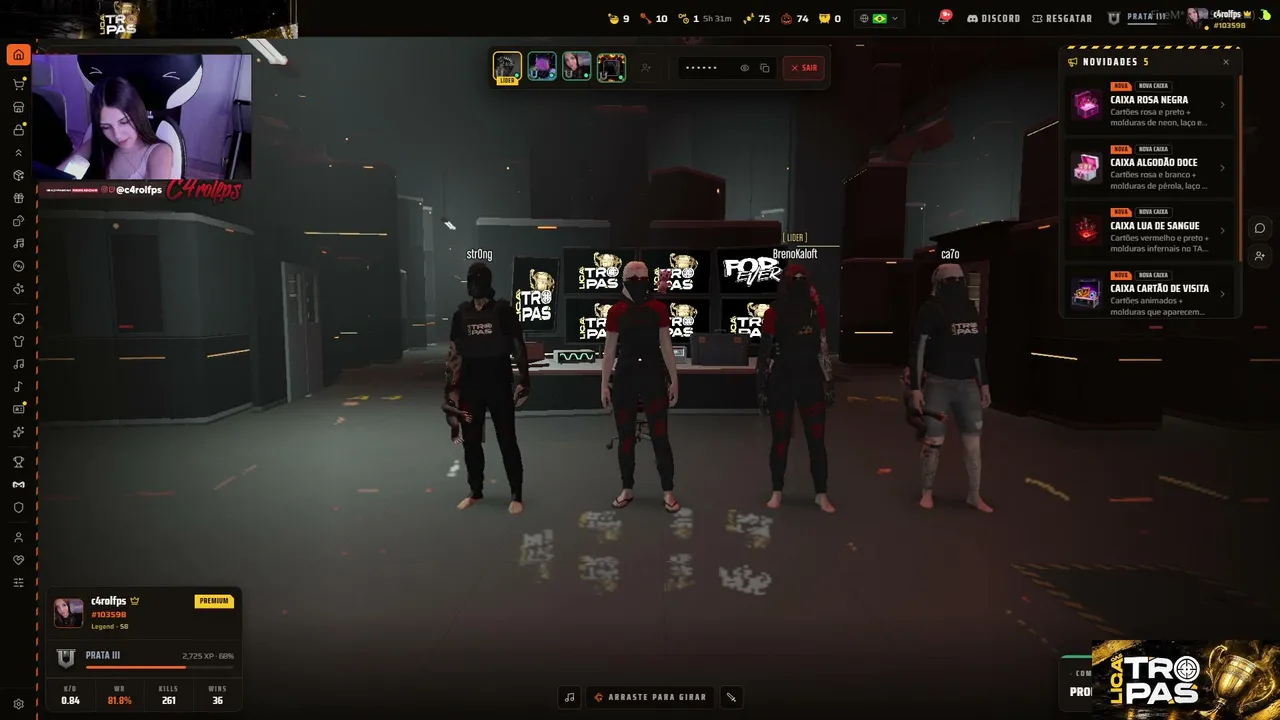

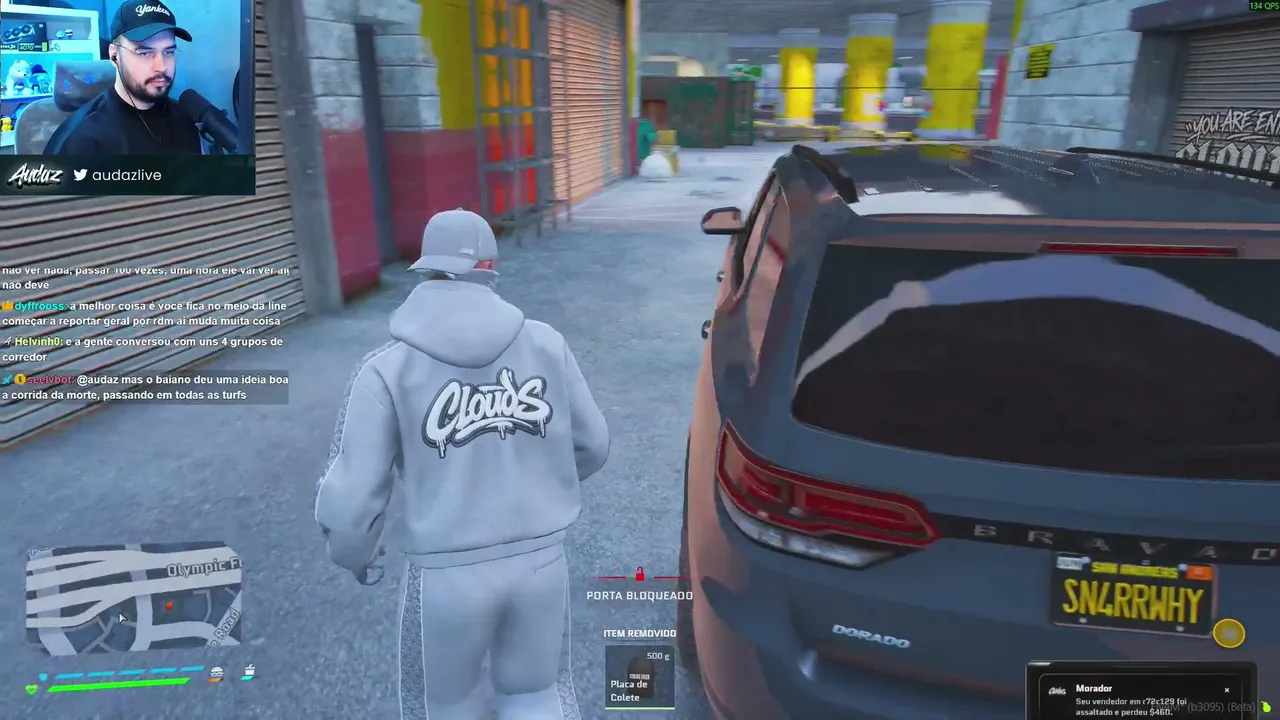
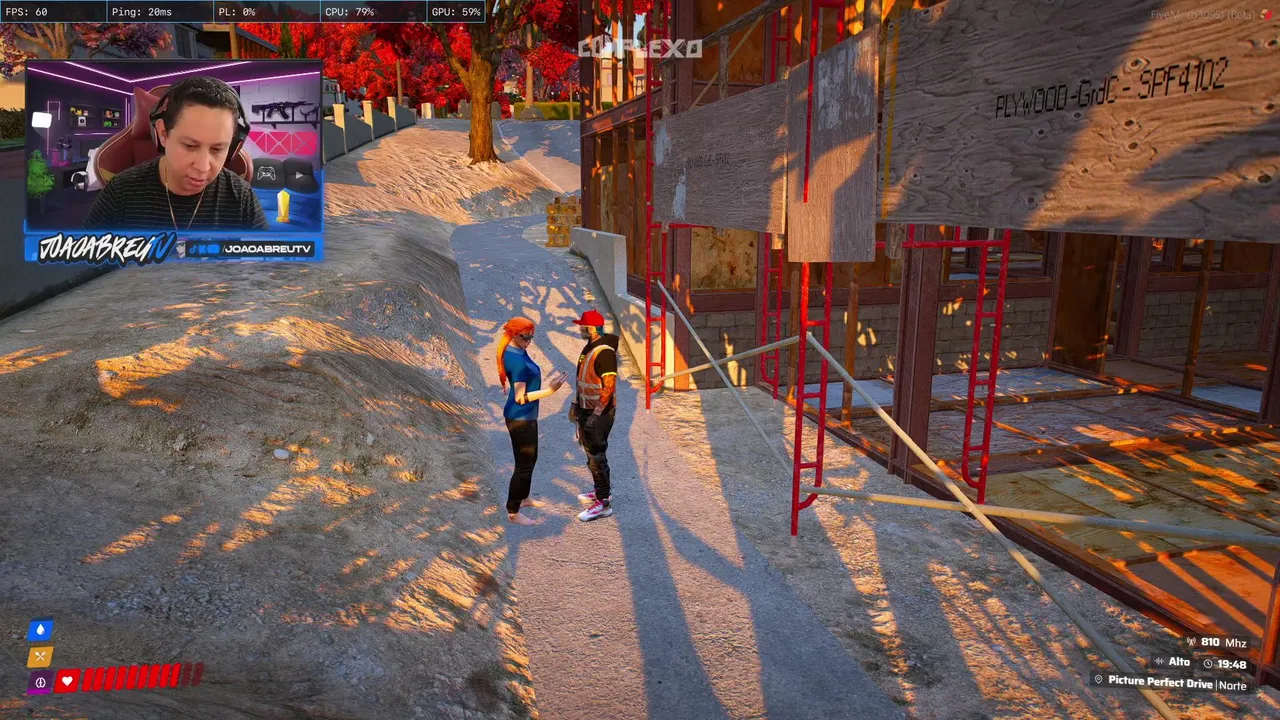
On the server list you can also press Streaming now to show only servers that have a live stream right at this moment. Or head to Oggo Live and watch up to four streams at once.
6. Give it more than one session
The first hour on any server is awkward: you don't know the map, the rules or the people. Don't judge a city after ten minutes. Play two or three sessions, try a job, and talk to people. If it still doesn't feel right, no problem: the next server is one click away.
Quick checklist
- Language you speak comfortably
- Players online right now, not only a big slot count
- Public server to learn, whitelist when you are ready
- Rules you have actually read
- A stream or a Discord where you can see the community
A 10-minute server test
- Join and watch. Spend the first few minutes just looking around. Is chat active? Are people talking in character?
- Find the rules. Good servers make rules easy to find. If you can't find them in a minute, that is a hint.
- Talk to someone. A friendly reply to a simple question tells you a lot about the community.
- Check the job list. Make sure there is something you actually want to try, from taxi driver to mechanic.
- Leave if it feels bad. There are thousands of cities. You do not owe any of them your evening.
Red flags
- Rules that are missing, or change from day to day.
- A server that asks for money before you can even look around.
- Staff who argue with players in public chat.