
FiveM is the free client that lets you join GTA RP servers. This guide follows the official FiveM documentation and shows the order that works best, plus the checks that save you time later.
Key takeaways
- You need a legitimate, fully updated copy of GTA V on a Windows PC.
- Download FiveM only from the official site, fivem.net.
- Run the installer, then start FiveM from the Windows Start menu.
- Read the server rules before you join your first city.
Before you start: check your PC
The FiveM docs say you need a fully updated Windows 8.1, 10 or 11, with Windows 10 or later recommended. The game itself is big, so plan for about 105 GB, plus a few extra gigabytes for the FiveM cache.
| Minimum | Recommended | |
|---|---|---|
| CPU | Intel Core 2 Q6600 or AMD Phenom 9850 | Intel Core i5 3470 or AMD FX-8350 |
| GPU | NVIDIA 9800 GT 1 GB or AMD HD 4870 1 GB | NVIDIA GTX 660 2 GB or AMD HD 7870 2 GB |
| RAM | 8 GB (4 GB may work) | 16 GB |
These screenshots may contain violence.
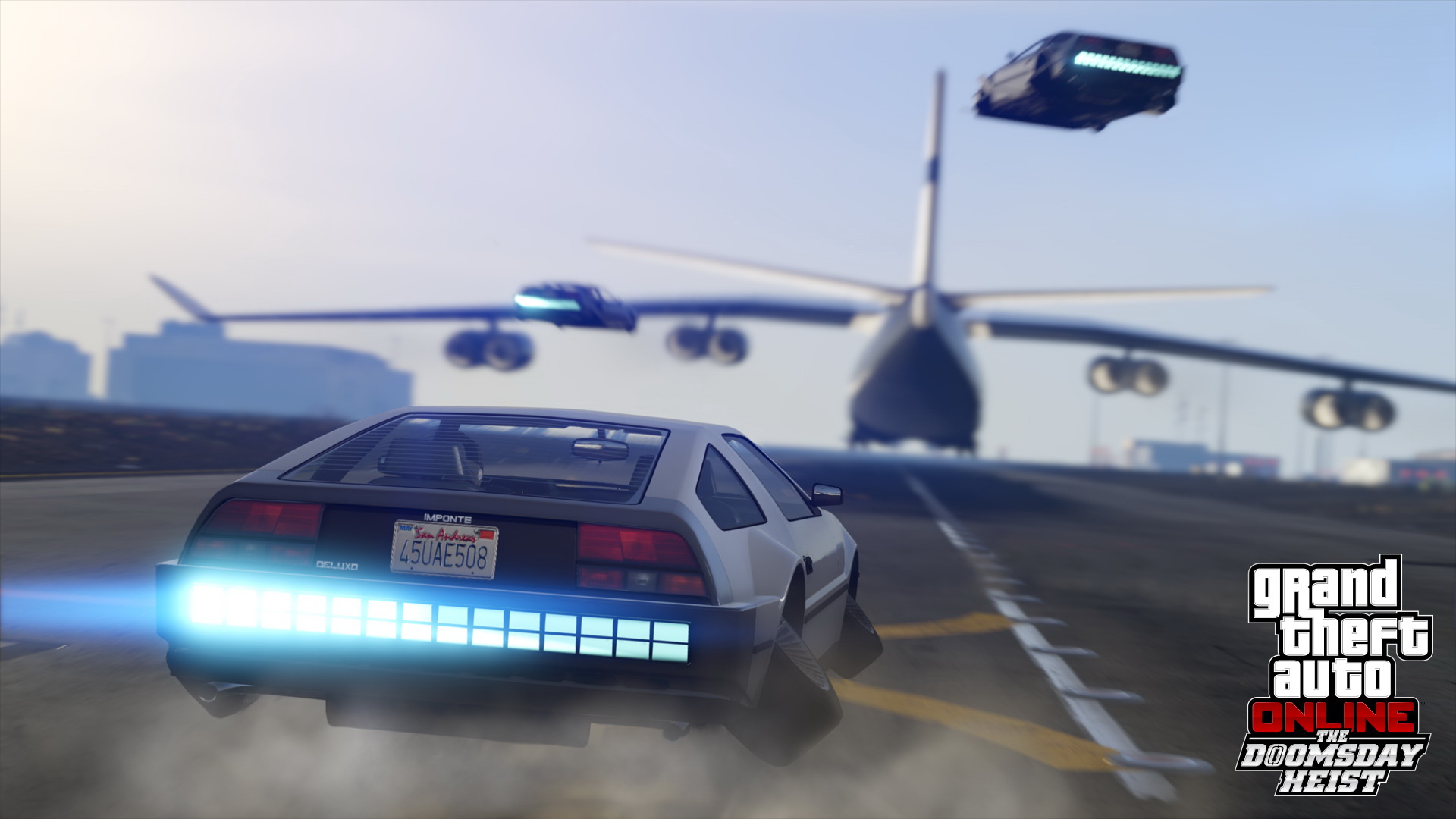
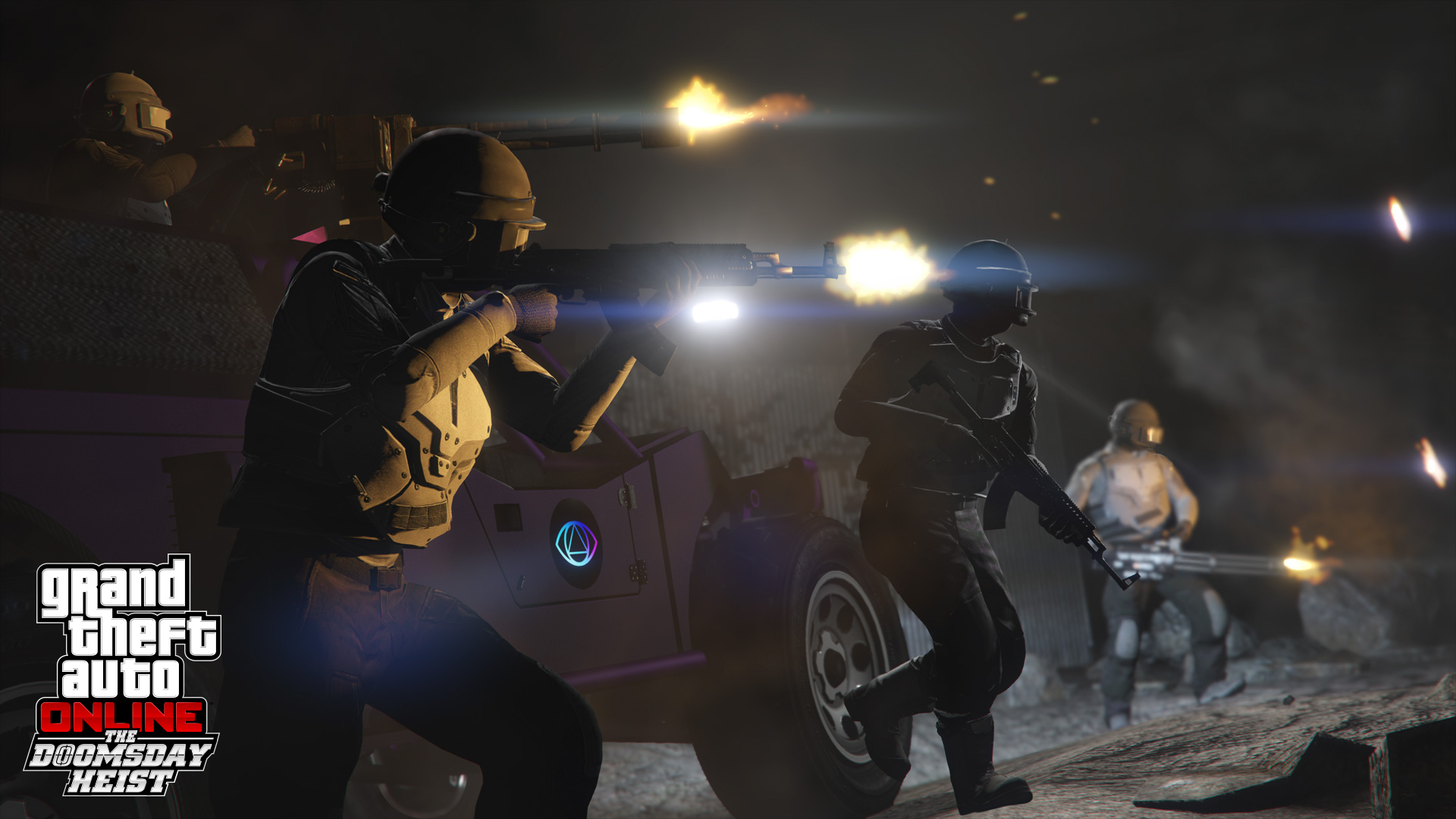
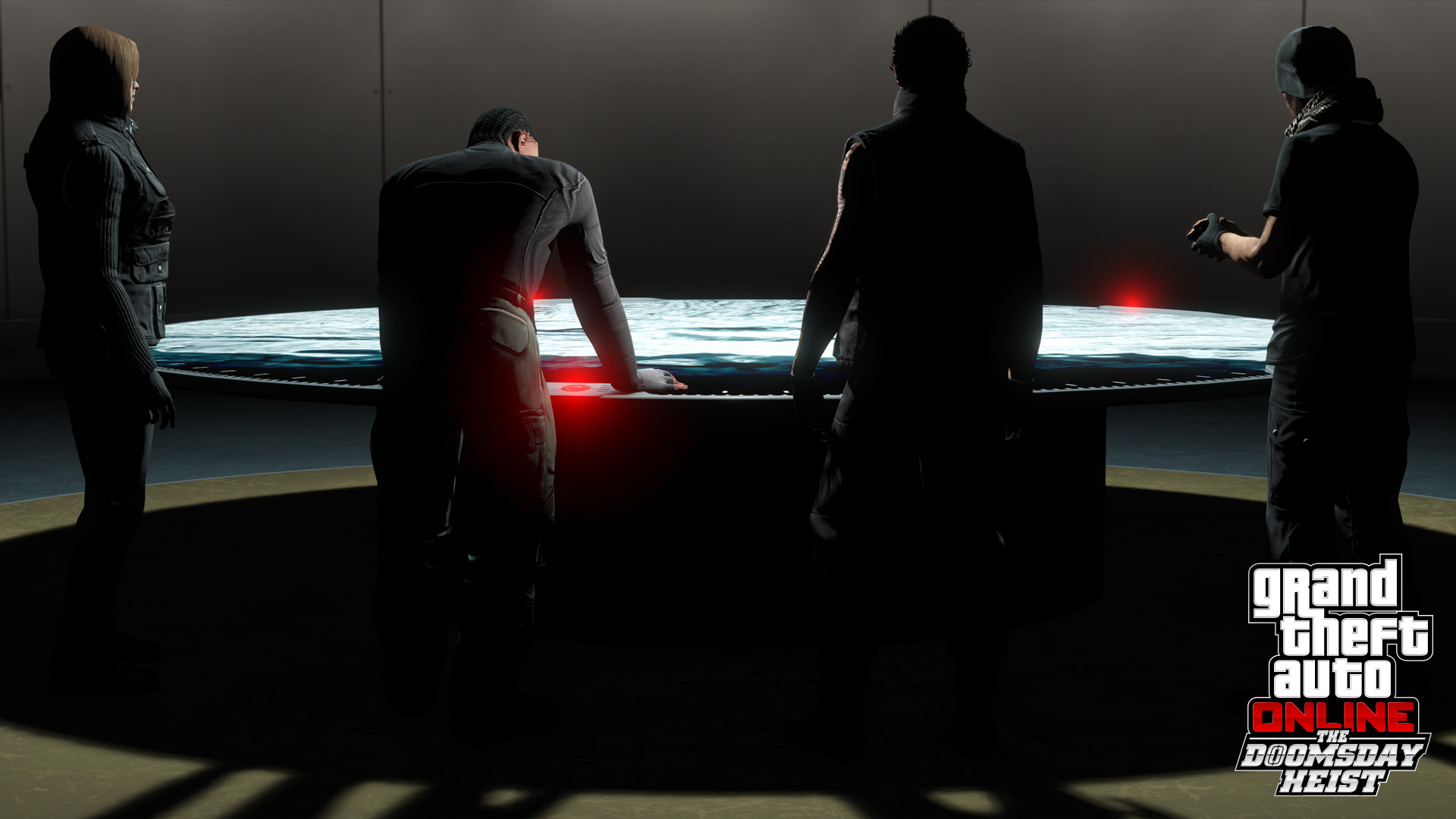
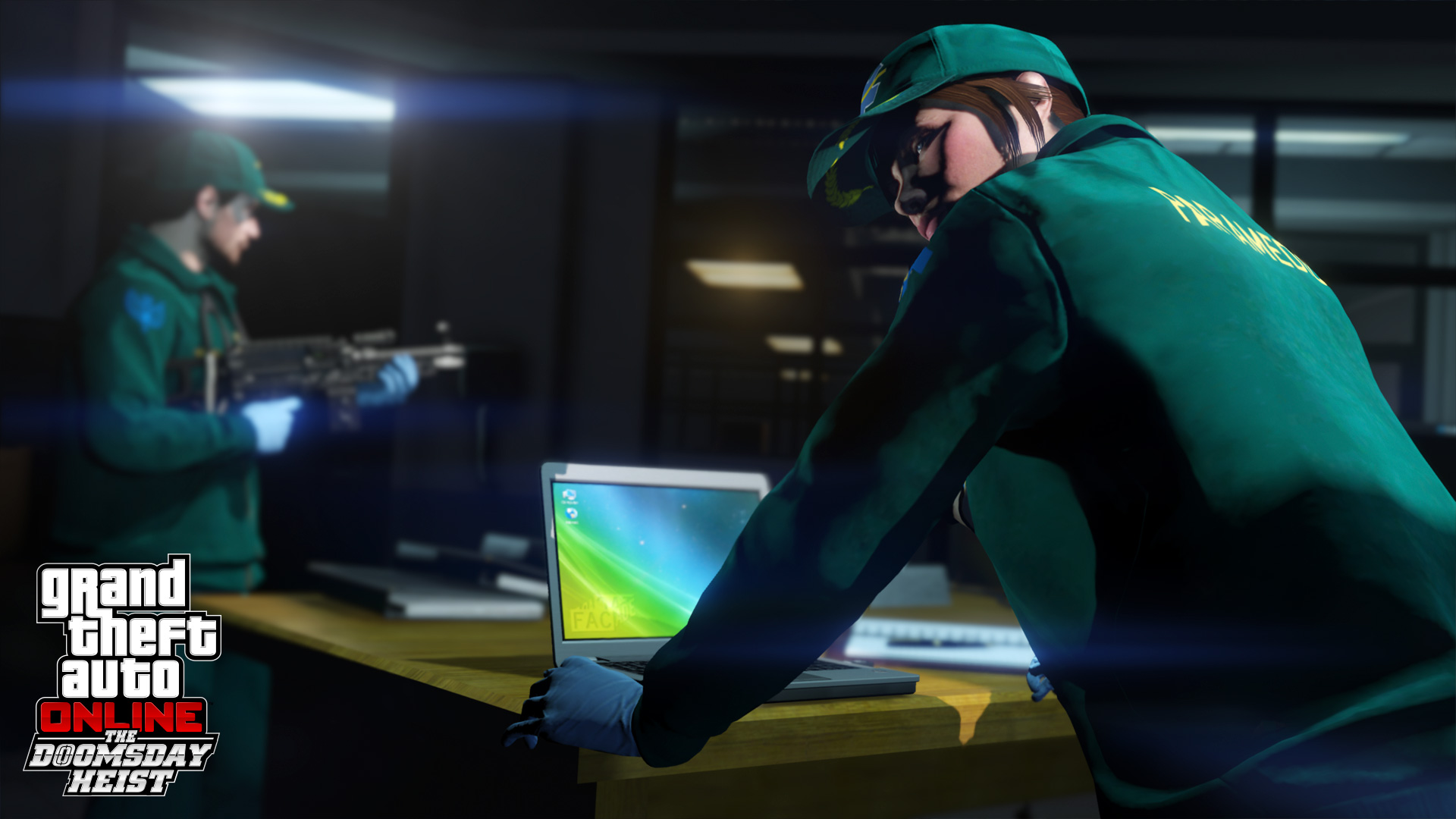
Images are provided by Steam and belong to their publishers.
Do you own the right game?
FiveM needs a real, fully updated GTA V on PC. The docs list Steam, Epic Games Store, Rockstar's store, Amazon and the Xbox Store as places to buy it. FiveM says it will not work with pirated copies. Cfx.re's support pages also state that FiveM runs on PC only: there is no console version and no Linux client.
Install FiveM in five steps
- Make sure GTA V is installed and updated. Launch it once from its own launcher if you can.
- Go to fivem.net and download the client. Do not use download links from videos or random sites.
- Run FiveM.exe. If you run it from an empty folder, FiveM installs there. If not, it goes to your local app data folder by default.
- Start FiveM from the Windows Start menu. Do not keep launching the original installer.
- Wait while it loads its files. The first start can take a while.
Making your first connection
Once FiveM opens, you can use its built-in server browser, or you can use the join link that a server posts on its Discord or website. Our GTA RP server list shows which servers have players online right now.
- Pick a server in your language and read its rules page first.
- If the server has a lock icon or asks for a whitelist, you must apply before you can play.
- Join the Discord. Most servers share rules, guides and support there.
- Expect a longer first load. FiveM downloads the server's custom files once, then reuses them.
Live nå: GTA V
Se alle → LIVE
Twitch
174
🔴 DRONE MED GRØNT SKJEGG 🔴 SUBATHON DAG 43 🔴 !dagsplan !timer !vipps !gjester !nettside 🔴
Dannizno
LIVE
Twitch
174
🔴 DRONE MED GRØNT SKJEGG 🔴 SUBATHON DAG 43 🔴 !dagsplan !timer !vipps !gjester !nettside 🔴
Dannizno
 LIVE
Twitch
9
Revenue Rollespill | Bravobetjent Dahl til tjeneste!
mr_patrick05no
LIVE
Twitch
9
Revenue Rollespill | Bravobetjent Dahl til tjeneste!
mr_patrick05no
 LIVE
Twitch
8
FUTURE RP | Hva skjer ikveld?
thepineapplegirl98no
LIVE
Twitch
8
FUTURE RP | Hva skjer ikveld?
thepineapplegirl98no
 LIVE
Twitch
11 726
😱 MINECRAFT + GTA 😱 FIRST IN THE WORLD 😱 WTF IS GOIN ON 😱
bratishkinoffru
LIVE
Twitch
11 726
😱 MINECRAFT + GTA 😱 FIRST IN THE WORLD 😱 WTF IS GOIN ON 😱
bratishkinoffruNext steps
If something goes wrong, see our FiveM errors and fixes guide. If you are not sure what to do in the city, read how to start GTA RP.