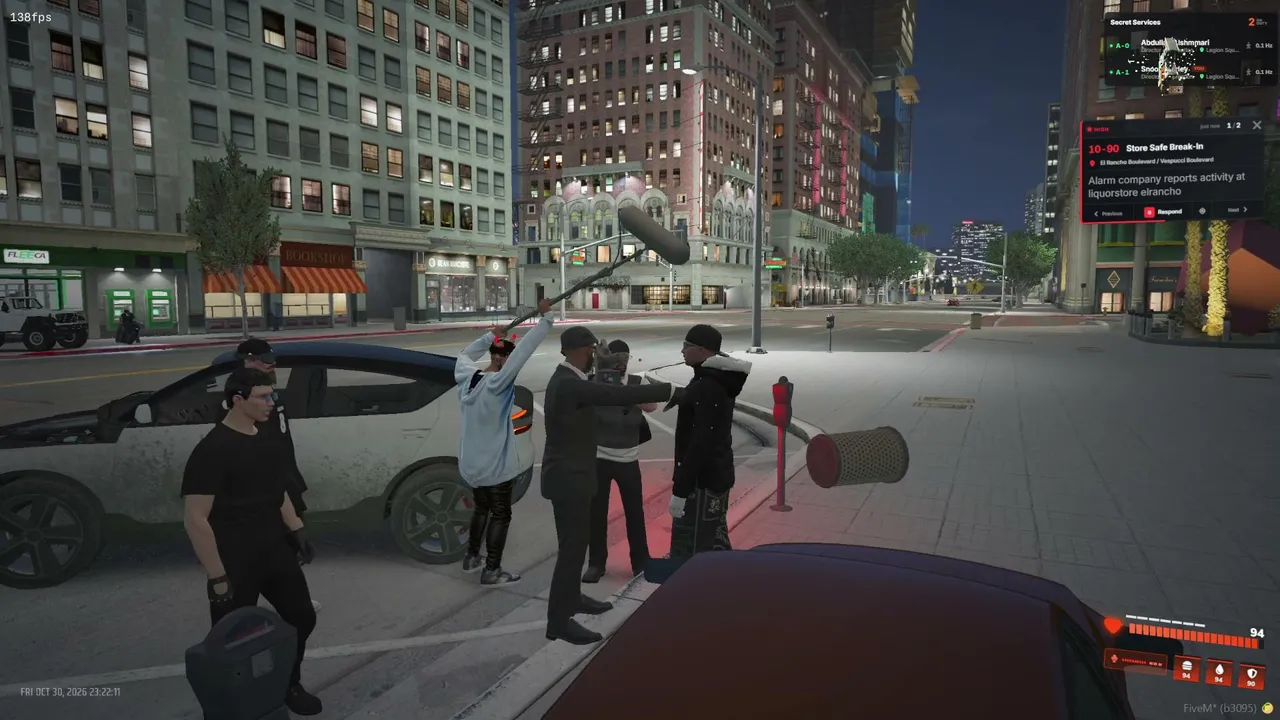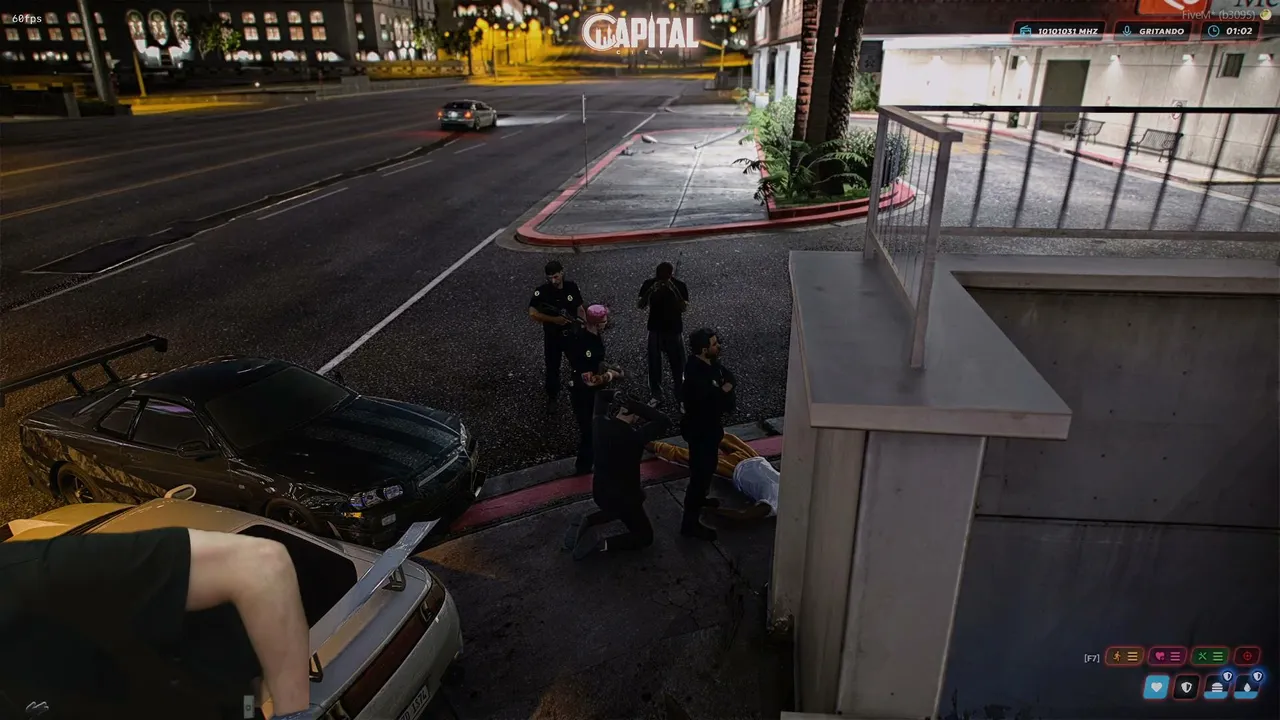
To join a FiveM server, open FiveM, then either pick the server in the built-in server list, press F8 and type connect IP:PORT, or open a cfx.re/join/<code> link. All three end in the same place: the server loads its resources and you spawn in. Checked October 30, 2026.
Key takeaways
- FiveM is free, but it needs your own legitimate copy of GTA V on PC.
- The default FiveM server port is 30120. If a server owner gives you only an IP, add that port.
- Most connection problems come from a full server, a missing whitelist approval or outdated game files, not from your PC.
Method 1: the in-game server list
Start FiveM, click the Servers tab and search by name, tag or language. Sort by players to see living communities first. Click a server to read its description and rules, then press Connect. This is the best way when you do not know a server yet. On Oggo you can compare servers by real player counts on the GTA RP servers list, then search the same name in FiveM.
Method 2: the F8 console and an IP
If a friend or a Discord server gives you an address, you do not need the list at all. Open FiveM, press F8 on the main menu to open the console and type connect 123.45.67.89:30120, using the real address. Press Enter. FiveM downloads the server's files the first time you join, which can take several minutes for large roleplay servers. The next visits are much faster because the files are cached.
Method 3: a cfx.re/join link
Many servers publish a short link that looks like cfx.re/join/abc123. Paste it in your browser or in the F8 console after connect . The link always points to the current address of the server, so it keeps working when the owner changes host.
If a server is full or whitelisted
A full server shows a queue. Some servers add a priority queue for supporters. A whitelisted server rejects you until staff approve an application, which usually happens on the community Discord. Our guide to whitelist and public servers explains how applications work.
Quick fixes for common errors
If the connection times out, check that you typed the port, restart FiveM and try again. If you see a version or build mismatch, update GTA V through Steam, Epic or the Rockstar launcher and let FiveM update. For crashes while loading, open the FiveM settings and verify game files. More fixes are in FiveM errors and fixes.
Staying safe
Only download FiveM from the official site and never run files that a stranger sends you. A server cannot read your passwords, but you should not paste personal data in game chat. Read the rules before your first session; beginner mistakes will save you a ban in week one.