


Dota 2 runs on Windows, macOS and Linux, and Valve's Steam page lists only minimum requirements: a dual-core 2.8 GHz CPU, 4 GB of RAM, a DirectX 11 graphics card on Windows and 60 GB of free storage. Valve does not publish a recommended tier. The numbers below were checked on October 9, 2026 and can change with future updates.
Key takeaways
- Every system needs 60 GB of free storage and a broadband connection.
- The minimum is 4 GB of RAM and a dual-core CPU at 2.8 GHz.
- Windows needs DirectX 11. Steam says its client supports Windows 10 and later since January 1, 2024.
- Valve lists no recommended specs, so aim above the minimum for smooth team fights.
- The game is free. Only download it through Steam.
Minimum requirements by system
| Windows | macOS | Linux / SteamOS | |
|---|---|---|---|
| OS | Windows 7 or newer (Steam client needs 10+) | macOS 10.15 or newer | Ubuntu 12.04 or newer |
| CPU | Dual-core Intel or AMD, 2.8 GHz | Dual-core Intel | Dual-core Intel or AMD, 2.8 GHz |
| RAM | 4 GB | 4 GB | 4 GB |
| Graphics | GeForce 8600/9600GT or Radeon HD2600/3600, DirectX 11 | Metal-capable GPU (AMD GCN, NVIDIA Kepler or Intel HD 4000 and newer) | AMD GCN+, NVIDIA Kepler+ or Intel HD 5000 series+ |
| Storage | 60 GB | 60 GB | 60 GB |
| Sound | DirectX-compatible card | Not listed | OpenAL-compatible card |
The graphics cards on the list are very old, so almost any gaming PC from the last decade passes. The real question is not whether the game starts, but whether it stays smooth in a ten-player fight with many spells on screen.
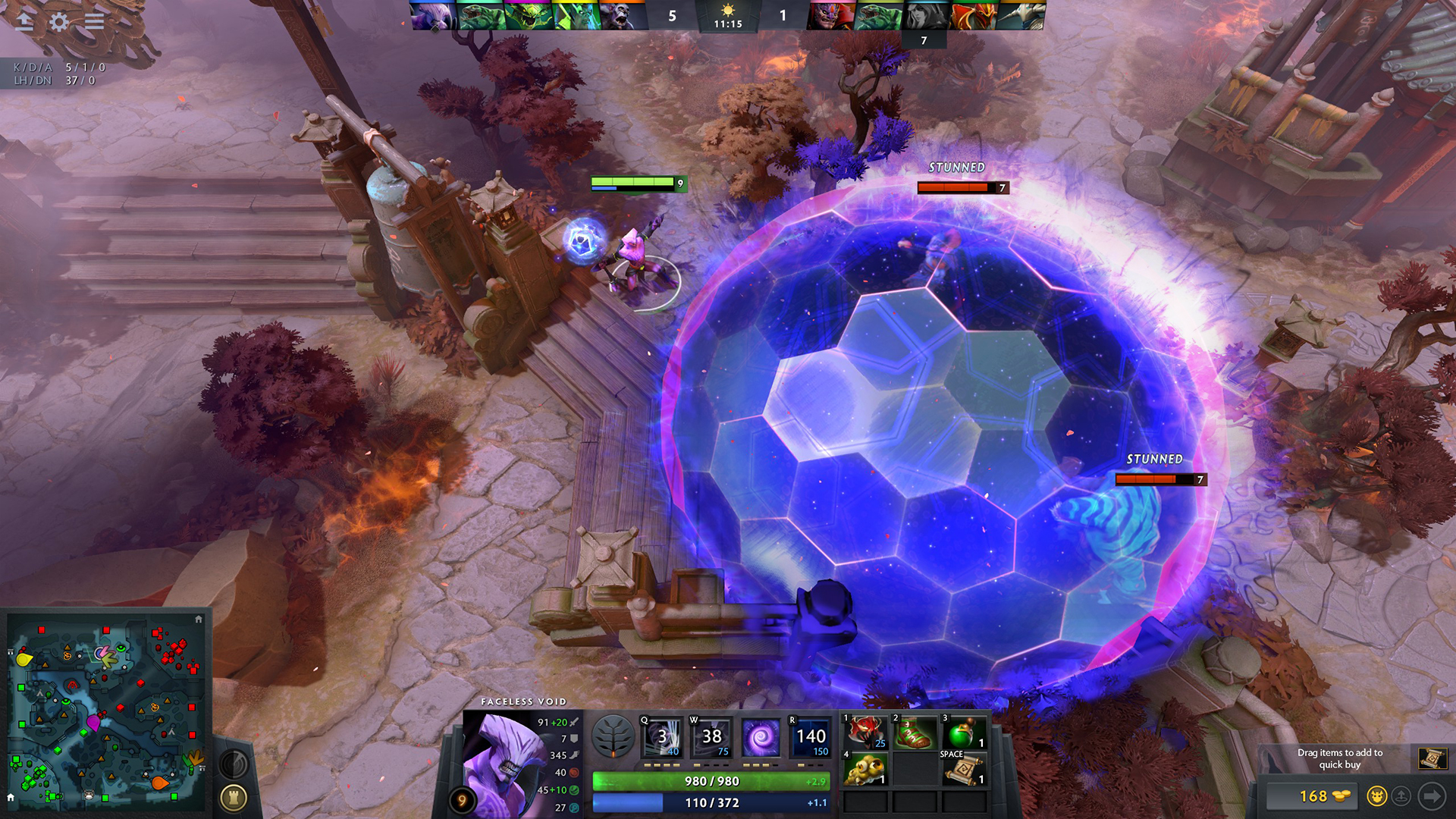
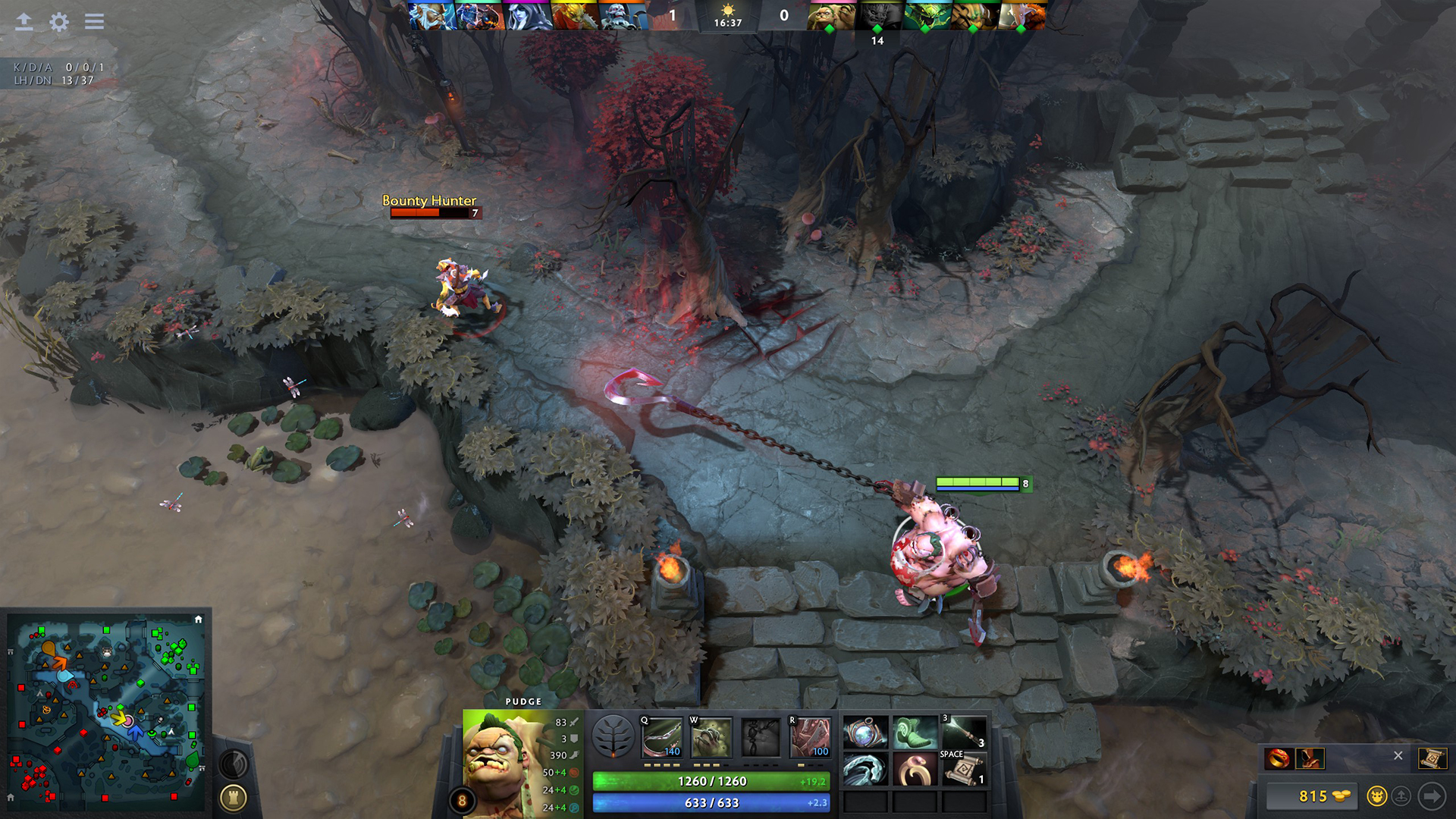
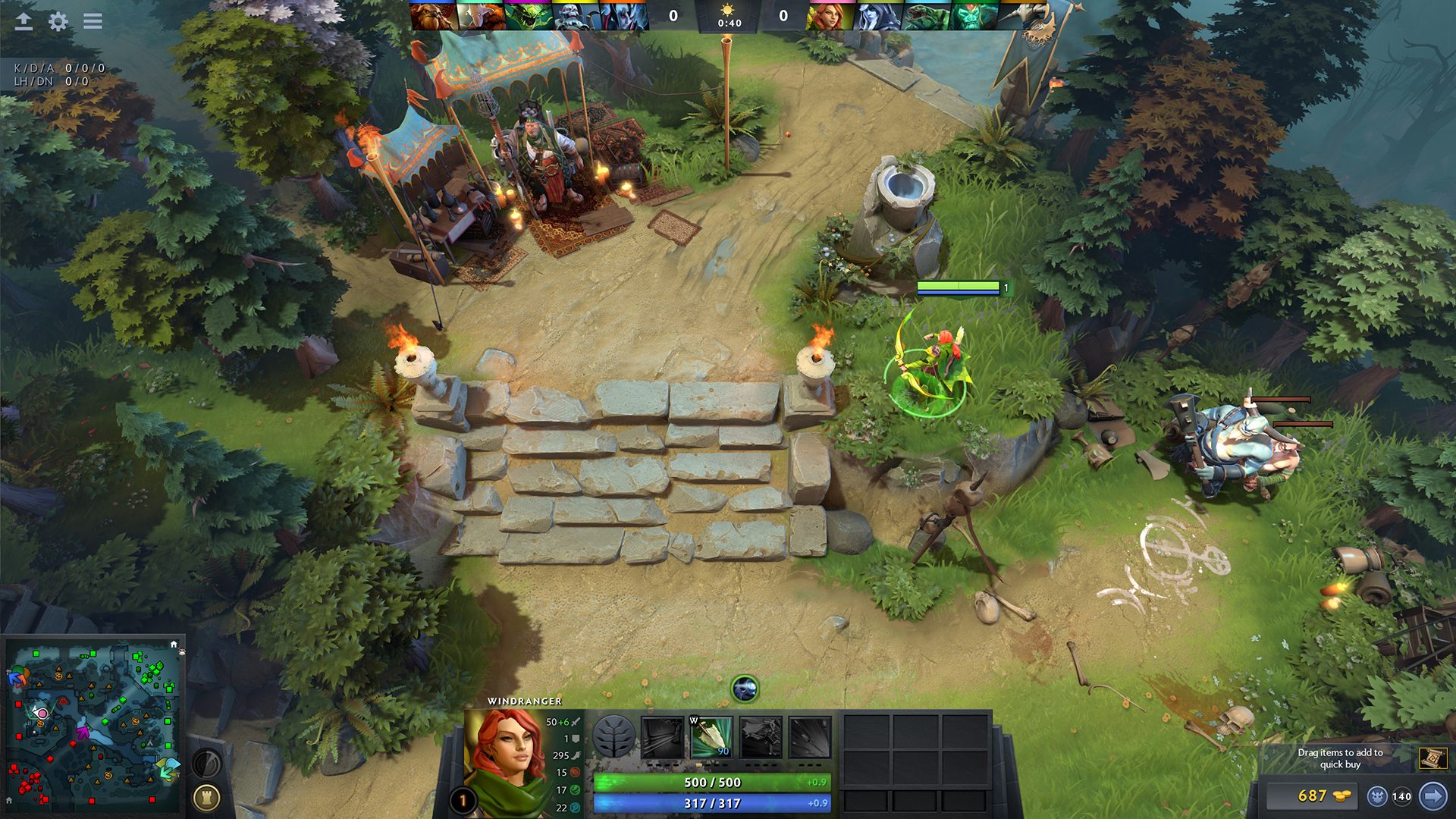
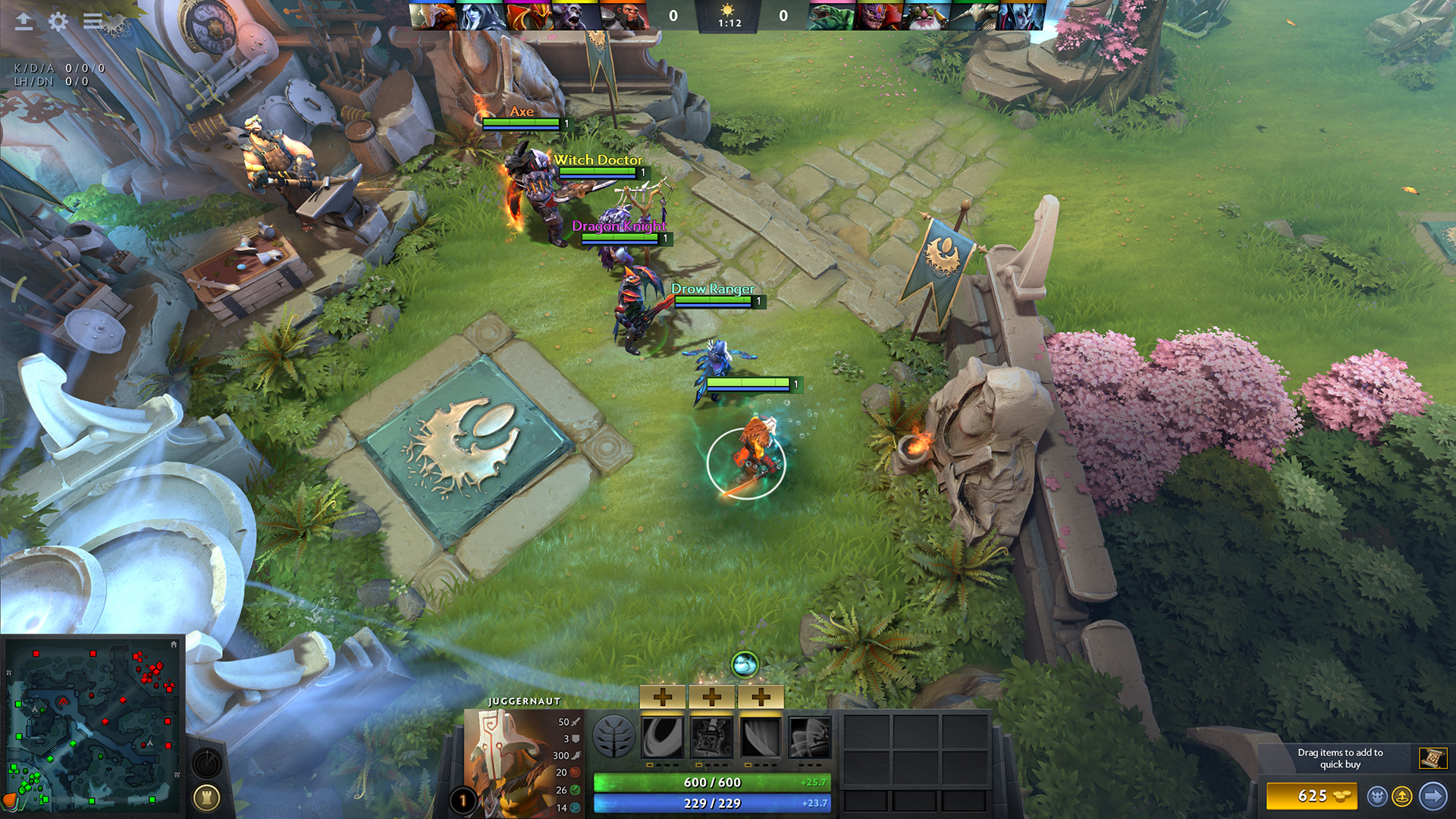
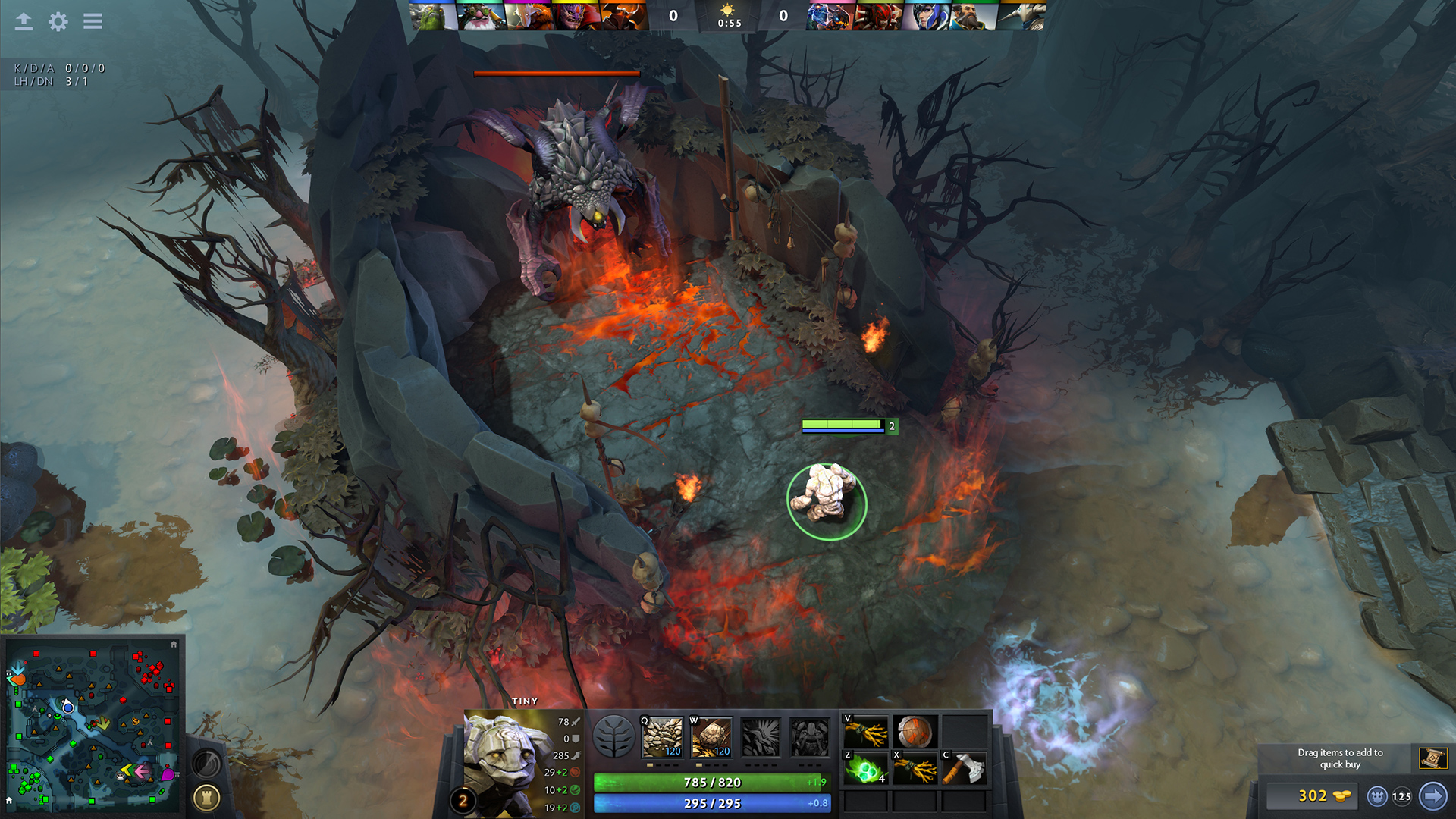
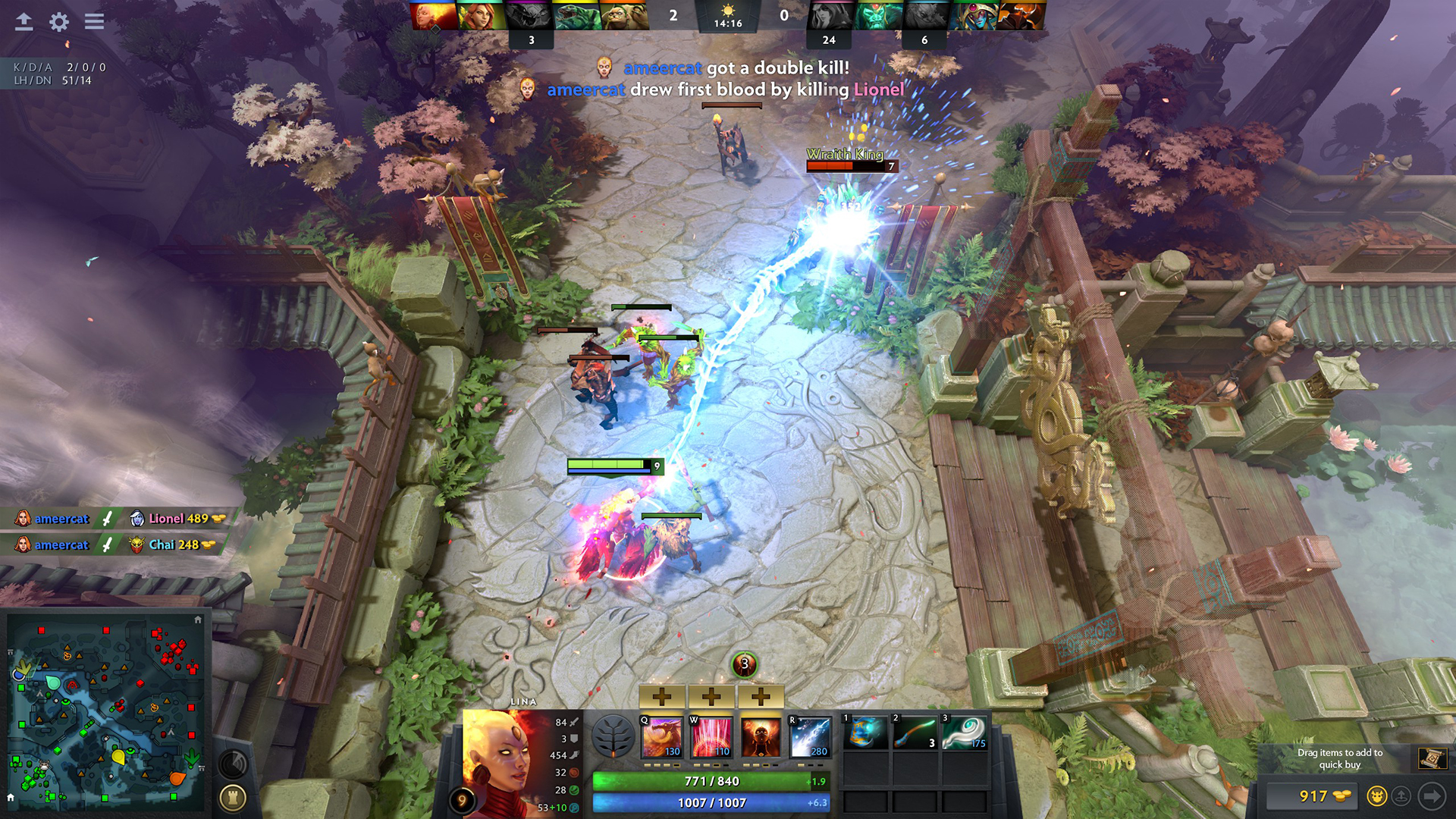
Images are provided by Steam and belong to their publishers.
What the minimum means in practice
This part is our own advice, not Valve's. A game that opens at 30 FPS is playable, but Dota rewards quick reactions. When you try to dodge a spell or last hit a creep, a low or uneven frame rate costs you real gold.
- Aim for 60 FPS or more. If you see big drops in team fights, lower settings before you blame the internet.
- 8 GB of RAM is more comfortable than 4 GB, because Windows, Steam and your browser also use memory.
- An SSD changes loading. The game files are large, and hero and map loading is clearly faster from an SSD.
- Ping matters as much as FPS. A steady wired connection beats a fast PC on weak Wi-Fi.
How to check your own PC
- Windows: press the Windows key and R, type dxdiag and press Enter. The System tab shows CPU and RAM, and the Display tab shows your graphics card.
- Mac: open the Apple menu and choose About This Mac to see your chip, memory and macOS version.
- Linux: open a terminal and use your distribution's system info tool, or check the Settings app for CPU, RAM and graphics.
- Storage: look at the free space on the drive you will use. You need 60 GB free, and a little extra room helps updates.
How to install Dota 2
- Install the Steam client from Valve's website and sign in.
- Search for Dota 2 in the Steam store and press Play Game. It is free.
- Choose a drive with at least 60 GB free.
- Wait for the download, then start it from your library.
- Play the tutorial and a bot match before queuing with other players. Our beginner guide shows the order.
Tips for a low-end PC or laptop
These are general tips, not official Valve advice, but they work for most older machines.
- Lower the render quality, and turn off shadows and ambient occlusion in the video settings.
- Choose a lower resolution if the game still stutters. Playing at a lower resolution is better than playing at low frame rate.
- Close browsers, launchers and video apps while you play.
- Plug a laptop into power and pick the high-performance power mode, because battery mode slows the CPU and GPU.
- Update your graphics driver. Many stutter problems come from old drivers.
- Use a wired network connection when you can, and keep downloads on other devices paused during a match.
Languages and extras
The store page lists 28 languages. Full audio is available in English, Korean and Simplified Chinese, and the others cover the interface only. The page lists no subtitle support. The Dota 2 soundtrack is a separate paid add-on, and the page also lists in-game purchases, but heroes are free for everyone.


Which settings to change first
If you do not know where to start, change one thing at a time and test in a bot match so you can see the effect.
- Set the resolution to your screen's native size, then lower the render quality one step if FPS is low.
- Turn off shadows and ambient occlusion, which cost frames and add little to gameplay.
- Cap the frame rate at your monitor's refresh rate so the PC does not run hot for nothing.
- Keep the game on the drive that has the most free space and the fastest read speed.
Common mistakes
- Forgetting that updates need extra space. Leave a few spare gigabytes after the 60 GB install.
- Installing on a nearly full drive, which slows both the download and the game.
- Playing a ranked game the first day on a weak setup. Test the frame rate in a bot match first.
ライブ中:Dota 2
すべて見る → LIVE
Twitch
5,621
road to top 100 eu ladder no jokes only tryhard !тимспиритжди !tg !BETBOOM !vtb
aviceru
LIVE
Twitch
5,621
road to top 100 eu ladder no jokes only tryhard !тимспиритжди !tg !BETBOOM !vtb
aviceru
 LIVE
Twitch
4,293
🏆 ПУТЬ В ТОП 100 🏆 НОВЫЙ ПАТЧ🏆 ЖЕСТКИЙ АП ММР 🍔 БЫЛО 15к ММР 🍆 ТЕСТИМ НОВЫЙ ПАТЧ ⭐ НАШЕЛ ИМБУ ПАТЧА ⭐🧀🏆⭐
LenaGol0vachru
LIVE
Twitch
4,293
🏆 ПУТЬ В ТОП 100 🏆 НОВЫЙ ПАТЧ🏆 ЖЕСТКИЙ АП ММР 🍔 БЫЛО 15к ММР 🍆 ТЕСТИМ НОВЫЙ ПАТЧ ⭐ НАШЕЛ ИМБУ ПАТЧА ⭐🧀🏆⭐
LenaGol0vachru
 LIVE
Twitch
3,371
турнир (без лесничка) !фонбет !бусти !мерч !состав
Daxakru
LIVE
Twitch
3,371
турнир (без лесничка) !фонбет !бусти !мерч !состав
Daxakru
 LIVE
Twitch
2,652
ПОВТОР BLAST SLAM VIII | Playoffs
betboom_dota_ruru
LIVE
Twitch
2,652
ПОВТОР BLAST SLAM VIII | Playoffs
betboom_dota_ruruNext steps: learn the roles in our beginner guide, read what changed in the latest patch and watch matches on the Dota 2 hub.
