

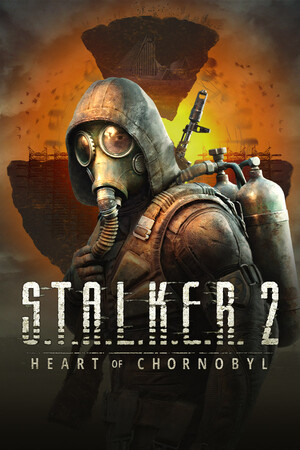
S.T.A.L.K.E.R. 2 has an active mod scene. Most mods are .pak files you drop into a folder, and you do not need a mod manager. This guide explains the steps, the kinds of mods that are popular, and how to stay safe. Information is from Prima Games and GamesRadar mod guides, checked on October 13, 2026. Mods can break after game updates, so always read the mod page first.
Key takeaways
- Create a folder named ~mods inside the Paks folder and put the .pak files in it.
- Download mods from a trusted site such as Nexus Mods and read the comments.
- Back up your saves and config files before you change anything.
- Remove a mod by deleting its .pak file from ~mods.
These screenshots may contain violence.

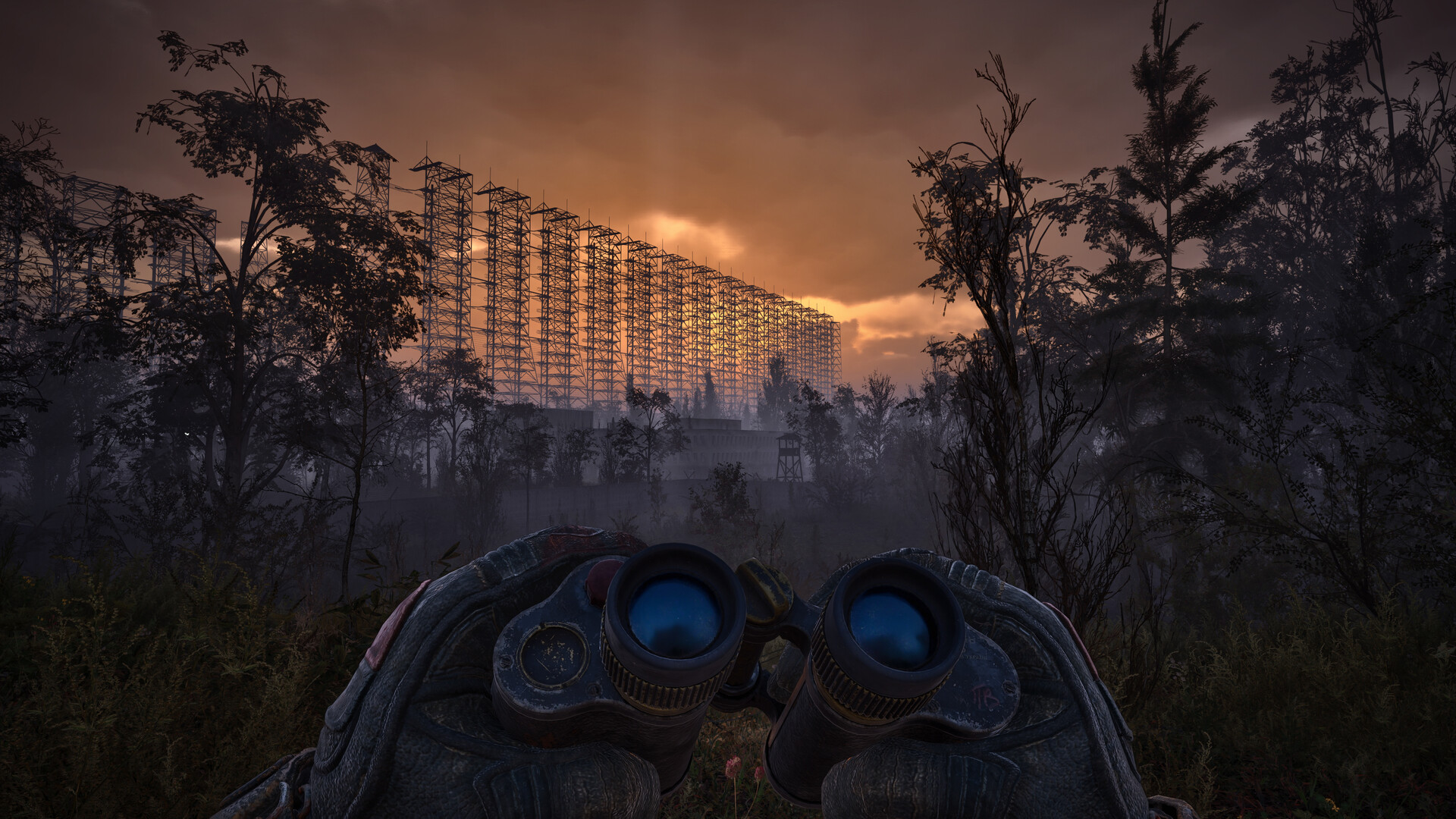
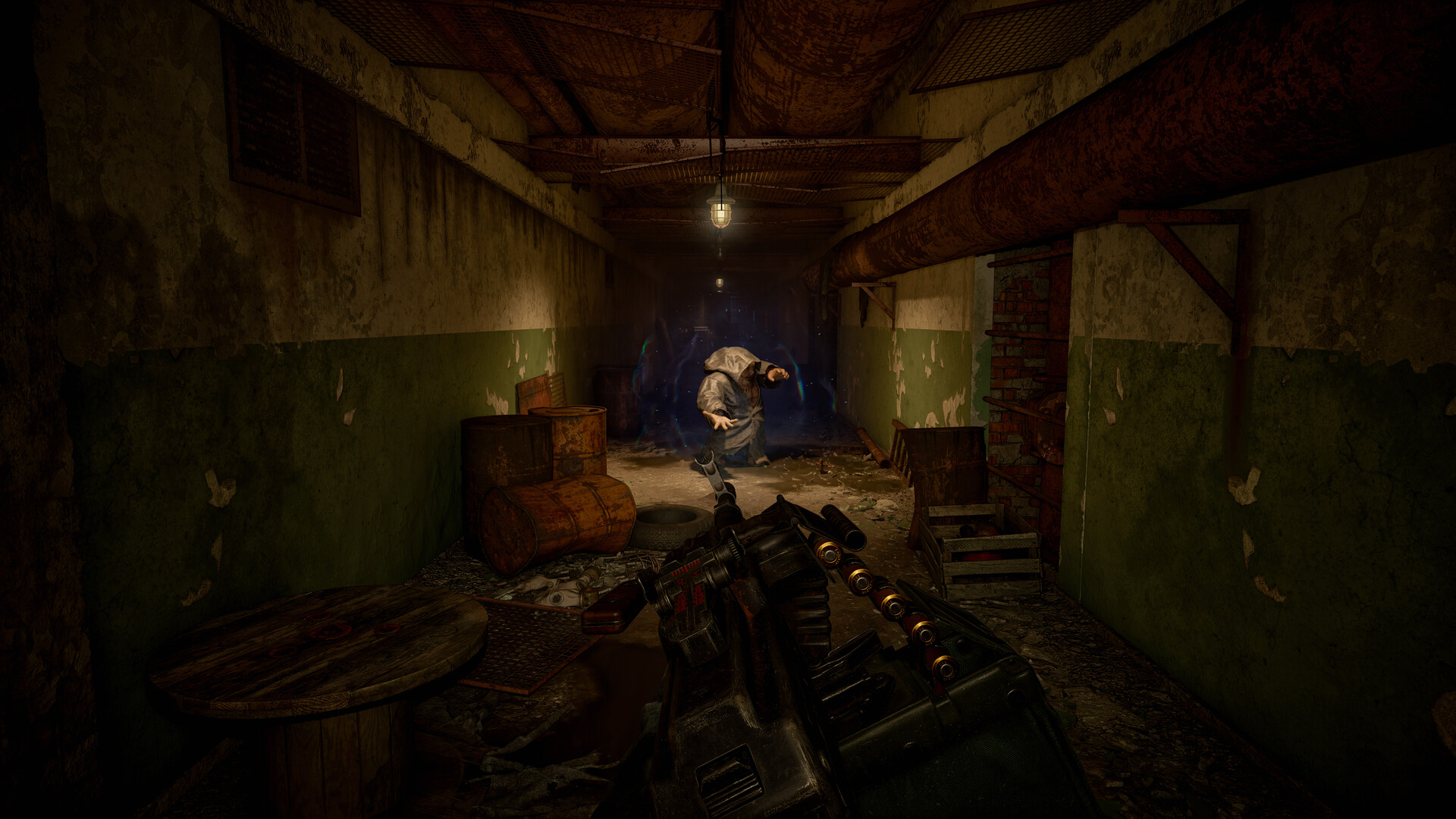
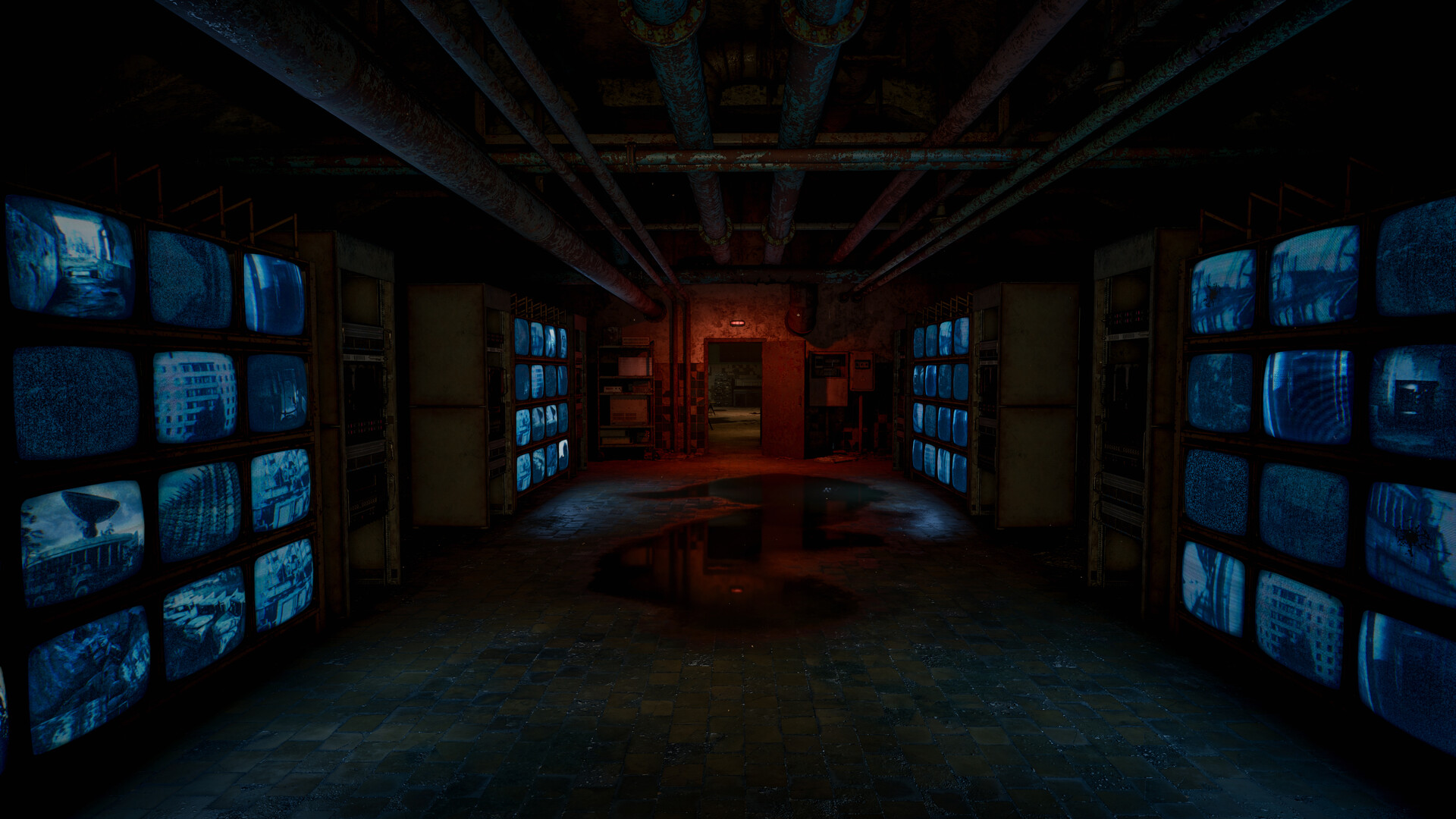
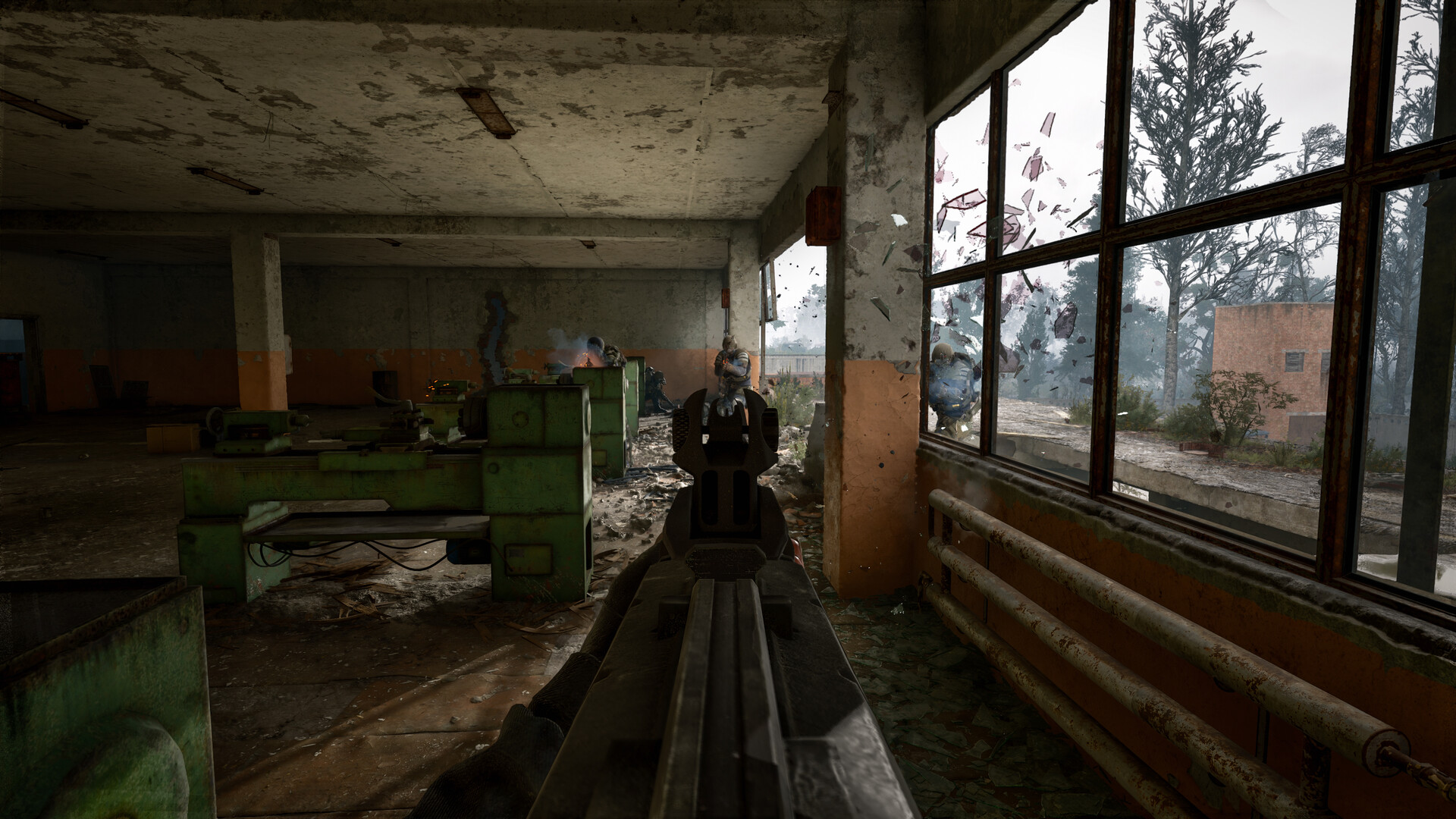
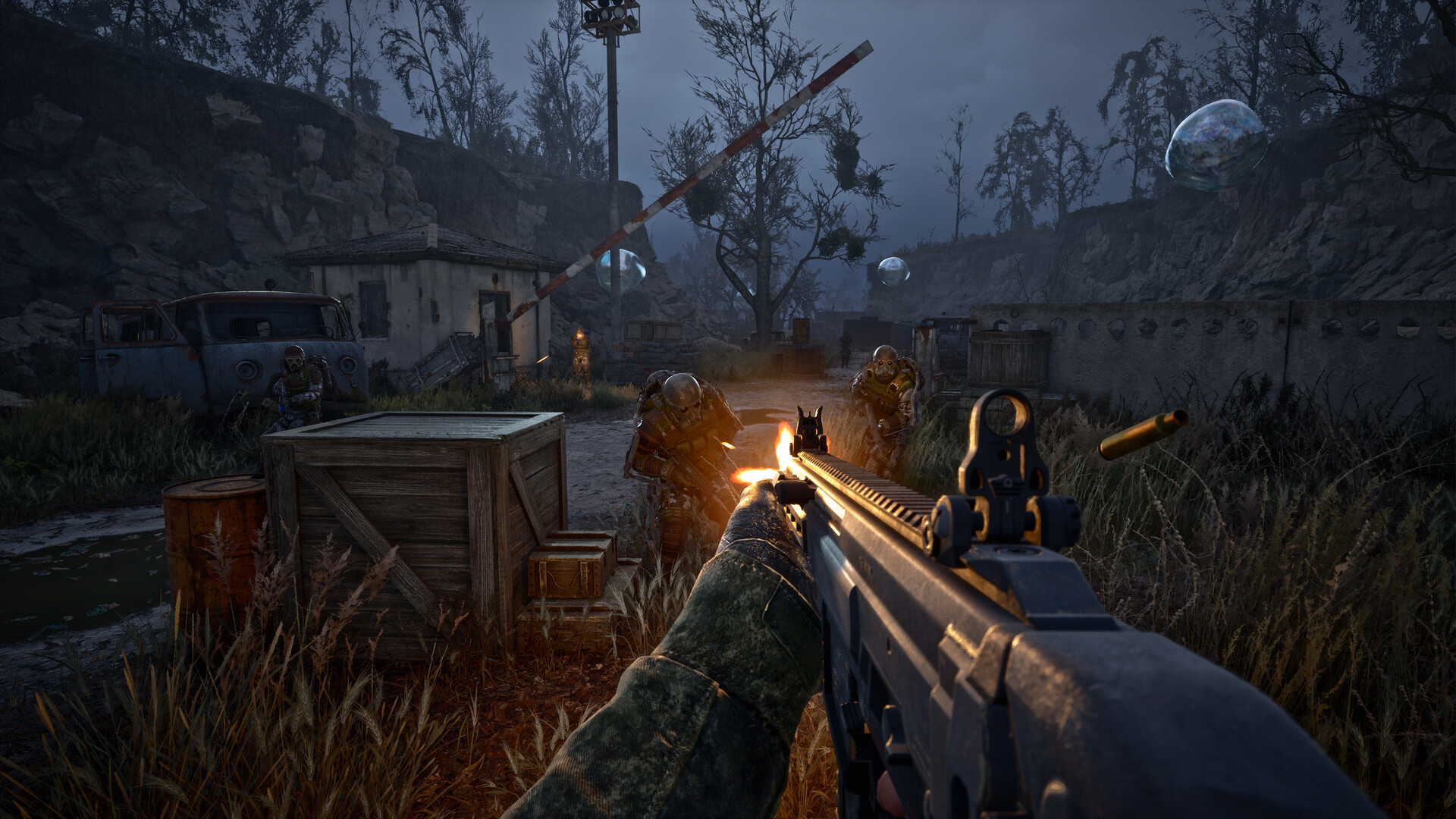
Images are provided by Steam and belong to their publishers.
How to install mods on PC
- Create a Nexus Mods account and open the S.T.A.L.K.E.R. 2 section.
- Download the mod and extract the zip file.
- Open the Paks folder. On Steam it is S.T.A.L.K.E.R. 2 Heart of Chornobyl, then Stalker2, Content, Paks. On Game Pass the path is slightly different and sits under Content.
- Create a folder named ~mods inside Paks. The tilde is required.
- Copy the .pak files into ~mods.
- Start the game. To remove a mod, delete its .pak file.
Popular kinds of mods
| Type | Examples named by GamesRadar | What it does |
|---|---|---|
| Performance | Stalker Optimizer, Optimized Tweaks S.2, Ultimate Engine Tweaks | Small FPS gains; some need manual ini edits |
| Weight | Adjustable Carryweight, No weight for ammo, grenades, meds and food | Changes carry limits |
| Weapons | Reasonable Weapon Degradation, Reduced Repair Cost | Less wear or cheaper repairs |
| Enemies | Lower Mutant Health, No More Tanky Mutants | Makes mutants easier |
Mods like these change game balance. Some make the game easier, so pick them if you want comfort and skip them if you want the original challenge.


Staying safe
- Use the official mod pages and read user comments.
- Do not run installers from unknown sites. A normal STALKER 2 mod is a .pak file, not a program.
- Keep your antivirus on.
- Do not use mods in online features of other games. This guide is only about the single player STALKER 2.
- Update mods after each game patch, or turn them off if the game crashes.
If the game crashes after installing mods
- Remove all .pak files from ~mods.
- Verify the game files in Steam.
- Add mods back one by one to find the problem.
Tips for mod users
Keep a short list of the mods you installed, with the version number and the date. When the game updates, you will know what to check first. Do not install ten mods at once, because a crash then tells you nothing. Add one mod, play for a few minutes, and then add the next. If a mod page says it needs a specific game version, believe it.
Looking for bigger overhauls?
If you want a totally different experience, Anomaly and GAMMA are standalone fan projects with their own install steps. See our comparison and the GAMMA guide.
In live ora: S.T.A.L.K.E.R.
Vedi tutti → LIVE
Twitch
104
Лучшее для ТЕБЯ! 👪 → !фильм🎬 !Игры📜
Daihanru
LIVE
Twitch
104
Лучшее для ТЕБЯ! 👪 → !фильм🎬 !Игры📜
Daihanru
 LIVE
Twitch
12
10/13 Stalker... Into the frying pan of the zone. We return once again. !lurk !return
jaethecrimson22en
LIVE
Twitch
12
10/13 Stalker... Into the frying pan of the zone. We return once again. !lurk !return
jaethecrimson22en
 LIVE
Twitch
12
It's time to pop this highly irradiated bubble | #NoGenAI
GamertechAUen
LIVE
Twitch
12
It's time to pop this highly irradiated bubble | #NoGenAI
GamertechAUen
 LIVE
Twitch
10
[18+] I Return To Stalker! Today We Go Tackle Some More Spooky Underground Labs! | Also Probably Get Into Like 100 Or So Firefights
CorvisVTen
LIVE
Twitch
10
[18+] I Return To Stalker! Today We Go Tackle Some More Spooky Underground Labs! | Also Probably Get Into Like 100 Or So Firefights
CorvisVTenNext steps: check your PC with our estimator, read the requirements guide, or visit the hub.