
Fortnite runs on many PCs, but weak laptops often struggle. Epic added a Performance Mode to the graphics settings, next to the DirectX 11 and DirectX 12 options, to raise frame rates on low-end hardware. This guide uses a Bit-Tech report on that feature, checked on October 13, 2026, plus common-sense PC steps. See also the Fortnite PC requirements guide.
Key takeaways
- Performance Mode is built for low-end PCs and laptops.
- Epic's examples showed more than double the frame rate on weak laptops, but results vary.
- Turning off HD textures in the launcher saves over 14 GB, as reported at launch.
- Update drivers and close background apps first.

What Performance Mode does
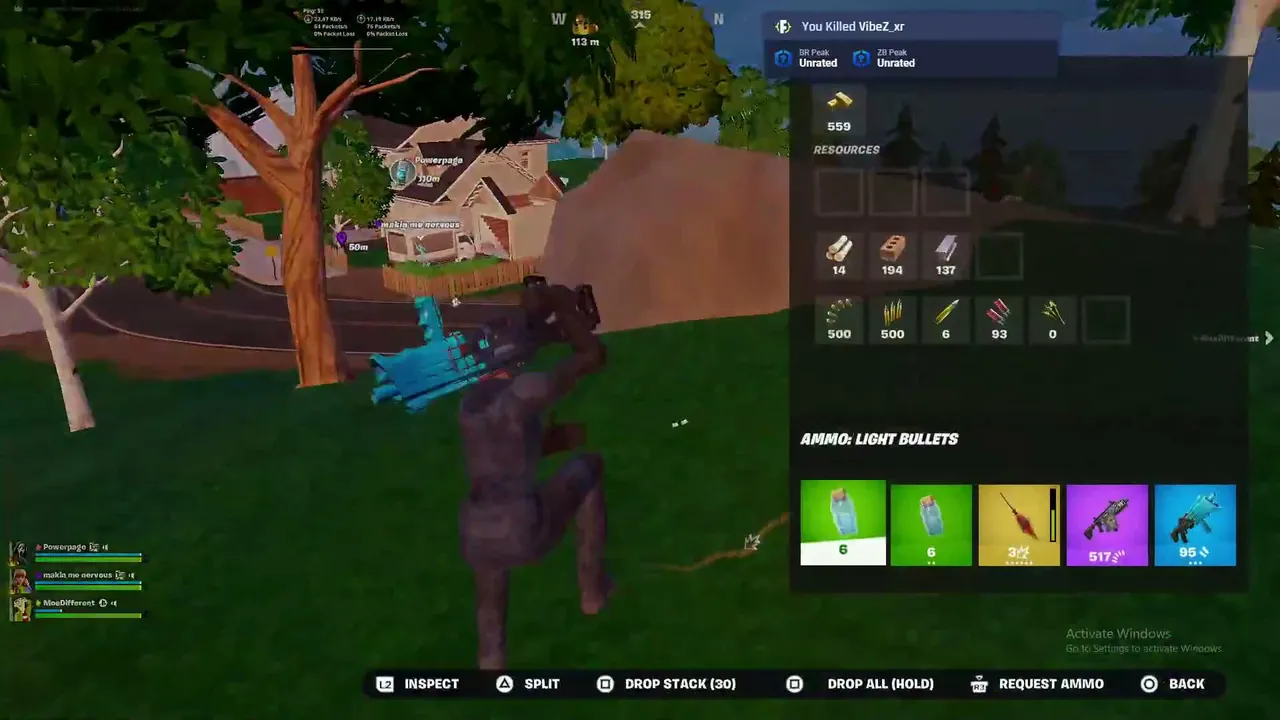
Performance Mode lowers visual quality to raise FPS. Bit-Tech reported Epic's tests at 720p: an Intel Core i5-8265U laptop with UHD 620 graphics and 8 GB of RAM rose from about 24 to 61 FPS, and an AMD A10 laptop rose from 18 to 45 FPS. Epic said it might have issues in its early version. The report also said it worked in Battle Royale and Creative at the time, so check the current settings menu.
Steps to fix lag
- In the graphics settings, try Performance Mode if your PC is weak.
- Try switching between DirectX 11 and DirectX 12. One may run better on your PC.
- In the launcher, remove HD textures to save disk space and memory.
- Update your graphics driver from NVIDIA, AMD or Intel.
- Close background apps and overlays.
- Lower the 3D resolution, shadows and effects.
- Plug laptops in and choose a high performance power plan.
Not sure your PC is ready? Try the Can my PC run it? calculator and the FPS calculator.
Playing on a cloud or console instead
If your PC cannot keep up, see where else you can play Fortnite. You can also watch live Fortnite streams to learn.
In live ora: Fortnite
Vedi tutti → LIVE
Twitch
6034
WATCHING PRO SOLO SCRIMS 🏆 PETER AND POLLO CONTESTED 👀
AussieAnticsen
LIVE
Twitch
6034
WATCHING PRO SOLO SCRIMS 🏆 PETER AND POLLO CONTESTED 👀
AussieAnticsen
 LIVE
Twitch
5266
Best Pumpkin Paths! 🎃
HappyHappyGalen
LIVE
Twitch
5266
Best Pumpkin Paths! 🎃
HappyHappyGalen
 LIVE
Twitch
2636
LOWEST TO HIGHEST RANK IN FORTNITE | SHOOTER !MARATHON !TIMER !GEAR | 4/7 COMPLETED! | Socials @iiTzTimmy
iiTzTimmyen
LIVE
Twitch
2636
LOWEST TO HIGHEST RANK IN FORTNITE | SHOOTER !MARATHON !TIMER !GEAR | 4/7 COMPLETED! | Socials @iiTzTimmy
iiTzTimmyen
 LIVE
Twitch
1592
🏆 LETS BE GREAT TODAY 🏆 | !offline !313 !website !merch
buckefpsen
LIVE
Twitch
1592
🏆 LETS BE GREAT TODAY 🏆 | !offline !313 !website !merch
buckefpsen