FiveM sometimes fails to start, hangs on a loading screen or crashes. Before you reinstall everything, check the list below. These fixes come from the official FiveM client issues page, so they are safe and do not need extra tools.
Key takeaways
- First find out if the problem is FiveM or one server.
- Many start-up errors are fixed by deleting one file or folder, not by reinstalling.
- Antivirus software is a common cause of "stuck on starting" problems.
- Server bans and server crashes are handled by the server owners, not by FiveM.
Step 1: is it FiveM or the server?
The docs suggest you test on the official FiveM testing server. If the game works there, the problem is likely the server you tried. Then ask that server's staff. If it crashes everywhere, keep reading.
These screenshots may contain violence.
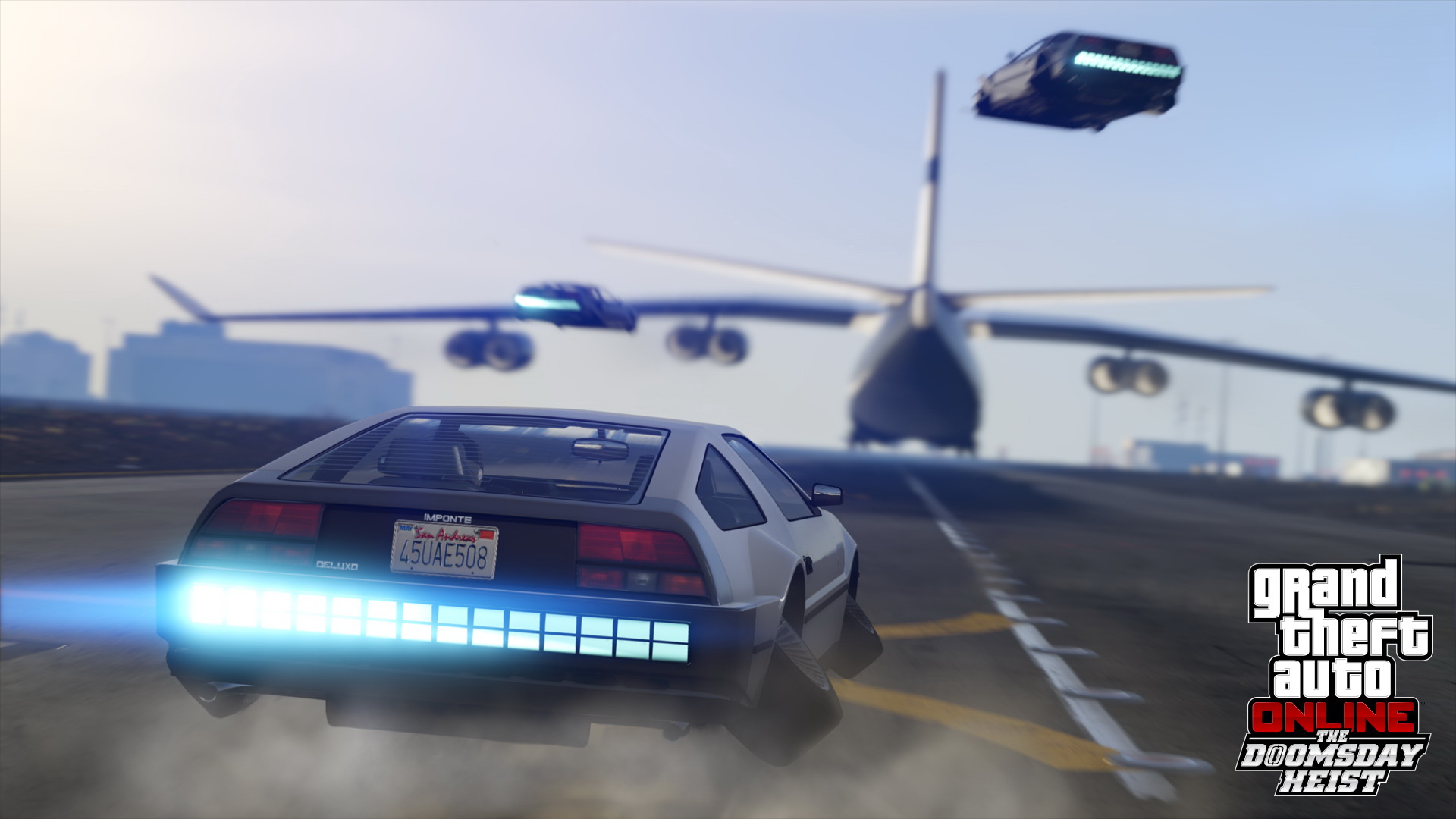
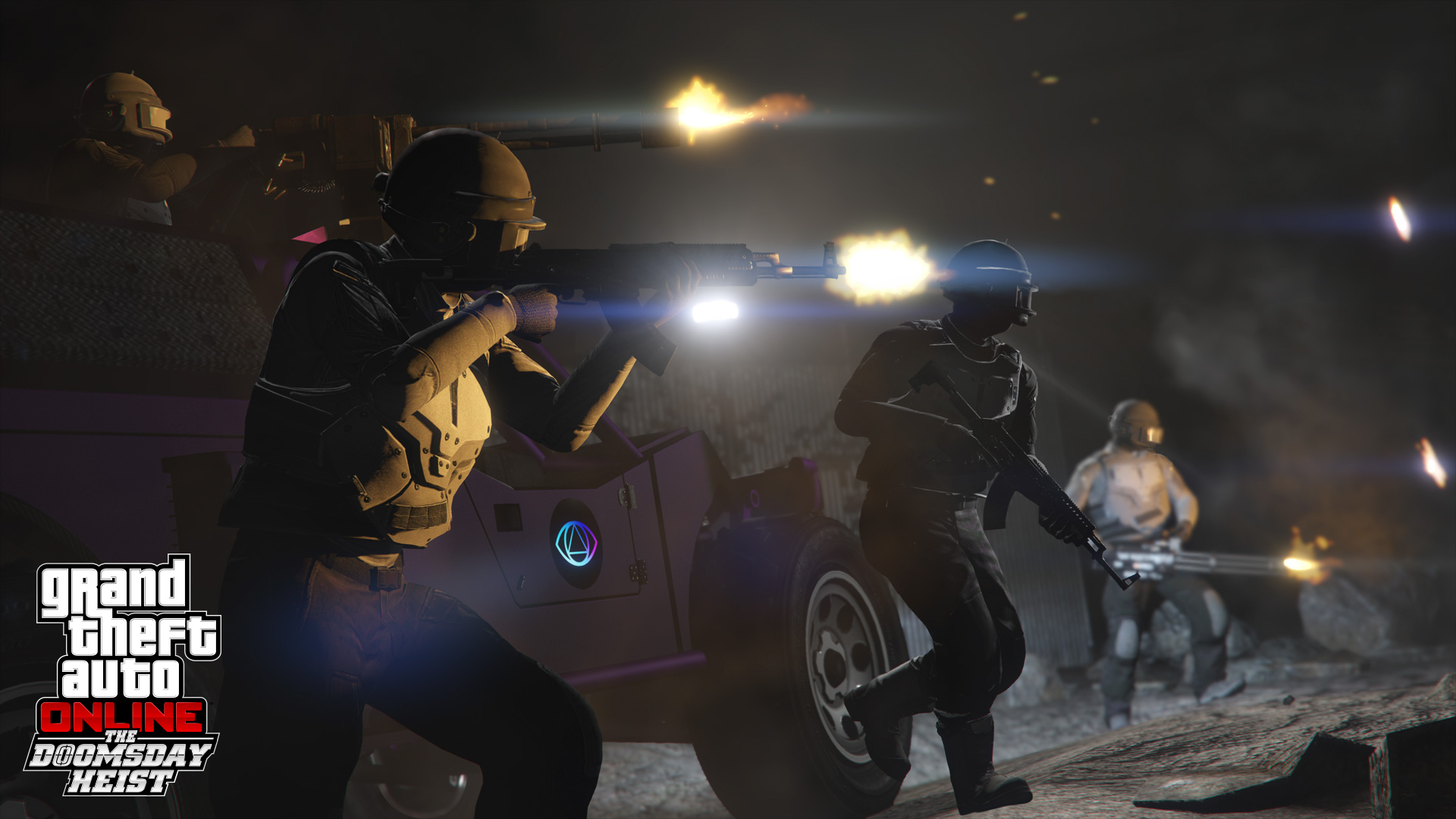
Images are provided by Steam and belong to their publishers.
Common errors and fixes
| Problem | Fix from the docs |
|---|---|
| "FiveM is already installed" | Start it from the Start menu shortcut, not from the original installer. |
| Error loading component xyz.dll | Delete caches.xml in the FiveM application data folder. If the file is missing, delete the whole folder. |
| Error loading adhesive.dll | Update Windows 10 to version 1703 or later. Type winver in Windows search to check. |
| Entry Point Not Found | Delete v8.dll, v8_libbase.dll and v8_libplatform.dll from the Windows system32 folder if they exist. They are leftovers from other programs. |
| Moving of xyz.exe failed (err = 32) | Close all FiveM processes in Task Manager. If it stays, contact support about your antivirus. |
| Spinning splash screen | Delete the file ros_id.dat in the citizenfx folder inside %appdata%, and the digitalentitlements folder inside %localappdata%. |
| Stuck on "Starting FiveM, we're getting there" | Often caused by strict antivirus settings. Open a support ticket with Cfx.re. |
Other issues
- Colored background and no menu: this affects some older AMD laptop graphics chips. It comes from the browser engine FiveM uses, not from FiveM itself.
- Low FPS on a strong PC: Cfx.re asks for an ETW trace log, which helps developers find the slow part.
- Crash or freeze reports: post the details on the Cfx.re forum.
- Bans: a server ban comes from the server owners. Only a global FiveM ban is handled by Cfx.re support.
In live ora: GTA V
Vedi tutti → LIVE
Twitch
1110
ANARCHY CITY, LA NUOVA DUBAI!! !prime !sub
veloxit
LIVE
Twitch
1110
ANARCHY CITY, LA NUOVA DUBAI!! !prime !sub
veloxit
 LIVE
Kick
607
استراحة محارب -Braziw🔥
IHEB10it
LIVE
Kick
607
استراحة محارب -Braziw🔥
IHEB10it
 LIVE
Twitch
549
[IMPERO XIV] 💀 HECTOR/ORAZIO: INCONTRO CON TUTTE LE MAFIE 💀 COMMERCIO DI ARMI 💀 STABILIAMO UN MERCATO 💀 - !Sub !Prime !Fdcpov
Kertusit
LIVE
Twitch
549
[IMPERO XIV] 💀 HECTOR/ORAZIO: INCONTRO CON TUTTE LE MAFIE 💀 COMMERCIO DI ARMI 💀 STABILIAMO UN MERCATO 💀 - !Sub !Prime !Fdcpov
Kertusit
 LIVE
Twitch
256
[IMPERO] [YKZ] Marcelle - E' il momento di dimostrare [DAY18] [RECLUTAMENTI APERTI]
LucasHRit
LIVE
Twitch
256
[IMPERO] [YKZ] Marcelle - E' il momento di dimostrare [DAY18] [RECLUTAMENTI APERTI]
LucasHRitCheck the basics too
Make sure Windows is updated, GTA V is a legit copy and your disk has free space. The docs list about 105 GB for the game and extra room for the cache. FiveM also does not run on Linux or consoles.
New to all of this? Start with our FiveM install guide. Once you are in, browse the GTA RP server list.