
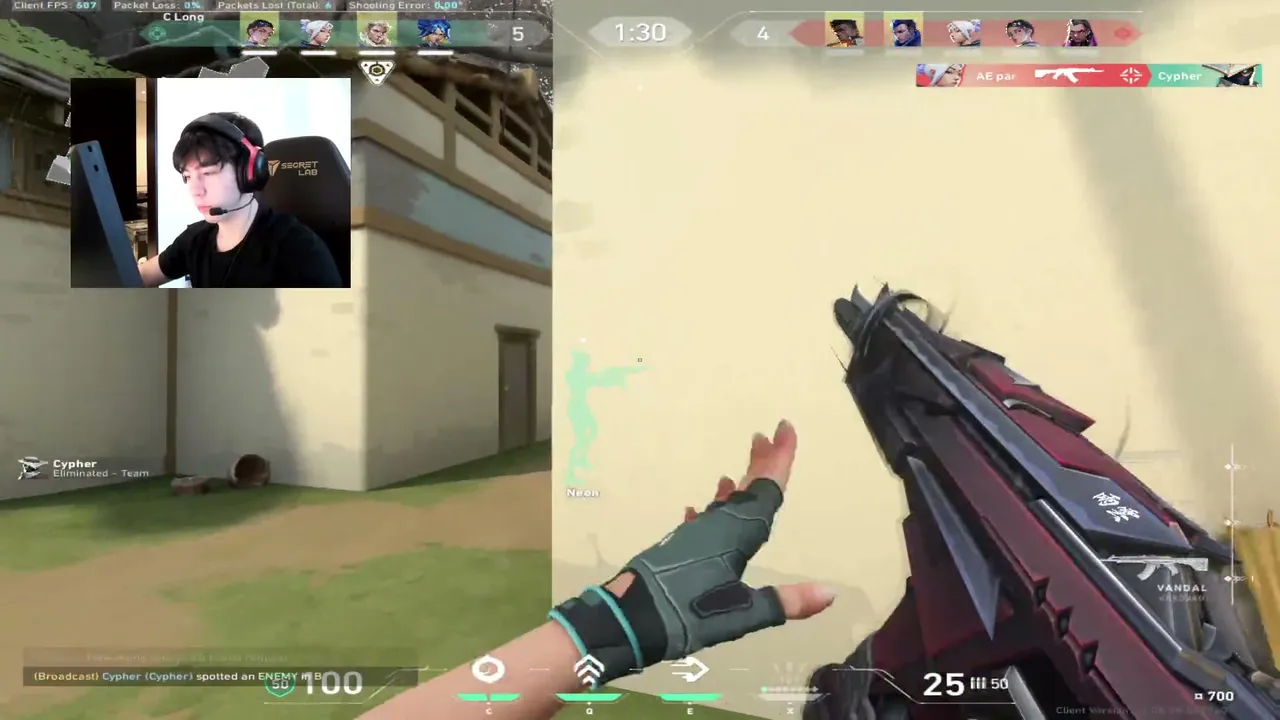
VALORANT shows a Low Client FPS warning in the top right corner when your frame rate falls. According to reports from Dot Esports and Dexerto, it is often triggered by overlays or software conflicts and can appear even on strong PCs. These fixes come from those guides, checked on October 13, 2026. Check the VALORANT system requirements first.
Key takeaways
- Turn off overlays from your graphics card software, Discord and Xbox Game Bar first.
- Update graphics drivers and Windows.
- Close tracker and helper apps in the system tray.
- Reinstall VALORANT and Vanguard only if nothing else works.


The fixes, in order
- Disable overlays. In AMD Radeon software, turn off the overlay and Instant Replay. In NVIDIA software, turn off the in-game overlay. Test Discord and Xbox Game Bar too.
- Update graphics drivers. Run dxdiag to see your card, then install the driver from NVIDIA or AMD, and install pending Windows updates.
- Disable fullscreen optimizations. Right-click the VALORANT program file, open Properties, then Compatibility, and tick the option.
- Close background apps like stat trackers.
- Lower in-game settings. Use Low, turn off extra effects and try FXAA or no anti-aliasing on weak PCs.
- Set High priority in Task Manager, Details, for the VALORANT processes while the game runs.
- Reinstall VALORANT and Riot Vanguard from Windows Apps, restart, and install again from the official site.
Frame drops after patches
Dexerto reported FPS drops after patches 2.05 and 2.06, which Riot linked mainly to certain agents and said it was improving CPU performance. One reported workaround is disabling the HPET timer. Open Command Prompt as administrator and run bcdedit /enum all /v | findstr "clock". If it shows useplatformclock Yes, run bcdedit.exe /set useplatformclock false and restart. This is an advanced step, so skip it if you are not comfortable, and note it may not help on newer patches.
Not sure your PC is ready? Try the Can my PC run it? calculator and the FPS calculator.
Still stuck?
Send a support ticket to Riot with your logs and the steps you tried. Meanwhile, see how the game should look on live VALORANT streams and read our VALORANT beginner guide.
En live : Valorant
Tout voir → LIVE
Twitch
93
Go donner mon âme a Riot ! Valo/LoL/ !donaterewards !goals !discord
ianjikzfr
LIVE
Twitch
93
Go donner mon âme a Riot ! Valo/LoL/ !donaterewards !goals !discord
ianjikzfr
 LIVE
Twitch
5 050
メンテ終わった!ぞ!!!! 新ACTバロラント アセント返せ 姿勢変えた センシも変えた800 0.175 スランプ中 PCも調子悪め 今日調子悪いですか?系コメントはBAN 人のせいにしない あたたかい配信
Meiy_vlja
LIVE
Twitch
5 050
メンテ終わった!ぞ!!!! 新ACTバロラント アセント返せ 姿勢変えた センシも変えた800 0.175 スランプ中 PCも調子悪め 今日調子悪いですか?系コメントはBAN 人のせいにしない あたたかい配信
Meiy_vlja
 LIVE
Kick
1 785
LOUD LUKXO - TOP 3 CHAMPIONS - RANKED
lukxopt
LIVE
Kick
1 785
LOUD LUKXO - TOP 3 CHAMPIONS - RANKED
lukxopt
 LIVE
Twitch
1 511
NEW Skins NEW MAPS NEW ACT
eggsterren
LIVE
Twitch
1 511
NEW Skins NEW MAPS NEW ACT
eggsterren