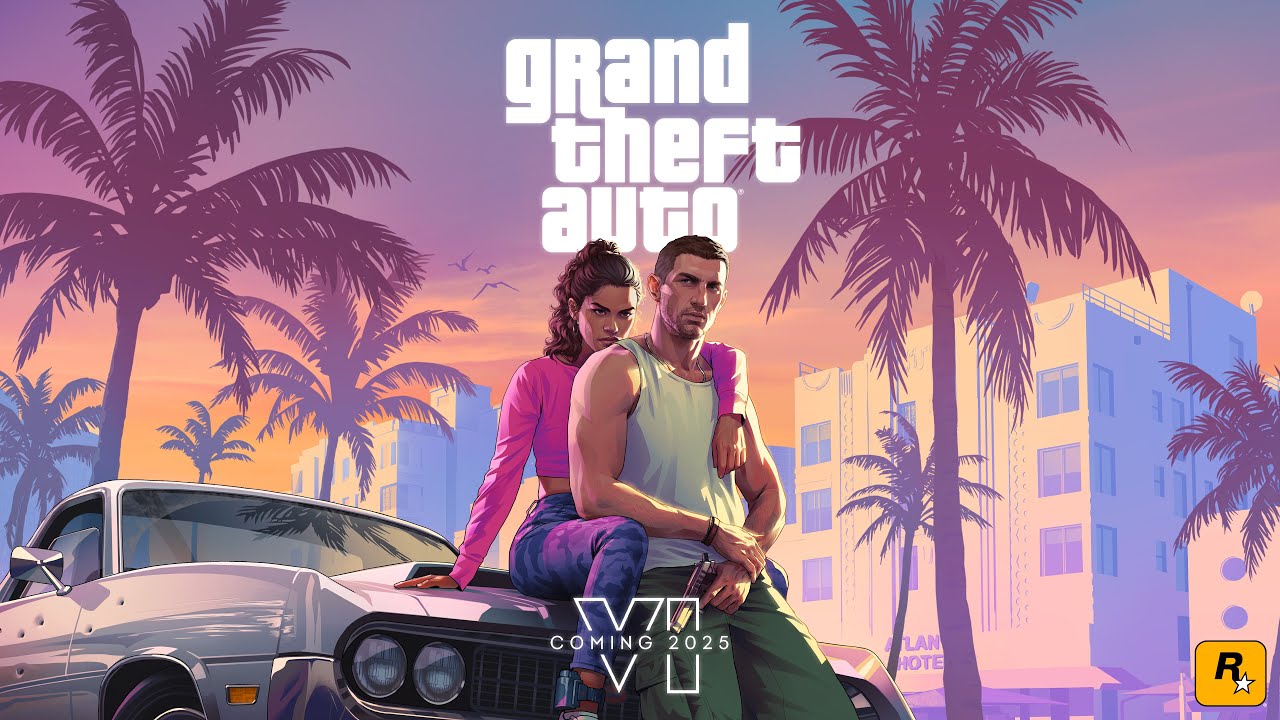

GTA VI launches on November 19, 2026, and a lot of the people searching for it are teenagers. If you are a parent, or a young player wondering why a game is "not for you," this guide explains the rating and the content descriptors in simple words.
Key takeaways
- Rockstar's page lists adult descriptors, including Intense Violence, Strong Language, Nudity and Strong Sexual Content.
- M (17+) and PEGI 18 are reported by news sites but we could not confirm them in the official databases.
- In-Game Purchases are listed, so set spending limits.
- Parental controls on PlayStation and Xbox can block the game.
What does Rockstar's page say?
As of October 8, 2026, the official GTA VI page on Rockstar's website lists these ESRB content descriptors: Blood and Gore, Intense Violence, Mature Humor, Nudity, Strong Language, Strong Sexual Content, and Use of Drugs and Alcohol. It also lists In-Game Purchases.
That list already tells you the main point: this is not a game for children. The same goes for the earlier games in the series, which have always been made for adults.
What is the rating?
Gaming news sites report that the game carries an M (Mature 17+) rating from the ESRB and an 18 rating from PEGI in Europe. We could not confirm these two numbers directly in the official ESRB or PEGI databases, so treat them as reported, not as final. The descriptors above, though, come straight from Rockstar's page.
What the descriptors mean
- Blood and Gore / Intense Violence: realistic fights, shootouts and injuries.
- Strong Language: frequent swearing.
- Mature Humor: jokes about adult topics.
- Nudity and Strong Sexual Content: adult scenes and imagery.
- Use of Drugs and Alcohol: characters use them in the story.
- In-Game Purchases: the game offers optional things you can buy with real money.
Some store listings in Australia and New Zealand also mention "sex scenes." That is the store's own wording, and Rockstar has not explained it further.
What about gambling?
The reported rating information does not include a gambling descriptor. Still, "in-game purchases" is worth a talk with your kids: always check what a game lets you buy before you hand over a card.
Tips for parents
- Check the rating on the store page of the console your child uses.
- Use parental controls on PlayStation and Xbox. You can block games above a rating and set spending limits.
- Set a spending limit or remove saved cards so in-game purchases are impossible without you.
- Talk about it. A game can be fun for adults and still the wrong choice for a 12-year-old.
- Watch for scams. Fake "free GTA 6" sites target young players. Read our GTA 6 scams guide.
Not old enough yet?
There is a lot of gaming out there that is great for younger players. Not every popular game is made for adults. Our GTA 6 hub follows the news in a way that is safe to read, and watching live streams on Oggo hides mature-flagged streams by default.
En live : GTA VI
Tout voir →
How to set up parental controls (step by step)
Both major consoles let a parent control what a child can play and buy. The menus change from time to time, so look for the family or parental controls area in your console settings.
- Create a child account under your family group, and use the child's real birth date. Age limits depend on it.
- Set an age rating limit. Games above that rating cannot be started without a parent's code.
- Set a spending limit. A monthly limit, or no payment method at all, makes in-game purchases impossible.
- Limit online chat and play time if you want to control who your child talks to and for how long.
- Keep the parent account password private. A child who knows it can undo everything.
Talking to your kids about mature games
A flat "no" often leads to workarounds. A short, honest conversation works better: explain what is in the game, why the rating exists and what you are comfortable with. Offer alternatives that are fun and age-appropriate. Many teenagers also watch streams of the game, which has its own rules: on Oggo, streams flagged as mature are hidden by default, and our Live page is marked 16+.
Common mistakes
- Relying on a single source for the rating. Check the store page of your own country.
- Forgetting that a child can see the game through friends' consoles, streams and videos.
- Leaving a saved card on the console.
