

For better TF2 FPS, update your graphics driver, run the current 64-bit game, use the exclusive fullscreen or borderless mode that suits you and lower a few effects. Launch options help only a little. This guide shows a short, safe list and flags old advice that may be outdated. Checked on October 14, 2026; results vary by PC, and we did not run our own benchmarks.
Key takeaways
- The Steam page lists very modest minimum specs: Windows, 1.7 GHz CPU, 512 MB RAM, DirectX 8.1 and 15 GB of storage.
- TF2 got 64-bit support in April 2024, which Wikipedia says raised frame rates by about 22 percent on average.
- Community configs and long launch option lists make big promises but usually lack benchmarks.
- Do not use anything that changes game files in unusual ways. Stick to well-known, simple options.
- Large FPS drops often come from busy servers, not settings.
Can your PC run it?
TF2 is an old game, and the Steam minimum spec is tiny. Linux and SteamOS are also listed. macOS support was dropped in 2024. If you are unsure, test your machine with Can I run it. Steam also notes it only supports Windows 10 and later now, so older Windows versions may not work with Steam itself.
These screenshots may contain violence.
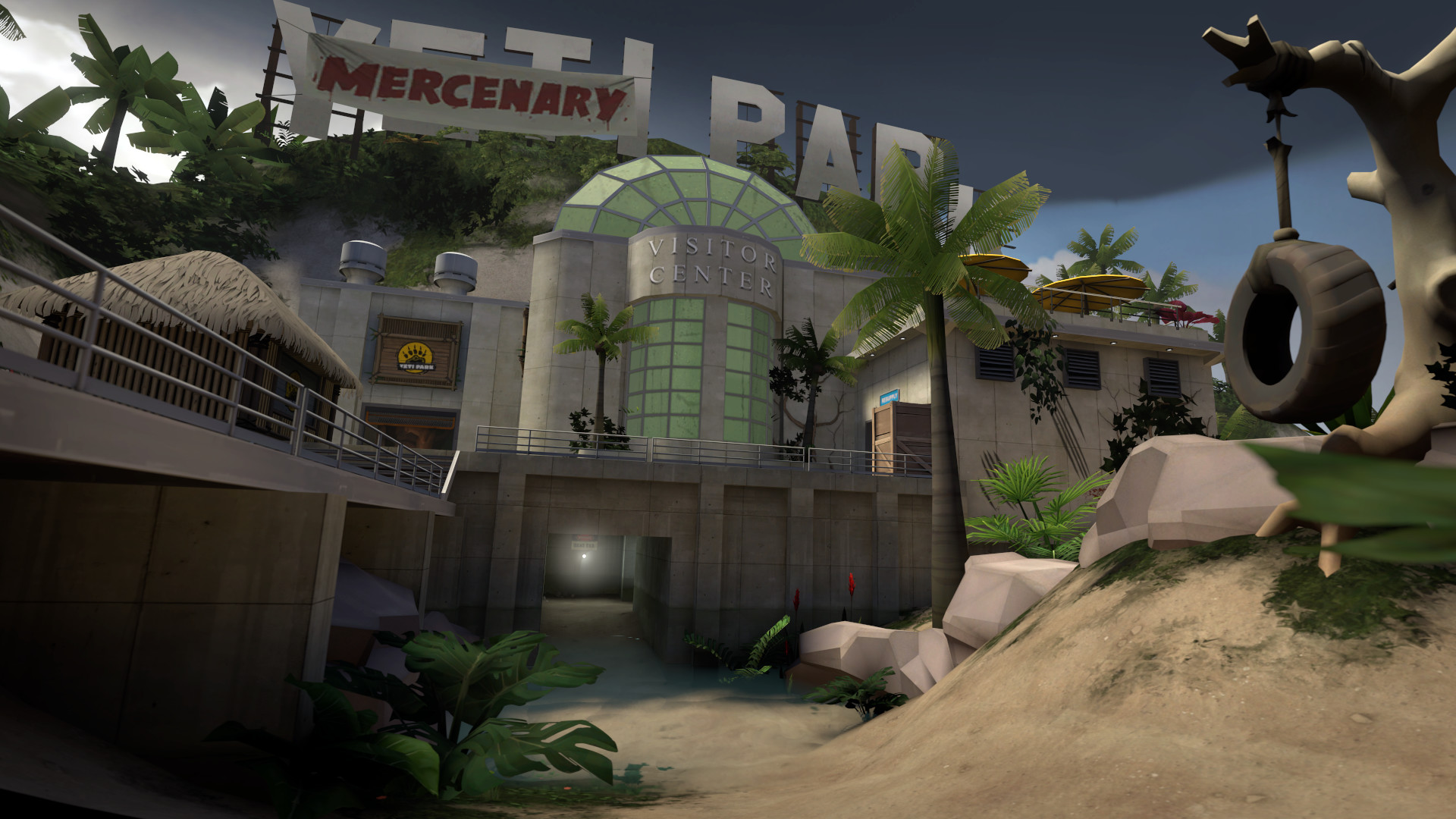
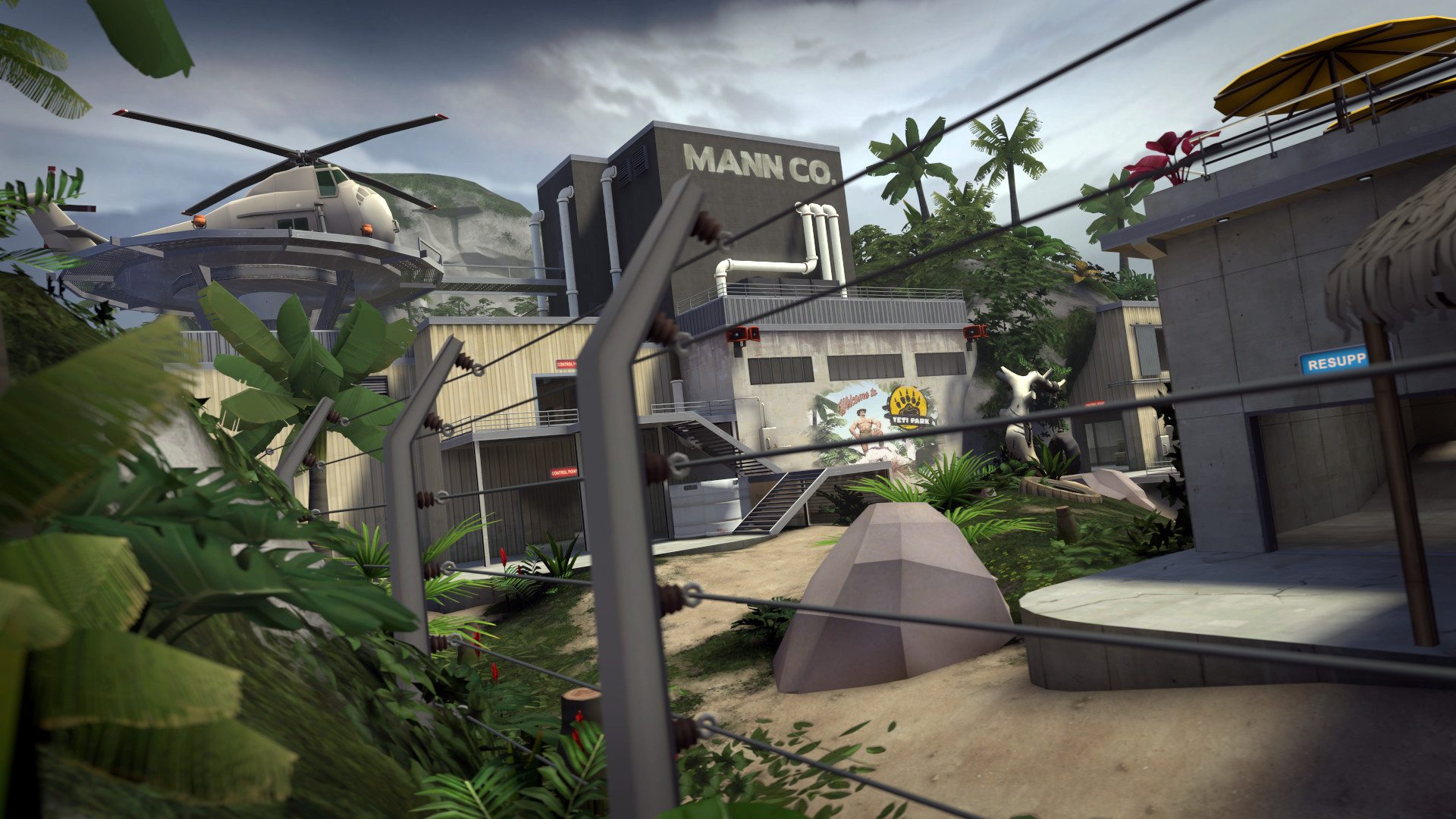
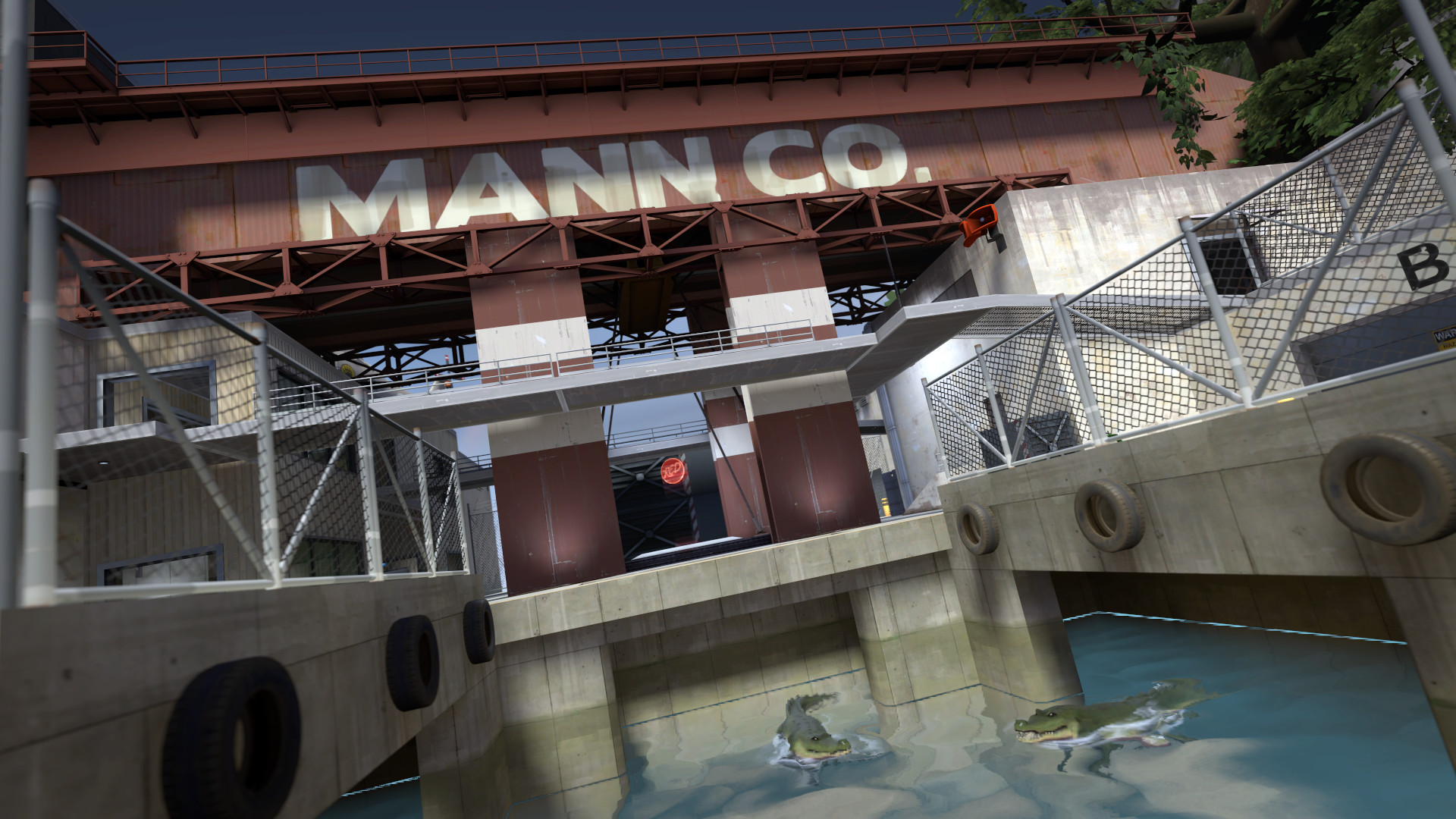
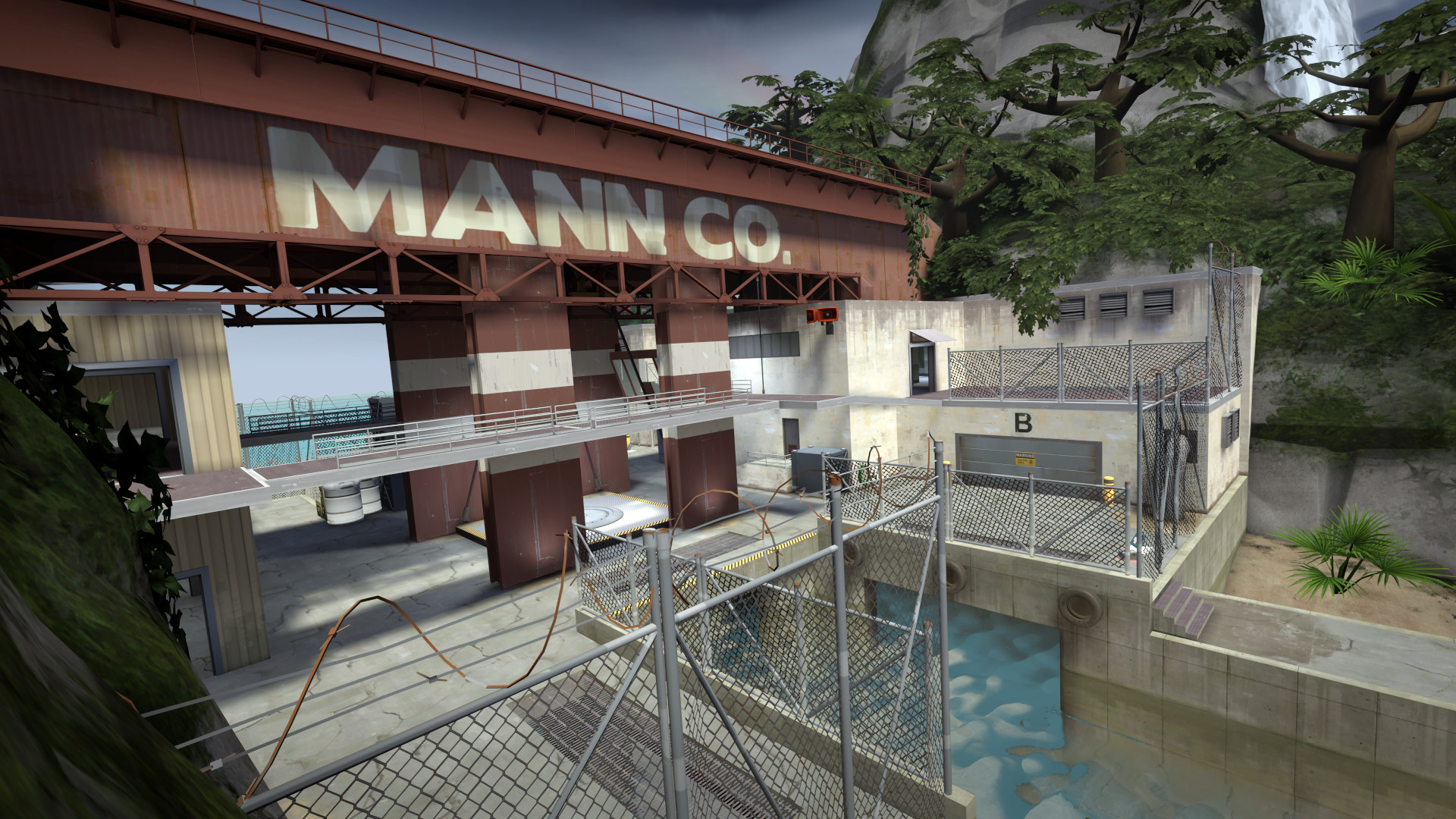
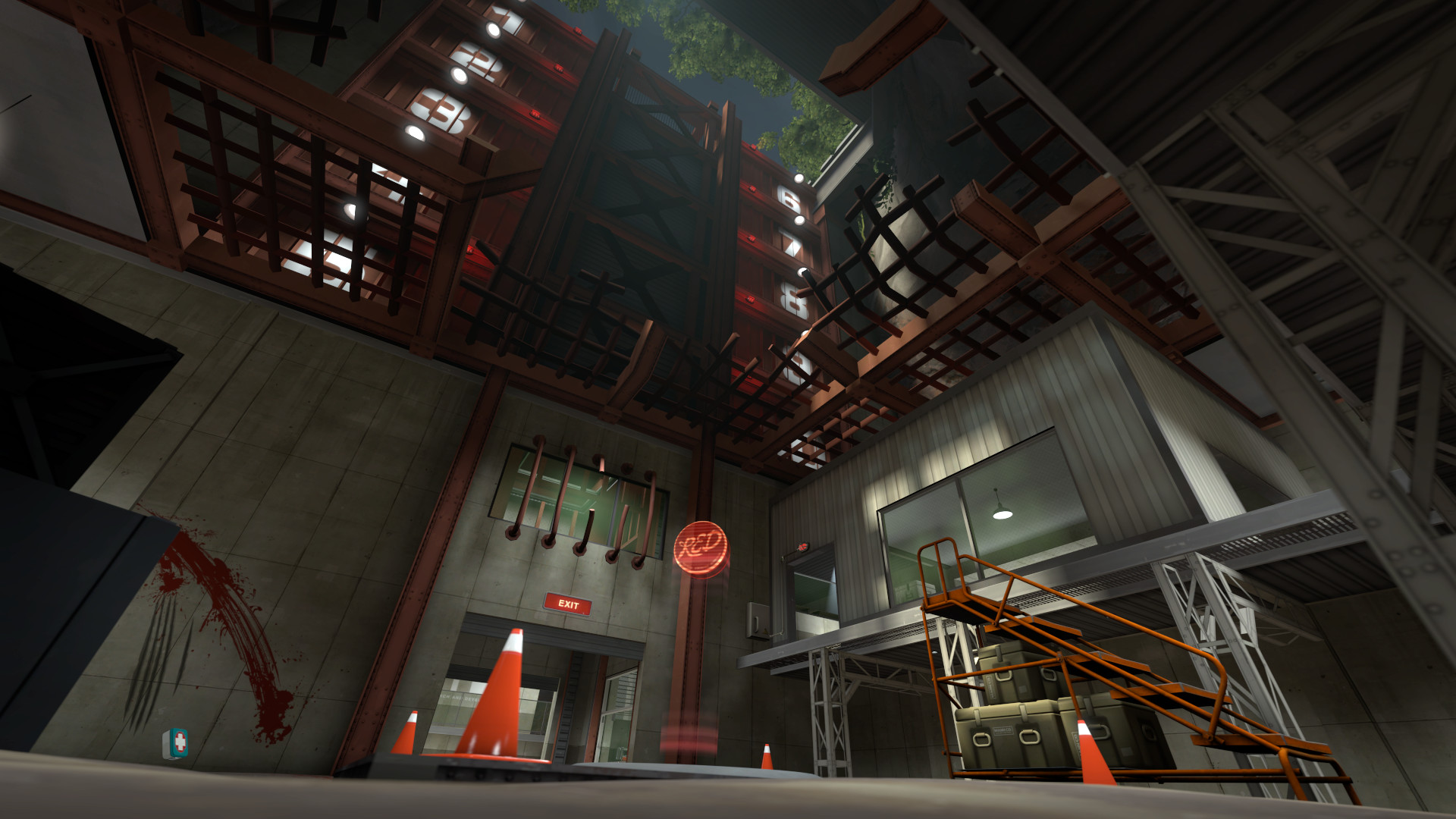
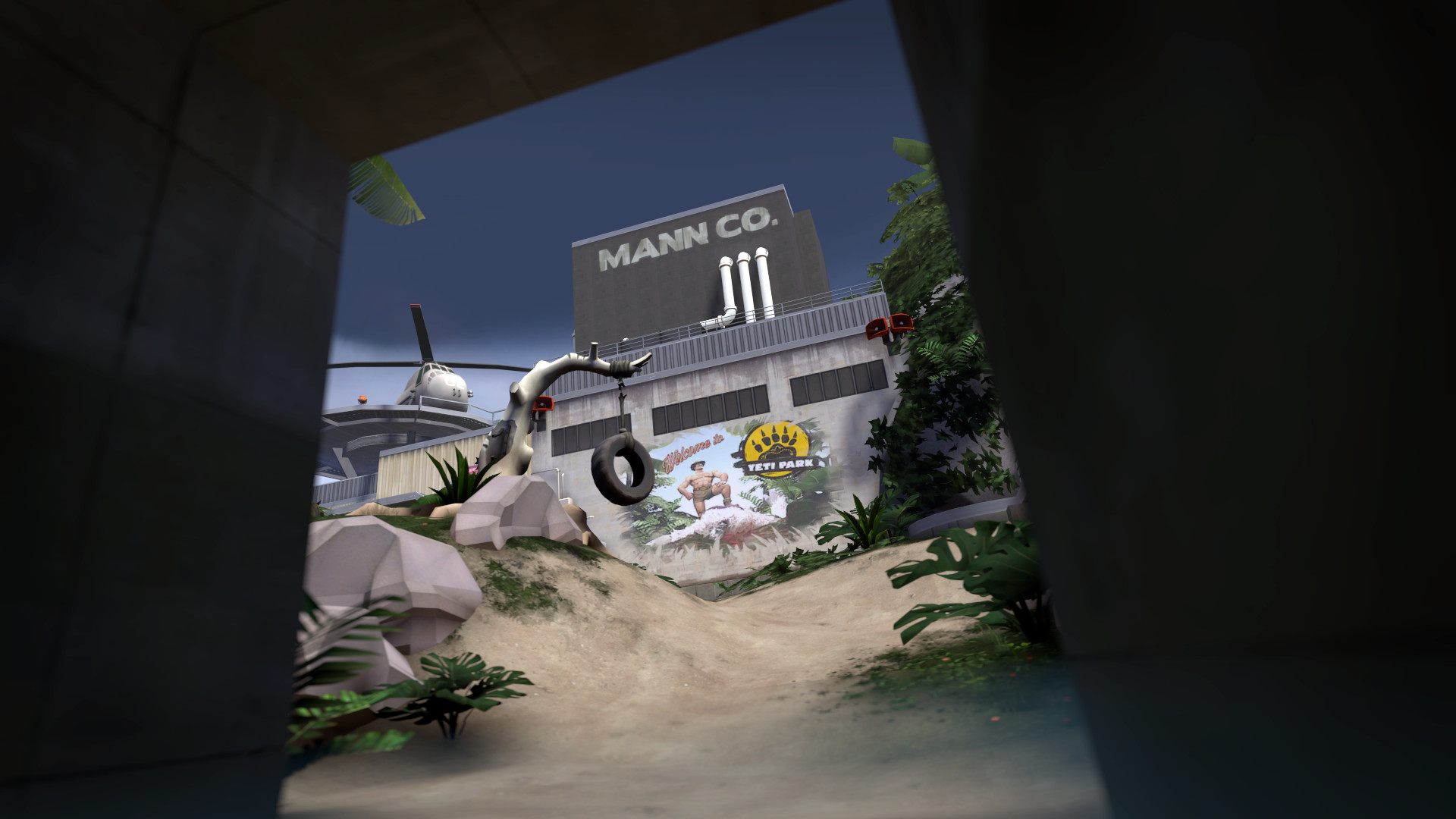
Images are provided by Steam and belong to their publishers.
Safe in-game settings
| Setting | Suggestion | Why |
|---|---|---|
| Display mode | Fullscreen or borderless | Borderless is easier to alt-tab; fullscreen can be slightly smoother |
| Resolution | Native, or one step lower on weak PCs | Biggest single FPS change |
| Model detail / Texture detail | Medium or low | Helps older graphics cards |
| Shadow detail | Low or off | Lowers GPU load |
| Anti-aliasing | 2x or off | Smooths edges at a cost |
| Vsync | Off if you have a high refresh rate monitor | Less input delay, but may tear |
| Ragdolls / gibs | Off if busy servers lag | Fewer effects |
These are general starting points from general practice, not official numbers or our own benchmarks. Change one thing at a time and watch your FPS counter.
Launch options that are still commonly used
Open Steam, right-click Team Fortress 2, choose Properties and type options in the Launch Options box. A January 2026 guide on TradeIt lists a long set of options, and mastercomfig, a popular community config, suggests a shorter one. The common, low-risk ones are:
| Option | What it does |
|---|---|
| -novid | Skips the intro video |
| -console | Opens the developer console at start |
| -nojoy | Turns off joystick support, to save a little memory if you use mouse and keyboard |
| -high | Asks Windows for higher process priority; benefit is small |
Performance configs like mastercomfig
Community configs such as mastercomfig change many hidden console variables and add presets for low, medium and high-end PCs. Its install notes say you should back up your own settings first, because it resets the config. It replaces files in the tf/custom folder. Claims of large FPS gains come without benchmarks on its project page, so test it yourself. Know the trade-off: custom files can be restricted on servers that enforce a pure files setting, and Valve official Casual servers force sv_pure to 1, which blocks most custom files except HUDs and hitsounds, per the wiki.
Never download configs from unknown sites. Use the project's own official releases only, and never install anything that promises aim help or wallhacks. That is cheating and leads to bans.
Mouse, sound and network basics
Settings are not only about FPS. Turn off mouse acceleration in Windows, and set a sensitivity that lets you turn around comfortably without overshooting. Lower the music volume if you want to hear footsteps. In the Advanced options you can bind a key for the console, which you need for the connect command. On community servers, a ping below about 80 usually feels fine for casual play, though this is a rough rule of thumb, not an official number. Pick a server in your region from the list.
Fixing common FPS problems
- Verify game files in Steam (Properties, Installed Files).
- Update your graphics driver.
- Close browsers and overlays while playing.
- Try a community server with fewer players. Some have lower player counts than 24.
- Look at the server ping. High ping feels like low FPS.
You can compare servers on the TF2 server list and read our server joining guide.
Latest Team Fortress 2 news
Näytä kaikki → 2026-10-12SteamTeam Fortress 2 Update Released
An update to Team Fortress 2 has been released. The update will be applied automatically when you restart Team Fortress 2. The major changes include: Added 'No Grenades' style for the General's…
2026-10-07SteamOperation Mooncrash War Paint Contest Results(Image credit: Mac) The Operation Mooncrash War Paint Contest results are in! After being rated based on the three criteria of Theme Adherence/Concept, Execution, and Personal Preference, the grand…
2026-10-01SteamScream Fortress XVIII has arrived!An update to Team Fortress 2 has been released. The update will be applied automatically when you restart Team Fortress 2. The major changes include: Scream Fortress XVIII has arrived! Featuring 5…
Recent patches that matter
The October 5, 2026 patch fixed a view jitter that built up during long sessions and a crash linked to a sound setting. If you saw stutter after long play, update and retest. The wiki also notes a community server option called sv_wallbug that restores older movement behavior. That affects server owners, not your settings.
Common mistakes
- Setting launch options you do not understand.
- Blaming settings for server-side lag.
- Running two performance configs at once.
- Downloading config packs from random links. Stay safe and use official project pages.
Livenä nyt: Team Fortress 2
Näytä kaikki → LIVE
Twitch
46
Жиртрес играет в Фортрес
GUZ3LKAru
LIVE
Twitch
46
Жиртрес играет в Фортрес
GUZ3LKAru
 LIVE
Twitch
12
🔴 BOUGHT THE PC 🔴 THERAPY TF2 🔴 COME PLAY CASUAL
Jaromechen
LIVE
Twitch
12
🔴 BOUGHT THE PC 🔴 THERAPY TF2 🔴 COME PLAY CASUAL
Jaromechen
 LIVE
Kick
11
Verification Grind!✅ (13.76/50) HELP ME REACH 10 SUBS!🥹 | NEW SUB EMOTES📲🔮 @ItsYungCodeine
iLyJyeen
LIVE
Kick
11
Verification Grind!✅ (13.76/50) HELP ME REACH 10 SUBS!🥹 | NEW SUB EMOTES📲🔮 @ItsYungCodeine
iLyJyeen
 LIVE
Twitch
9
Vtuber Ando como dicen los pibes Eeepy? ☠🖤☠
PoppycomunistVTes
LIVE
Twitch
9
Vtuber Ando como dicen los pibes Eeepy? ☠🖤☠
PoppycomunistVTesNext steps
Pick a simple setup, play two matches and compare. Visit the TF2 hub for news and streams, or try a free round of Mann vs. Machine. TF2 is rated ESRB M, so parents should check chat settings too.