

To join a Garry's Mod server, open the game, click Find Multiplayer Game, pick a game mode, and double-click a server. Or press the tilde key to open the console and type connect IP:port. If you get stuck on loading, the cause is almost always a big Workshop download or a missing game, not a broken install.
Key takeaways
- Two ways in: the in-game server browser or the console command connect ip:port.
- "Downloading Lua files" and "Downloading workshop items" are normal on busy servers. Wait a few minutes before you give up.
- Servers cannot send you game content from Counter-Strike: Source or Half-Life 2. You have to own and mount those games yourself.
- Check the server's description and rules before joining. Each server has its own staff and its own bans.
- Parents: community servers have open text and voice chat. See the note near the end.
Method 1: the in-game server browser
This is the easiest route. It lists community servers by game mode, so you do not need to know any addresses.
- Start Garry's Mod from Steam and wait for the main menu.
- Click Find Multiplayer Game.
- Choose a game mode in the list, for example DarkRP, Trouble in Terrorist Town (TTT) or Prop Hunt.
- Sort by players. A server with 10 to 40 players is usually alive and moderated. An empty server is not much fun, and a full one may reject you.
- Double-click the server. A loading screen appears while the game downloads what the server needs.
Method 2: pick a server on Oggo and use connect
Our Garry's Mod server list shows community servers from Steam with live player counts. Here is a sample for the most popular game mode, DarkRP. The list refreshes, so what you see is what is online now.
To join a server you found on a list or a Discord, copy its address and do this:
- Start the game and press the tilde (~) key to open the console. If nothing opens, enable the developer console in the game options first.
- Type connect 123.45.67.89:27015, replacing the example with the real address and port. The default port is 27015, but many servers use another one.
- Press Enter.
A direct connect is also the best test when the browser acts up. If the direct connect works, the problem is the list. If it fails too, the server is probably offline, full or blocked.
These screenshots may contain violence.
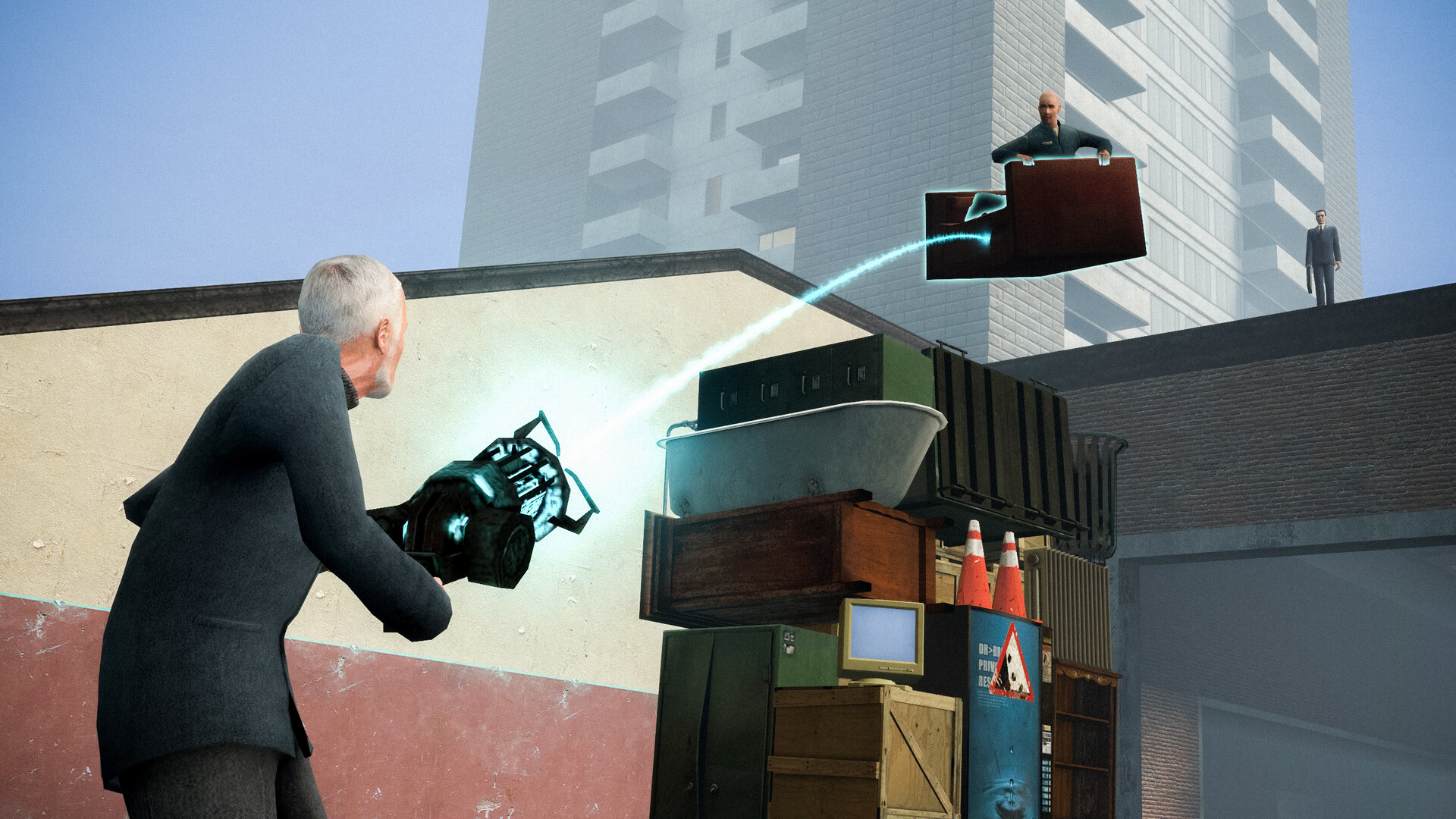
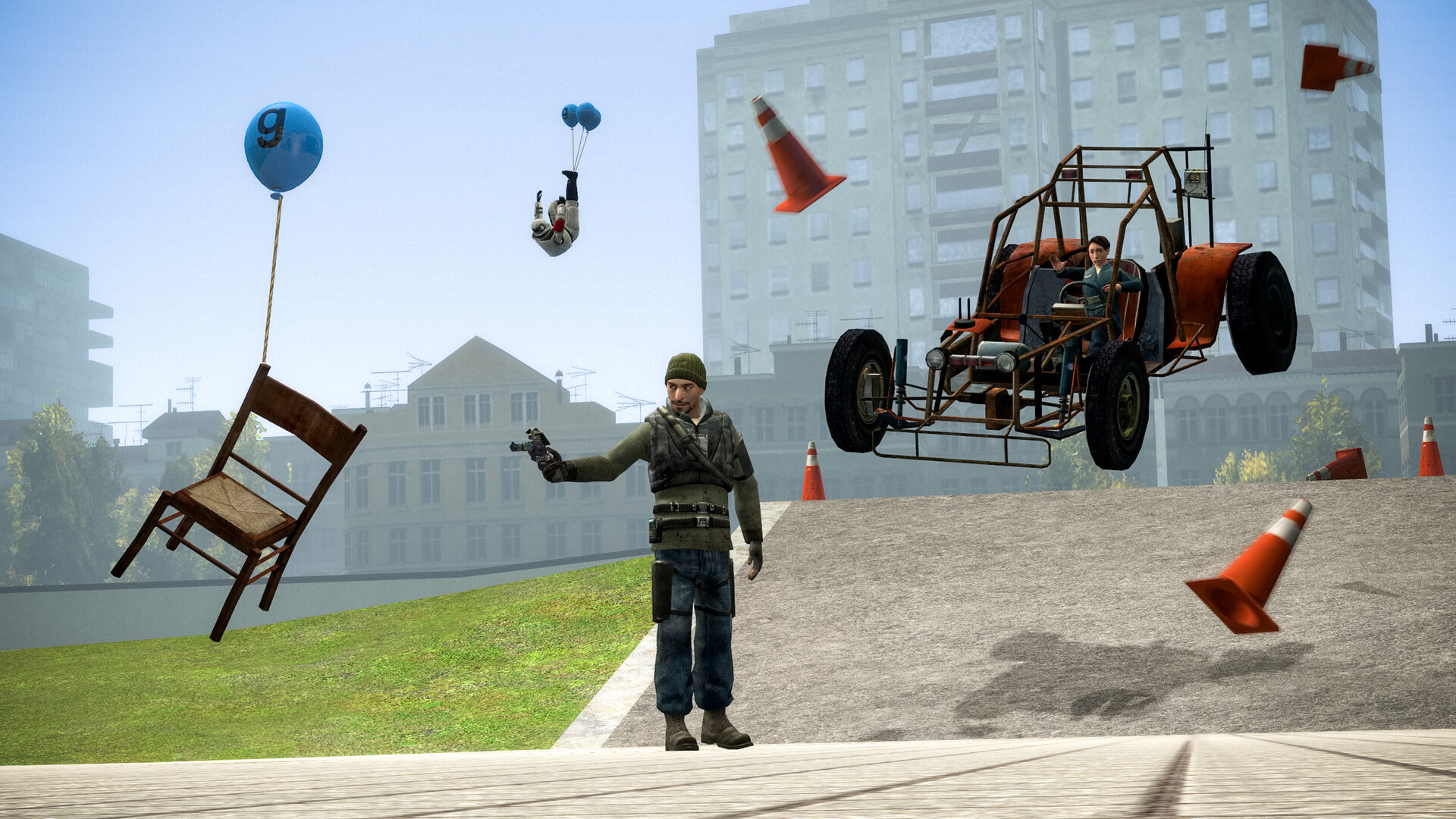
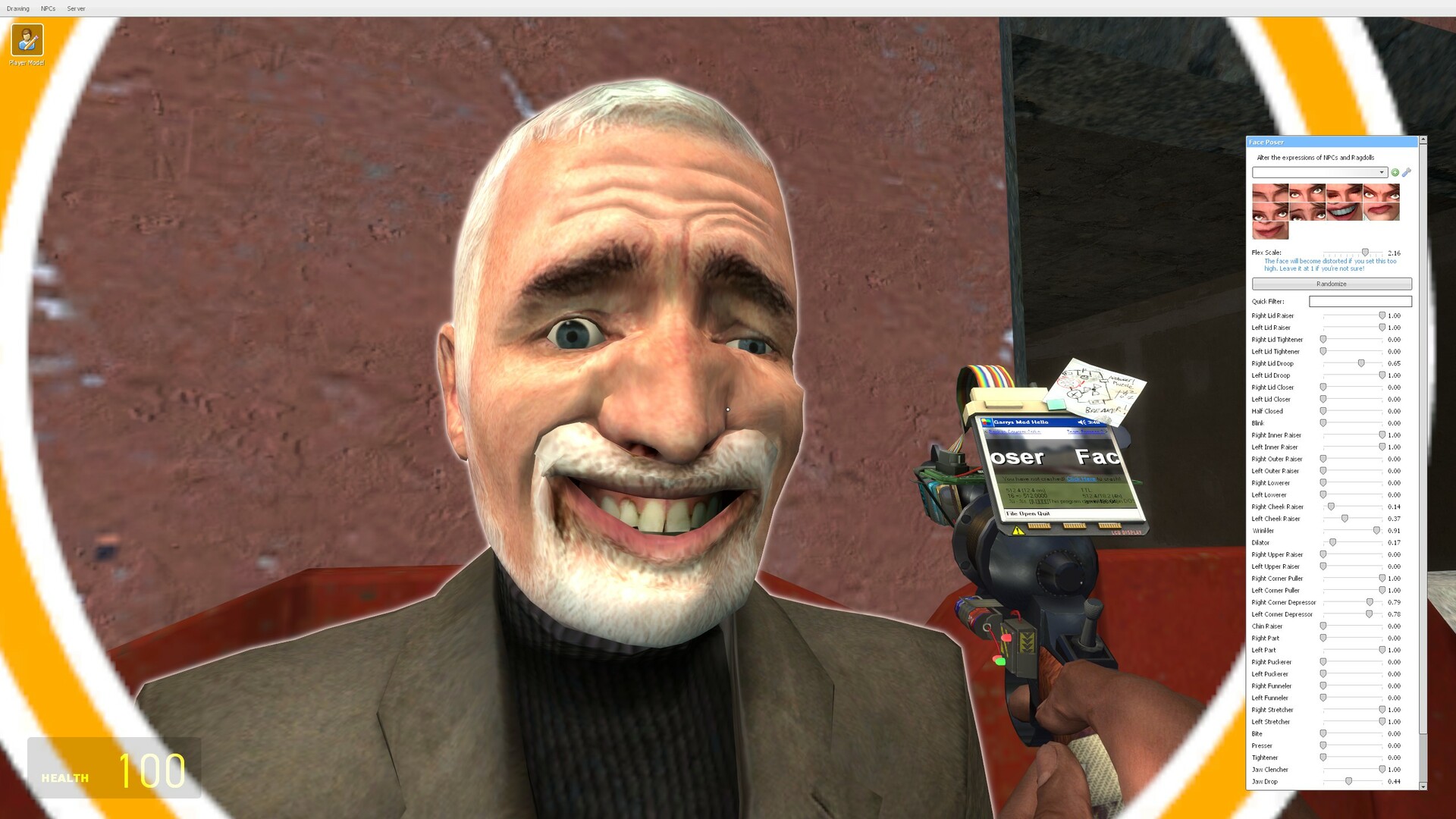

Images are provided by Steam and belong to their publishers.
What the loading screen messages mean
| Message | What is happening | What to do |
|---|---|---|
| Retrieving server info | Your game is asking the server for details | Wait 30 seconds. If it hangs, the server may be down. Try another server. |
| Downloading Lua files | The server is sending its scripts (the game mode and its addons) | Normal. Large DarkRP servers can send a lot. Wait. |
| Downloading workshop items | You are fetching addons the server requires from the Steam Workshop | Normal on your first visit. It is faster the second time. |
| Sending client info | Final handshake before spawning | Wait. A hang here often means a conflict with your own addons. |
| Disconnected: kicked or banned | Staff action or a full server | Read the message. Do not just rejoin and repeat what got you kicked. |
Fixing a stuck loading screen
Work through these in order. Change one thing at a time, so you know what fixed it.
- Wait and watch the console. If numbers are still moving, the download is working. A very large addon pack can take several minutes on a slow connection.
- Retry. Open the console and type retry, or disconnect and join again. Interrupted downloads often finish on the second try.
- Update Steam and the game. After the September 2026 update, Facepunch said an outdated Steam client can stop the game from launching. Make sure Steam is current.
- Test another server. If a different server works, the first one has a problem or needs a game you lack.
- Disable your own addons for a test. Launch with the options -noaddons -noworkshop in Steam's launch options, join, then remove the options again. This shows whether one of your subscriptions causes the conflict.
- Check the download filter. The console setting cl_downloadfilter controls what you accept from servers. The values are all, none, nosounds and mapsonly. If it is set to none or mapsonly, you will miss files. Set it back to all.
Games you may need to own
The Steam page says some servers and game modes need other games such as Counter-Strike: Source or Team Fortress 2. That is the number one reason for purple-and-black checkerboards. We explain the fix step by step in our missing content guide.
The 64-bit client and servers
On September 16, 2026, Facepunch released 64-bit builds of the Windows client and server. Players can pick the 64-bit client through Steam launch options. It raises the memory limit, which helps on heavy servers with many addons, but it does not automatically raise your frame rate. If a server crashes you on join, try both versions. Read the official post for the exact option.
Latest Garry's Mod news
Näytä kaikki → 2026-09-16SteamSeptember 2026 Update
Artwork showcase: "Just one more thing!" The September 2026 Update is now live. 64-bit binaries on Windows This update brings 64-bit binaries for the Windows game client, dedicated servers and most…
 2026-09-09SteamSeptember 2026 Update is coming soon
Hello everyone, The next Garry's Mod update is coming soon. The current plan is to release the next Garry's Mod update on 16th of September at 3PM GMT. This update will be backwards compatible with…
 2026-04-29SteamApril 2026 Update
New mountable games With community effort and permission from the respective game developers, 2 new games are now available to be mounted in Garry's Mod: Black Mesa and Military Conflict: Vietnam! As…
Picking a good server
- Read the rules. Good servers show them on join or on a web page.
- Look for active admins. Reports and bans only work if staff are online.
- Avoid servers that ask for real money before you can play normally. Cosmetic donations exist, but be careful and never share account details.
- Be careful with links, Steam trade requests and "free item" offers in chat. Those are common scams.
A note for parents
Steam does not show an official ESRB or PEGI rating on the Garry's Mod page, and we could not confirm one. Some third-party sites call it mature. Every community server is run by its own staff, so rules and moderation differ a lot. Voice and text chat are open to strangers. Younger players should use moderated servers with clear rules, and parents can use Steam Family settings to control chat and purchases.
Common mistakes
- Typing the address without the port, or with a space. Use ip:port exactly.
- Giving up on a download after 30 seconds.
- Joining a server that needs a game you do not have, then blaming the server.
- Leaving addon packs from random uploaders enabled. They cause crashes and conflicts.
Livenä nyt: Garry's Mod
Näytä kaikki →


Next steps
Open the server list and try a game mode. New to roleplay? Read what DarkRP is. Prefer a quick round-based game? Try the TTT beginner guide. Check your PC with the Can I Run It tool, and see our Garry's Mod hub for more.

