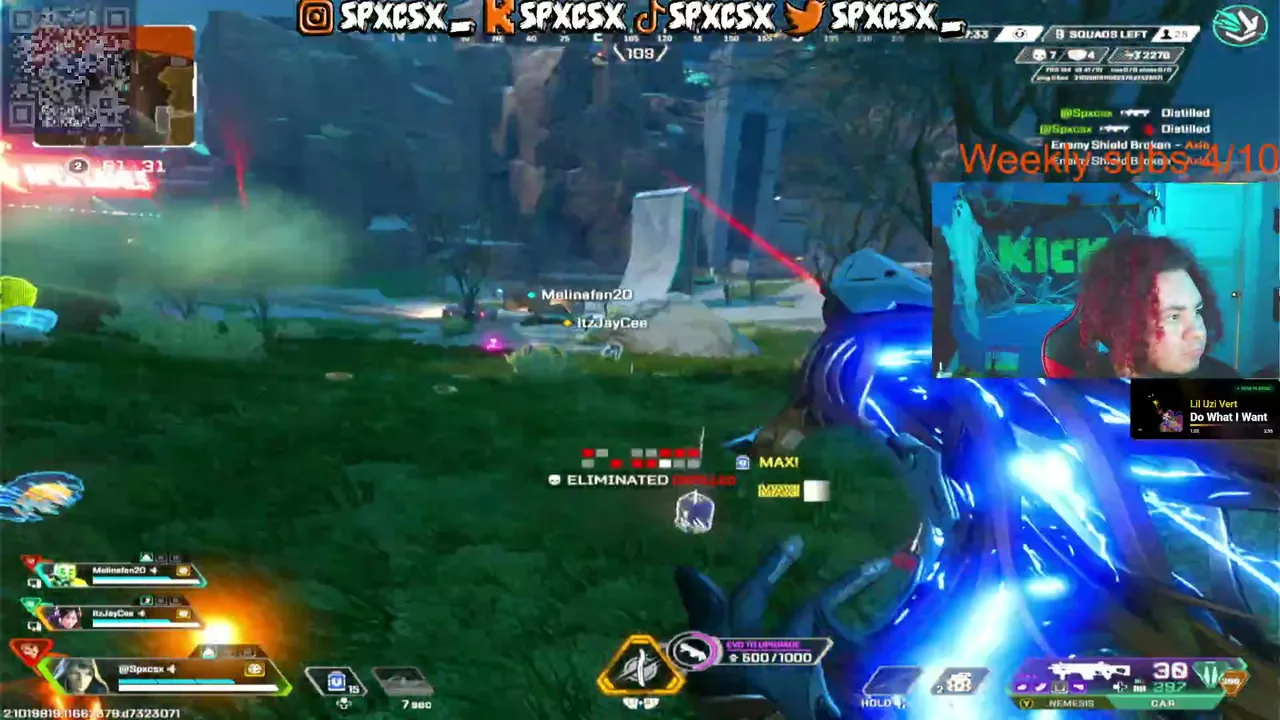


Apex Legends is free on PC, and you can get it from the EA app, Steam or the Epic Games Store. The Steam page lists a minimum of 6 GB of RAM, a GeForce GTX 950 class card and 75 GB of storage, and EA says its new Javelin anti-cheat went live on PC on September 29, 2026. The numbers were checked on October 9 to 10, 2026 and can change, so look at the store before you install.
Key takeaways
- Minimum RAM is 6 GB. Recommended is 8 GB.
- You need 75 GB of free storage.
- Windows 10 64-bit and DirectX 12 are listed.
- EA says Javelin does not need Secure Boot or BIOS changes for Apex Legends.
- Season 30, Marked, is the current season as of this check.
Official PC requirements
| Part | Minimum | Recommended |
|---|---|---|
| OS | 64-bit Windows 10 | 64-bit Windows 10 |
| CPU | AMD FX 4350 or Intel Core i3 6300 | Ryzen 5 or equivalent |
| RAM | 6 GB | 8 GB |
| Graphics | Radeon HD 7790 (2 GB) or GeForce GTX 950 | Radeon R9 290 or GeForce GTX 970 |
| DirectX | 12 | 12 |
| Storage | 75 GB | 75 GB |
Steam notes about 3.8 GB extra per localized language. A broadband connection is needed. Frame rates are not promised by these numbers: the minimum is meant to run the game, not to give you a smooth, competitive experience.
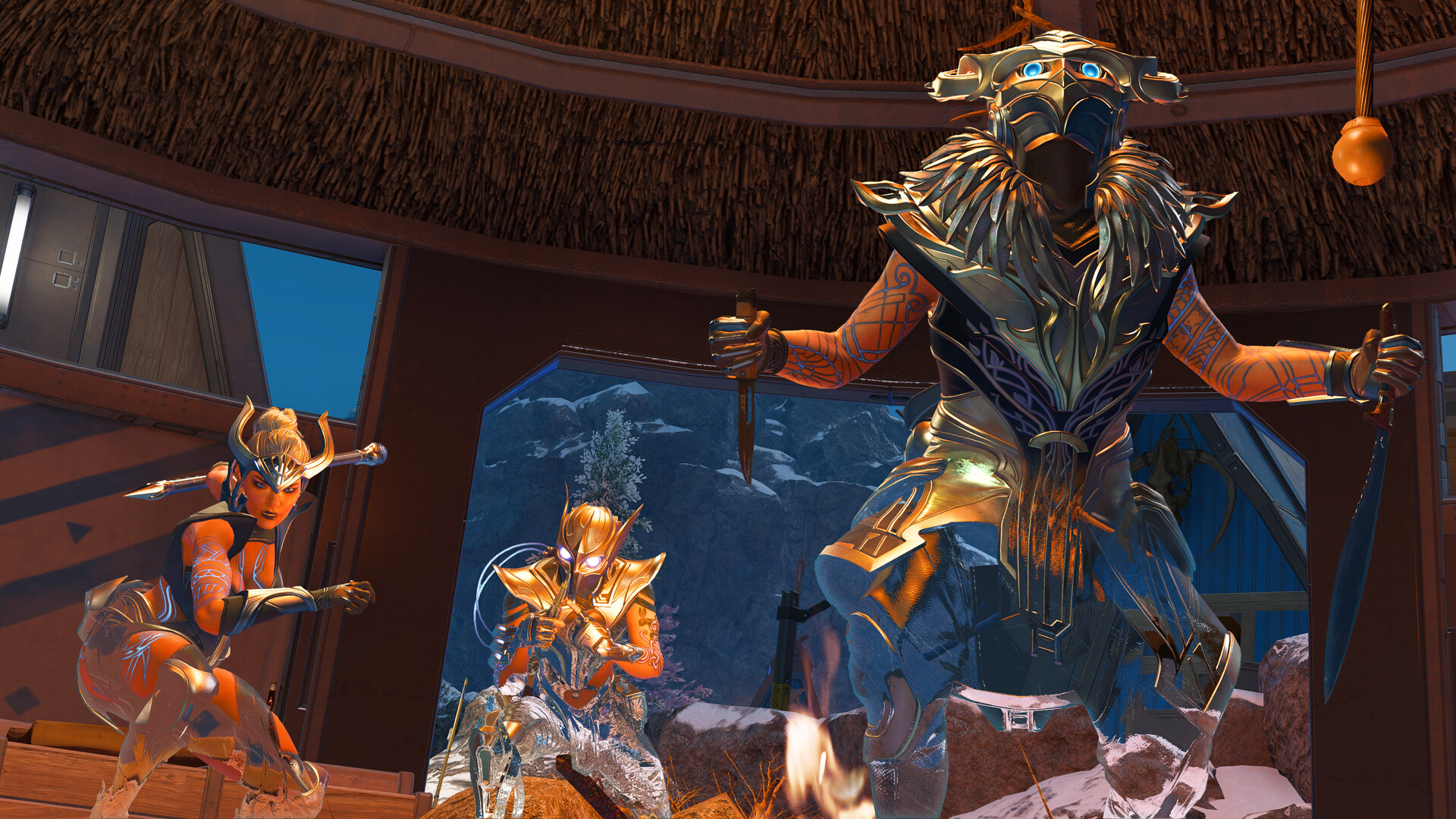
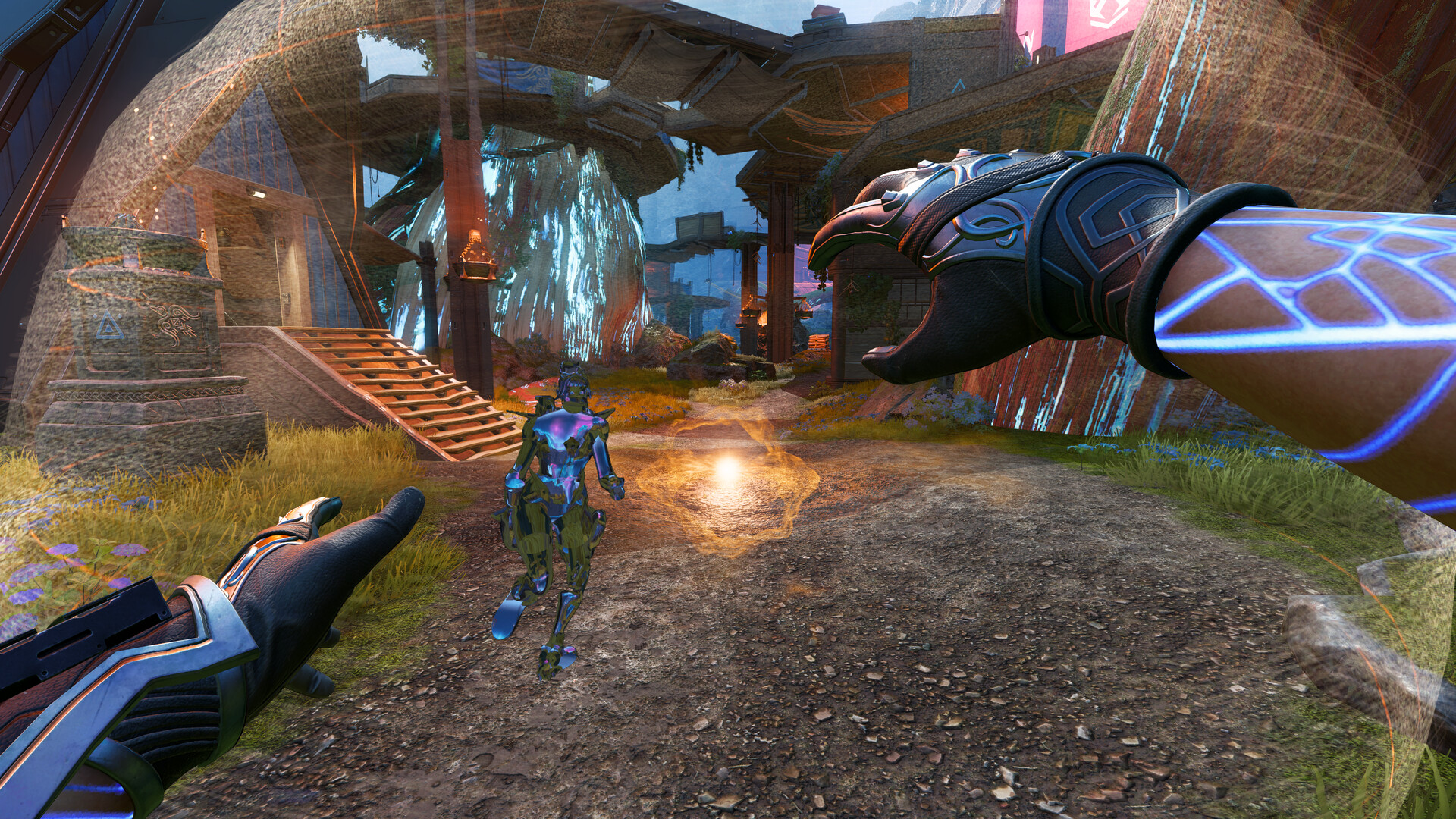
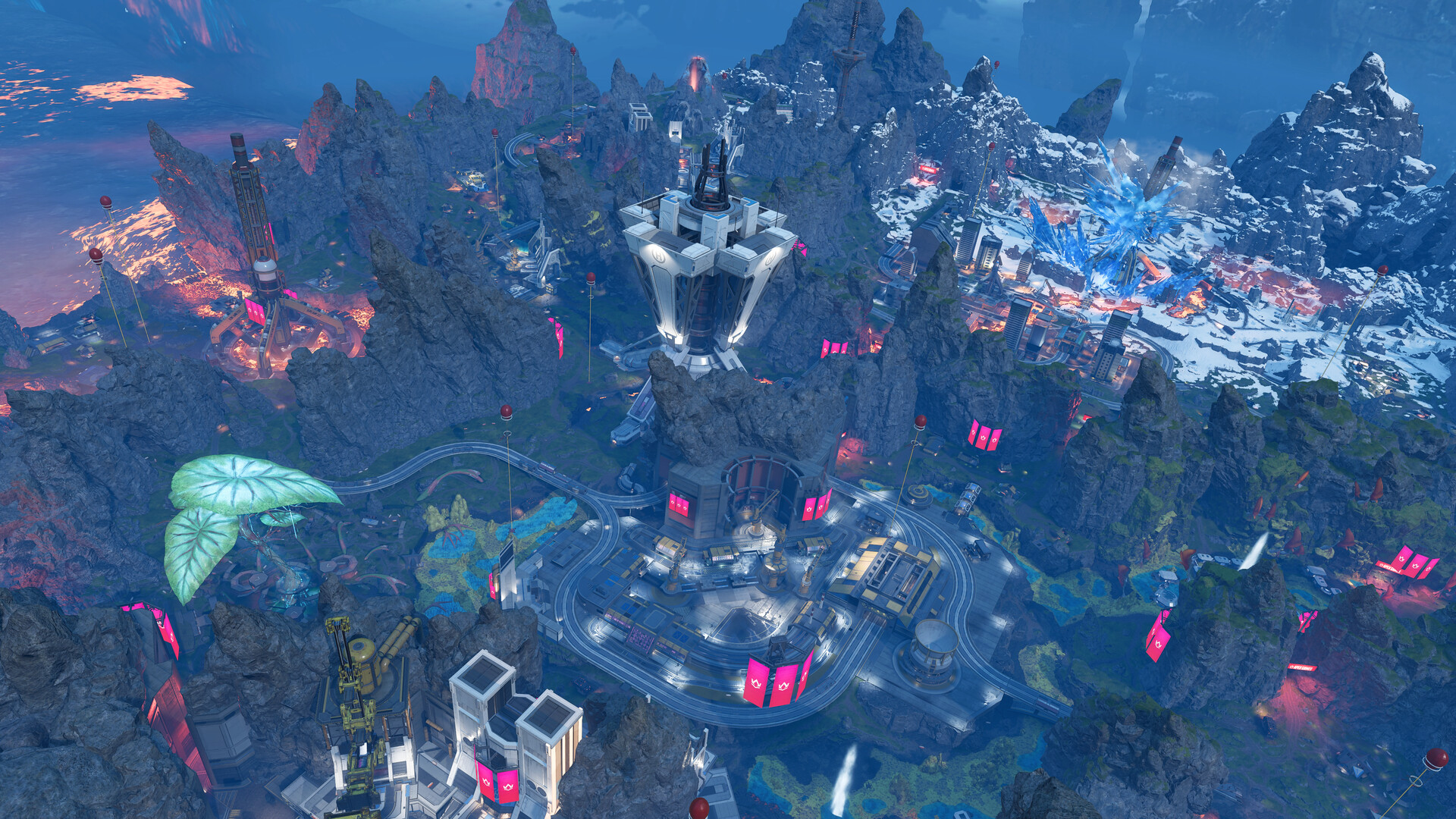
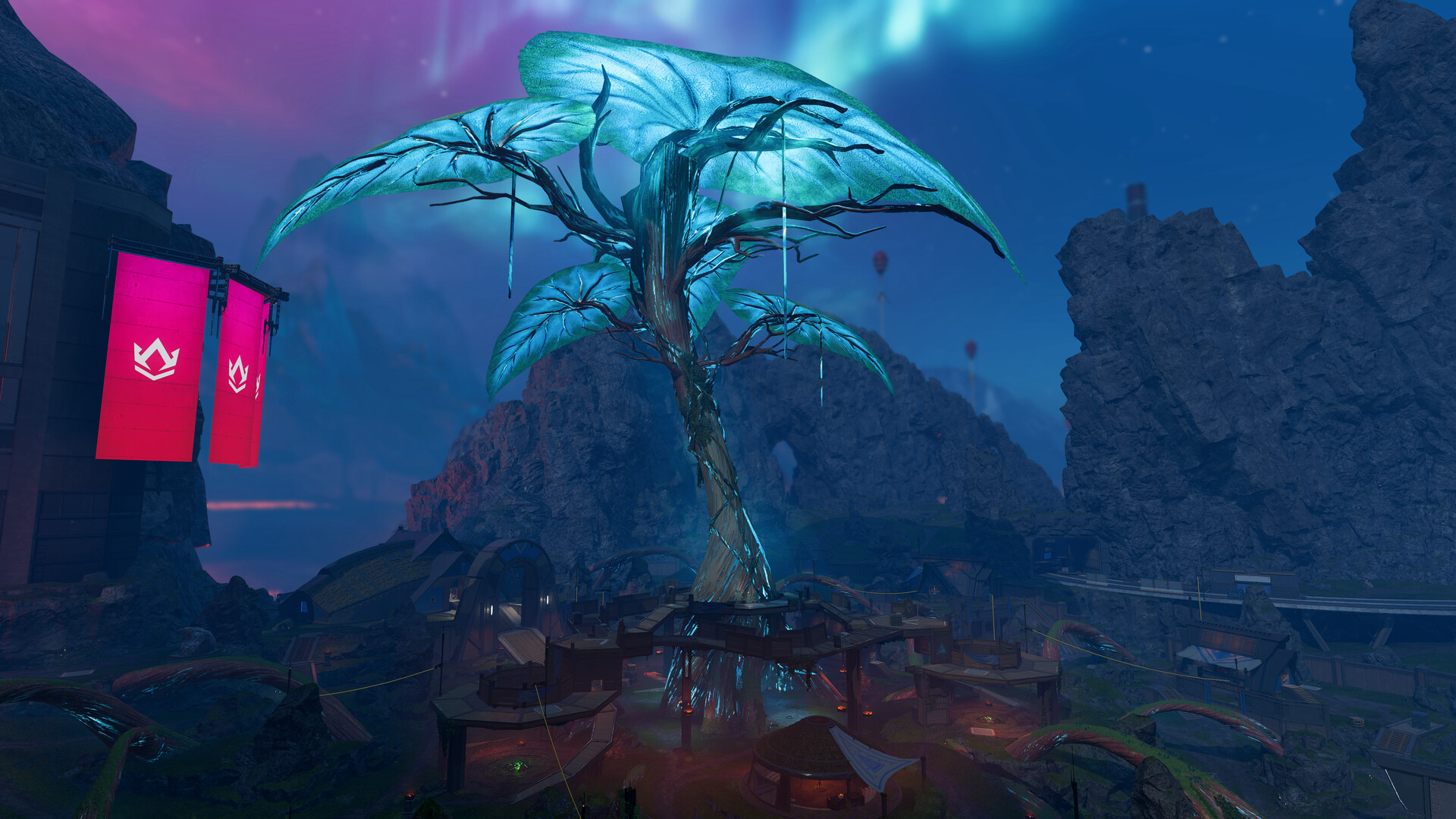
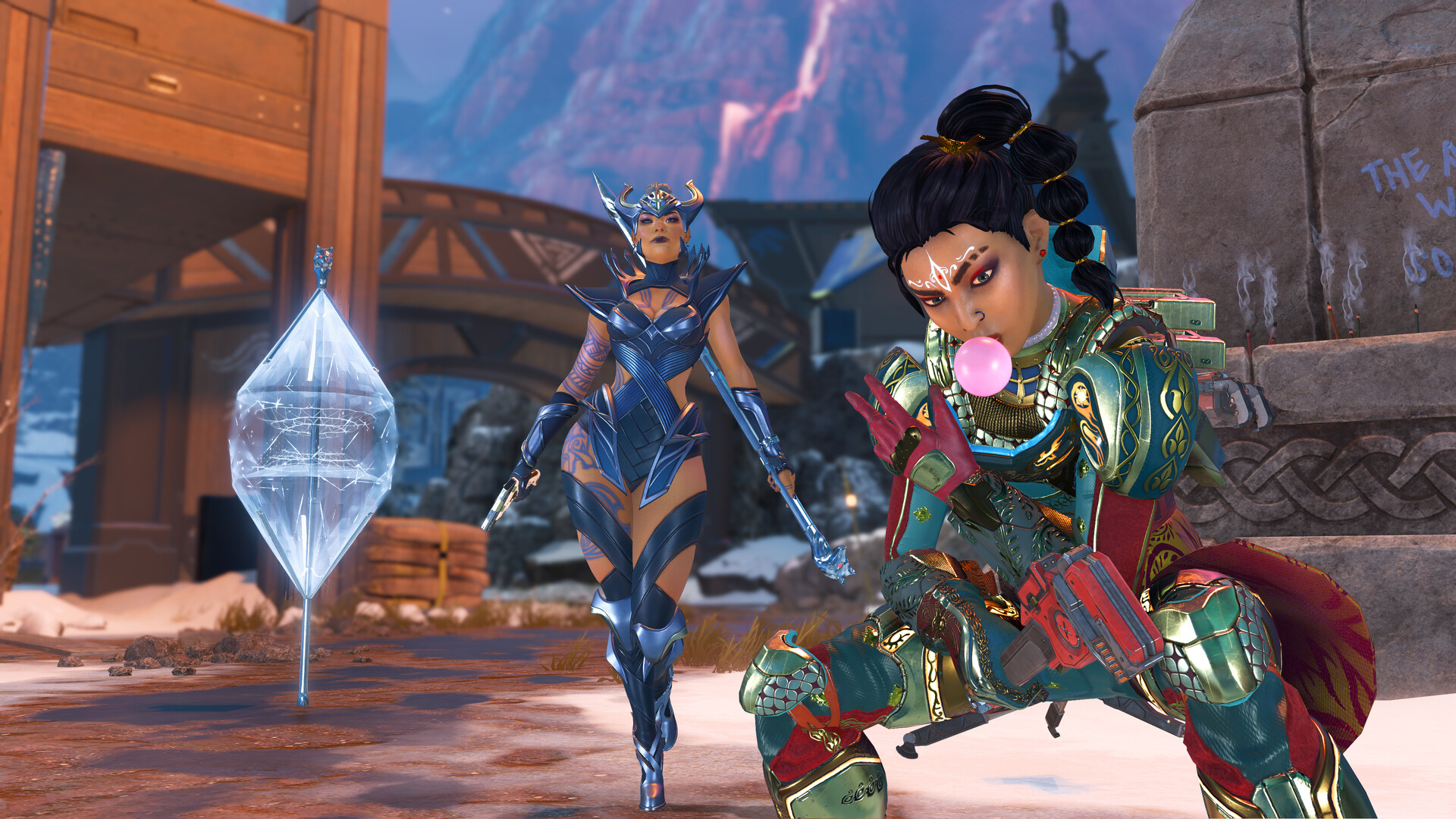
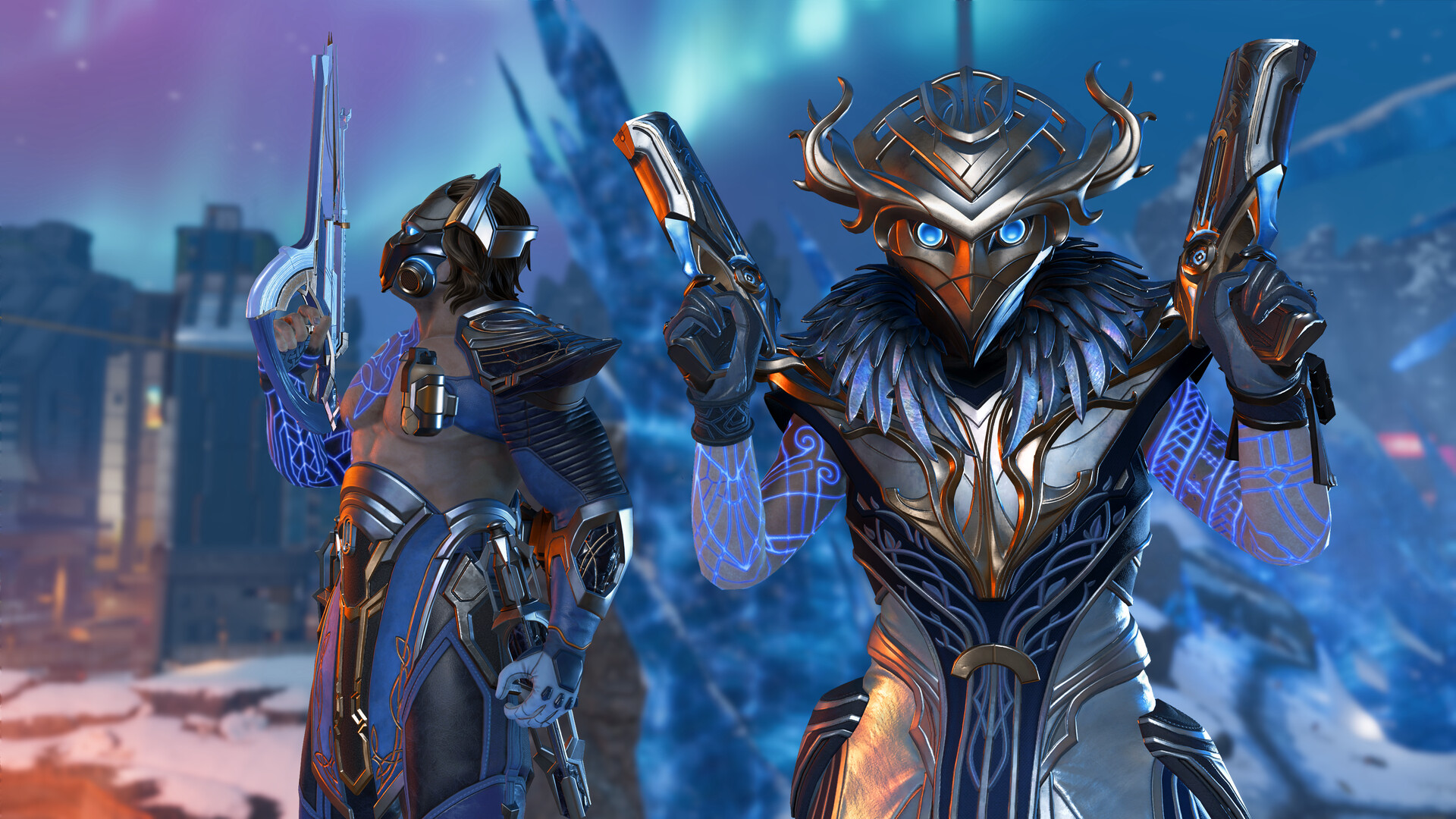
Images are provided by Steam and belong to their publishers.
What the specs mean in practice
This section is our own advice. Apex is a fast shooter, and a low or uneven frame rate makes tracking enemies harder.
- Minimum: expect low settings and a modest frame rate. It is enough to learn the game.
- Recommended: a better target for steady play at 1080p with medium settings.
- SSD: with 75 GB of data, an SSD makes loading and map streaming smoother.
- RAM: 8 GB gives a margin. If you also run a browser or Discord, 16 GB is more comfortable.
Where to download it
| Store | Good for |
|---|---|
| EA app | The publisher's own launcher and your EA account |
| Steam | Friends list, Steam overlay and Steam family tools |
| Epic Games Store | If your friends already use Epic |
All versions link to an EA account. Cross-platform play is supported, according to Wikipedia, so you can play with friends on other platforms.
How to install
- Pick a store: the EA app, Steam or Epic Games Store.
- Search for Apex Legends and press the free download button.
- Pick a drive with at least 75 GB free. An SSD helps loading times.
- Start the game and sign in with your EA account.
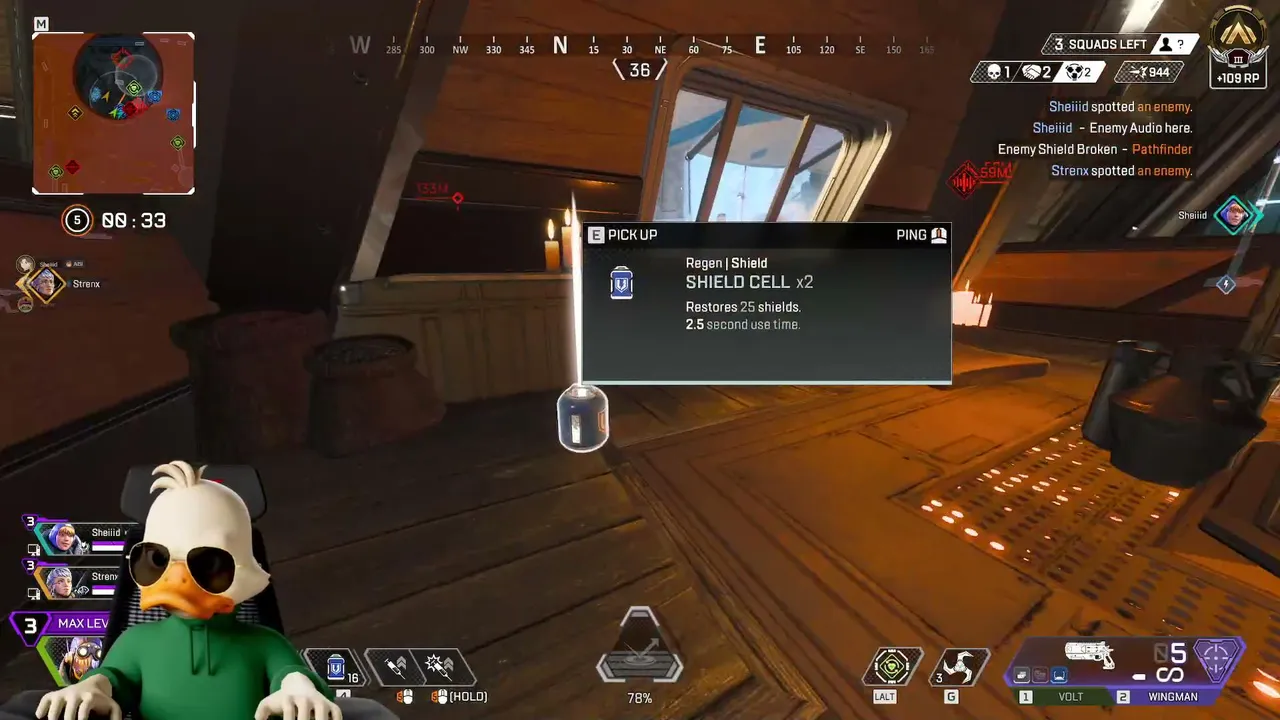
- Go to the Firing Range to test your settings and controls before a match.
What is Javelin?
EA says Javelin is its PC anti-cheat tool. It replaced Easy Anti-Cheat for Apex Legends on September 29, 2026. You get a game update, and the game then moves you over when you launch it. EA says Apex does not need Secure Boot or BIOS changes. The EA page does not mention Linux or Steam Deck, so we cannot say how they are affected.
The midseason patch notes also say EA added detection for unauthorized controller hardware or software on PC, PlayStation, Xbox and Nintendo Switch 2, and that console players are not exempt.
Tips if your PC is weak
These are general tips, not official EA advice.
- Update your graphics driver.
- Close other programs, especially browsers with many tabs.
- Lower shadows, textures and effects first. Keep the resolution at native if you can.
- Cap the frame rate slightly under your monitor's refresh rate for steadier play.
- Use a wired network connection to avoid ping spikes.




Other platforms
PC is not the only way to play. Wikipedia lists Apex Legends for Windows, PlayStation 4 and 5, Xbox One and Series X/S, and Nintendo Switch and Switch 2, with cross-platform multiplayer. It also says the mobile version was discontinued in 2023 and that the Switch version was to be discontinued after Season 29. We did not verify these console details on EA's own pages, so check your console store before you plan around them.
If the install or launch fails
- Restart the launcher and your PC, then try the update again.
- Check that your drive still has enough free space. A full drive is the most common cause of a stuck update.
- Update Windows and your graphics driver.
- Use the repair or verify option in the EA app, Steam or Epic launcher to fix damaged files.
- If the anti-cheat will not start, read EA's Javelin page and EA Help rather than trying random downloads. Never use files from forums that claim to "bypass" it.
Settings that help frame rate
These are general tips for any shooter, not EA numbers. If your frame rate is low, change settings in this order, and test at the Firing Range between each step.
| Step | Setting | Why |
|---|---|---|
| 1 | Shadows and effects | Often the biggest cost for a small visual loss |
| 2 | Texture streaming budget | Match it to your graphics memory |
| 3 | Anti-aliasing | Lower it before you lower the resolution |
| 4 | Resolution | Last resort, since a blurry image is hard to aim with |
Common mistakes
- Not leaving space for updates. Leave a few extra gigabytes beyond 75 GB.
- Installing every language pack, which adds about 3.8 GB each.
- Trusting sites that promise "free coins". They are scams.
Live τώρα: Apex Legends
Δες όλα →New to the game? Start with our beginner guide, pick your first Legend with our Legend guide, or see the Apex Legends hub.
