

Oggo lists community servers for GTA V (FiveM), Red Dead Redemption 2 (RedM) and Counter-Strike 2. If your server is online and public, it is probably already in our catalog. To control its page, you verify that you own it. This guide shows the exact steps and how to make your listing attract more players from search.
Key takeaways
- Listing and verification are free.
- You prove ownership by adding one line to your server config.
- A verified owner gets a badge, a custom description, banner, Discord and website links, streamers and stats.
- Pages are shown in 17 languages, which helps players find you from search.


Step by step
- Find your server. Open the For server owners page and paste your cfx.re/join link (FiveM or RedM) or your CS2 address and port.
- Add one line. Oggo shows you a private code. For FiveM or RedM, add
sets sl_verify "your-code"to server.cfg. For CS2, add the code to sv_tags. Then restart the server. - Verify. Press the Check now button. We also check automatically every 10 minutes for 7 days while the code is active.
- Get your login. After verification, you receive a login and password for your owner account. Save them, because we show them once.
- Edit your page. Add a description, language, server type, Discord, website, age rule and your streamers.
What if my server is not found?
The server must be online and public so Oggo can see it in the official lists. We keep servers with at least 2 players in the catalog. If you just started it, wait a few minutes and try again, or ask players to join. Read how players install FiveM and connect to help new players too.
How to make your listing rank and convert
| Do this | Why it helps |
|---|---|
| Write a clear, unique description | Players and search engines see what makes your server different (rules, economy, community). |
| Set the right language and type | Your server appears in the right filters and in tag pages. |
| Add a Discord link | Players join the community before they play. |
| State whitelist and age rules | Fewer bad matches and fewer complaints. |
| Show your streamers | Live streams appear on your page, which brings viewers to your server. |
New to the scene? Start with our whitelist vs public server guide and the full guides list.
Statistics for owners
Your account shows page views and Play now clicks by country and language, so you can see where players come from. You can also add an Oggo badge to your website. Browse the GTA V server list to see how other servers present themselves.
 #1 LIGA DAS TROPAS S1 —> .gg/ligadastropas
Roleplaypt
1.707/ 2.048 Spieler
#1 LIGA DAS TROPAS S1 —> .gg/ligadastropas
Roleplaypt
1.707/ 2.048 Spieler
![[BRASIL]✅CIDADE NOBRE🡺WIPOU HJ 13-OUT🡸 icon](https://frontend.cfx-services.net/api/servers/icon/vxz4gq/335957530.png) #2 [BRASIL]✅CIDADE NOBRE🡺WIPOU HJ 13-OUT🡸
Roleplaypt
1.691/ 2.048 Spieler
#2 [BRASIL]✅CIDADE NOBRE🡺WIPOU HJ 13-OUT🡸
Roleplaypt
1.691/ 2.048 Spieler
 #3 Baylife RP
Roleplayfr5 live
1.552/ 2.040 Spieler
#3 Baylife RP
Roleplayfr5 live
1.552/ 2.040 Spieler
 #4 NARCO CITY
Roleplayde26 live
1.470/ 2.048 Spieler
#4 NARCO CITY
Roleplayde26 live
1.470/ 2.048 Spieler
 #5 SHARK COMMUNITY
Sonstigesth
1.343/ 2.048 Spieler
#5 SHARK COMMUNITY
Sonstigesth
1.343/ 2.048 Spieler
Latest GTA V news
Alle ansehen →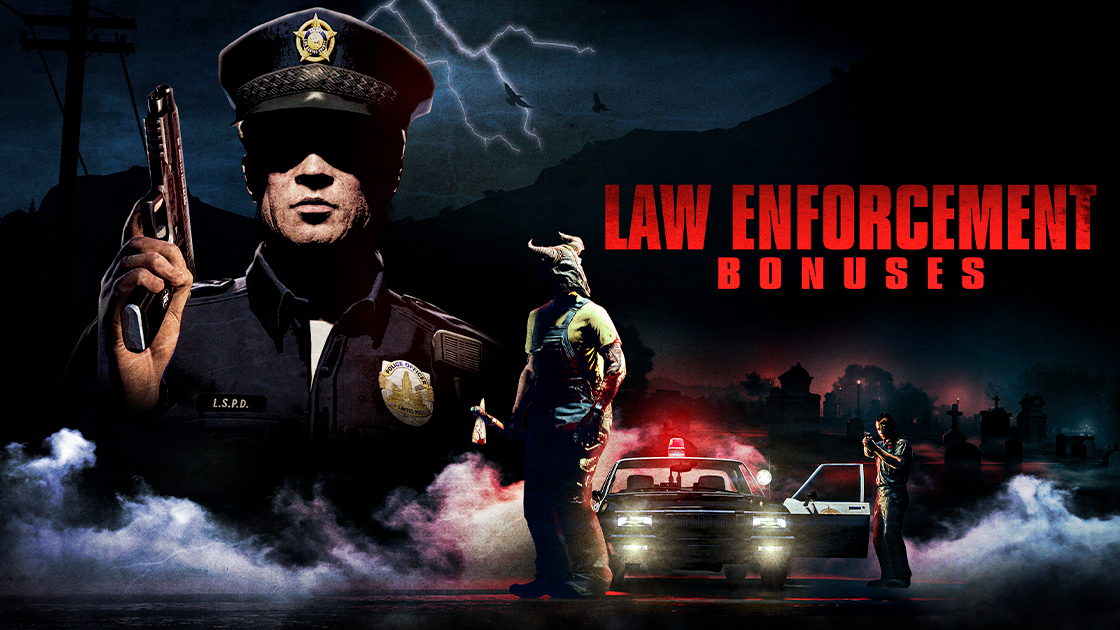 2026-10-05SteamExperience Halloween Thrills All Throughout October in GTA Online
The streets of Los Santos are crawling with creepy apparitions, paranormal visions, and more this Halloween season. Prepare for a month of ghastly mayhem with vengeful Slashers roaming the streets…
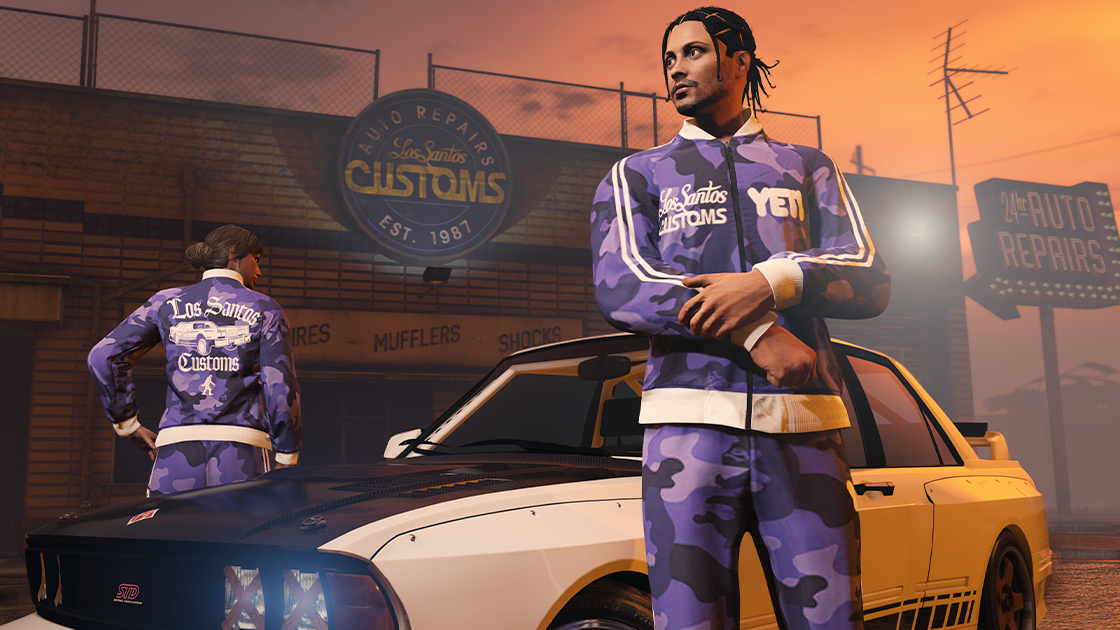 2026-09-10SteamCompete Across Entrepreneurial Endeavors in the Business Rivalries Event
Put your criminal enterprises to work all throughout September during the GTA Online Business Rivalries Event, steering the invisible hand of the free market in your favor with profitable bonuses for…
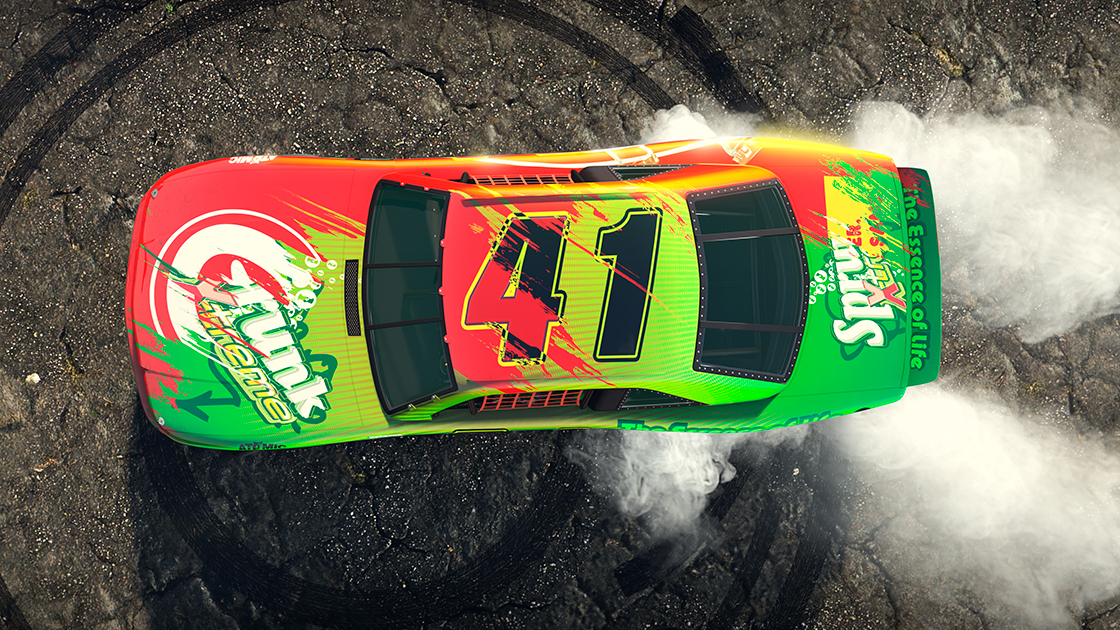 2026-08-17SteamDeclare Your Allegiance and Determine Who Owns Los Santos in the Brand Wars Event
Proclaim your loyalty to the iconic industries fighting for control of Southern San Andreas’ hearts and minds in the Brand Wars Event, spanning the next two weeks in GTA Online. This trademark turf…
Jetzt live: GTA V
Alle ansehen → LIVE
Twitch
1.774
[NARCOCITY] 🟣 Planlos geht der Planlos heute Entspannt 🟣 | 5,5k Subs = 12h | !prozis #Ad
onlyjsonde
LIVE
Twitch
1.774
[NARCOCITY] 🟣 Planlos geht der Planlos heute Entspannt 🟣 | 5,5k Subs = 12h | !prozis #Ad
onlyjsonde
 LIVE
Twitch
719
Normal kann jeder [Peak-rp] !lvm !codes
KELRE0Nde
LIVE
Twitch
719
Normal kann jeder [Peak-rp] !lvm !codes
KELRE0Nde
 LIVE
Twitch
702
[NarcoCity] 🔴LIVE! || !lukas || !socials || !dc || !insta || !tiktok || !vod || !song || !server || !liebe1-10
RuethTVde
LIVE
Twitch
702
[NarcoCity] 🔴LIVE! || !lukas || !socials || !dc || !insta || !tiktok || !vod || !song || !server || !liebe1-10
RuethTVde
 LIVE
Twitch
687
[PEAK] BOSCO !Gamersupps !podcast !shirt
Joshmaen1de
LIVE
Twitch
687
[PEAK] BOSCO !Gamersupps !podcast !shirt
Joshmaen1de

