
GTA V has one of the biggest modding scenes in gaming. But is it safe? The answer depends on where you use the mods.
Key takeaways
- Take-Two's 2017 policy generally tolerates single-player, non-commercial PC mods.
- It is not a license and it excludes multiplayer and online services.
- Never use mods in GTA Online. Use dedicated roleplay servers instead.
- Download mods only from trusted sources and scan them.
What Take-Two and Rockstar said
In 2017, Take-Two published a policy saying that it generally will not act against PC mods that are single-player, non-commercial and respect third-party intellectual property. It is not a license, and it excludes multiplayer and online services. A Rockstar FAQ covered by TechRadar says that no one has been banned for single-player mods, and the focus is on blocking advantages in GTA Online. TechRadar also notes that mods can break after game updates.
GTA Online: do not mod
Rockstar's support page (updated February 24, 2026) says BattlEye is required for official GTA Online servers, and tools such as ReShade and Special_K do not work properly with it. Using mods in GTA Online risks a ban.
Safe habits for single-player modding
- Use mods for story mode only.
- Launch the game offline when you use mods, and keep BattlEye off for mod sessions.
- Back up your save files and original game files.
- Download mods only from trusted, well-known sites. Fake mod packs can carry malware.
- Expect mods to break after updates.
What about GTA RP and FiveM?
FiveM is a separate multiplayer platform. It is made by Cfx.re, which Rockstar acquired in 2023. GTA RP servers run on FiveM rather than on GTA Online. Learn how to start in our GTA RP starter guide.


The mod scene is huge
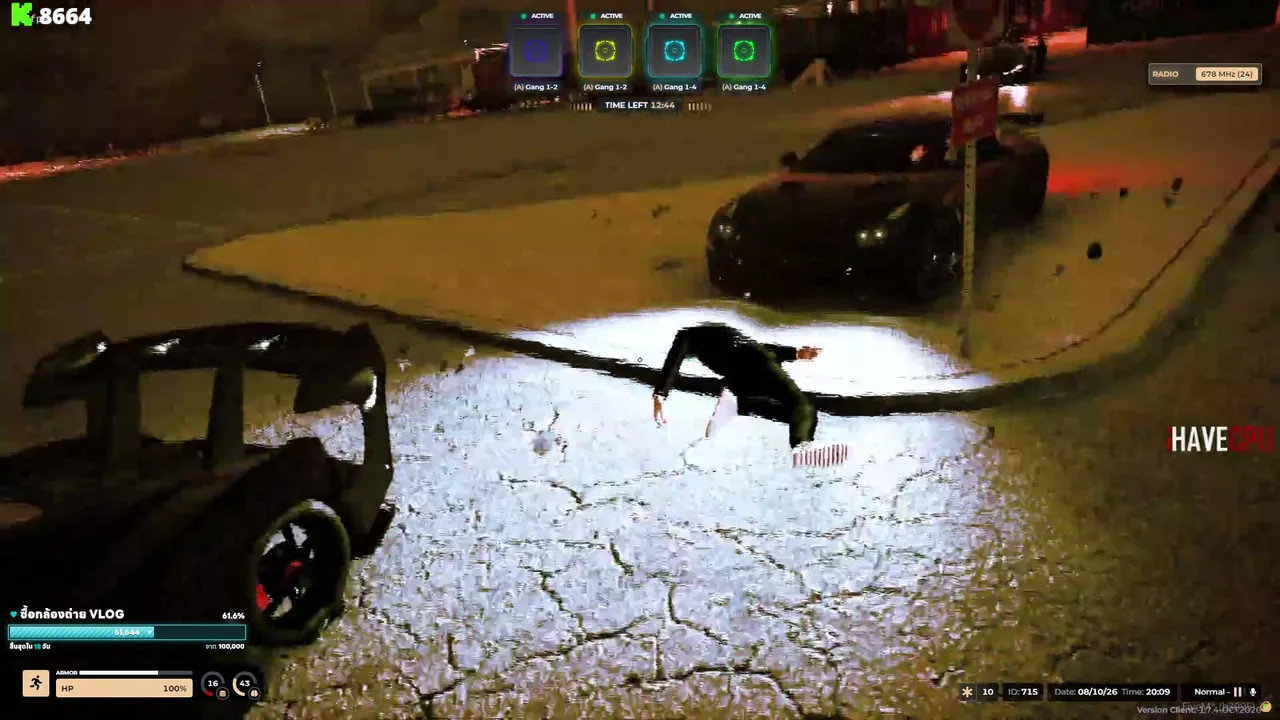
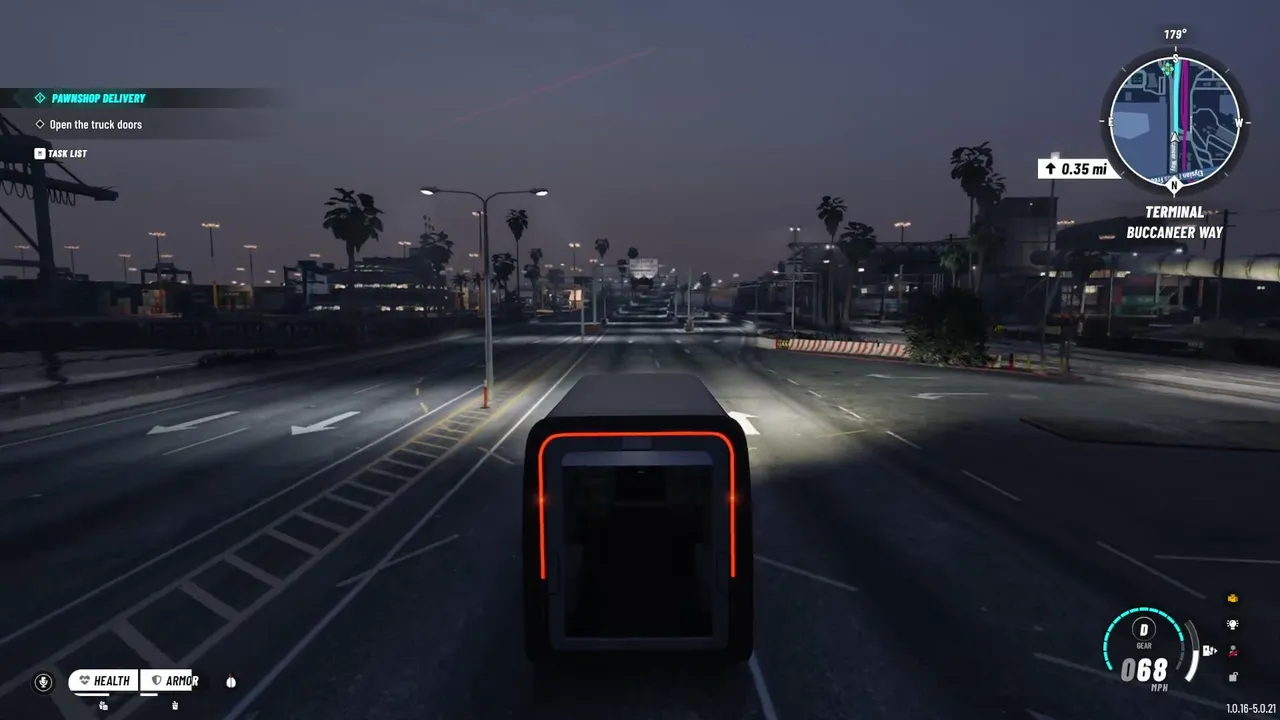
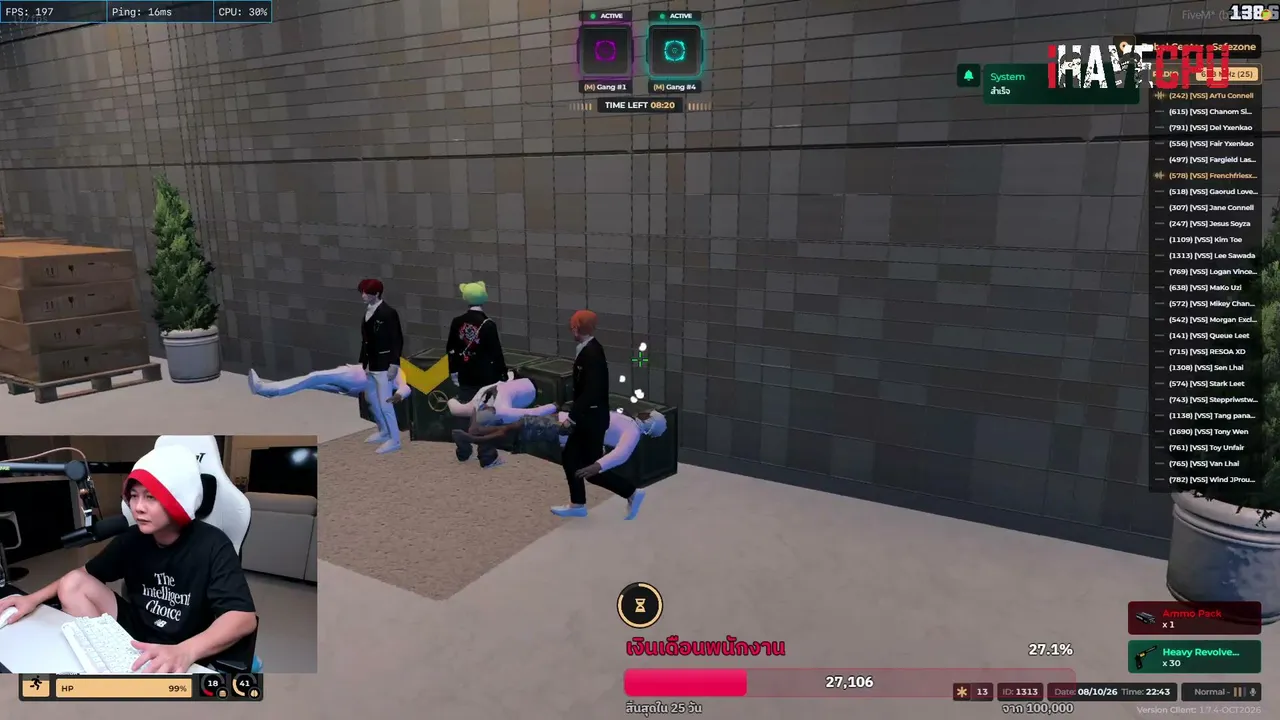
Mods can change graphics, cars and whole cities. Watching streams is a good way to see what modded and RP servers look like before you install anything.


Jetzt live: GTA V
Alle ansehen → LIVE
Twitch
1.452
🖤 GTA ROLEPLAY -> LuckyV.de -> 1%.. oder 0,5% oder 0,0%?
Heideltrautde
LIVE
Twitch
1.452
🖤 GTA ROLEPLAY -> LuckyV.de -> 1%.. oder 0,5% oder 0,0%?
Heideltrautde
 LIVE
Twitch
679
CORLEONE REMASTERED CARLITO #1 | #werbung !corleone !ccsocials !Insta !youtube
descarlitode
LIVE
Twitch
679
CORLEONE REMASTERED CARLITO #1 | #werbung !corleone !ccsocials !Insta !youtube
descarlitode
 LIVE
Twitch
512
[NarcoCity] BIG L | USHERO | #FreecashPartner !song !clip
JVKSONde
LIVE
Twitch
512
[NarcoCity] BIG L | USHERO | #FreecashPartner !song !clip
JVKSONde
 LIVE
Twitch
506
Donnerstag Stuff! 👀 - !dc [kw-com.de]
EinfachHuntde
LIVE
Twitch
506
Donnerstag Stuff! 👀 - !dc [kw-com.de]
EinfachHuntdeSafe modding checklist
- Back up your game before you install anything.
- Use well-known sites with comments and download counts.
- Read the comments. Other players report crashes and problems.
- Scan files with your security software.
- Never run unknown installers or "cracks".
- Keep mods out of online play unless the server clearly allows them.
For parents
Mod sites can contain fake download buttons and harmful files. If your child wants mods, sit down together, pick one trusted source and check each file.
This is not legal advice. Policies can change, so read the latest from Take-Two and Rockstar.