

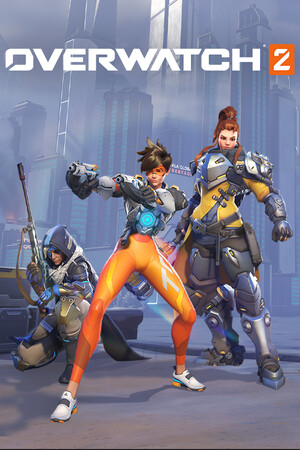
Overwatch is a colorful team shooter, and many teens play it. It is free to download, which does not mean it is free of risks. This guide explains the age rating, the chat and the spending options. Checked on October 9, 2026.
Key takeaways
- ESRB rating: T (Teen). Descriptors: blood, mild language, use of tobacco and violence.
- The ESRB flags that users interact and that there are in-game purchases.
- Battle.net Parental Controls can set play time, block purchases and limit chat.
- Talk with your child about toxic players, scams and spending.
Age rating
The Steam page shows ESRB T (Teen, 13+). Some parent guides list PEGI 12, but we did not check PEGI directly. Other sites list a higher minimum age, so read Blizzard's account rules for your country. The violence is cartoon-like sci-fi action, not gory, but heroes shoot each other all the time.


Chat and strangers
You play in a team with random people, and there is text and voice chat. Players can be rude. Tell your child to mute or block people and use the report button. Voice chat can also be limited in the Blizzard account privacy and communication settings. Discord and other apps have their own settings.
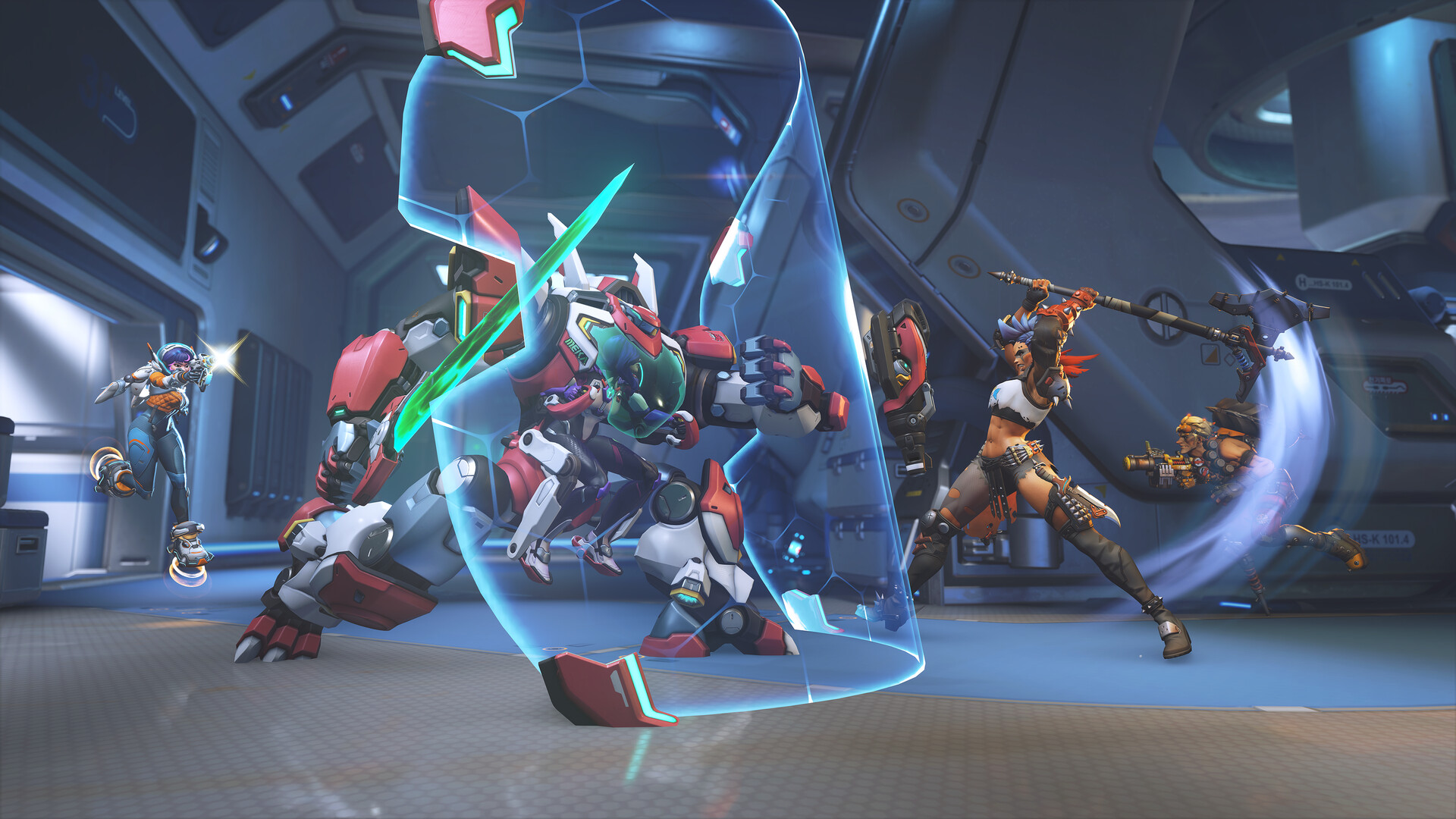
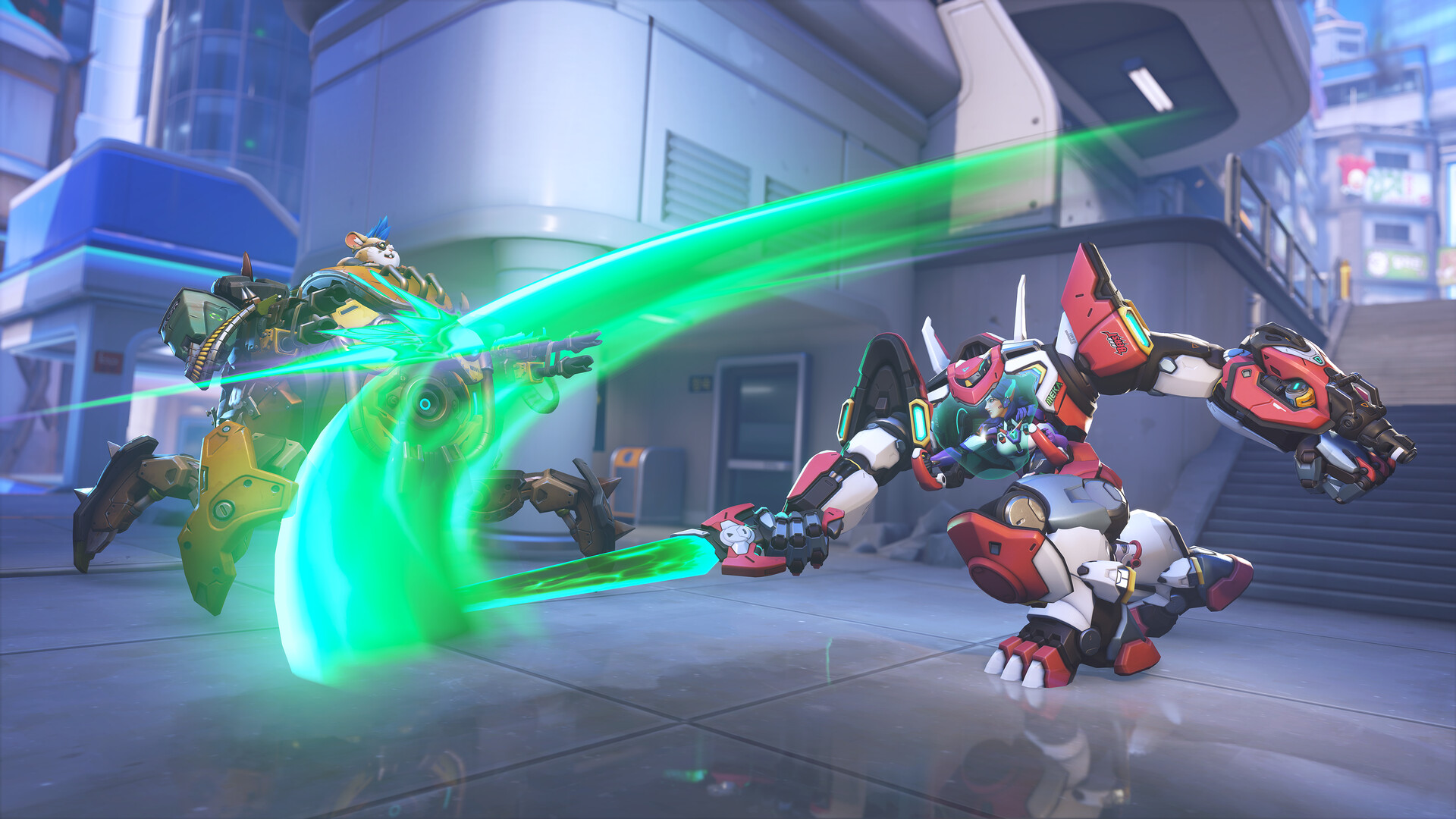
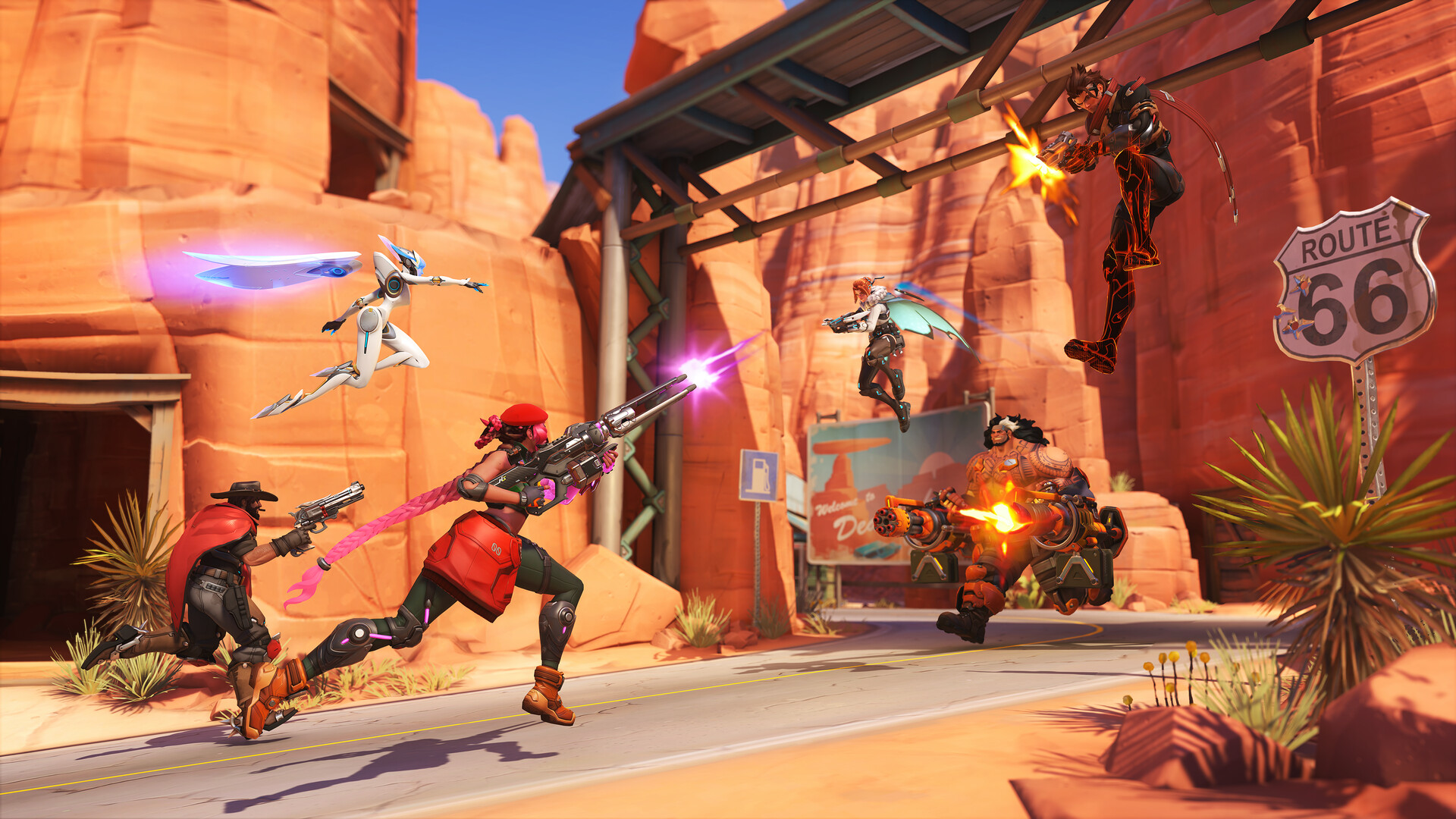
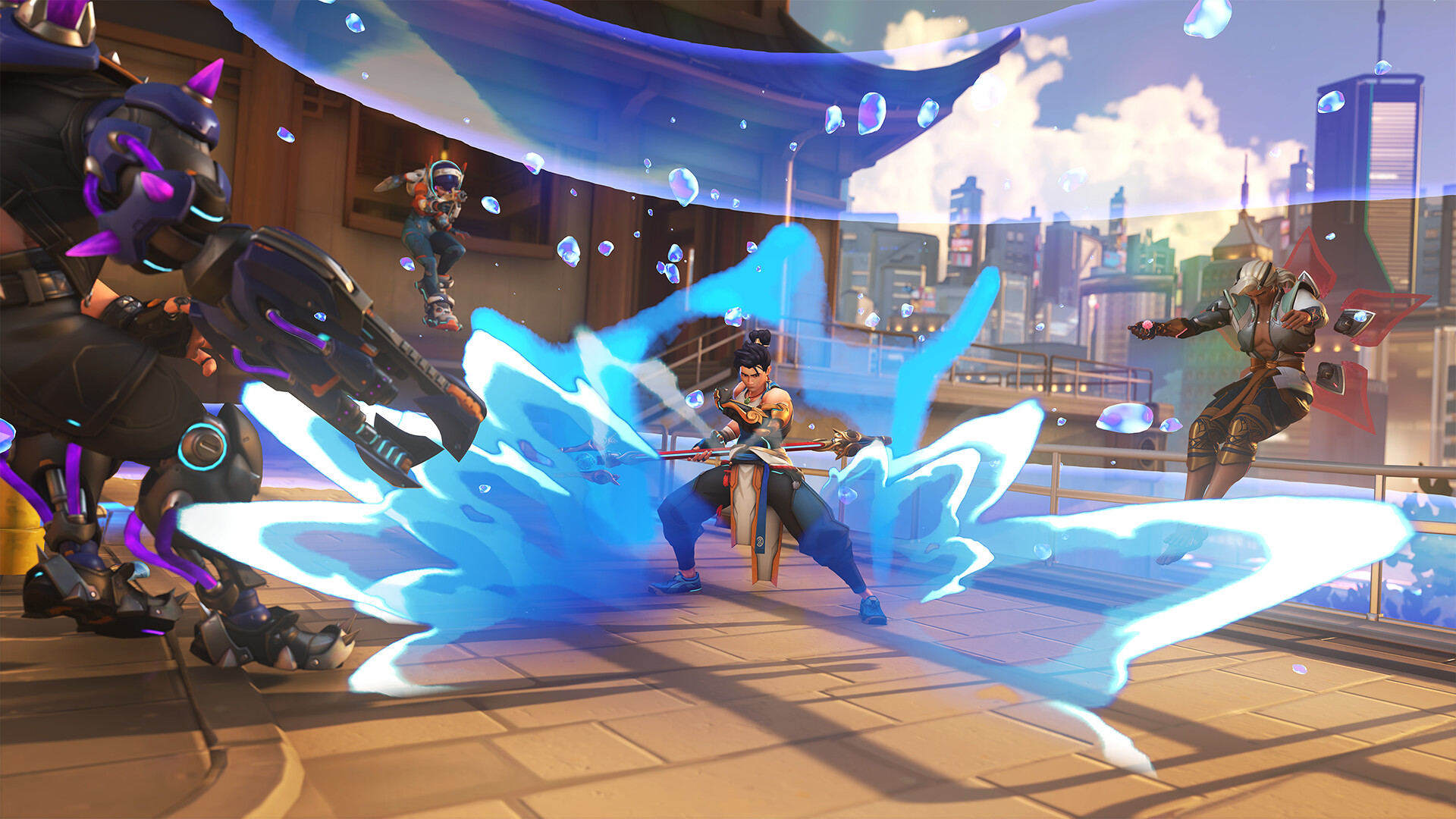
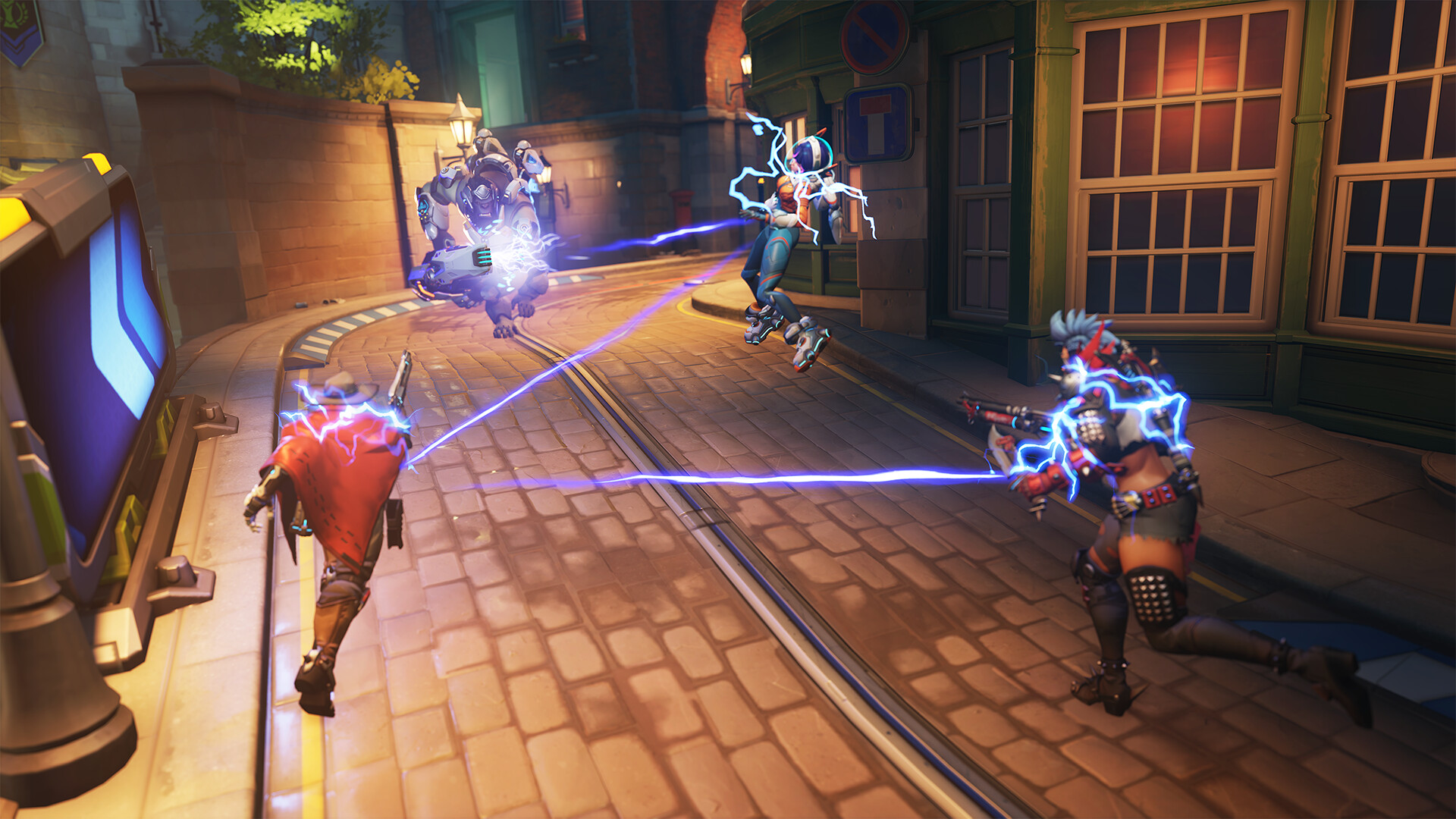
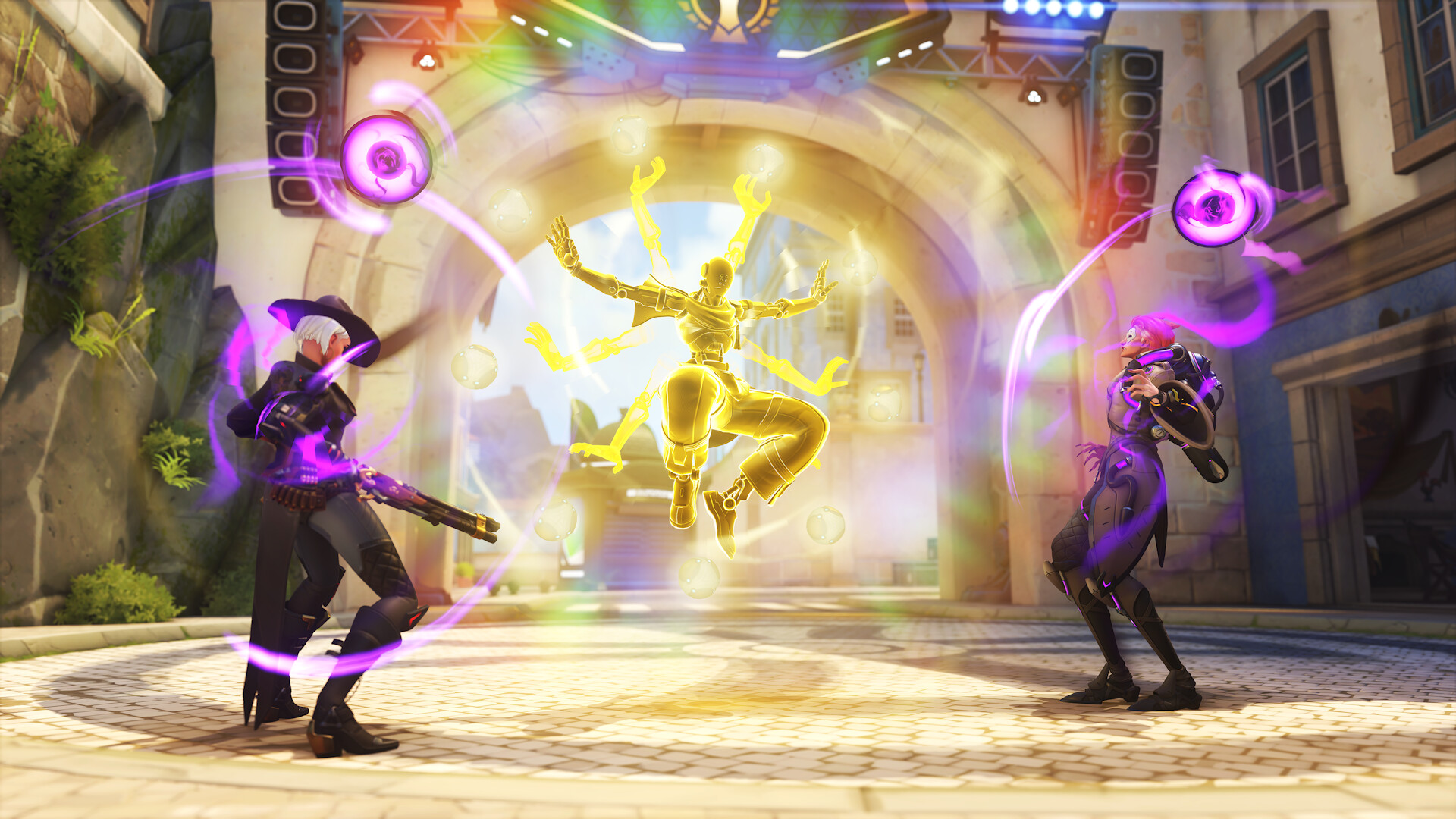
Images are provided by Steam and belong to their publishers.
Spending
The game is free, but it sells cosmetics and Battle Passes. Steam also lists a paid bundle. Season events push limited-time items, which can create pressure to buy. Agree on a monthly budget and turn off purchases if needed.
Set up parental controls
- Create or open the child's Blizzard account.
- Open the Battle.net Parental Portal.
- Set a time limit for play.
- Turn off in-game purchases or set a limit.
- Choose who can text and voice chat with your child.
- Check console settings on PlayStation, Xbox or Switch too.
Talk with your child
- Never share passwords or personal details.
- Do not click links from strangers. Fake sites steal accounts.
- Never buy accounts or currency from third parties.
- Take breaks. Matches last minutes, but sessions can run long.
For a game overview read the beginner guide or visit the Overwatch hub.