

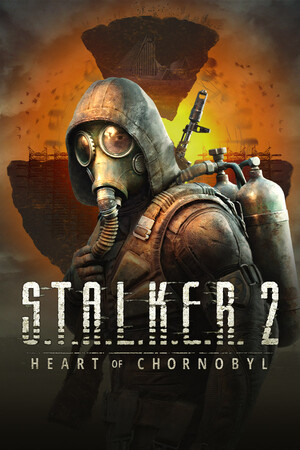
S.T.A.L.K.E.R. 2 runs on Unreal Engine 5 and has a history of crashes and shader stutter. After patch 2.0.6 (September 18, 2026), the developers still say some crashes remain, mostly on AMD graphics cards. This guide collects the fixes that guide sites list, with our safety notes, in the order you should try them. Checked October 16, 2026. None of these are official fixes unless we say so.
Key takeaways
- Update the game to 2.0.6 and update your graphics driver first.
- The developers' own advice: disable all mods before troubleshooting. Mods break after patches.
- Run Steam's "Verify integrity of game files" to repair corrupted files.
- Community fixes: an unlimited shader cache on NVIDIA, the launch option -force -dx11, and removing an AMD FidelityFX file.
- Back up before you delete anything, and do not download "crash fix" tools from random sites.
These screenshots may contain violence.

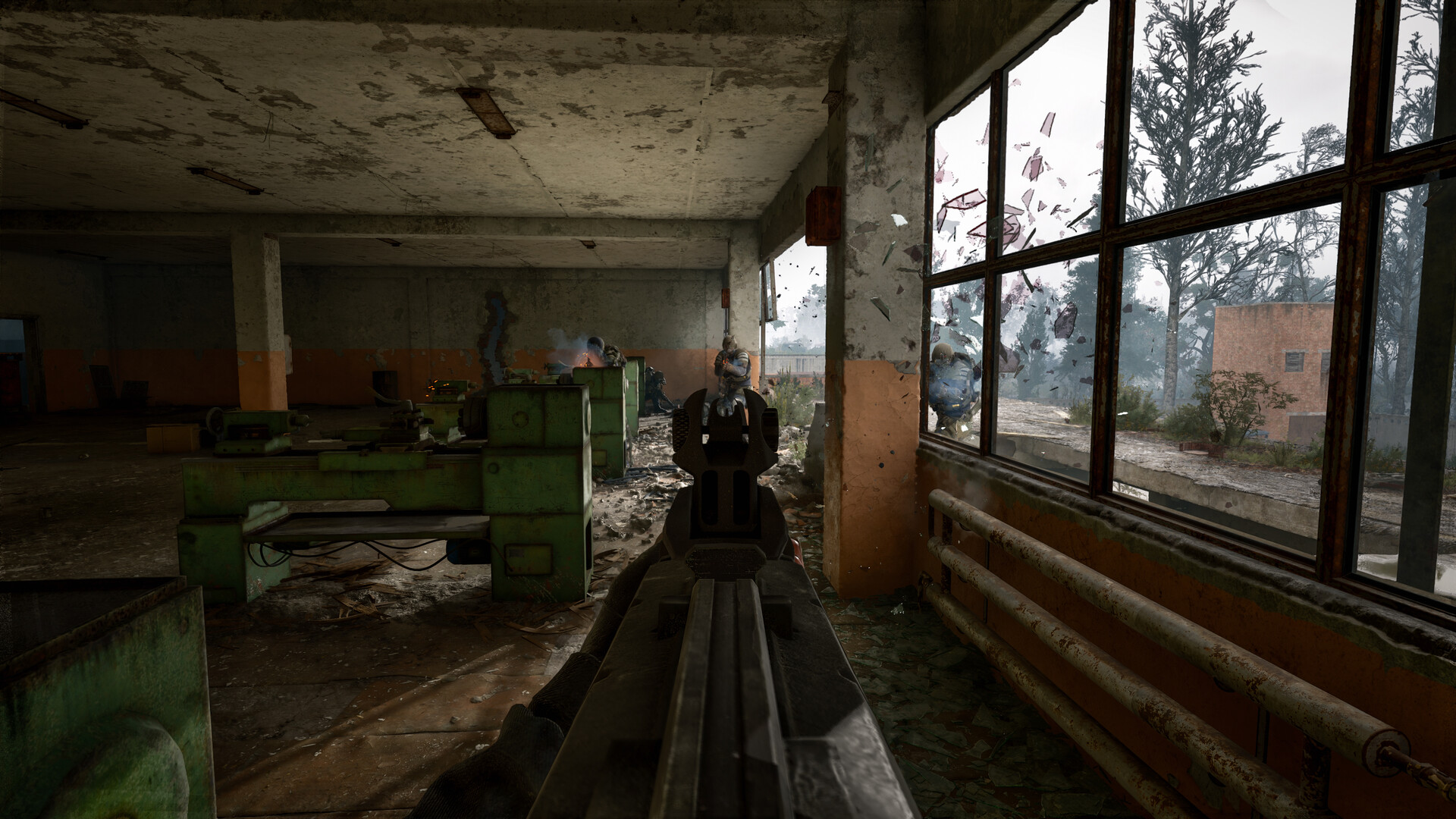
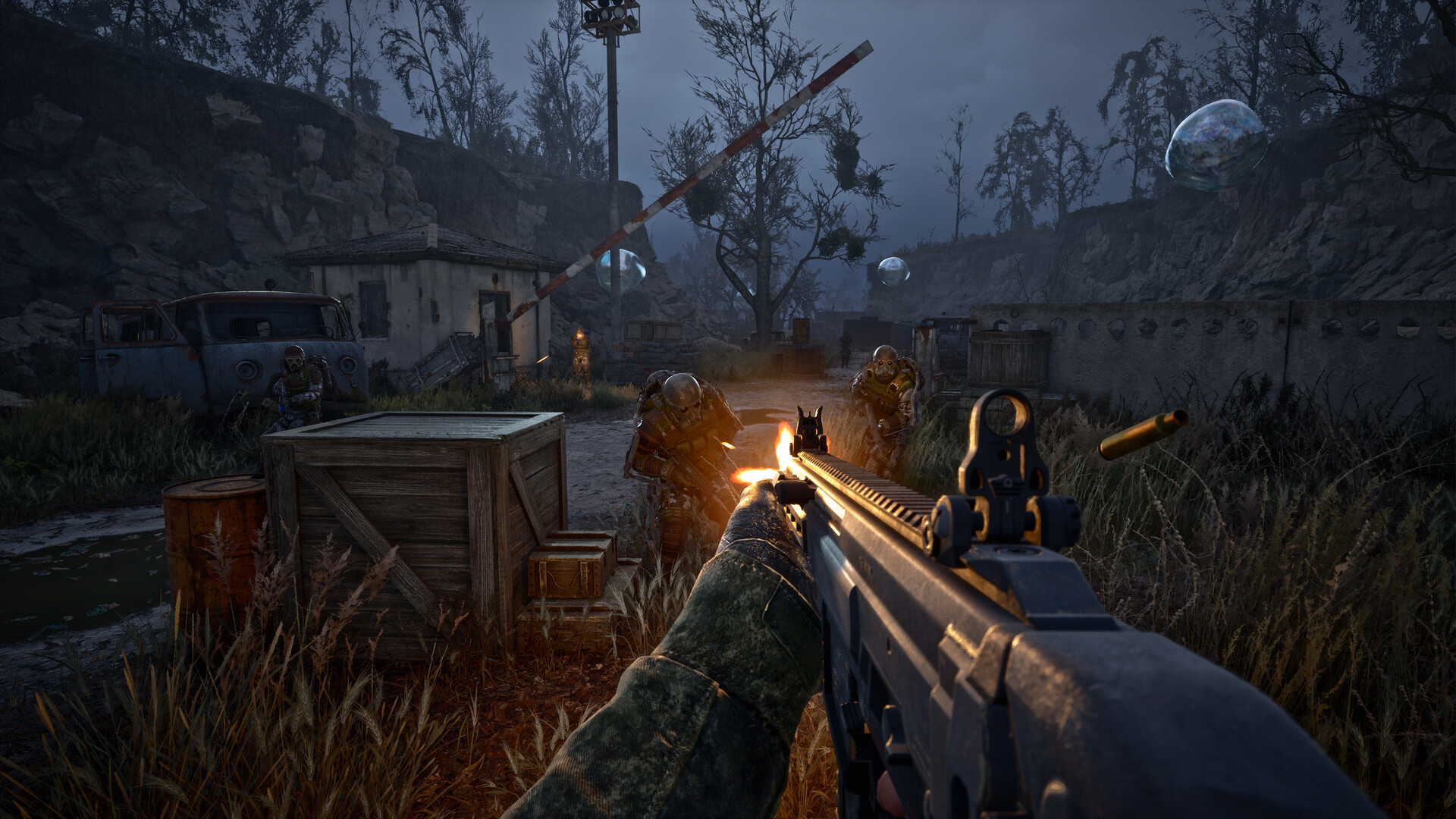
Images are provided by Steam and belong to their publishers.
Step 1: the safe basics
Do these first, in this order. They cost nothing and cannot damage your install.
- Install patch 2.0.6. It targets AMD GPU crashes and other high-priority crashes. See our patch notes guide.
- Update your graphics driver from AMD, NVIDIA or Intel directly.
- Disable mods. Remove them from the game's mod folder or turn them off in your mod manager. The developers recommend this before contacting support.
- Verify game files in Steam: right-click the game, open Properties, then Installed Files, then verify.
Step 2: community fixes (try one at a time)
| Fix | For whom | How |
|---|---|---|
| Shader cache to Unlimited | NVIDIA only | NVIDIA Control Panel, Manage 3D settings, set Shader Cache Size to Unlimited, apply |
| DirectX 11 launch option | All PC players | Steam, game Properties, General, launch options: -force -dx11 |
| Remove AMD FidelityFX DLL | AMD or crashes at startup | In the game's Stalker2\Binaries\Win64 folder, find the file starting with amd_fidelityfx_dx12 and move it to your desktop, then restart. The source article names the file inconsistently, so search for "amd_fidelity". |
| Load a manual save | Crashes after loading | Load your latest manual save, not an auto-save. A workaround, not a real fix. |


Shader compiling and stutter
The "Compiling shaders" screen appears the first time you start the game and after some updates. Let it finish: closing it early is a common cause of stutter and crashes. If you still see stutter in new areas, lower the biggest settings first. Our system requirements and FPS guide lists the official specs and settings to lower.
If it still crashes
Write down what you were doing: area, weather, whether you were near an anomaly. Developers fix crashes faster with that information. Contact the official support team, and say which patch and which GPU you use. If you play with mods, remember that our mods guide explains why mods break after updates.
Hardware matters too. Laptops with weak integrated graphics and low memory crash more often. Check the minimum and recommended specs before you spend time on fixes.
Živě teď: S.T.A.L.K.E.R.
Zobrazit vše →Next steps: see the beginner tips, or visit the S.T.A.L.K.E.R. hub and watch the Zone on live streams.
