
Rust needs at least a Ryzen 5 1400 or Core i5-6600, 12 GB of RAM, DirectX 11 and 45 GB of storage on Windows, according to the Steam page checked on October 14, 2026. For smooth play, Facepunch recommends 16 GB of RAM, a faster CPU and an SSD. This guide lists the official numbers and the settings that usually give the biggest FPS gains.
Key takeaways
- Minimum: Windows 11 64-bit, Ryzen 5 1400 or Core i5-6600, 12 GB RAM, DirectX 11, 45 GB.
- Recommended: Ryzen 7 3700X or Core i7-6700K, 16 GB RAM, DirectX 12, and an SSD is required.
- Rust is CPU-heavy on busy servers, so RAM speed and a good CPU matter as much as the graphics card.
- Lower shadows, water and grass first. Keep draw distance reasonable so you can see players.
- Run our can I run it tool before you buy.
Official PC requirements
| Minimum | Recommended | |
|---|---|---|
| OS | Windows 11 64-bit | Windows 11 64-bit |
| CPU | AMD Ryzen 5 1400 or Intel Core i5-6600 | AMD Ryzen 7 3700X or Intel Core i7-6700K |
| RAM | 12 GB | 16 GB |
| DirectX | 11 | 12 |
| Storage | 45 GB | 45 GB, SSD required |
The Steam page also lists macOS: Monterey (12) with an Apple M1 and 12 GB RAM as the minimum, and an M1 Pro, Max or Ultra with 16 GB as recommended. A graphics card is not named in the list we saw, so look at the Steam page for the latest wording.
These screenshots may contain violence.
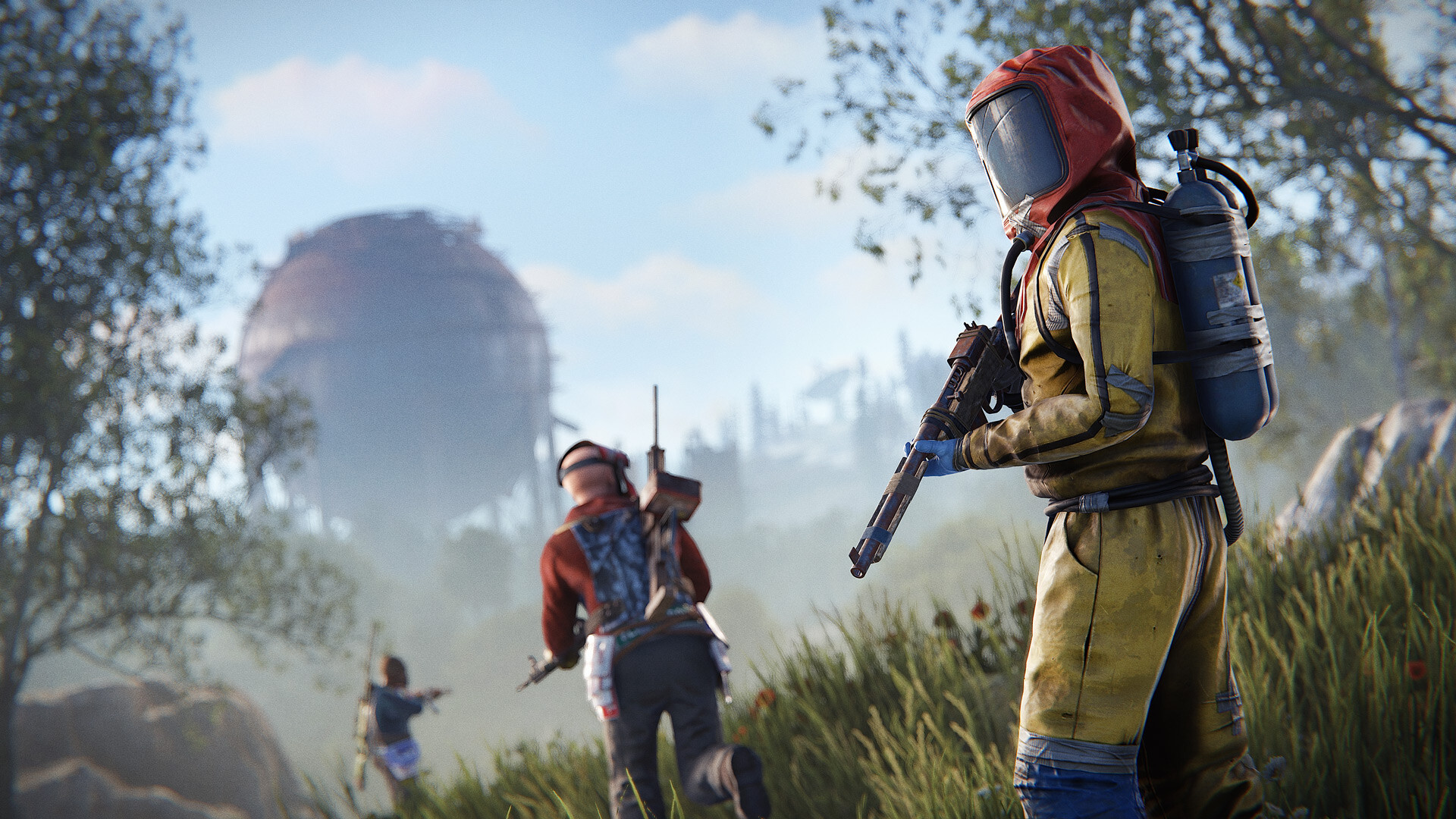
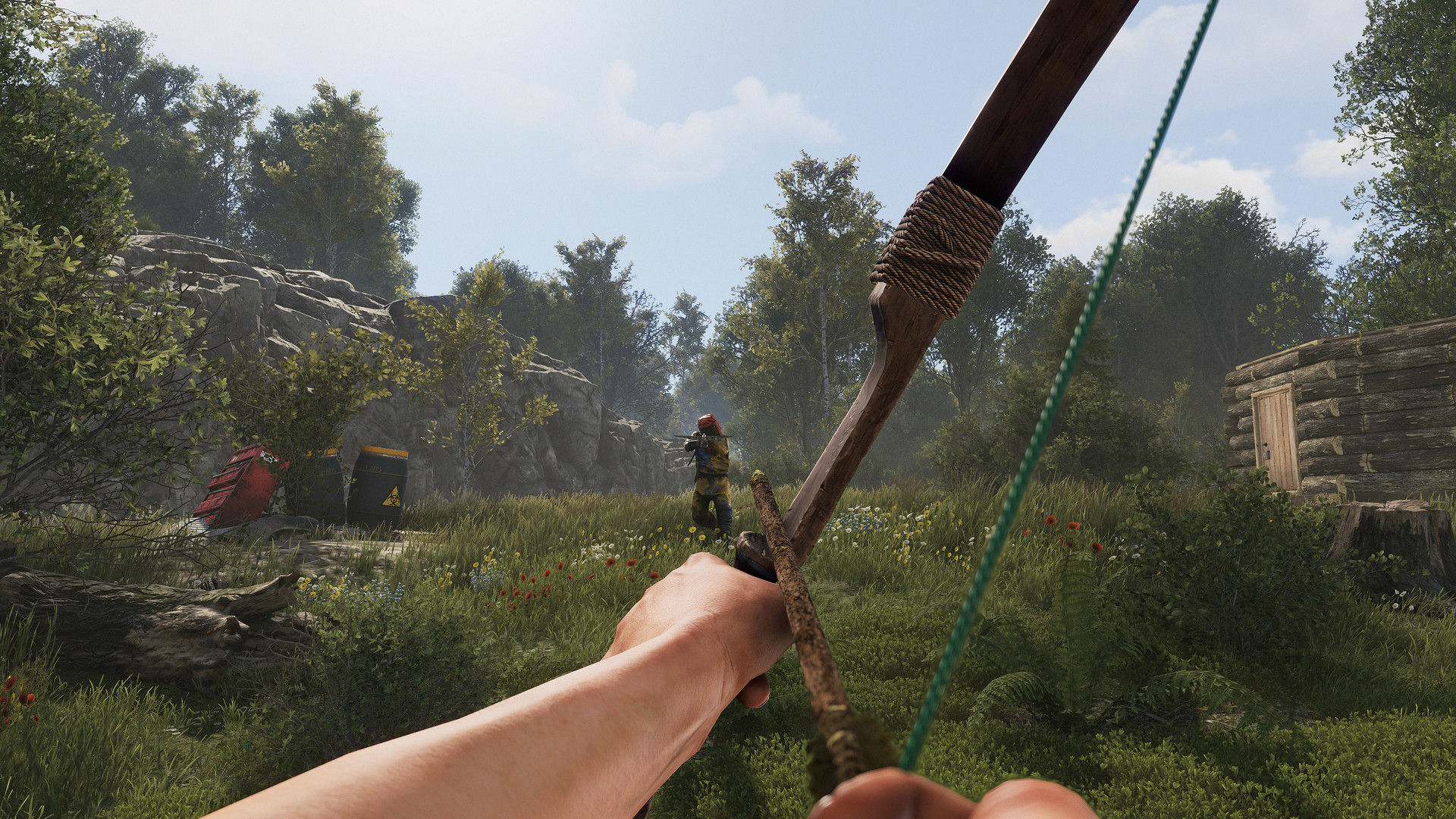
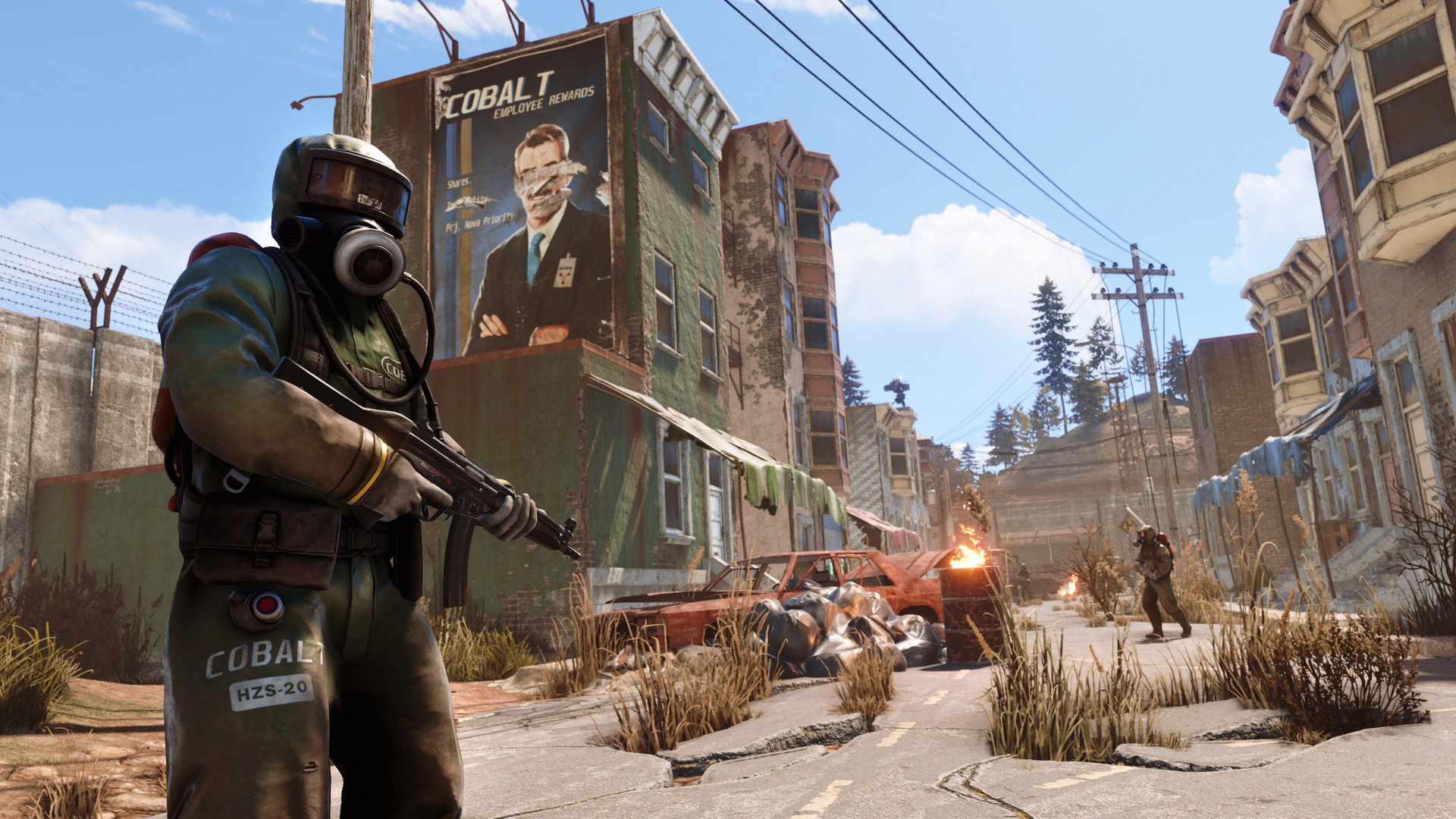

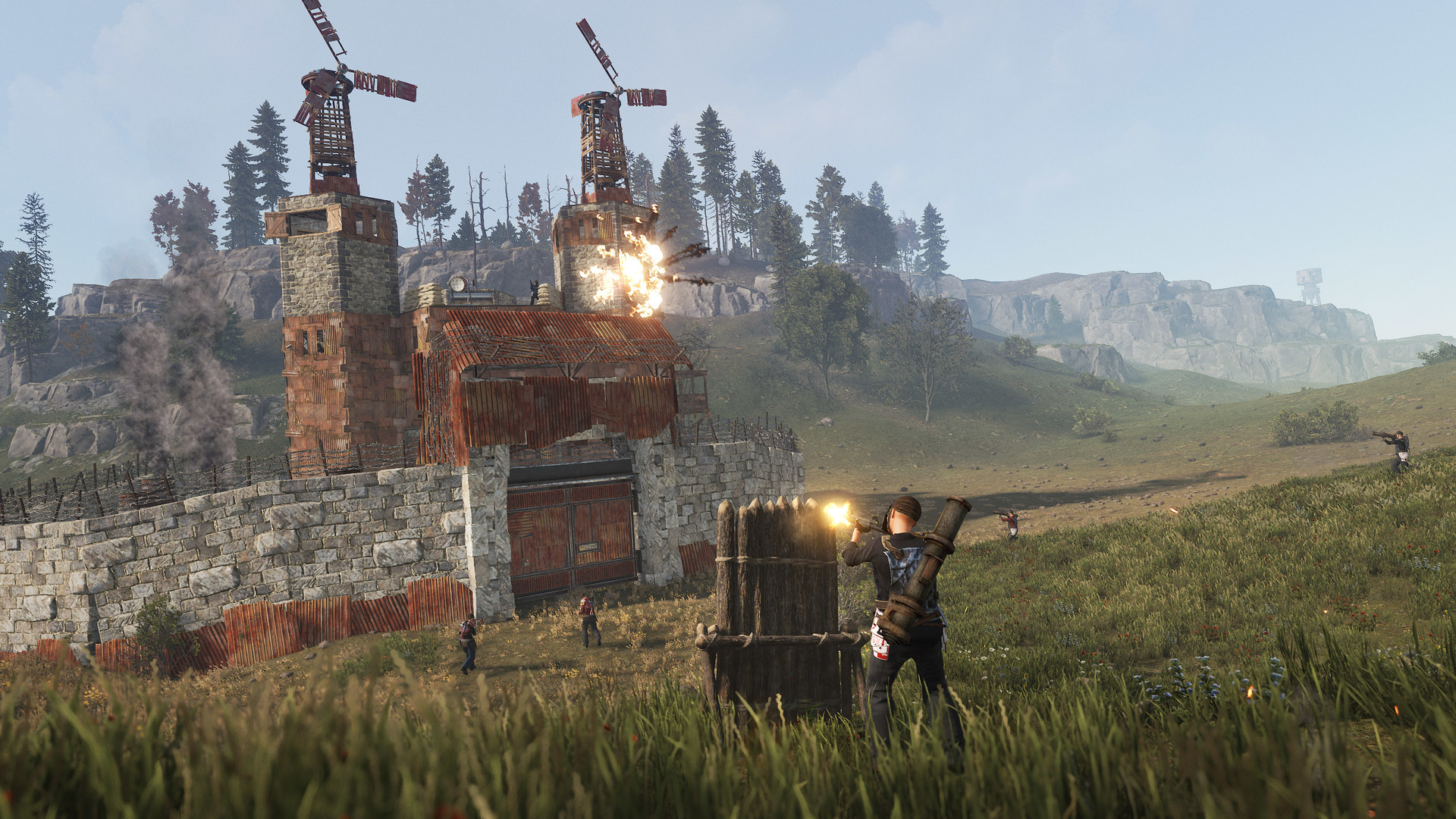
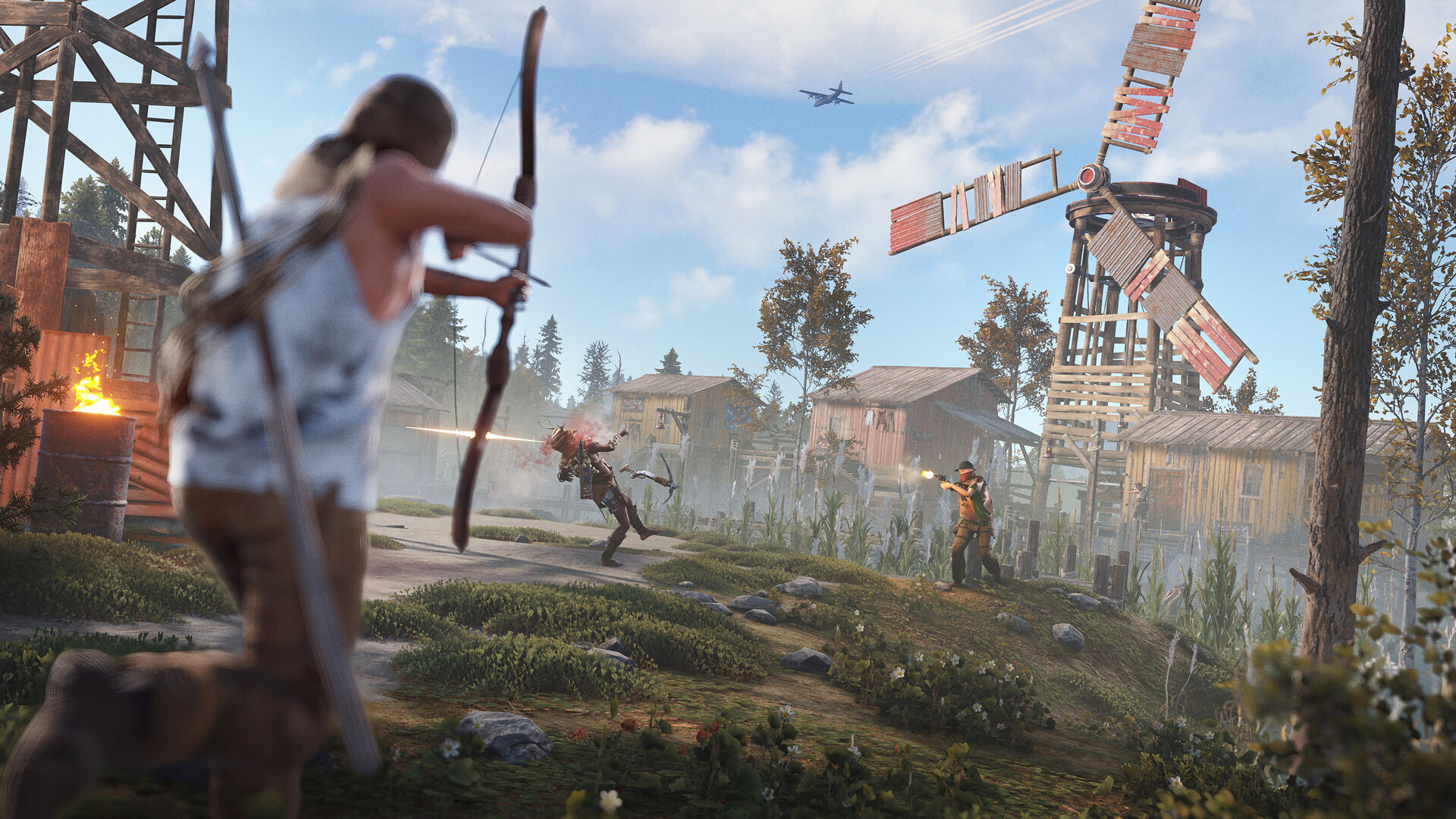
Images are provided by Steam and belong to their publishers.
Why Rust can run slowly
- Big maps with many players: bases, entities and other players cost CPU time. Your FPS can drop on busy servers and near big bases.
- Memory: 12 GB is the minimum, and with other apps open you can run out. 16 GB is a safer target.
- Hard drive: loading on a hard disk can be slow and can cause stutters. The recommended spec asks for an SSD.
- Server choice: a heavy server can feel worse than a small one, even on the same PC.
Settings that help FPS
Facepunch changes the graphics options from time to time, so names in the menu may differ a bit. The ideas stay the same. Change one thing at a time and test in the same place.
| Setting | Suggested change | Why |
|---|---|---|
| Graphics quality slider | Start low, then raise single settings | Gives a clean base for testing |
| Shadows (quality and distance) | Low and short | Expensive for little gameplay gain |
| Water quality and reflections | Low or off | Helps near coasts and the sea |
| Anti-aliasing | Light or off | Frees up the GPU |
| Grass, trees, objects | Medium or low | Lowers the load but keep players visible |
| Draw distance | Keep high enough to spot players | Too low makes enemies appear late |
| Motion blur, depth of field | Off | Clearer view and a little more FPS |
| FOV | Many players choose around 90 | Personal choice, higher FOV can cost FPS |
The October 1, 2026 update added a new client-side render option called the Rust Render Pipeline, and coverage we read said you can switch back in the Experimental tab during the first month. If your FPS dropped after the update, try that switch and compare.
Step-by-step: a quick performance tune
- Update your graphics driver and close browsers and launchers.
- Install Rust on an SSD if you can.
- Join a server with a medium population, and note your FPS.
- Set shadows, water and anti-aliasing to low, and check again.
- Trim grass and object detail until FPS is stable.
- Raise settings one by one until the frame rate starts to drop, then step back.
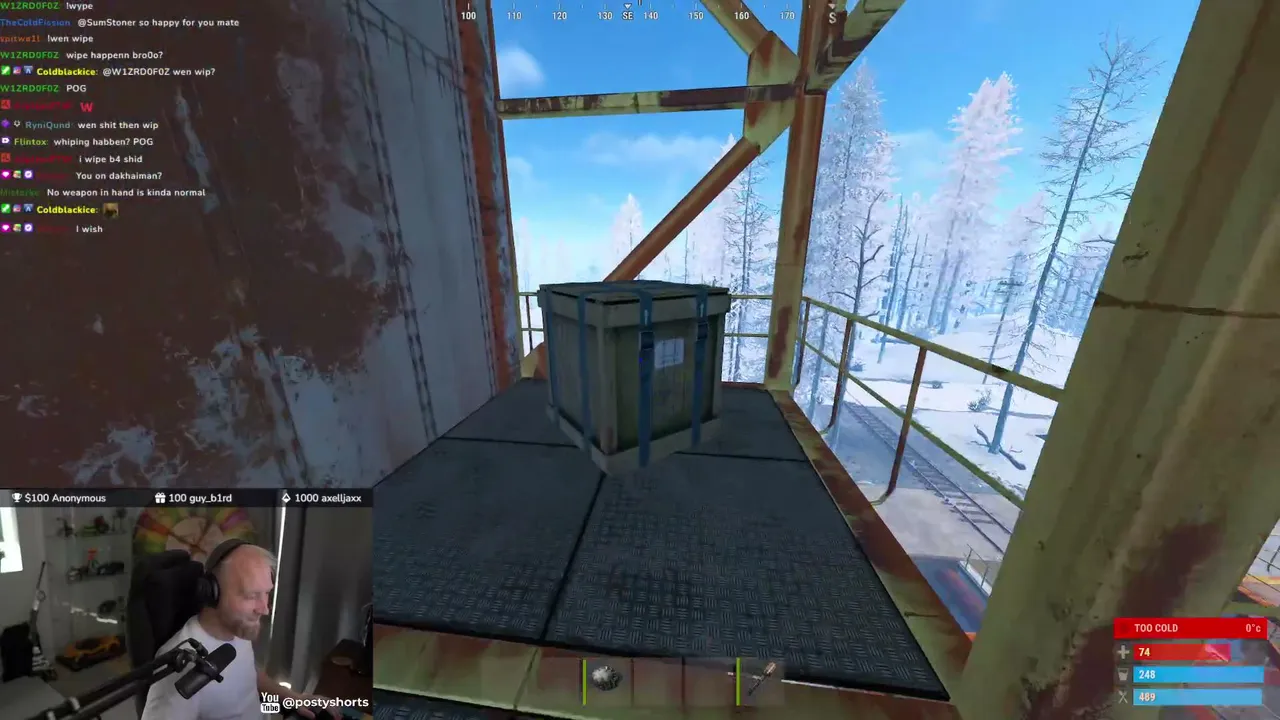
- If the game still stutters, check your RAM usage in Task Manager. Close other apps or upgrade memory.


Network and server tips
Frame rate is only half of the story. High ping makes fights feel unfair, and Wi-Fi can add random spikes. Use a cable if you can. Pick a server in your region from the server list and prefer medium-sized populations when testing settings, so you compare like with like. If the game crashes while loading a big map, check free disk space and close other programs, since the game needs memory while it downloads and builds the world.
Buying and installing
Steam lists the base game at $39.99 (checked October 14, 2026) for Windows and macOS. Prices change, and regional prices differ. Rust also has a console version on PlayStation 5 and Xbox Series X/S with its own servers. The older PS4 and Xbox One versions were delisted in 2025 and their servers shut down in October 2025, according to Wikipedia. Only buy from official stores. Free-key sites and cracked copies are scams or malware.
Common mistakes
- Spending money on a new graphics card when the CPU or RAM is the limit.
- Playing from a hard disk and then blaming server lag.
- Setting draw distance too low and missing players.
- Changing too many settings at once and not knowing what worked.
- Installing "FPS boosters" or hacks from unknown sites. They are a common way to get malware or a ban.
Next steps
Once Rust runs well, join a server and follow the first hour guide. Check the Rust hub for streams and news.