

Purple-and-black checkerboard textures and red "ERROR" signs in Garry's Mod mean your game cannot find a texture or a model. The usual fix is to install and mount the missing game (most often Counter-Strike: Source), re-download the server's Workshop addons, or remove a conflicting addon. Joining the server again does not fix it by itself.
Key takeaways
- Checkerboard means a missing texture. A red ERROR sign means a missing model.
- The most common cause is a game that the map or addon uses but you have not installed or mounted.
- A server cannot send you the content of other Valve games. Only you can fix that.
- Check that addons are downloaded and enabled, not only subscribed.
- Be careful with "content packs" from unknown uploaders.
What the placeholders mean
| What you see | Meaning | Likely cause |
|---|---|---|
| Purple-black checkerboard | Missing texture or material | A game such as Counter-Strike: Source is not mounted, or an addon failed to load |
| Big red ERROR text | Missing model | An addon or server file did not download |
| Invisible props | Model and material both missing | The addon never mounted |
| White or shiny props | Material loaded but something it depends on did not | Addon conflict |
These screenshots may contain violence.
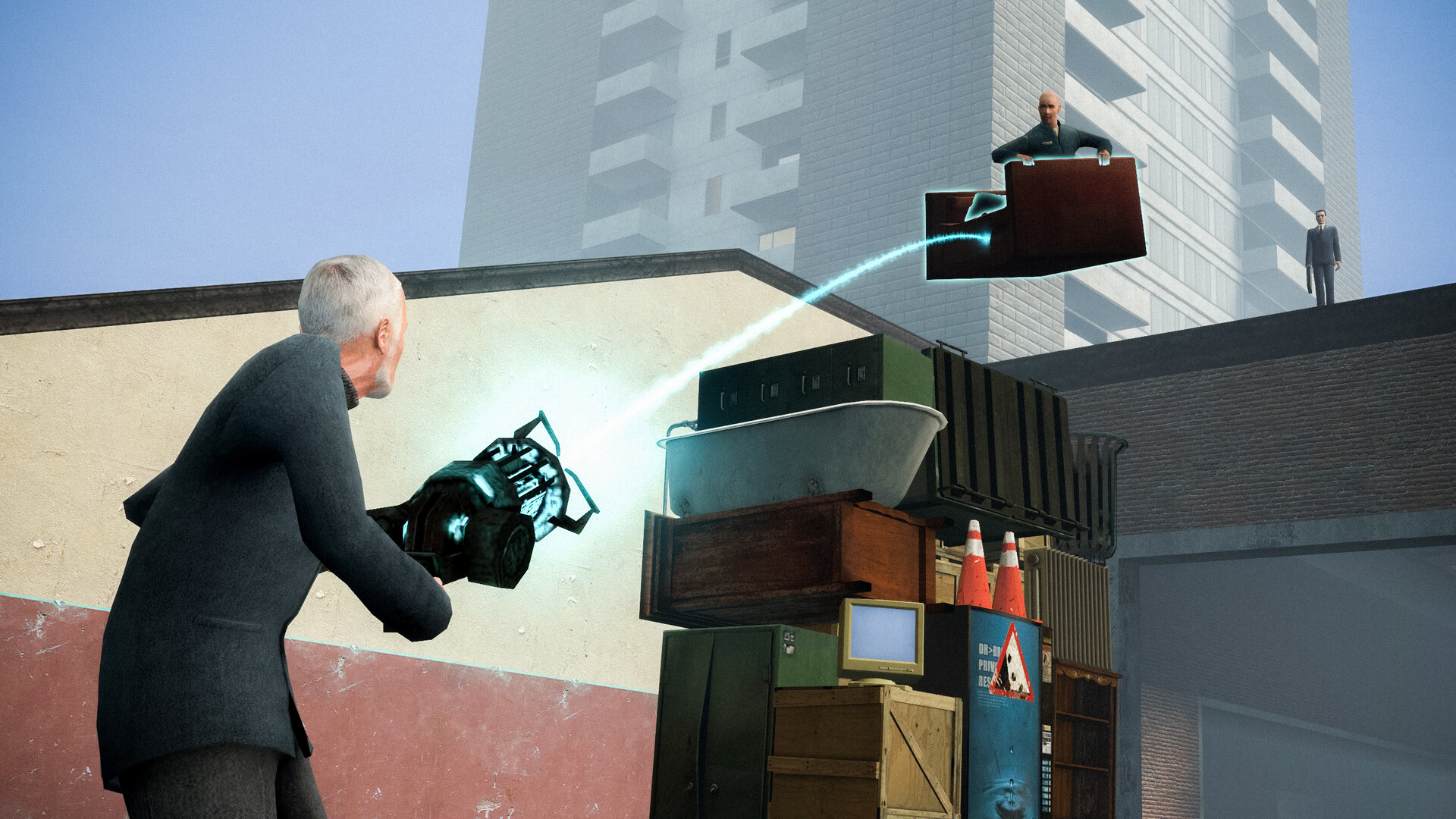
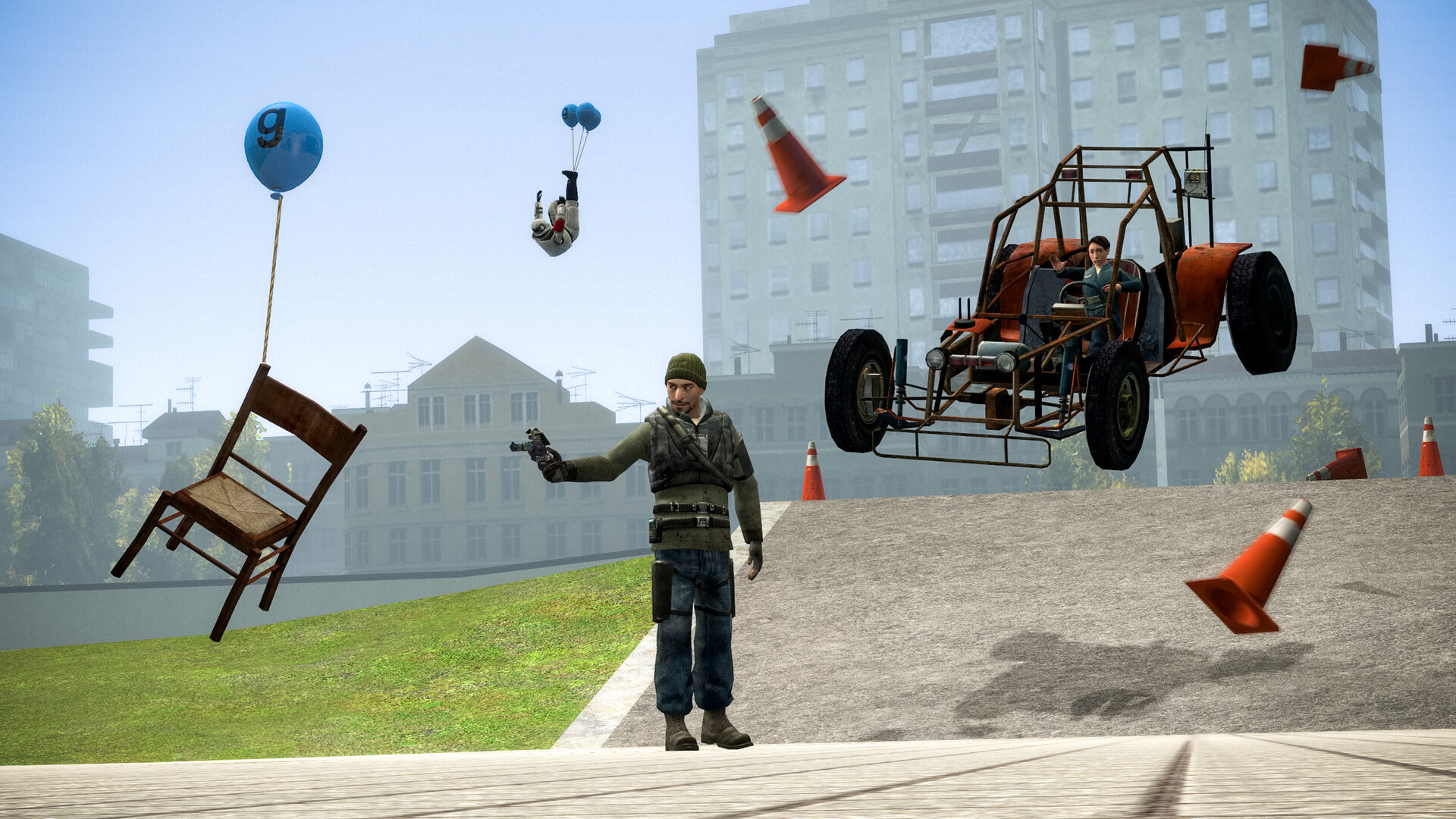
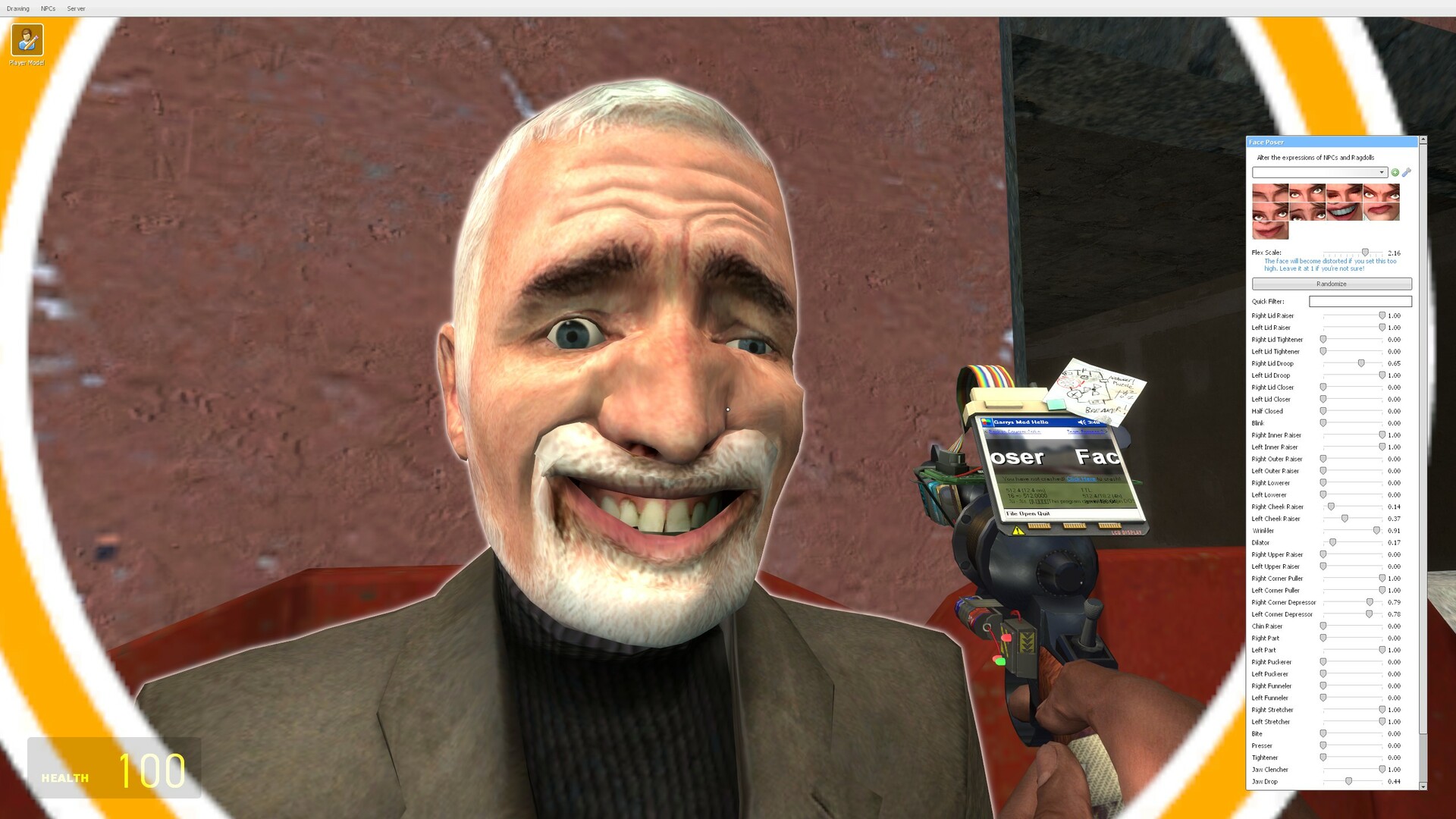
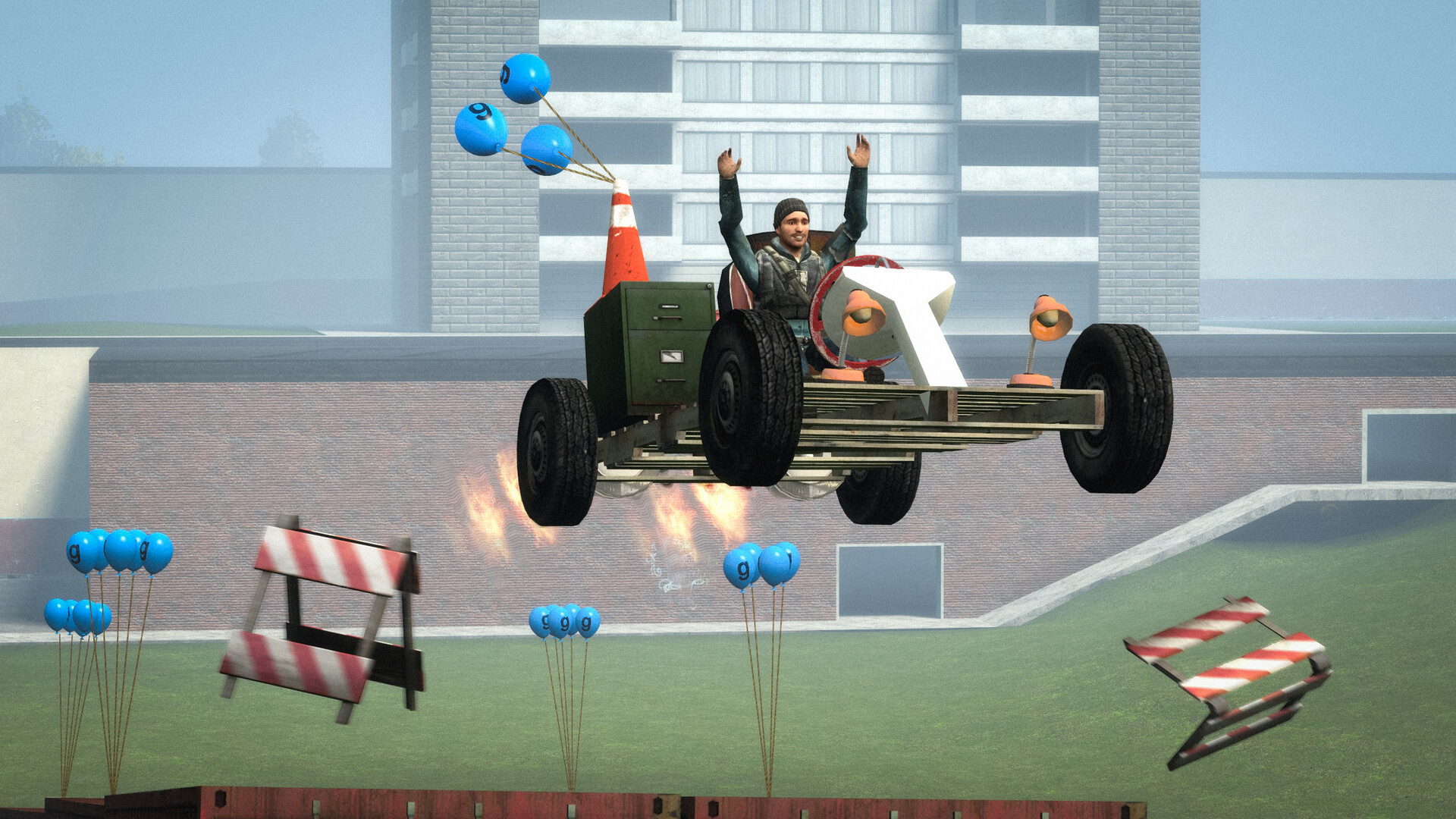
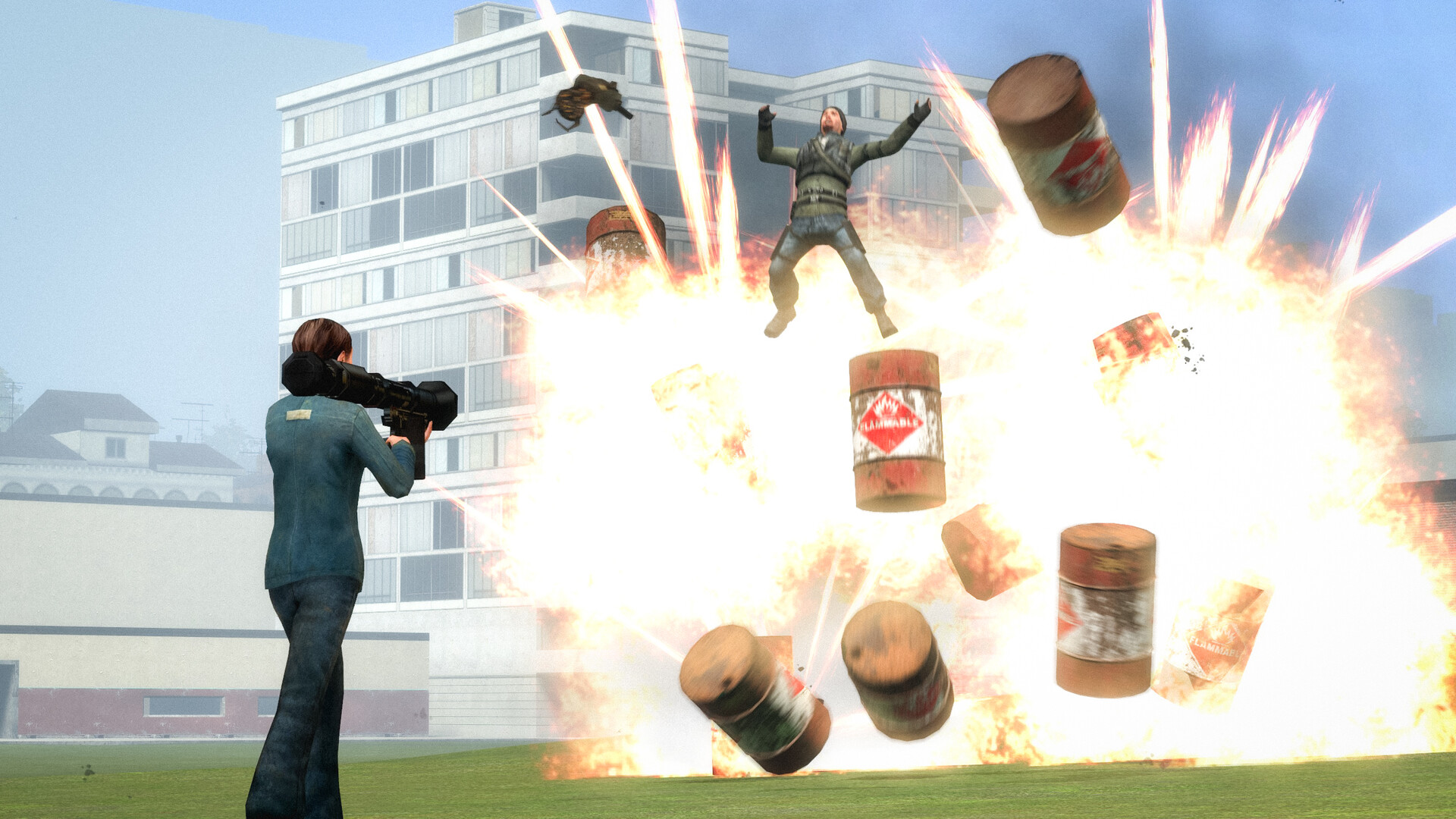
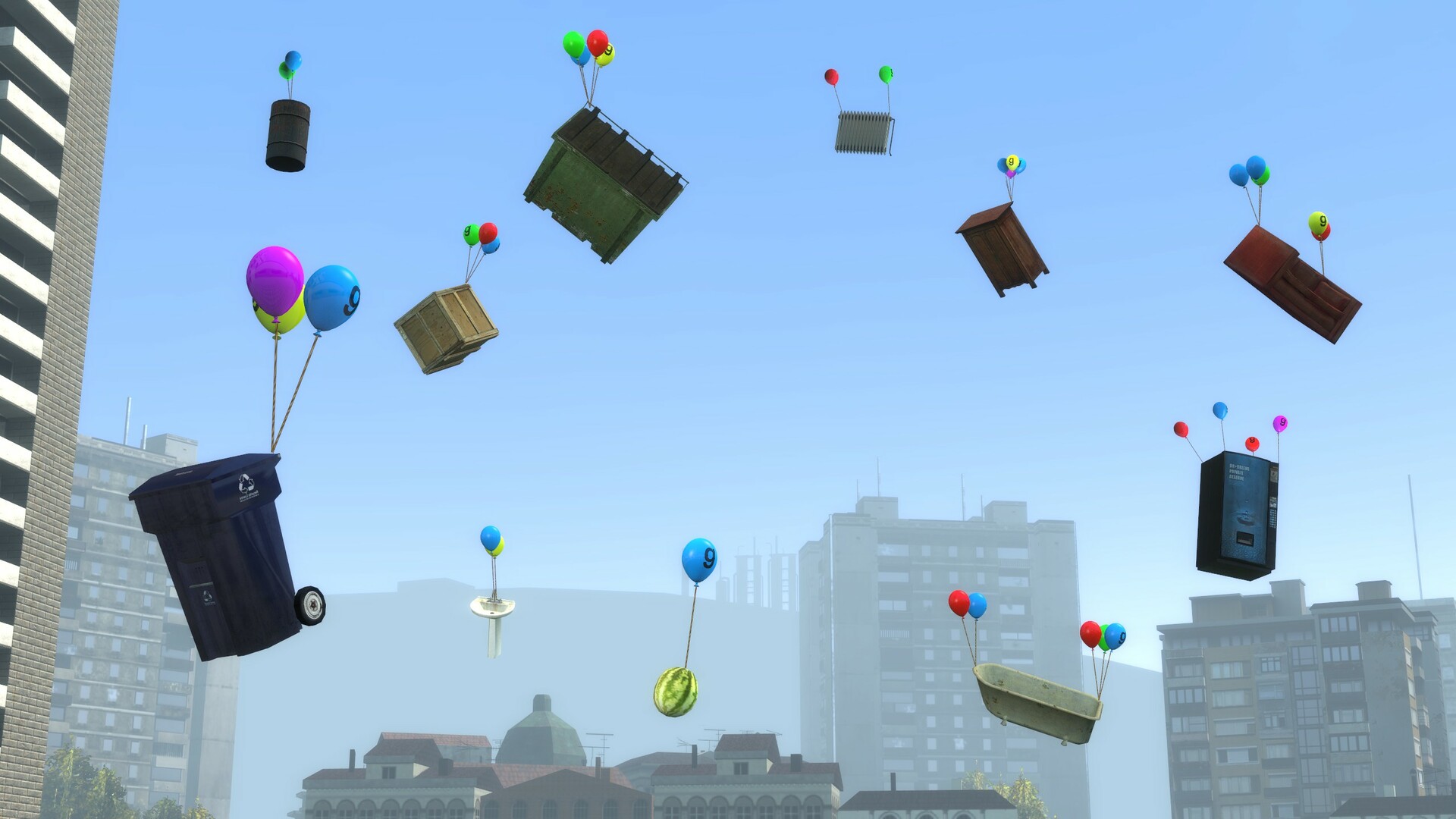
Images are provided by Steam and belong to their publishers.
Step 1: mount the games the server needs
Garry's Mod can use content from other Source engine games you own. The Steam page notes that some servers and game modes need games like Counter-Strike: Source or Team Fortress 2. Here is what to do.
- Check the server's description, Discord or map page for the list of required games.
- Install those games in your Steam library. Team Fortress 2 is free to play on Steam, but check the store page. Counter-Strike: Source is a separate game.
- Start Garry's Mod and open the games list on the main menu. Tick the games you want to mount.
- Restart Garry's Mod so the content loads, then rejoin.
The September 2026 update also added the standalone Insurgency (2014) as a mountable game, which matters for a few servers and maps.
Step 2: make sure addons are really downloaded
Subscribing to a Workshop addon only queues the download. The game can start before the files arrive.
- Close the game and wait until Steam shows Garry's Mod's downloads as finished.
- Open the addons menu in the game and check that the addon is listed and enabled.
- Verify the game files in Steam (right-click the game, Properties, Installed Files). This fixes the base game, but it does not repair Workshop content.
- Unsubscribe and subscribe again to force a clean download.
A removed Workshop item disappears for players who never downloaded it. If the author deleted an addon, it is gone, and you must ask the server owner what replaced it.
Step 3: let the server send its files
Servers deliver custom content in three ways: a Workshop collection, files marked as required by the server's Lua, or a download website called FastDL. Your game accepts these only if the console setting cl_downloadfilter allows it. The values are all, none, nosounds and mapsonly. If you are missing models or sounds from a server you trust, set it to all and reconnect. Our guide to joining a server explains the loading screen messages.
Step 4: find the addon that breaks things
If the problem happens on every map, one of your own addons is probably the cause. Players in a Steam discussion found that graphics-changing addons and a lens flare addon broke their textures after a reinstall. Removing subscribed addons fixed it for them.
- Launch Garry's Mod with -noaddons -noworkshop in the launch options.
- Open a stock map such as gm_construct. If it looks right, the base game is fine.
- Remove the launch options and re-enable your addons in small groups.
- When the problem returns, the last group holds the culprit.
What server owners should do
If you run a server, remember that mounting a game on the server does not send its textures to players. The server list of required addons should be in one Workshop collection, and the mount settings live in the file garrysmod/cfg/mount.cfg. Test with a second Steam account that has never joined, because your own computer already has every file. Players who hit a missing texture on your server will often just leave.
Not sure if a server is for you? Open the Garry's Mod server list and filter by game mode. Sandbox servers often use custom maps and many addons, so check their requirements first.
Other quick fixes
- Remove launch options you copied from old forum posts. One old suggestion was a DirectX level option, which did not solve things for most readers in that thread.
- Update your graphics driver. Rendering glitches can look like missing textures.
- Check free disk space. A full drive can stop downloads midway.
- Restart Steam. Workshop downloads sometimes stall until it restarts.
Latest Garry's Mod news
Zobrazit vše → 2026-09-16SteamSeptember 2026 Update
Artwork showcase: "Just one more thing!" The September 2026 Update is now live. 64-bit binaries on Windows This update brings 64-bit binaries for the Windows game client, dedicated servers and most…
 2026-09-09SteamSeptember 2026 Update is coming soon
Hello everyone, The next Garry's Mod update is coming soon. The current plan is to release the next Garry's Mod update on 16th of September at 3PM GMT. This update will be backwards compatible with…
 2026-04-29SteamApril 2026 Update
New mountable games With community effort and permission from the respective game developers, 2 new games are now available to be mounted in Garry's Mod: Black Mesa and Military Conflict: Vietnam! As…
Known issue after the September update
Facepunch's September 2026 notes list a known problem: deleting some Workshop items from the new Downloaded category may fail because of a Steam bug. If an addon refuses to delete, restart Steam or remove it from the Steam Workshop side.
For parents
User-made Workshop content is not reviewed like a store game. Some Workshop and server content is for adults. Help younger players use a short list of trusted addons, and pick moderated servers. Steam does not show an official age rating for Garry's Mod, so treat it as a mature game.
Živě teď: Garry's Mod
Zobrazit vše →


Next steps
When the textures look right, pick a server and try a game mode. Check your hardware with the Can I Run It tool, watch live streams to see what a healthy server looks like, or see the Garry's Mod hub.